Email Lead Generation Form Template
Every email address you collect is a conversation waiting to happen. Make the opt-in worth it.



Growing your email list is one thing. Growing it with people who actually want to hear from you, and who fit your ideal customer profile, is another. A generic "subscribe to our newsletter" box buried in a footer isn't going to attract high-quality leads. You need to offer value and ask the right questions.
This email lead generation form template goes beyond name and email. It captures information that helps you segment and personalize content — including role, company size, interests, and what prompted them to subscribe. The one-question-at-a-time format improves completion rates compared to multi-field forms, and conditional logic tailors the experience based on the lead's profile.
Connect it to your email marketing platform — Mailchimp, HubSpot, ActiveCampaign, ConvertKit. Through integrations, new subscribers land in the right list with the right tags from the moment they opt in. Better segmentation from day one means better engagement from email one.
An email lead generation form is a conversion tool designed to capture contact information from prospects who are interested in your content, product, or service. It collects at minimum an email address, but effective lead gen forms also gather qualifying information — role, interests, company size — that enables personalized follow-up and segmentation.
Because every additional field reduces your conversion rate, but every qualifying question increases your lead quality. The goal is to find the minimum viable ask that gives you enough data to personalize follow-up without creating so much friction that people bounce. A well-designed form with a clear value proposition and a conversational feel can outperform a generic signup box by 2-3x.
- Email address (obviously)
- First name (for personalization)
- Job title or role (for segmentation)
- Company name or size (for qualification)
- What topics they're most interested in (for content targeting)
- How they found you (for marketing attribution)
The offer has to be worth more to the prospect than the perceived cost of sharing their email. Effective lead magnets include industry reports, templates or toolkits, exclusive content, free trials, discount codes, email courses, and early access to new features. The more specific and immediately useful the offer, the higher the conversion rate. "Get our newsletter" is almost never compelling enough on its own.
Regularly clean your list by removing hard bounces, unsubscribes, and contacts who haven't opened an email in 6+ months. Use double opt-in to confirm genuine interest at signup. Monitor engagement metrics (open rate, click rate, etc.) by source to identify which lead gen forms produce engaged subscribers versus dead weight. A smaller, engaged list always outperforms a large, disengaged one — both in deliverability and revenue.
Get inspired by relevant templates and categories
3200+ Templates, 300+ Integrations
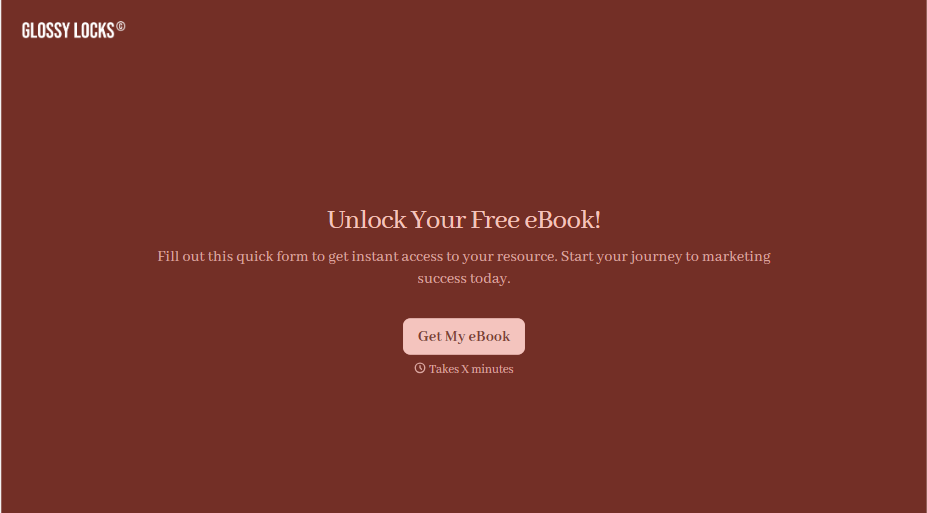
Ebook Download Form
A download form asking for name, email, phone, company, and job title before anyone's read a single page isn't gating valuable content, it's asking for a phone number in exchange for a PDF. Ask for what you'll actually use, and deliver the ebook the second someone hits submit.
View template


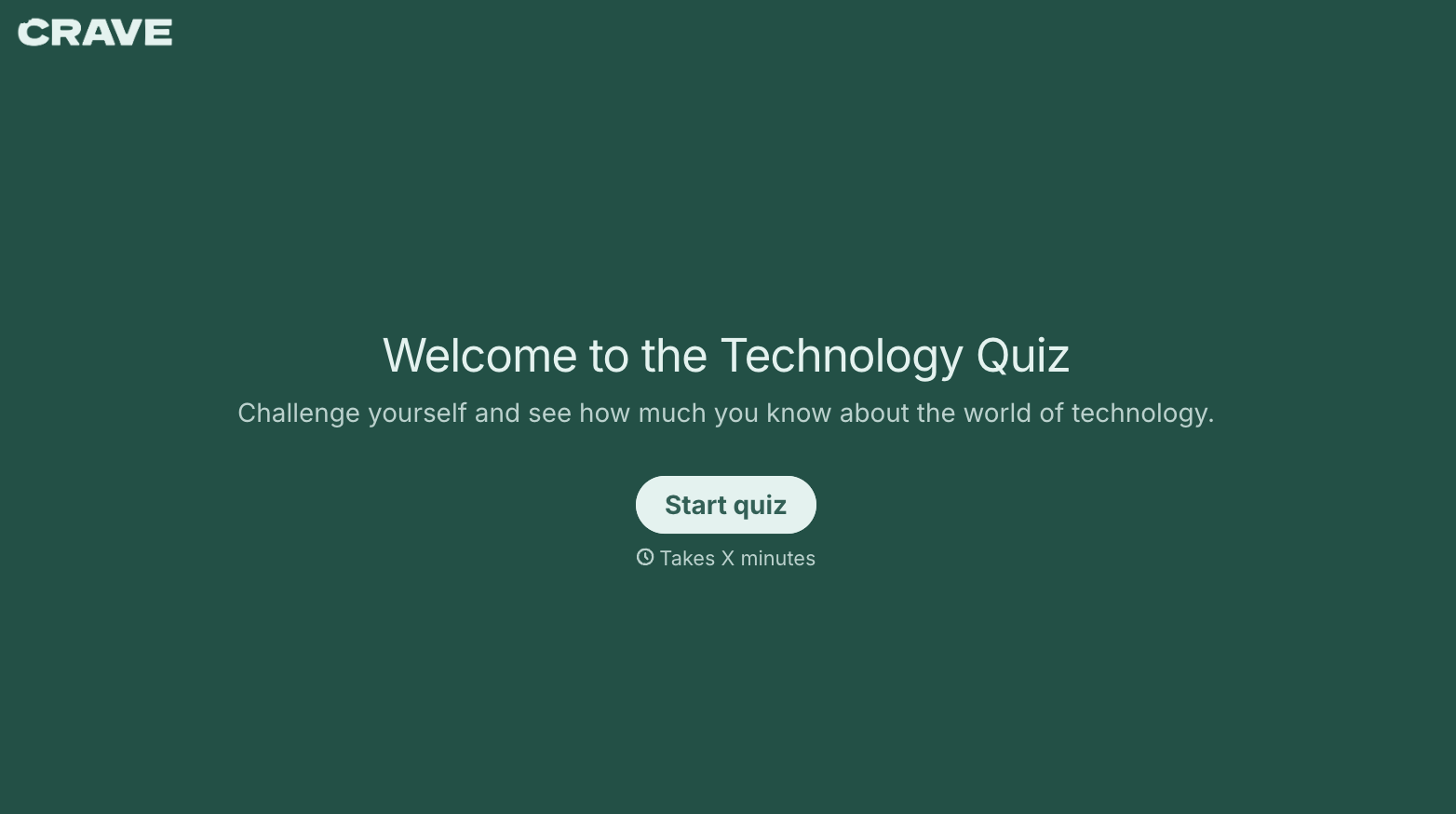
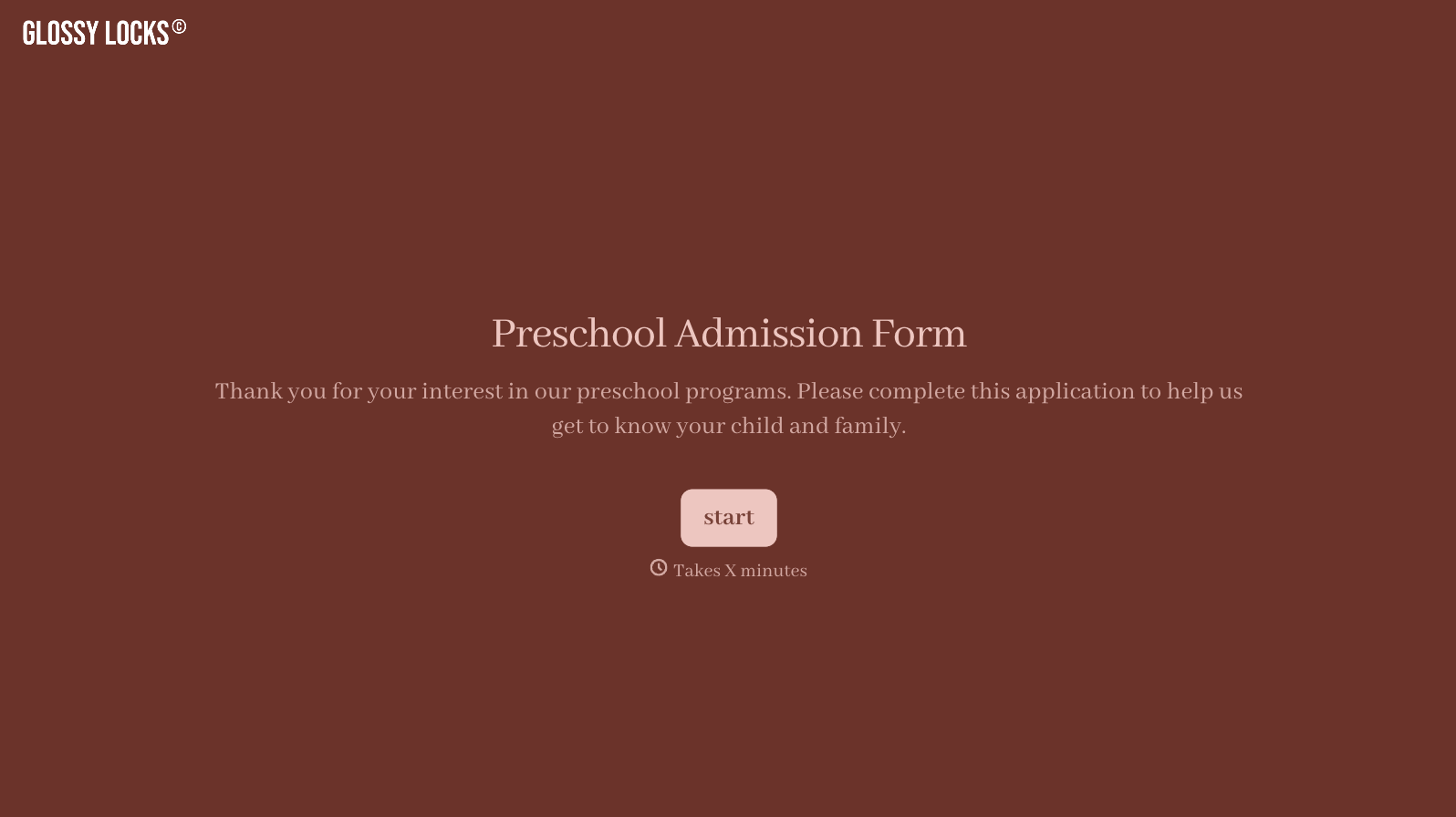
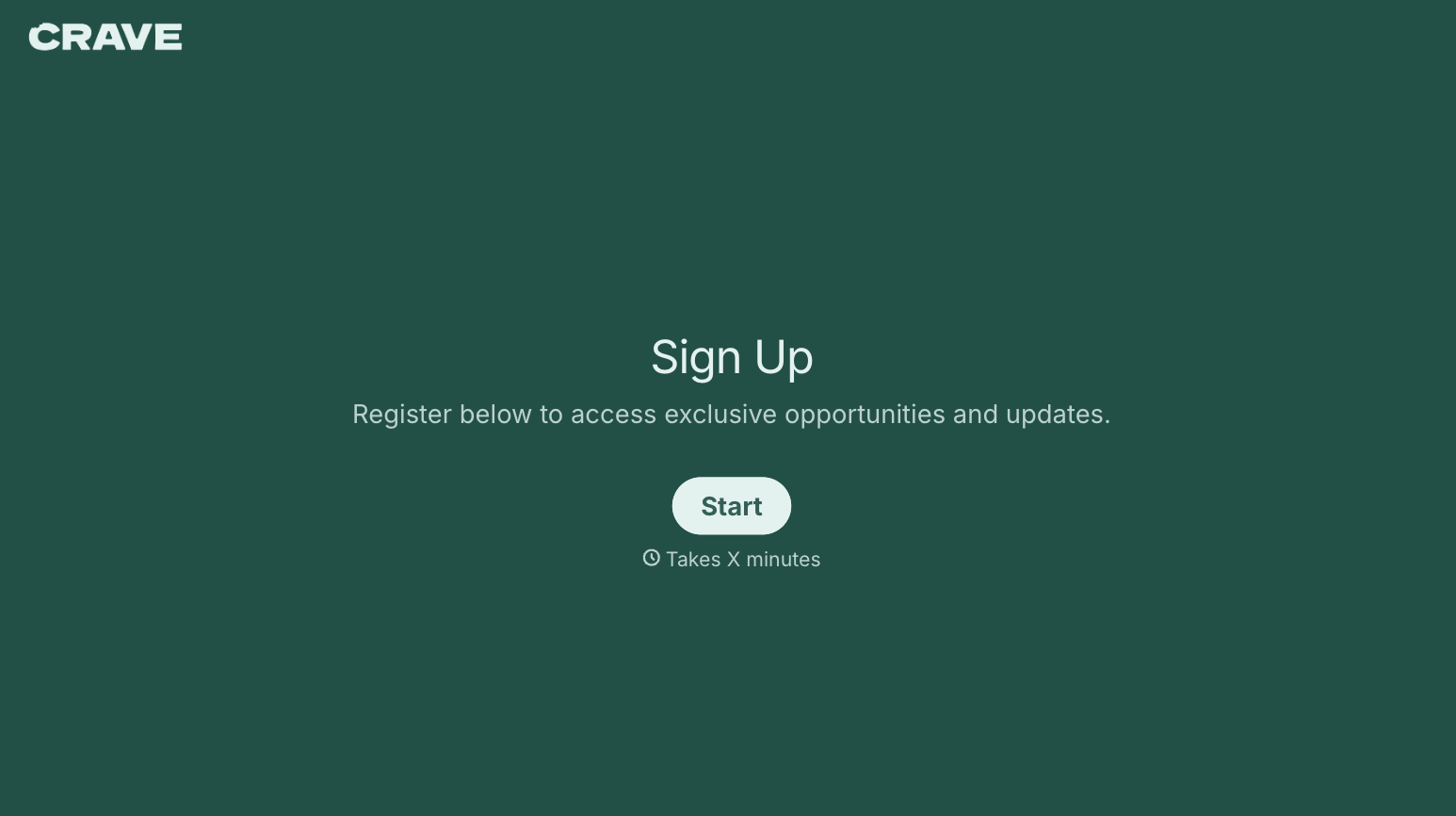
With Typeform, you can customize everything
Change text, colors, and even logos to match the look and feel of your brand. Then embed forms smoothly onto web and email.
Make forms feel effortless to fill out. Pace questions, call people by their name, and adapt the flow based on the data they share.
Stay efficient by connecting forms to your workflow. Typeform integrates with 300+ tools including Slack, Zapier, and HubSpot.


