Email Sign-Up Form Template
Grow your email list with a sign-up experience that's worth their inbox spot.



The first interaction someone has with your email program is the sign-up. A sign-up experience that's clear about what they'll get — and respects their time — builds a better, more engaged list than one that's buried in a footer and says only 'Subscribe.'
The template covers name and email, an optional interest or preference selection to personalise the experience, a clear description of what they're signing up for, confirmation of consent, and a welcome note. Segmentation questions can be added to route subscribers to the right campaigns from day one.
Quality over quantity. A well-designed sign-up form that sets clear expectations gets subscribers who actually open emails — and fewer people who forget they signed up.
Email address is essential. First name lets you personalise. Everything else should have a clear reason — interest preferences for segmentation, or location for local content. The more fields, the lower the conversion rate.
Under GDPR (EU) and CASL (Canada), yes — clear, unambiguous consent to marketing communications is required. Under CAN-SPAM (US), requirements are less strict, but best practice is to be explicit about what people are signing up for.
Be specific: 'Weekly tips on graphic design' beats 'Sign up for our newsletter.' People are more likely to subscribe — and more likely to stay — when they know exactly what they'll receive and how often.
Fewer fields, a compelling reason to subscribe (freebie, discount, exclusive content), and a mobile-optimised design. Place the form where it's contextually relevant rather than interrupting the browsing experience with a pop-up.
A welcome email should go out within minutes, not hours. Confirm what they've signed up for, set expectations for email frequency, and consider including the lead magnet or benefit you promised.
Get inspired by relevant templates and categories
3200+ Templates, 300+ Integrations
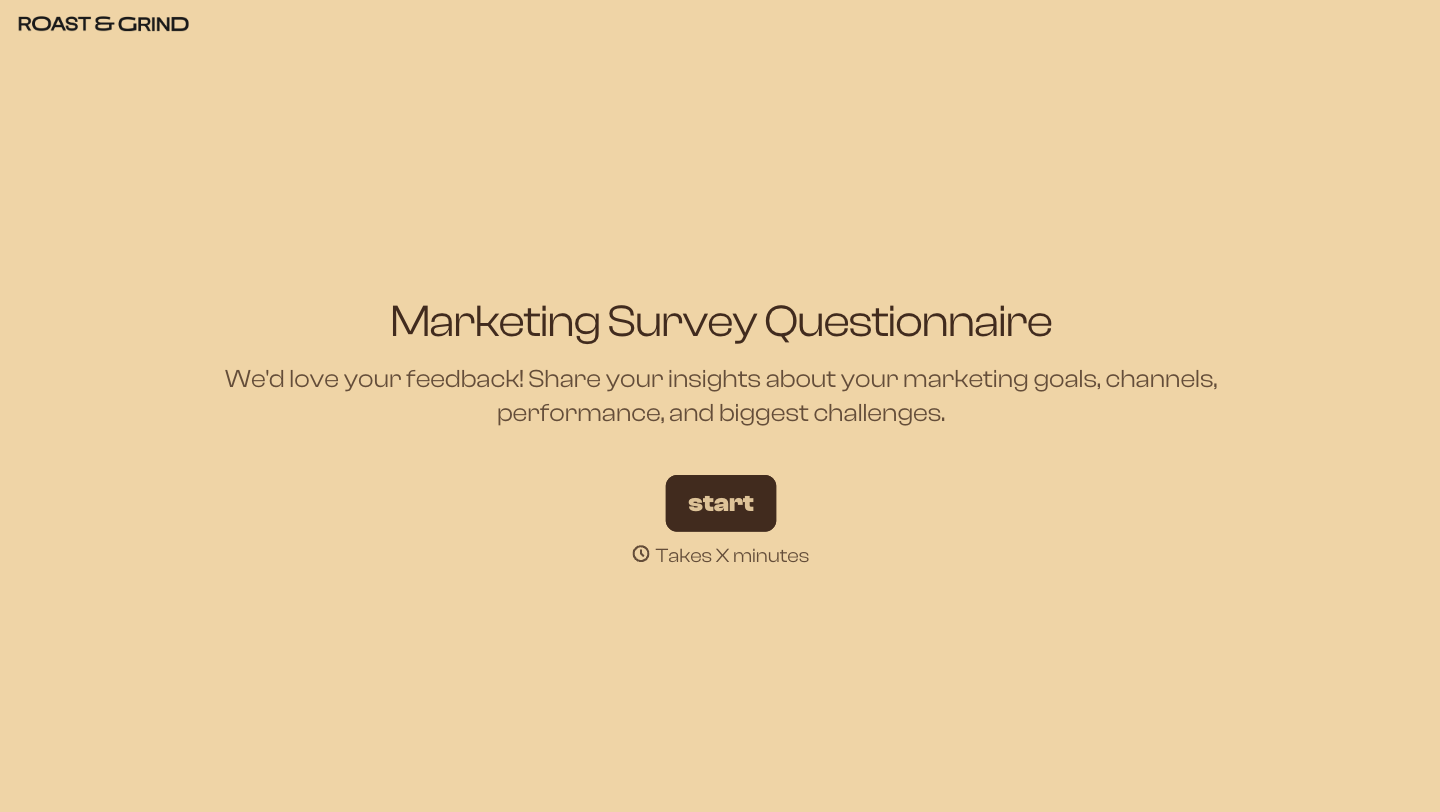

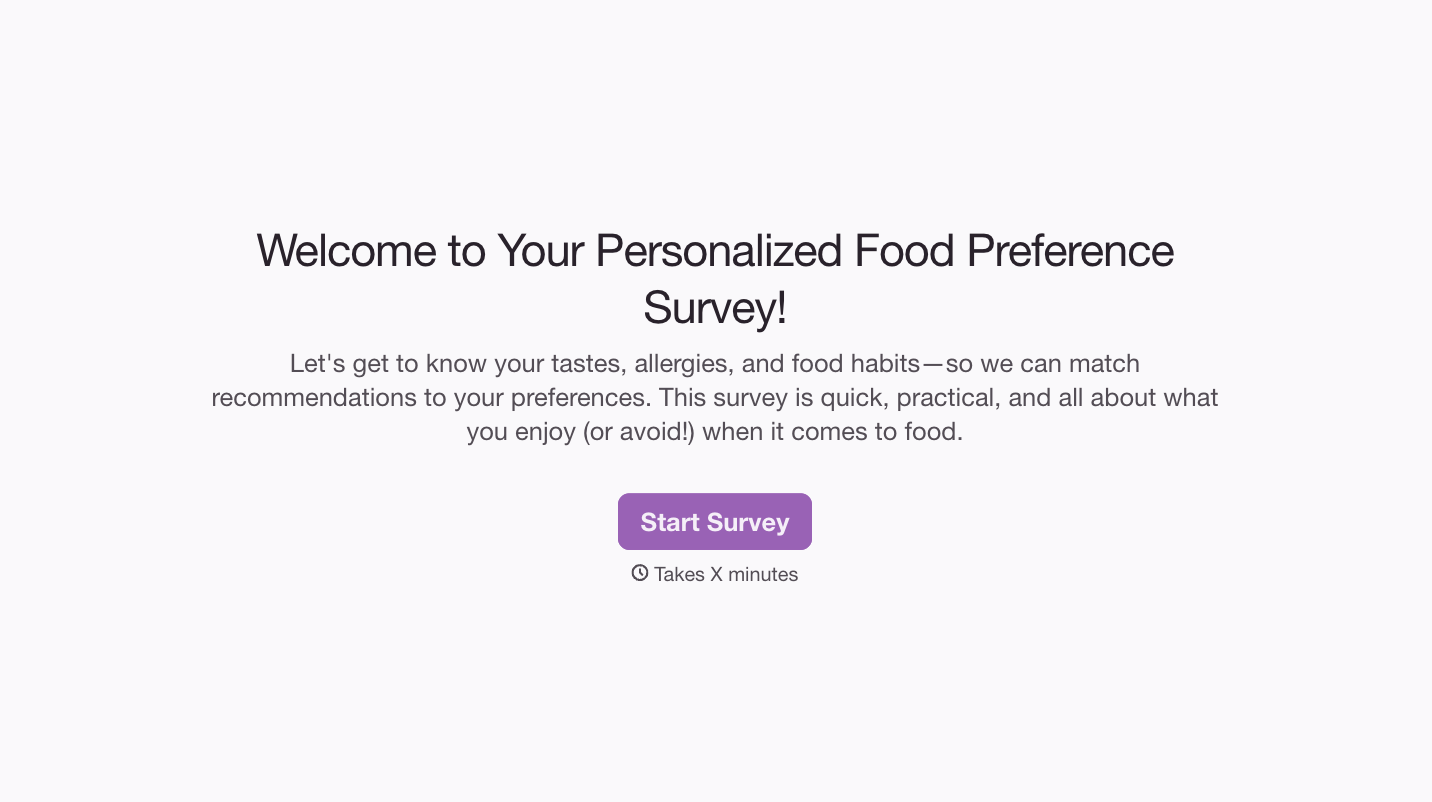

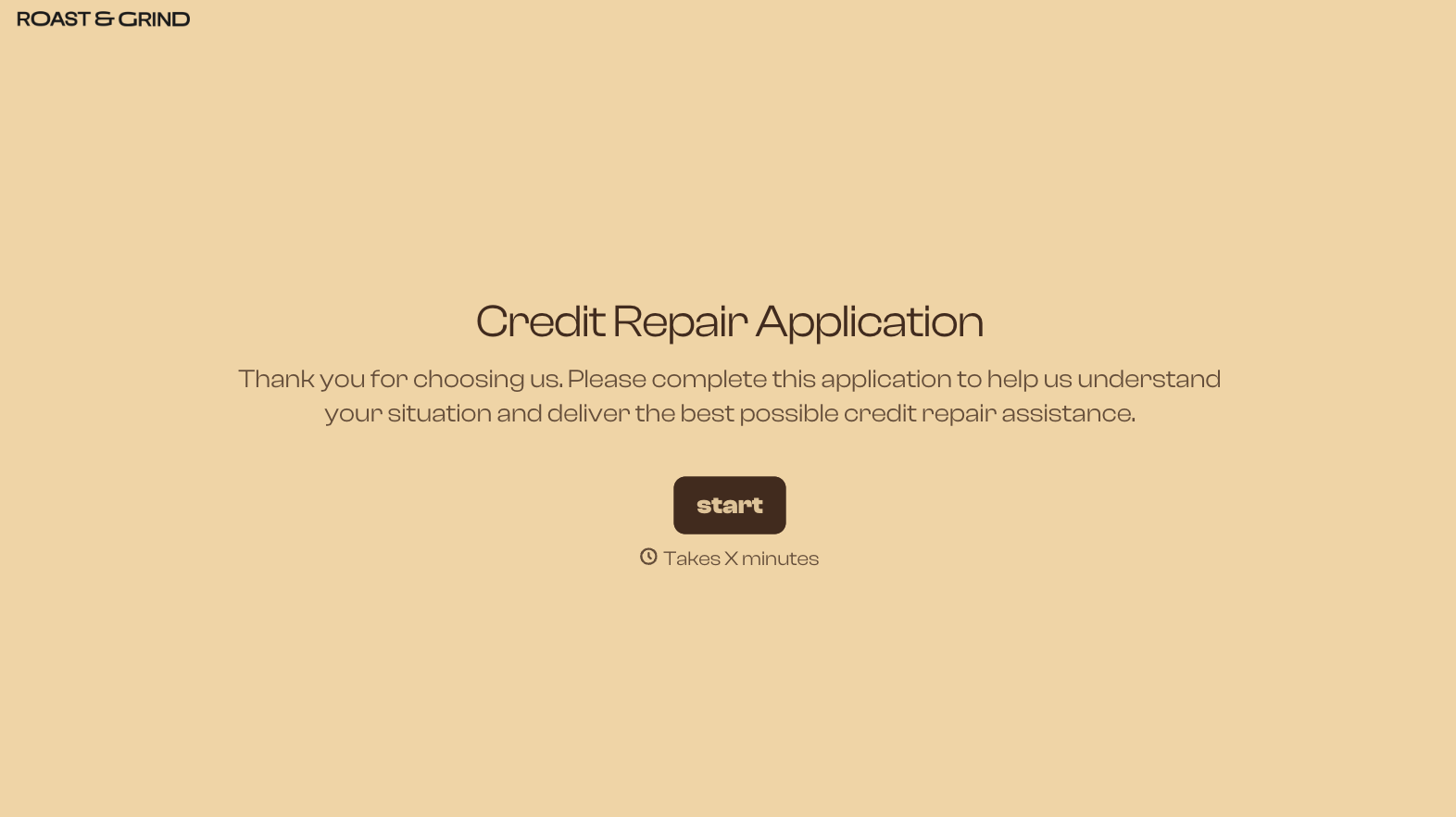
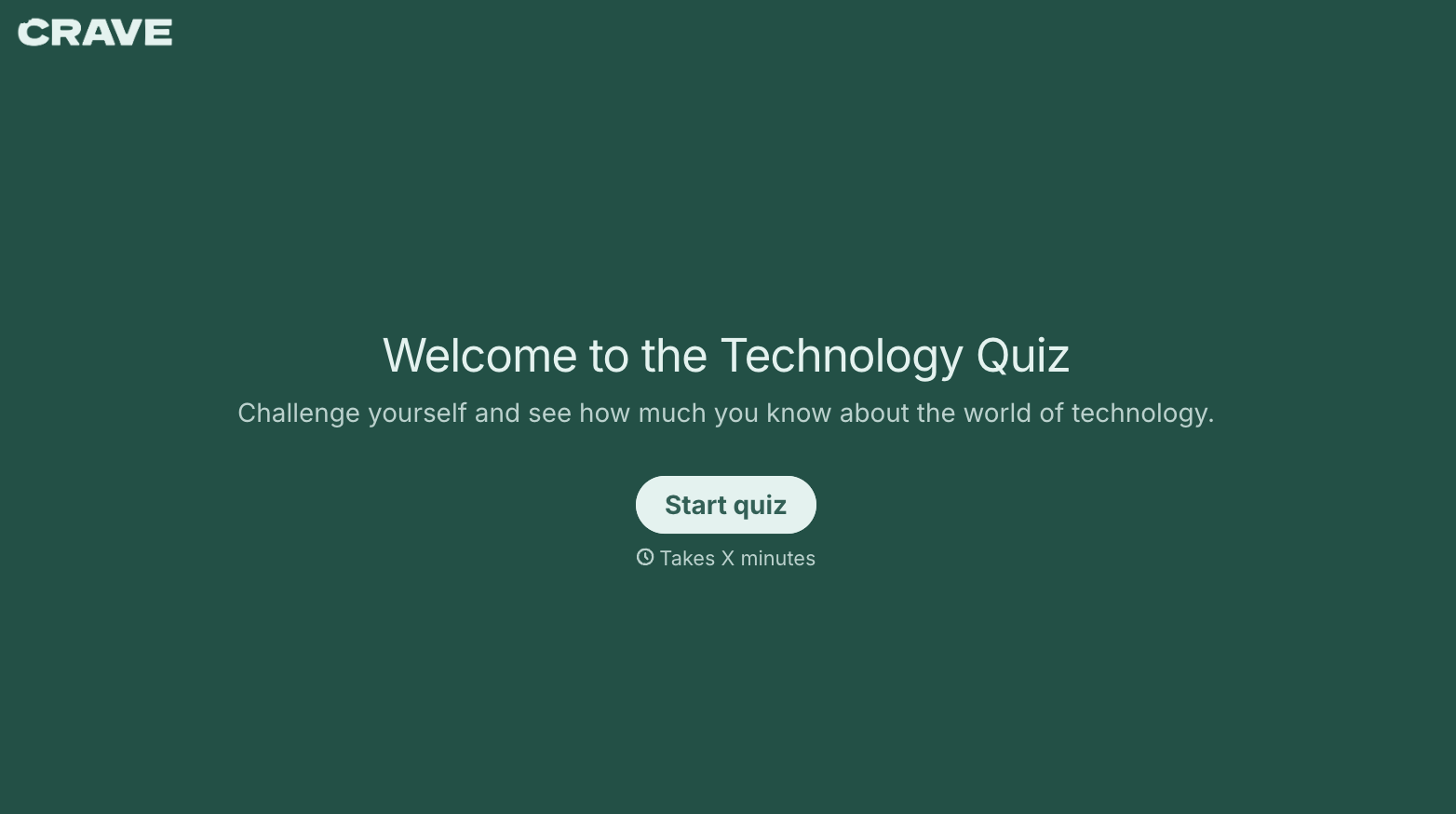
With Typeform, you can customize everything
Change text, colors, and even logos to match the look and feel of your brand. Then embed forms smoothly onto web and email.
Make forms feel effortless to fill out. Pace questions, call people by their name, and adapt the flow based on the data they share.
Stay efficient by connecting forms to your workflow. Typeform integrates with 300+ tools including Slack, Zapier, and HubSpot.


