Basic Sign Up Form
Turn interested visitors into confirmed contacts, so your list grows with people who actually want to hear from you.



A form that feels like too much effort loses people before they ever sign up. Every one of those drop-offs is a user your product, list, or event never gets to serve. Typeform's basic sign up form gives websites and apps a clean, frictionless way to convert visitors into registered users.
The form collects name, email address, and any additional fields your sign up process requires, like preferences or account type. One question appears at a time, so the sign-up process feels quick instead of tedious. Conditional logic tailors the sign up flow based on what each user selects. A user registering for an event sees different follow-up fields than one creating an account or joining a mailing list.
Customize the form with your brand, required fields, and any preference or consent options your sign up flow needs. Embed it directly on your website, share it as a link, or include it in your app onboarding flow. Every submission connects to Mailchimp, HubSpot, or your CRM via Zapier, so new users land in the right list immediately. When registration takes seconds, more people complete it, and every new contact lands in the right list automatically.
A basic sign up form collects essential contact details from people who want to hear from your business, event, or community. It gathers name, email, and any additional preferences your team needs to follow up with the right message.
Every visitor who leaves your site without signing up is someone your product, list, or event fails to reach. Without a structured signup process, users bounce before registering and your team has no way to follow up. A focused sign up form collects what you need in seconds, so fewer visitors drop off before completing registration. Use it for newsletter sign ups, app and product account creation, event registration, product launch waitlists, and community memberships.
Keep it focused on what your team genuinely needs at the point of sign up:
- First name and last name
- Email address
- Phone number (optional)
- Area of interest or preference (if relevant)
- How they heard about you (optional)
- Consent to marketing communications
Connect the form to Mailchimp, HubSpot, or your CRM via Zapier so submissions route to the right contact list automatically. This removes the manual step of exporting sign ups and importing them into your email platform. For forms that capture preferences, conditional logic tags each subscriber and routes them to the right segment automatically. Your team reaches new contacts the same day they sign up, with no manual sorting needed.
Add a consent field to the form so every subscriber confirms they agree to receive communications before submitting. This keeps your list compliant with GDPR and creates a documented record that each contact opted in. Use Typeform's Thank You screen to confirm the submission and tell new sign ups what to expect next.
Get inspired by relevant templates and categories
3200+ Templates, 300+ Integrations

Ebook Download Form
A download form asking for name, email, phone, company, and job title before anyone's read a single page isn't gating valuable content, it's asking for a phone number in exchange for a PDF. Ask for what you'll actually use, and deliver the ebook the second someone hits submit.
View template

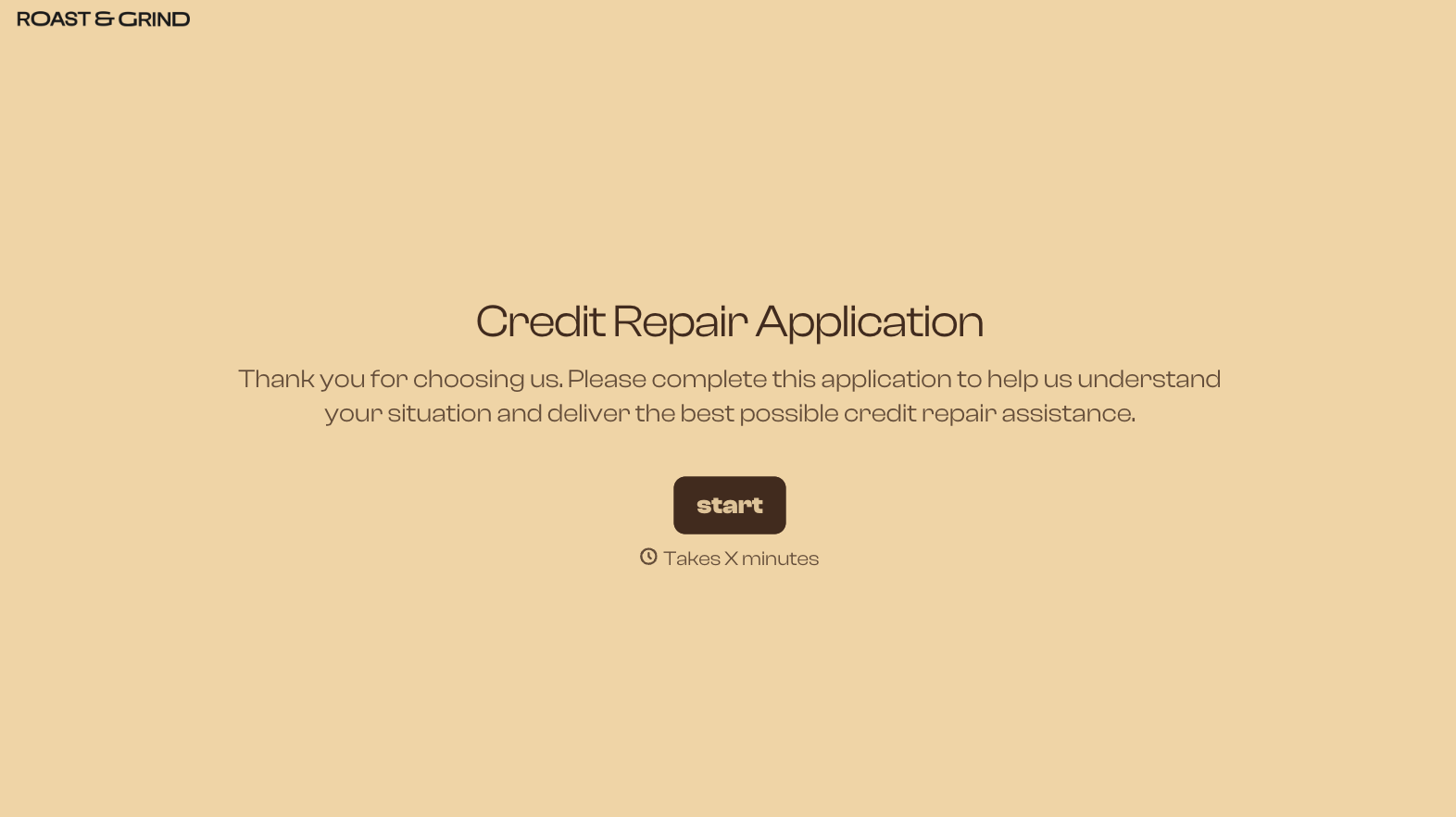
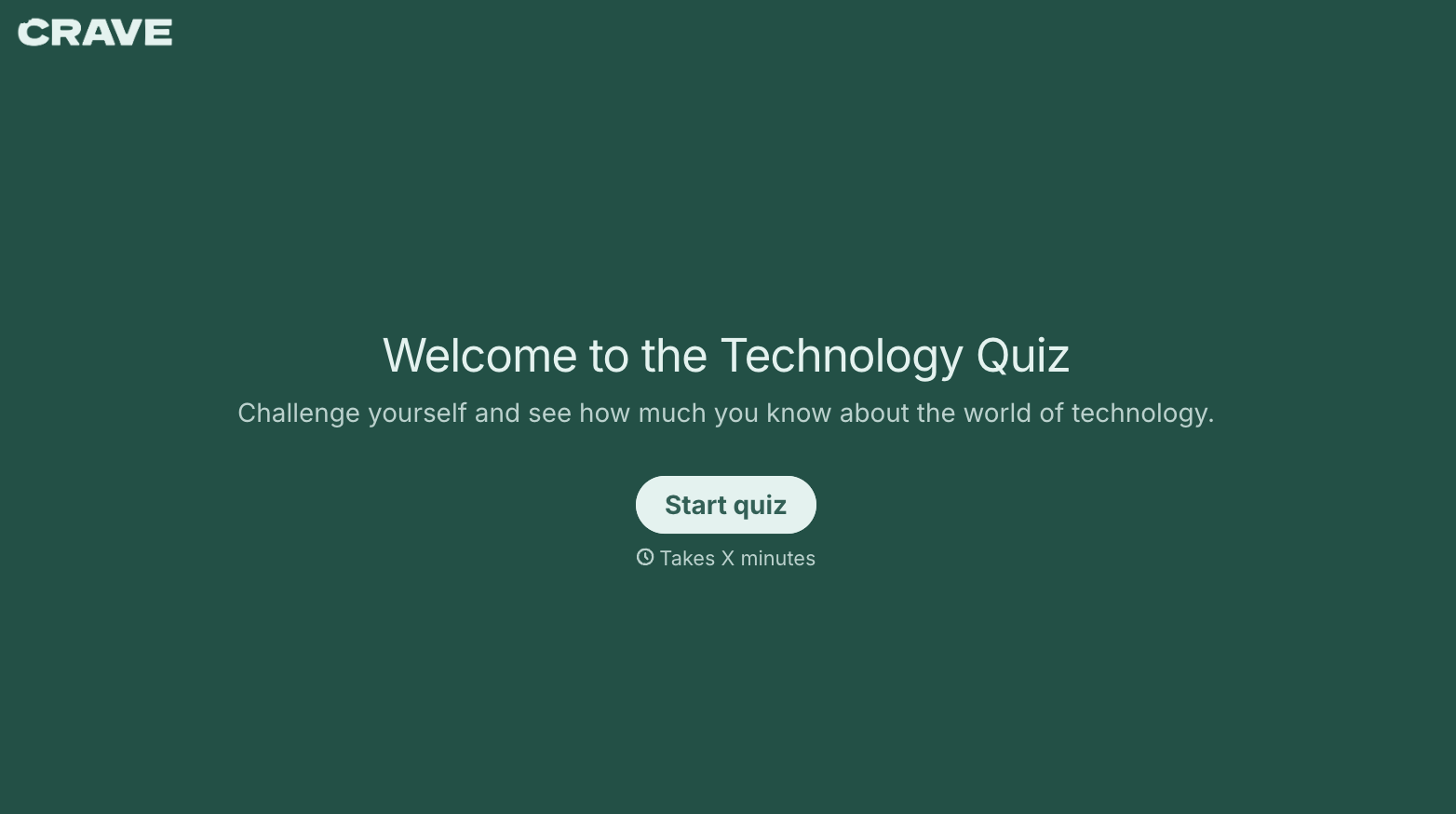
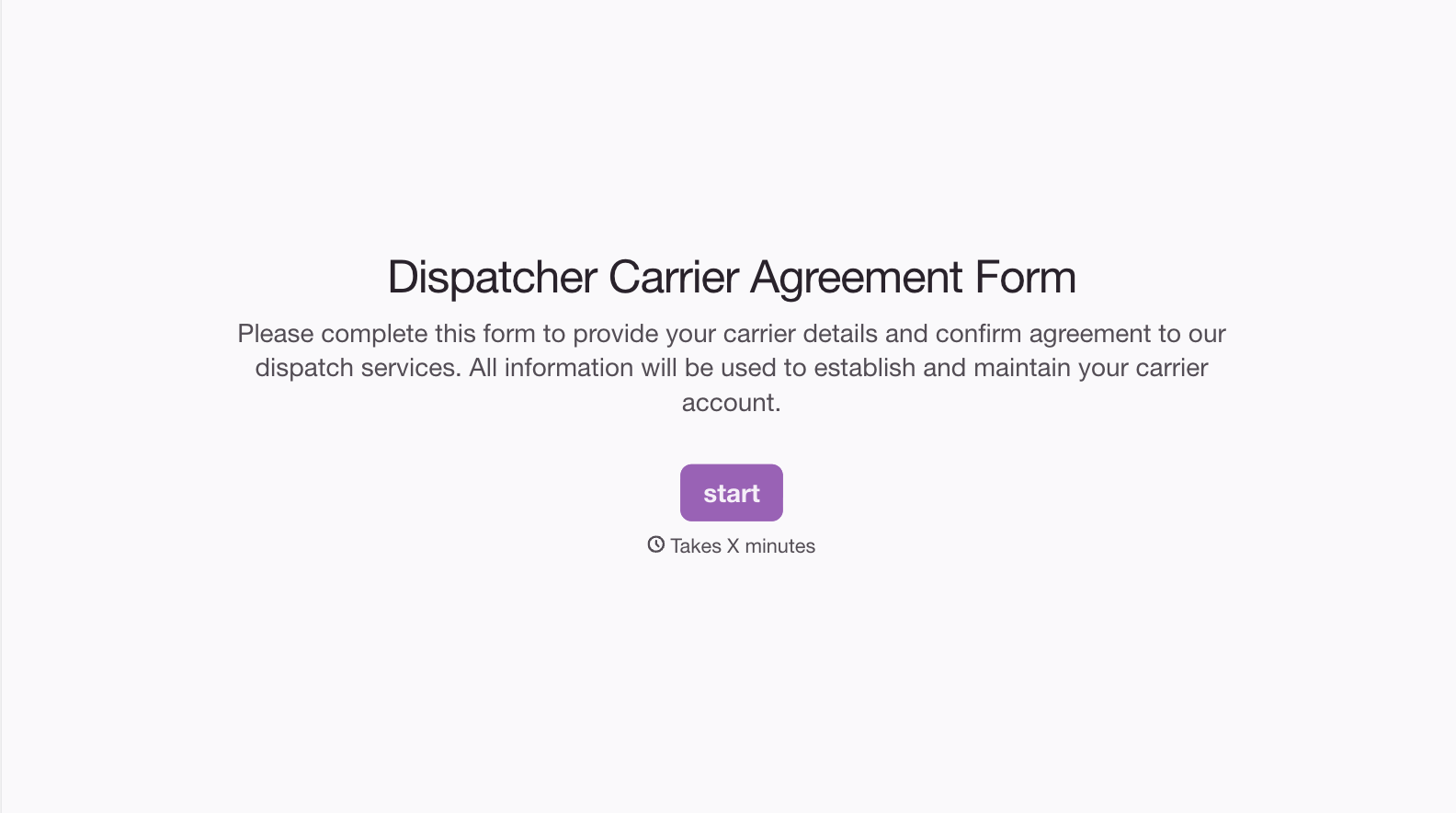
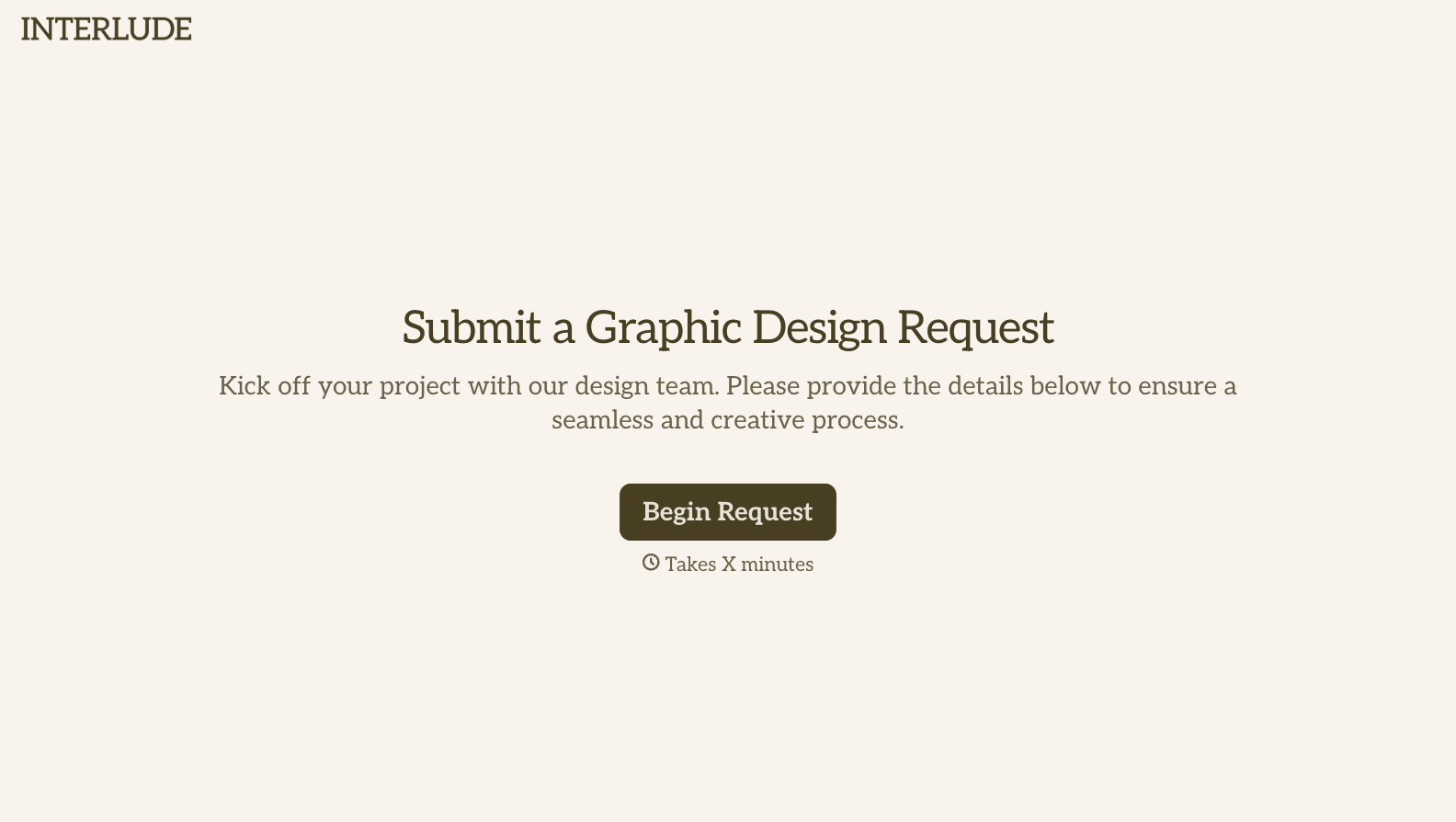
With Typeform, you can customize everything
Change text, colors, and even logos to match the look and feel of your brand. Then embed forms smoothly onto web and email.
Make forms feel effortless to fill out. Pace questions, call people by their name, and adapt the flow based on the data they share.
Stay efficient by connecting forms to your workflow. Typeform integrates with 300+ tools including Slack, Zapier, and HubSpot.


