Email Capture Form
Turn website visitors into subscribers, so your list grows every time someone lands on your page.



Scattered pop-ups, sign-up sheets, and disconnected landing pages make it hard to grow a clean, usable email list. Every missed capture is a contact your team has to work twice as hard to reach again. Typeform's email capture template gives marketing teams a consistent way to collect subscriber information and grow their list with every interaction.
The form captures first name, email address, and optional fields like interests, location, or how the subscriber heard about you. The one-question-at-a-time format keeps visitors moving forward, so completion rates stay high even on mobile. Conditional logic adapts the form based on the subscriber's interests. A product updates subscriber follows a different path than a newsletter subscriber, so follow-up content is relevant from day one.
Customize the fields, offer, and branding to match your campaign or sign-up incentive. Embed it on your website, share it via social posts, or trigger it as an exit-intent prompt. Submissions sync automatically to Mailchimp, HubSpot, or your CRM via Zapier, so new subscribers enter your sequence immediately. Every submission lands in the right place automatically, so your list grows without the manual work.
An email capture form collects subscriber details from website visitors, event attendees, and social media followers. It captures name, email address, and optional preference fields that help you segment and personalize follow-up content. Use it so every sign-up arrives complete, and your team can segment and send relevant content from day one.
A generic sign-up field collects an email address with no name, interests, or indication of what the subscriber wants. An email capture form collects the context your team needs to personalize follow-up and build a list worth sending to. Marketers who capture preferences at sign-up see higher open rates and fewer unsubscribes from the first send.
Collect what you need and nothing more:
- First name and email address
- Interest or content preference (newsletter, product updates, or promotions)
- How they heard about you (optional, for attribution)
- Location or language preference (for regional or multilingual lists)
The fewer fields you ask for, the more likely people are to complete the form. A strong incentive above the form (a discount, free resource, or early access) significantly increases completion rates. Test different incentives and field combinations using Typeform's analytics to find what converts best for your specific audience.
One form can serve multiple campaigns when you use conditional logic to route subscribers based on their interests or sign-up context. A visitor who selects a product launch gets questions about purchase intent, while someone signing up for an event sees date and format options. Connect the form to your email platform via Zapier so each subscriber enters the right list and workflow automatically.
Get inspired by relevant templates and categories
3200+ Templates, 300+ Integrations
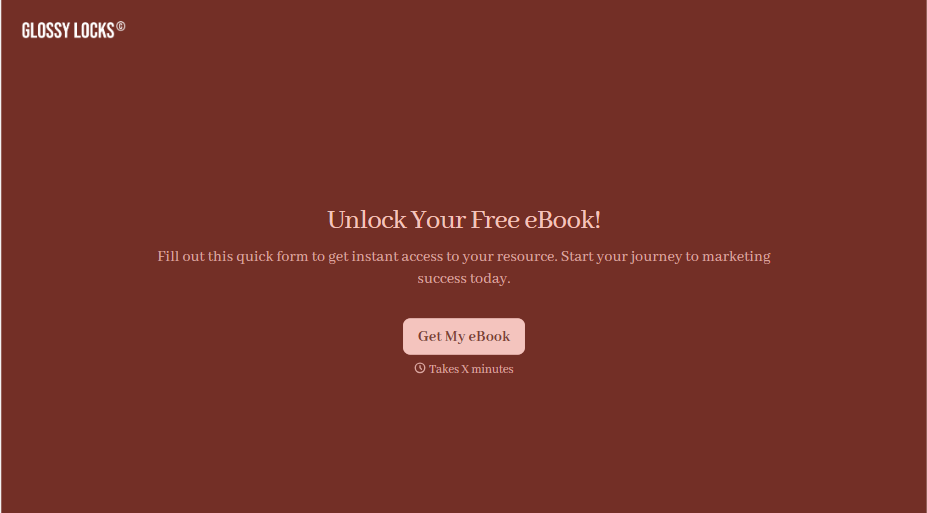
Ebook Download Form
A download form asking for name, email, phone, company, and job title before anyone's read a single page isn't gating valuable content, it's asking for a phone number in exchange for a PDF. Ask for what you'll actually use, and deliver the ebook the second someone hits submit.
View template

With Typeform, you can customize everything
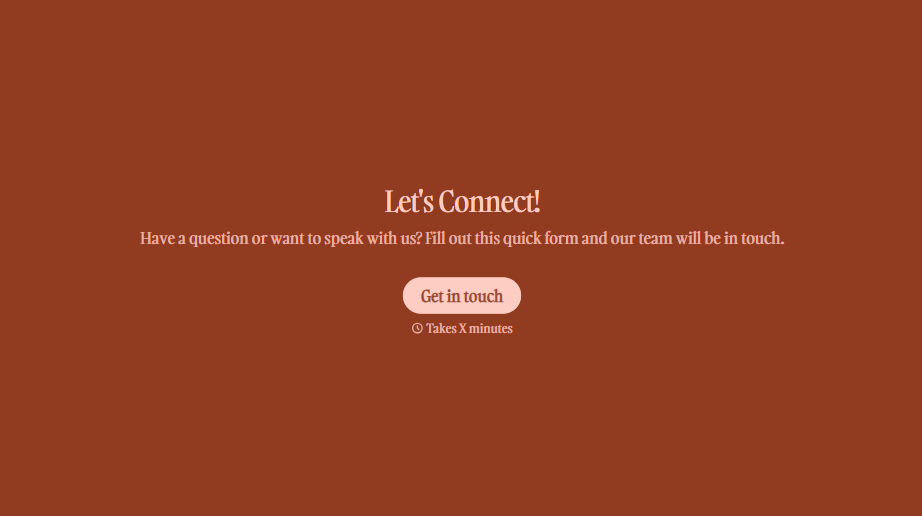
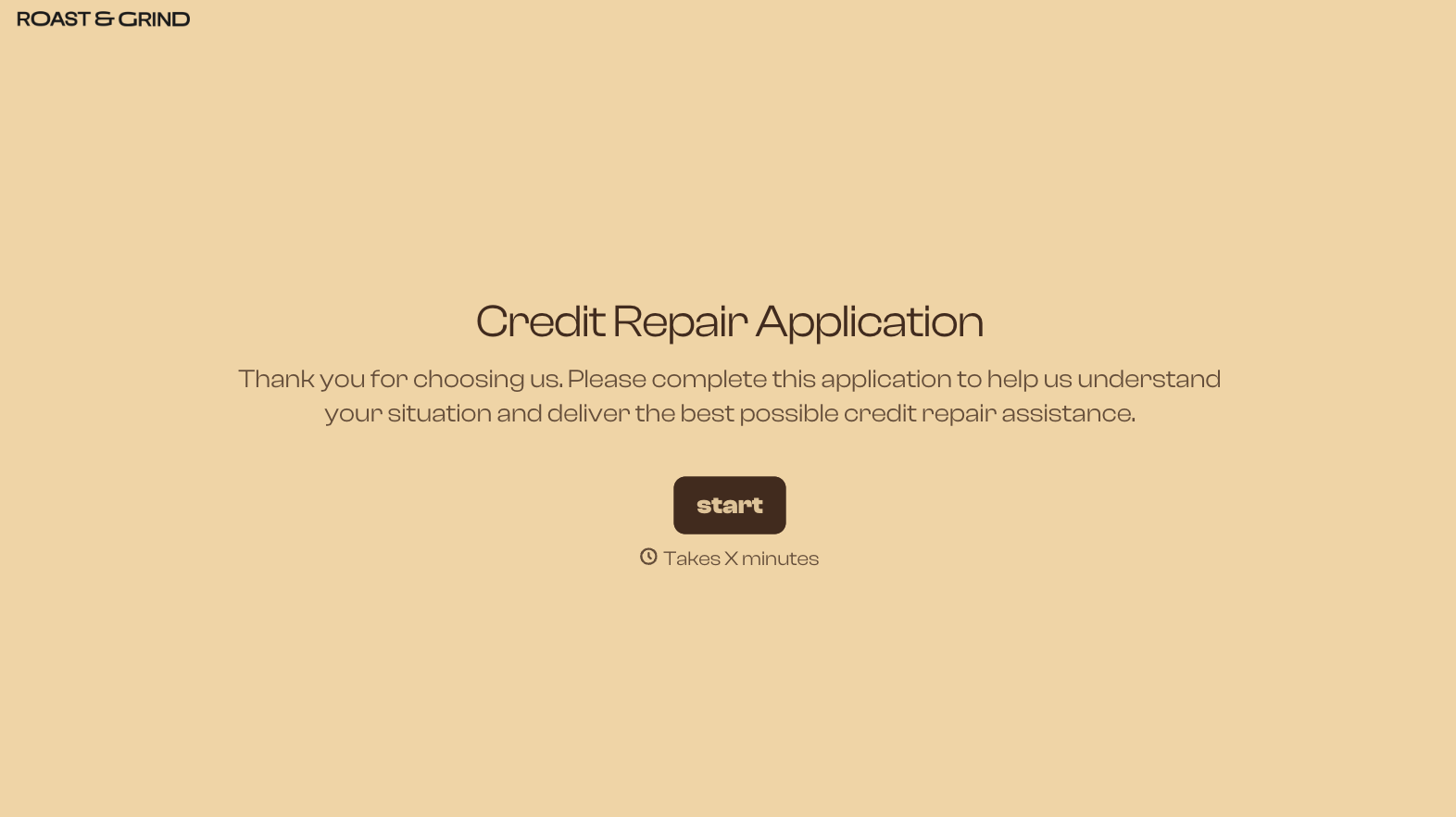
Change text, colors, and even logos to match the look and feel of your brand. Then embed forms smoothly onto web and email.
Make forms feel effortless to fill out. Pace questions, call people by their name, and adapt the flow based on the data they share.
Stay efficient by connecting forms to your workflow. Typeform integrates with 300+ tools including Slack, Zapier, and HubSpot.


