Employee Performance Evaluation Form Template
Structure your performance review conversations with consistent, fair criteria that work for every role.



Performance reviews that rely on memory and informal notes tend to be inconsistent and hard to act on. When different managers apply different standards, it's difficult to compare performance across teams, identify development needs, or defend decisions about compensation and promotion.
A Typeform employee performance evaluation form gives every review the same structure. Managers rate competencies, add qualitative notes, and set development goals, all in a format that's easy to complete and easy to review. Conditional logic can adjust the form based on role type or seniority level, so a frontline evaluation doesn't look the same as a manager assessment. Responses are stored and can be compared year over year.
Customize it with your company's competency framework, rating scale, and goal-setting fields. It works for annual reviews, 90-day check-ins, or any structured performance conversation.
An employee performance evaluation form is a structured document used to assess an employee's performance against defined criteria. It typically covers competencies, goal achievement, strengths, development areas, and forward-looking goals.
A standardized form ensures consistency across reviews, reduces recency bias, and creates a documented record of performance over time. It gives both managers and employees a clear framework for the conversation, which makes reviews more productive and less stressful.
Cover the dimensions that matter for a rounded assessment:
- Rating on key competencies (communication, teamwork, quality of work, etc.)
- Assessment of goals set in the previous review period
- Specific examples of strong performance
- Areas identified for development
- Goals for the next review period
- Employee self-assessment section
Use clear, behaviorally anchored rating scales rather than vague descriptors, and train managers on how to apply them consistently. Including a self-assessment section gives employees a voice and can highlight gaps in perception between managers and direct reports.
Yes. You can build the form to have 2 versions — one for the manager and one for the employee — or create a single form with sections for both. Sending the employee version first and then reviewing it alongside the manager's assessment makes for richer review conversations.
Get inspired by relevant templates and categories
3200+ Templates, 300+ Integrations





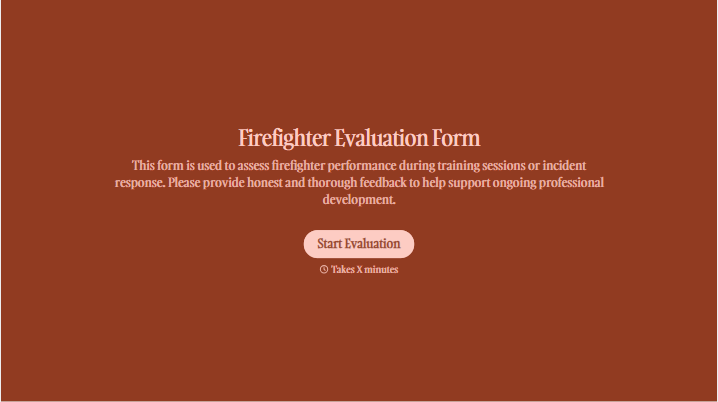
With Typeform, you can customize everything
Change text, colors, and even logos to match the look and feel of your brand. Then embed forms smoothly onto web and email.
Make forms feel effortless to fill out. Pace questions, call people by their name, and adapt the flow based on the data they share.
Stay efficient by connecting forms to your workflow. Typeform integrates with 300+ tools including Slack, Zapier, and HubSpot.


