FB Survey Questions
Collect structured feedback from your Facebook audience in one survey, so responses come in organized and ready to use, instead of scattered across comments and posts.



Facebook posts and comment threads generate engagement, but the feedback they produce is unstructured and impossible to analyze at scale. Asking for feedback via caption gets emoji reactions and short comments, not specific answers that inform product, content, or campaign decisions. Typeform's Facebook survey gives businesses and creators a structured, shareable way to collect real feedback from their Facebook audience.
The survey captures audience demographics, product preferences, content interests, satisfaction ratings, and open-ended feedback from followers. Questions appear one at a time, giving each respondent a clear path from start to finish. Conditional logic adapts the survey based on a respondent's answers. A longtime follower sees different follow-up questions than someone who just discovered your page, keeping the survey relevant to each respondent.
Customize the question types, demographic fields, and content topics to match your brand, product, or audience research goals. Share it in a post, story, or group, or pin the link to your page for ongoing access. Responses land in Google Sheets via Zapier as clean, organized data, ready to use without needing to dig through a comment section. Your audience tells you what to create, launch, and change, and you have the data to back it up.
A Facebook survey collects structured feedback and preferences from followers via a shareable link posted to a page, story, or group. It captures demographic information, content preferences, satisfaction ratings, product interest, and open-ended feedback from followers. Businesses and creators that run Facebook surveys regularly learn what their audience actually wants, and use that to shape content, products, and marketing decisions.
Likes and shares show that content resonated, but they don't explain what your audience actually wants to see next. Marketing and product decisions made from likes and shares alone miss the preferences, intentions, and frustrations behind those numbers. A Facebook survey asks your audience directly what they want to see, buy, or hear from you next, so decisions about what to create or launch reflect what followers actually said.
Screen for what your audience actually thinks and wants:
- Basic demographic information (age range, location, or how long they've followed the page)
- How they found the page and what keeps them coming back
- Content preferences (what type of content they find most useful or engaging)
- Product or service feedback (what they've purchased, used, or considered)
- Open field for suggestions or anything else they want to share
Copy the survey’s shareable link and paste it into a Facebook post, story, or group. It renders as a clickable preview, so followers can open it without leaving Facebook or downloading anything. For ongoing survey access, pin it to the top of your page or add it to your page's website field.
Make name and contact fields optional so followers can respond honestly without feeling exposed to public scrutiny or page admins. Optional anonymity encourages honesty on sensitive questions: what they dislike, why they haven't purchased, or whether they've considered unfollowing. That honesty gives you feedback that user comments may not reveal.
Get inspired by relevant templates and categories
3200+ Templates, 300+ Integrations
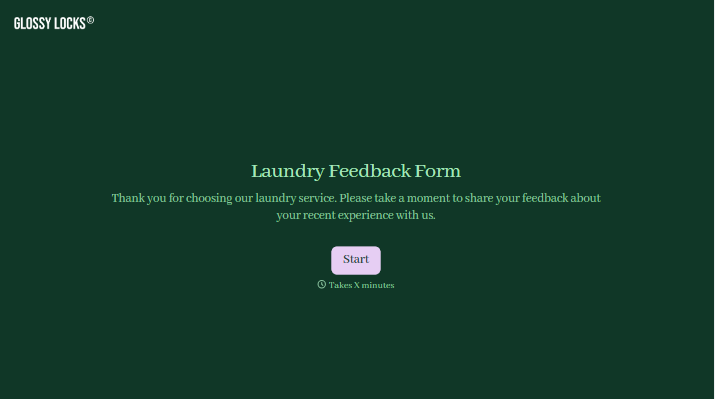
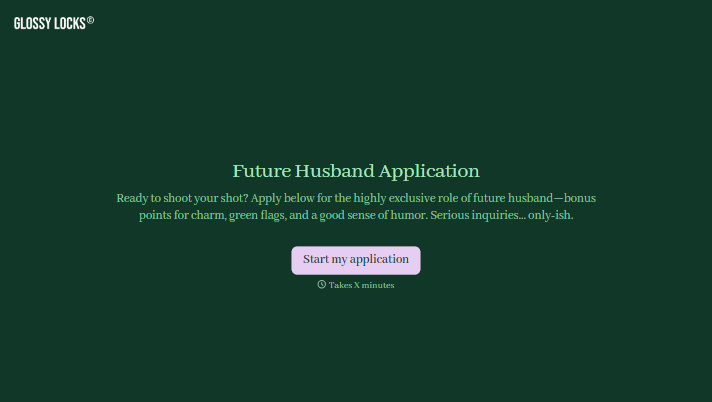
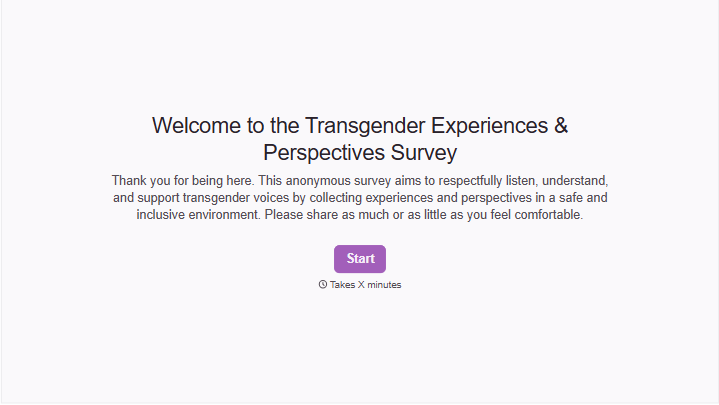
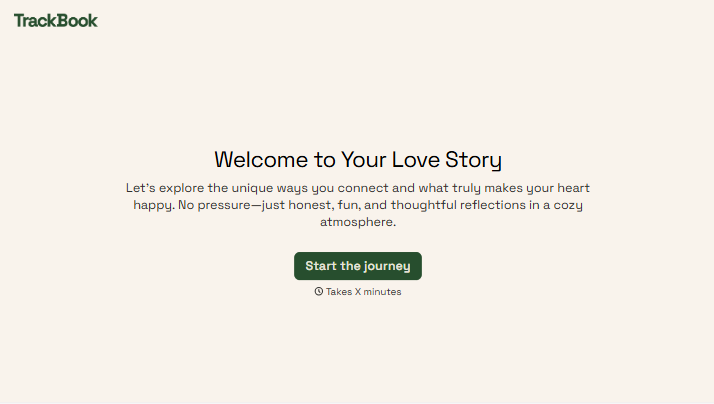
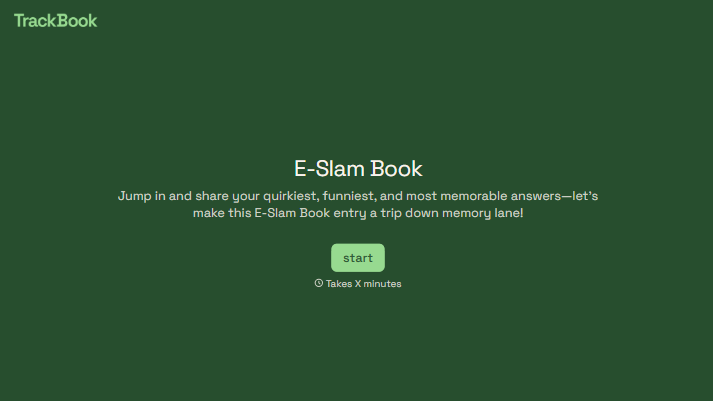
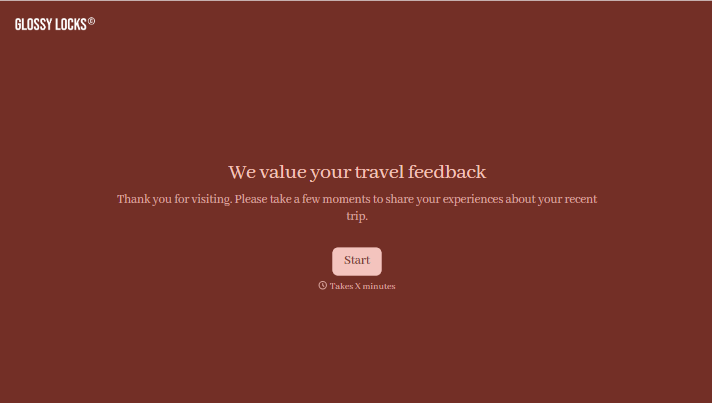
With Typeform, you can customize everything
Change text, colors, and even logos to match the look and feel of your brand. Then embed forms smoothly onto web and email.
Make forms feel effortless to fill out. Pace questions, call people by their name, and adapt the flow based on the data they share.
Stay efficient by connecting forms to your workflow. Typeform integrates with 300+ tools including Slack, Zapier, and HubSpot.


