Featured Artist Form
Great artists don't always come with polished pitches. Collect everything your team needs to evaluate a feature in one consistent, organized form.



Platforms that discover artists through DMs or email end up with submissions that are impossible to compare consistently. When artist information arrives in different formats, your team spends more time organizing submissions than evaluating talent. Typeform's featured artist form template gives curators a consistent way to collect artist information from every applicant.
The form captures artist name, genre or medium, bio, portfolio links, social media handles, and availability in a single submission. The one-question-at-a-time format keeps artists moving forward without losing their place. Conditional logic branches questions based on each artist's medium. A musician sees fields for streaming links and genre, while a visual artist sees exhibition history fields instead, keeping submissions precise.
Customize the form to match your platform's feature criteria, submission requirements, and artist categories. Post it on your submissions page, share it on social media, or send it directly to artists you want to consider. Every submission feeds into Google Sheets or Airtable via Zapier, so your team reviews and compares artists in one place. Spend less time managing submissions and more time spotlighting the artists who deserve the feature.
A featured artist form is a structured digital submission form that collects biographical information, portfolio links, social media profiles, and contact details from artists applying to be featured on a platform, in a publication, or at an event. It gathers everything a curator or editorial team needs to evaluate a submission in a single, standardized response. Think of it as the front door to your feature pipeline, replacing the inbox chaos of email pitches and DM submissions.
When submissions arrive through DMs, emails, and social media messages, your team spends hours hunting down missing links, bios, and contact details before any actual evaluation can begin. A featured artist form brings every submission into a consistent format, so your team compares artists based on their work, not the quality of their pitch email. It also creates a searchable archive of every artist who has applied, which makes it easy to revisit strong candidates for future features. Use it for artist spotlight programs, newsletter features, playlist curation, gallery showcase submissions, and talent platform onboarding.
Gather everything needed for a fair and complete artist evaluation:
- Artist name and primary contact email
- Genre, medium, or artistic discipline
- Short bio (50–150 words)
- Portfolio, website, or streaming profile links
- Social media handles and follower counts
- Availability and preferred feature timing
- Brief artist statement or pitch
Export submissions to Google Sheets or Airtable and add a scoring column to rate each artist on the criteria that matter most to your platform, such as artistic quality, audience fit, or content alignment. Assign different team members to review submissions from their area of expertise, such as a music editor for audio artists and a design lead for visual artists. Filter by genre, availability, or submission date so your editorial team surfaces the strongest candidates without scrolling through every entry.
Yes, you can add a file upload field to collect audio samples, visual artwork, or video content directly through the form. Respondents can submit image files, MP3s, and video clips up to 10MB per file, which arrive alongside their written submission details. File upload is available on paid Typeform plans and gives your team everything they need to evaluate an artist's work without following external links or chasing down additional materials.
Get inspired by relevant templates and categories
3200+ Templates, 300+ Integrations

Bank Reference Form
A reference request faxed to a bank branch and left sitting in a queue for weeks isn't the kind of turnaround a landlord or business can wait on. Collect the applicant's signed authorization and the specific details you need confirmed before the request even reaches the bank, so a decision isn't stuck behind a letter that hasn't come back yet.
View template

Bar Inventory Form
A bottle count eyeballed at the end of a shift and scrawled on a paper sheet doesn't hold up against a pour cost report that says something doesn't add up. Collect what your bar actually needs, item, count, and variance, on a schedule you can actually compare week to week.
View template


Equipment Inventory Form
Equipment that leaves a storage room in someone's arms, with no note about where it went, doesn't show up again until someone needs it and can't find it. Collect what your team actually needs, item details, condition, and who's got it, every time something moves.
View template
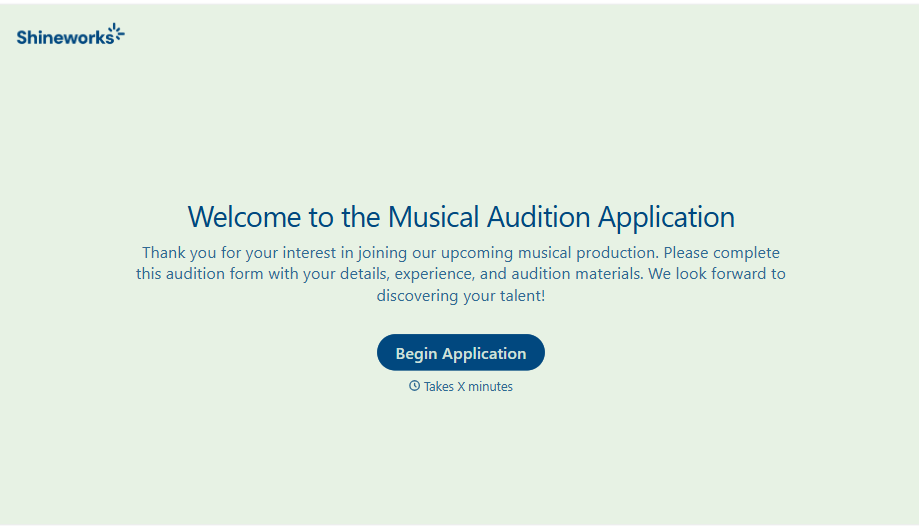
Musical Audition Form
A name scrawled on a sign-up sheet taped near the rehearsal room doesn't tell a director what role someone's after, or whether they can actually make callbacks next Tuesday. Collect what your production actually needs, contact information, role interest, and availability, before audition day arrives.
View template
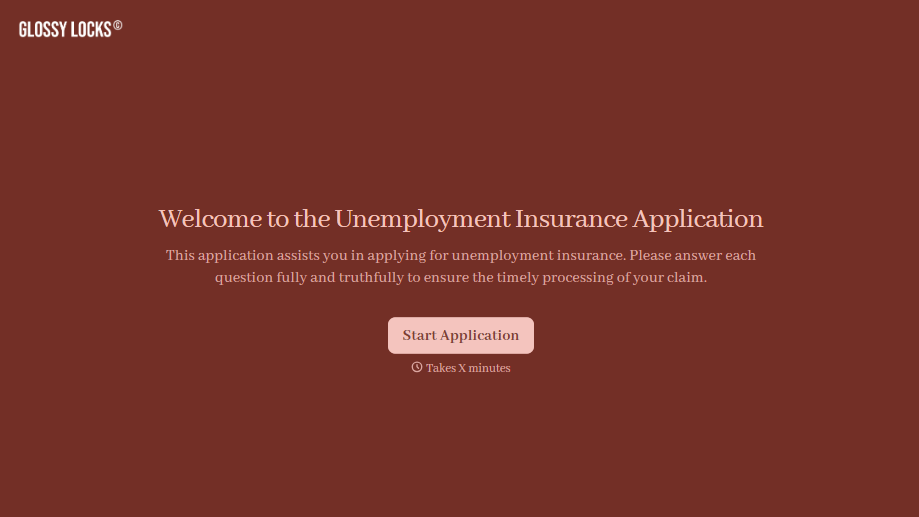
Unemployment Insurance Application Form
A stack of pay stubs gathered the morning of a filing deadline isn't the kind of preparation that gets a claim processed without delay. Collect employment history, separation details, and supporting documents before you sit down at your state's unemployment portal, so a claim doesn't stall over a missing detail.
View template
With Typeform, you can customize everything
Change text, colors, and even logos to match the look and feel of your brand. Then embed forms smoothly onto web and email.
Make forms feel effortless to fill out. Pace questions, call people by their name, and adapt the flow based on the data they share.
Stay efficient by connecting forms to your workflow. Typeform integrates with 300+ tools including Slack, Zapier, and HubSpot.


