First Aid Quiz Form
Test your first aid knowledge with a short, focused quiz you can take anywhere.



First aid trainees often complete training without a structured way to test their retention or identify gaps in their knowledge. Knowledge that isn't tested isn't reliable, and a gap in first aid readiness can cost a life. Typeform's first aid quiz form template gives trainers a quick, structured way to test and reinforce first aid knowledge.
The quiz covers CPR procedures, wound care, choking response, shock treatment, and emergency response protocols. Each question appears on its own, so respondents focus on one scenario at a time without jumping ahead. Conditional logic adapts the quiz based on how each respondent answers. An incorrect answer can trigger an explanation or a follow-up question, turning every mistake into a learning moment.
Customize the question set to match your training curriculum, certification level, or organizational first aid standards. Share it via email, embed it on your training platform, or run it live during a first aid session. Every score logs automatically in Google Sheets via Zapier, so trainers track completion and identify knowledge gaps across the group. Know who is ready before the certification exam, not after an incident reveals a gap in the training.
A first aid quiz form is a short digital test that assesses a respondent's knowledge of first aid procedures, emergency response protocols, and basic life support techniques. It covers scenario-based questions on CPR, wound care, choking, shock, burns, and other common emergency situations, providing immediate feedback on each answer. It functions as both a self-assessment tool for individuals brushing up on their skills and a structured training exercise for groups working toward first aid certification.
Most people who complete a first aid training course retain the information for a while and then forget the specifics over time. A short, regular quiz keeps knowledge sharp between formal training sessions and surfaces gaps before they matter in a real emergency. For organizations, regular quizzes create a documented record of knowledge retention across your team, making it easier to identify who needs a refresher before a recertification deadline. Use it for employee safety training, classroom learning, pre-exam revision, and ongoing first responder readiness checks.
A complete first aid quiz covers:
- CPR steps and compression ratios for adults, children, and infants
- Choking response for conscious and unconscious patients
- Wound care and bleeding control
- Recognition and response to shock
- Burns, fractures, and sprain assessment
- AED use and defibrillation steps
- When to call emergency services
Use the quiz as a timed practice run by setting a completion window that matches the format of your certification exam. Customize the question set to match the specific topics covered in your certification syllabus, and use conditional logic to surface explanations when respondents answer incorrectly. Running the quiz multiple times in the weeks before the exam builds recall speed and reduces anxiety on exam day.
Connect your form to Google Sheets via Zapier so every quiz result logs automatically with the respondent's name, score, and completion date. Use filters to identify respondents who scored below your pass threshold and flag them for targeted follow-up or a refresher session. This gives your training coordinator a live view of group readiness without manually reviewing each quiz submission.
Get inspired by relevant templates and categories
3200+ Templates, 300+ Integrations

X-Ray Release Form
A phone call asking to send X-rays to a new provider isn't an authorization your compliance file can rely on. Collect patient information, the receiving provider's details, and a signed authorization before the images go out, so your front desk isn't scrambling to prove who approved a release.
View template
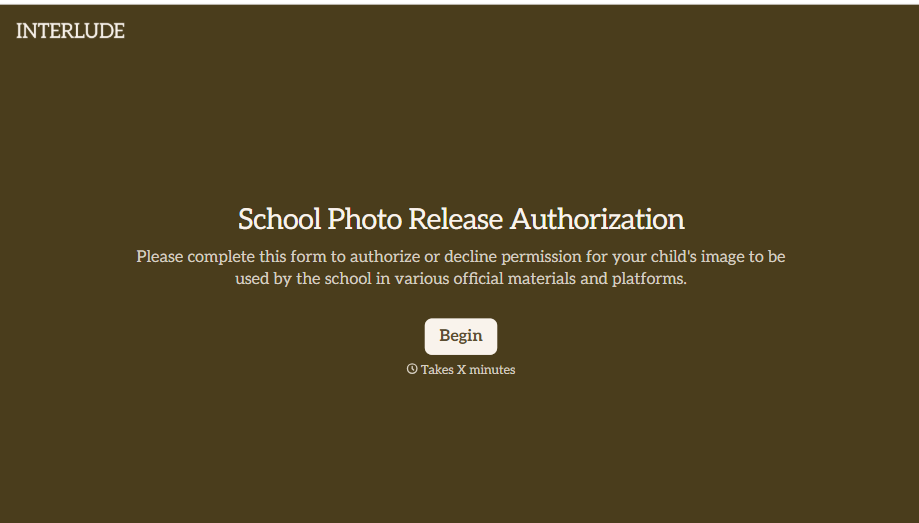
School Photo Release Form
A photo consent checkbox buried on page 12 of an enrollment packet doesn't tell a teacher who's actually opted out before they post a class photo. Collect what your school actually needs, guardian consent, and exactly where a photo can be used, before the camera comes out.
View template
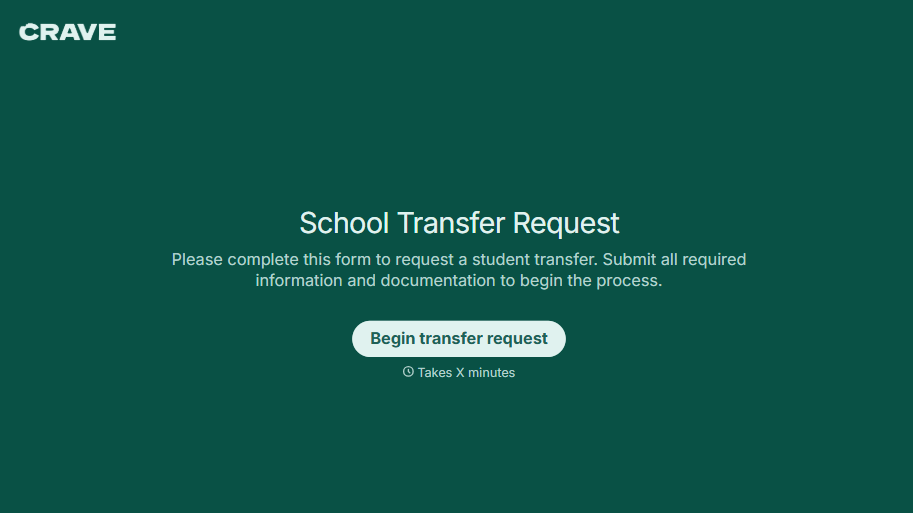
School Transfer Request Form
A transfer request dropped off at the district office isn't the kind of paperwork that gets processed before the semester it's meant for already started. Collect the student's information, reason for transfer, and supporting documentation upfront, so a request doesn't stall while the district follows up for a missing form.
View template

Palliative Care Assessment Form
A symptom check done verbally during a rushed home visit isn't the kind of record that shows whether pain management is actually working from one visit to the next. Collect symptom severity, functional status, and psychosocial needs consistently, so a care team can see change over time instead of relying on memory of the last visit.
View template
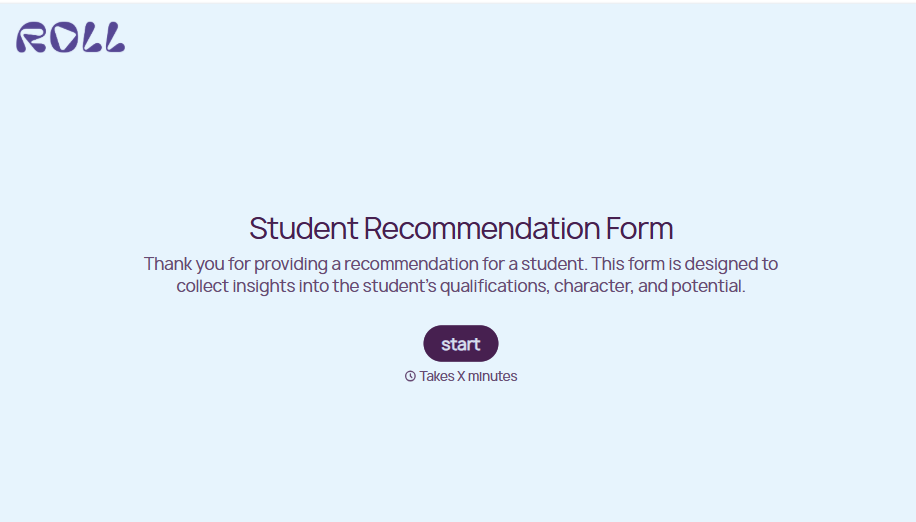
Student Recommendation Form
An email asking "can you write me a letter of recommendation" with no deadline attached isn't enough for a teacher to actually sit down and write one. Collect the program details, deadline, and what the student wants highlighted before the request lands in an inbox, so a letter doesn't get written in a rush the night it's due.
View template
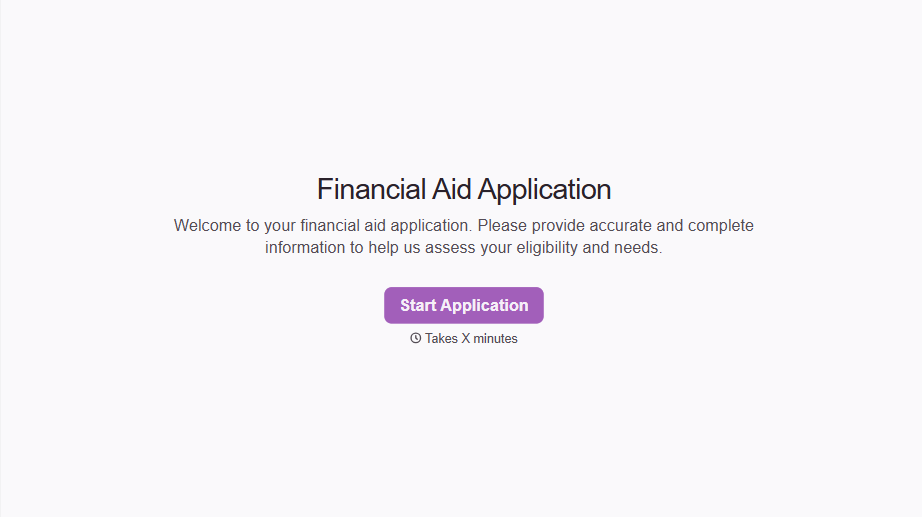
Financial Aid Application Form
A request for help with tuition mentioned to the front office in passing doesn't give your financial aid team anything to actually evaluate. Collect what your school actually needs, household information, income documentation, and need, before the deadline passes.
View template
With Typeform, you can customize everything
Change text, colors, and even logos to match the look and feel of your brand. Then embed forms smoothly onto web and email.
Make forms feel effortless to fill out. Pace questions, call people by their name, and adapt the flow based on the data they share.
Stay efficient by connecting forms to your workflow. Typeform integrates with 300+ tools including Slack, Zapier, and HubSpot.


