Minor Surgery Permission Form
Give patients and authorized guardians an easy way to document consent for minor surgical procedures with a form that collects patient information, procedure details, and medical considerations. Keep consent records organized so healthcare providers can verify permissions, review relevant health information, and prepare for scheduled procedures.



A patient is scheduled for a minor skin lesion removal, while a parent needs to authorize a minor surgical procedure for their child. Both need to understand the planned treatment and provide appropriate consent, but their medical circumstances and authorization requirements differ. A minor surgery permission form helps healthcare providers document patient information and consent before a procedure.
Patients or authorized guardians provide identifying information, review procedure details, and share relevant medical history. You can include fields for allergies, current medications, previous surgical experiences, and anesthesia considerations. Questions about the planned procedure, potential risks, and post-operative instructions help providers confirm that important information has been discussed before obtaining consent.
Your team receives organized permission forms without relying on scattered paperwork or incomplete records. Healthcare professionals review submissions, verify authorization, and address outstanding questions before surgery. Medical practices get a structured way to manage consent documentation, coordinate procedure preparation, and support clear communication with patients and guardians.
A minor surgery permission form documents a patient's or authorized guardian's consent for a minor surgical procedure. It typically includes patient identification details, the planned procedure, relevant medical information, and acknowledgment of the risks, benefits, and alternatives discussed with the healthcare provider. Medical practices use it to document authorization, support informed consent procedures, and maintain accurate patient records.
Managing surgical permissions through separate documents or verbal conversations can make it difficult to confirm that required information has been reviewed and properly documented. A structured permission form collects consistent patient details, medical considerations, and consent acknowledgments. It helps healthcare providers verify authorization, identify questions requiring clarification, and maintain organized records while supporting the informed consent process.
Include questions that help healthcare providers document patient information, review medical considerations, and confirm informed consent, like:
- What is the patient's full legal name?
- What is the patient's date of birth?
- What is the patient's medical record number?
- What is the name of the healthcare provider performing the procedure?
- What minor surgical procedure is scheduled?
- What is the scheduled procedure date?
- What is the reason for the procedure?
- Does the patient have any known medication or material allergies?
- Is the patient currently taking any medications or supplements?
- Does the patient have any relevant medical conditions?
- Has the patient experienced complications during previous procedures?
- Does the patient have any history of reactions to anesthesia?
- Have the procedure's purpose and expected outcomes been explained?
- Have the potential risks and complications been discussed?
- Have the expected benefits and available alternatives been explained?
- Has the patient or guardian had an opportunity to ask questions?
- Have any applicable anesthesia or sedation options been discussed?
- Have the necessary pre-operative instructions been provided?
- Have post-operative care instructions been reviewed?
- Is the person providing consent the patient or an authorized representative?
- If applicable, what is the representative's relationship to the patient?
- Does the patient or authorized representative consent to the specified procedure?
- Can the patient or authorized representative provide a signature and date to document consent?
You can customize the questions to match the planned procedure, patient population, and applicable consent requirements.
Use dropdown menus for procedure types, healthcare providers, and authorization relationships. Include multiple-choice questions for medical history, allergies, and previous surgical experiences. Conditional logic can display additional questions when patients report medication use, anesthesia complications, or other relevant medical concerns. Present procedure-specific information in clear language and provide space for questions. Use a secure system that meets applicable healthcare privacy requirements, including HIPAA when relevant. Make sure the form supports, rather than replaces, the informed consent discussion between the patient and healthcare provider.
Yes. A minor surgery permission form helps healthcare providers record patient authorization and document acknowledgment of important procedure information. Clinicians can review submissions, confirm that risks and alternatives have been discussed, and address unanswered questions before proceeding. The collected information also supports clinical recordkeeping and verification of guardian or representative authority when applicable. However, a signed form alone does not establish informed consent. Healthcare providers must follow applicable legal and professional requirements, including confirming that patients understand the procedure and voluntarily agree to treatment.
Get inspired by relevant templates and categories
3200+ Templates, 300+ Integrations
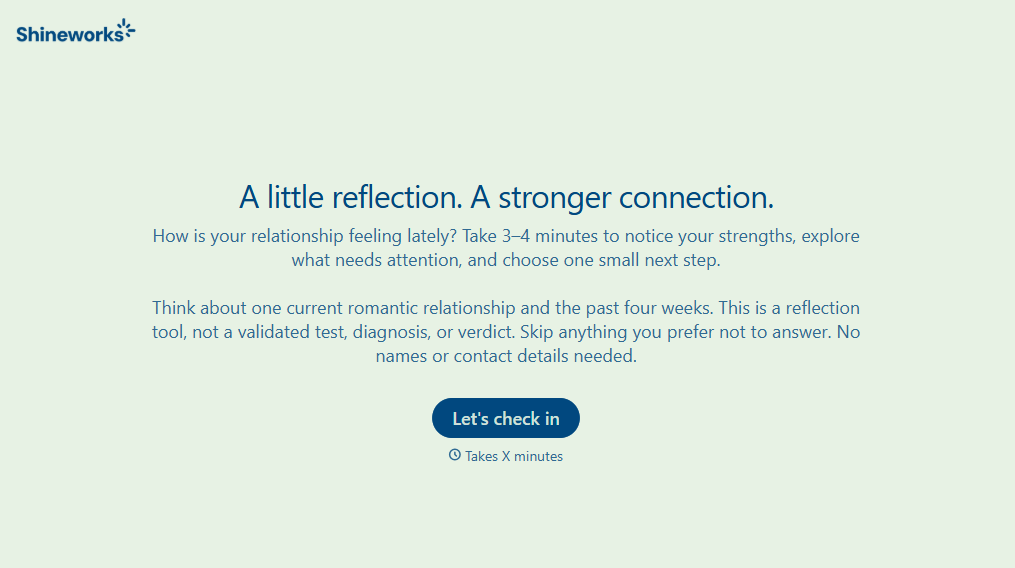
Relationship Quality Test Form
Give individuals and couples a simple way to evaluate their relationships with a form that explores communication, trust, and emotional connection. Keep responses organized so users can reflect on relationship strengths, identify challenges, and understand areas that need attention.
View template

Minor Surgery Permission Form
Give patients and authorized guardians an easy way to document consent for minor surgical procedures with a form that collects patient information, procedure details, and medical considerations. Keep consent records organized so healthcare providers can verify permissions, review relevant health information, and prepare for scheduled procedures.
View template

Screening Checklist for Visitors and Employees Form
Give organizations a straightforward way to screen visitors and employees with a form that collects identification details, visit information, and required safety acknowledgments. Keep screening records organized so teams can manage workplace access, identify potential concerns, and maintain a safe and secure environment.
View template

Patient Waiting List Form
Give patients an easy way to join an appointment waiting list with a form that collects contact information, scheduling preferences, and care needs. Keep all of the requests organized so your team can manage cancellations, fill available appointments, and reduce scheduling delays.
View template
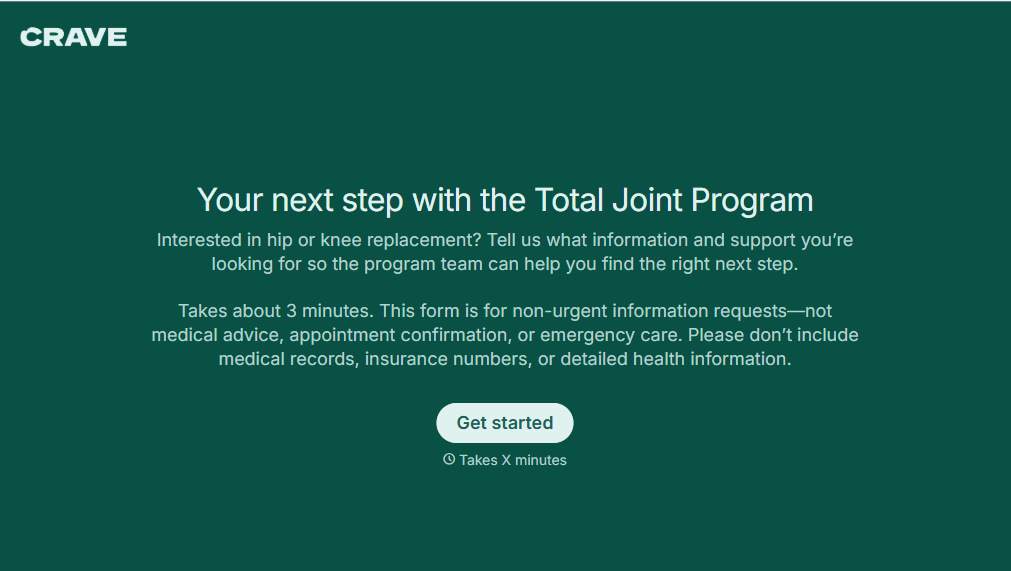
Total Joint Program Form
Give patients a straightforward way to prepare for joint replacement surgery with a form that collects medical information, procedure details, and recovery preferences. Keep patient records organized so healthcare teams can coordinate treatment, plan rehabilitation, and support a smoother surgical experience.
View template

Telemedicine Patient Evaluation Form
Give healthcare providers a convenient way to collect patient information before virtual appointments with a form that gathers medical history, current symptoms, and health concerns. Keep patient records organized so clinicians can prepare for consultations, assess care needs, and provide personalized telemedicine services.
View template
With Typeform, you can customize everything
Change text, colors, and even logos to match the look and feel of your brand. Then embed forms smoothly onto web and email.
Make forms feel effortless to fill out. Pace questions, call people by their name, and adapt the flow based on the data they share.
Stay efficient by connecting forms to your workflow. Typeform integrates with 300+ tools including Slack, Zapier, and HubSpot.


