Hazard Report Form Template
When employees spot a safety hazard, reporting it should be fast and frictionless. Every minute a hazard goes unreported is a risk.



Safety incidents often happen because hazards are noticed but not reported. The barrier is usually the reporting process itself — a paper form that needs to be submitted to a specific person, a portal that requires login credentials employees don't remember, or an unclear process that makes people unsure who to tell. So they don't tell anyone.
Typeform's hazard report form removes that barrier. It works on any device, needs no login, and walks employees through the report one question at a time. Conditional logic adjusts the questions based on hazard type — a chemical spill prompts different details than a structural issue or an equipment malfunction. Responses are sent directly to your safety team via email notifications or routed to your incident management system through integrations, so hazards get addressed fast.
Customize the form to fit your industry and safety protocols, post the link prominently in your workplace, and make reporting the easiest part of your safety program.
A hazard report form is a structured form used by employees to document a workplace safety hazard before an incident occurs. It captures the type of hazard, its location, severity, and any immediate action taken — creating a record that safety teams can act on.
Verbal hazard reports get forgotten or miscommunicated. A digital form creates an immediate, documented record that can be assigned, tracked, and resolved — making your hazard management process auditable and accountable.
Collect enough detail to assess and respond to the hazard quickly. Key questions include:
- Location of the hazard (building, floor, department)
- Type of hazard (chemical, electrical, structural, ergonomic, etc.)
- Description of the hazard and how it was discovered
- Any immediate actions already taken
- Reporter's name and contact (or anonymous option)
- Estimated severity level
- Photos or attachments (if relevant)
Offering anonymity often increases reporting rates — employees who fear being dismissed or penalized are more likely to report if they can do so without identifying themselves. You can make the name and contact fields optional in Typeform to allow anonymous submissions while still capturing the hazard details.
Connect Typeform to your email or messaging tools so your safety team gets notified the moment a report is submitted. For urgent hazards, you can set up conditional notifications based on the severity level selected — high-severity submissions trigger an immediate alert while routine ones go into a daily summary.
Get inspired by relevant templates and categories
3200+ Templates, 300+ Integrations

Bank Reference Form
A reference request faxed to a bank branch and left sitting in a queue for weeks isn't the kind of turnaround a landlord or business can wait on. Collect the applicant's signed authorization and the specific details you need confirmed before the request even reaches the bank, so a decision isn't stuck behind a letter that hasn't come back yet.
View template
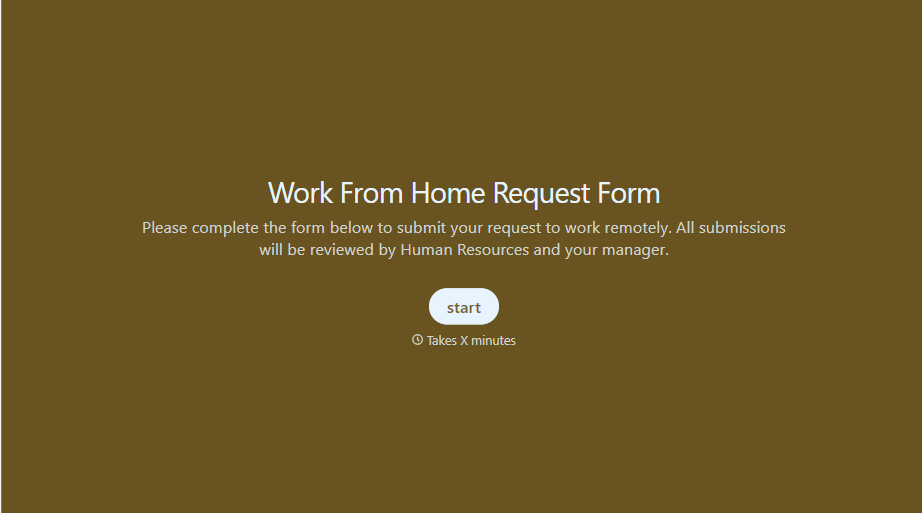
Work From Home Request Form
A Slack message asking to work from home on Thursday isn't a request anyone can track, especially once the same employee has asked five different ways over a month. Collect the request type, dates or schedule, and manager approval in one place, so HR isn't reconstructing who's working where from a scattered inbox.
View template
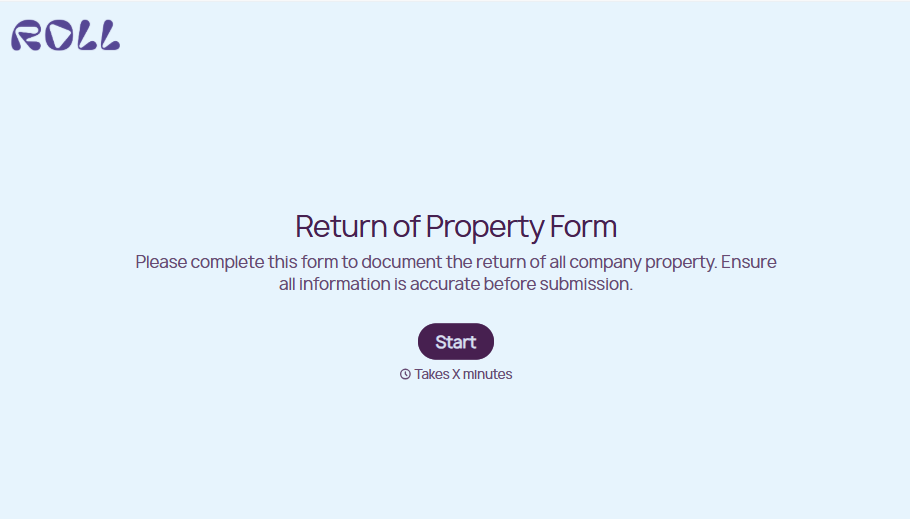
Return of Property Form
A property checklist stapled to an exit interview packet isn't a record anyone can rely on when a laptop turns up missing three weeks later. Collect itemized equipment details, condition at return, and a signed acknowledgment before an employee's last day, so IT isn't chasing down a laptop that already walked out the door.
View template

Bar Inventory Form
A bottle count eyeballed at the end of a shift and scrawled on a paper sheet doesn't hold up against a pour cost report that says something doesn't add up. Collect what your bar actually needs, item, count, and variance, on a schedule you can actually compare week to week.
View template
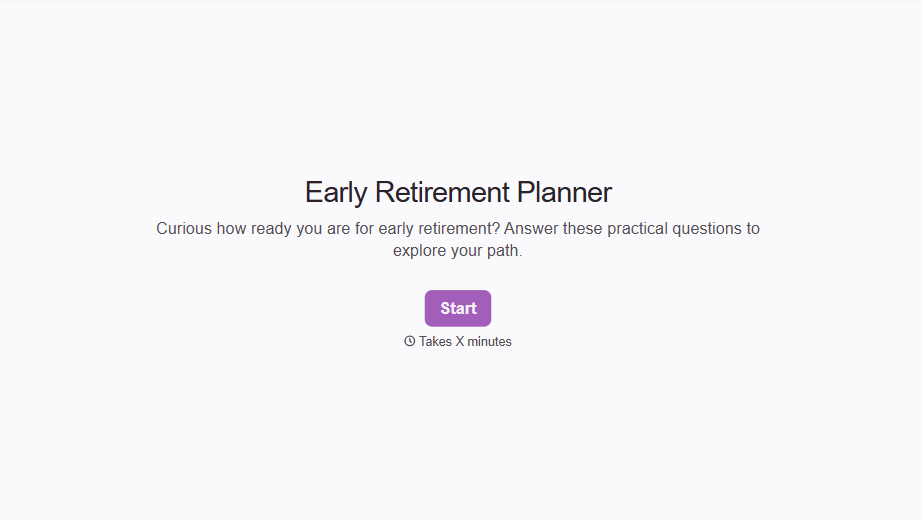
Early Retirement Form
A retirement mentioned to a manager in conversation doesn't give HR anything to actually process, and if there's an incentive deadline attached, the date that conversation happened can matter more than anyone realized at the time. Collect what your HR team actually needs, employee information, requested date, and benefit elections, before a window closes.
View template
With Typeform, you can customize everything
Change text, colors, and even logos to match the look and feel of your brand. Then embed forms smoothly onto web and email.
Make forms feel effortless to fill out. Pace questions, call people by their name, and adapt the flow based on the data they share.
Stay efficient by connecting forms to your workflow. Typeform integrates with 300+ tools including Slack, Zapier, and HubSpot.


