Implant Consent Form Template
Document patient consent for implant procedures with a clear, professional digital form.



Whether it's a dental, cosmetic, or medical implant, documented consent is non-negotiable. This form provides a structured way to communicate procedure details, risks, and alternatives to patients — and to capture their signed acknowledgment before the procedure begins.
The template covers the type and purpose of the implant, the procedure steps, known risks and complications, the patient's alternatives, pre- and post-care instructions, and a final consent and signature section. You can adapt the clinical language to match your specific implant type.
A digital form creates an auditable record that's easy to store and retrieve. It's also easier for patients to read carefully on their own device before arriving at their appointment, which leads to more informed — and less anxious — patients.
It should clearly describe the procedure, outline material risks and alternatives, confirm the patient had an opportunity to ask questions, and include a signed acknowledgment. Work with your legal team to confirm the specific language required in your jurisdiction.
Yes. Send the form link by email or text so patients can review and sign it before they arrive. This saves chair time and gives patients the space to read carefully without feeling rushed.
Add a parent or guardian section with their name, relationship to the patient, and a separate signature field. Use conditional logic to show this section only when the patient indicates they're under 18.
Yes. Use a question at the start to identify the implant type and then use conditional logic to show the relevant clinical detail sections for each procedure.
Responses are stored in your Typeform account and can be exported to PDF or synced to your practice management system. Set up email notifications to send a copy to your records team immediately after submission.
Get inspired by relevant templates and categories
3200+ Templates, 300+ Integrations
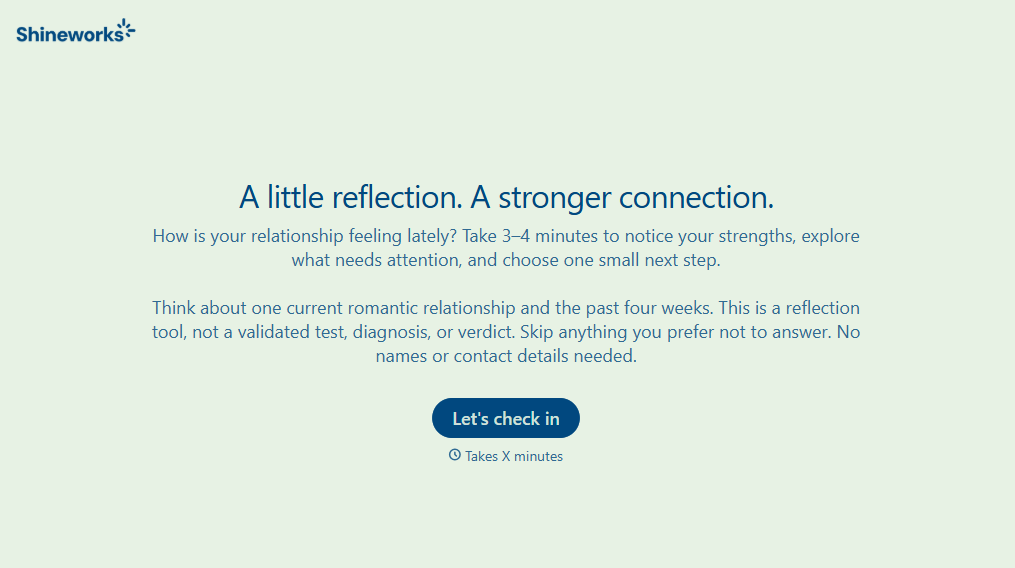
Relationship Quality Test Form
Give individuals and couples a simple way to evaluate their relationships with a form that explores communication, trust, and emotional connection. Keep responses organized so users can reflect on relationship strengths, identify challenges, and understand areas that need attention.
View template
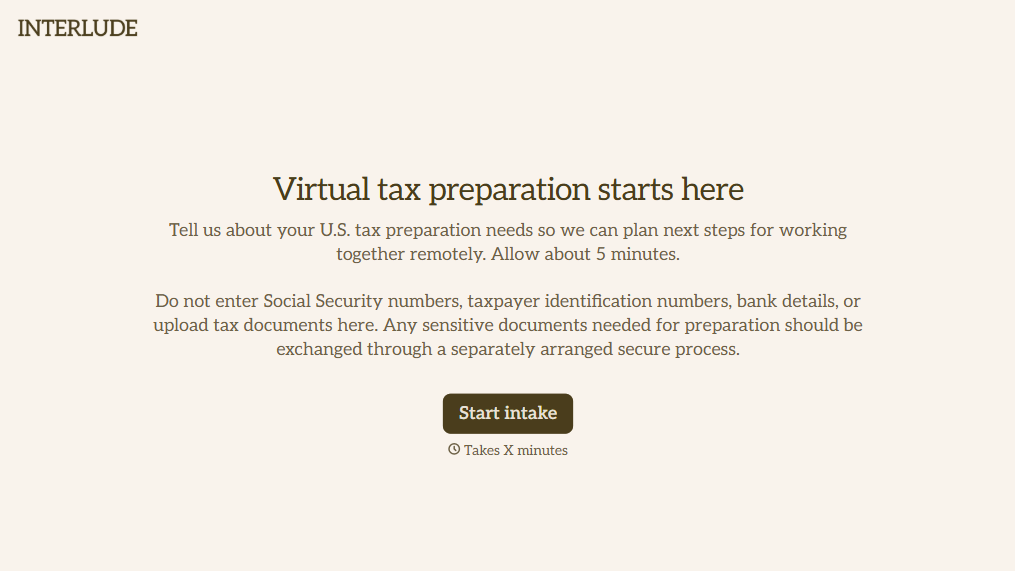
Tax Preparation Virtual Client Intake Form
Give clients a convenient way to provide tax information remotely with a form that collects filing details, income sources, and deduction information. Keep client records organized so tax professionals can prepare returns, identify missing documents, and streamline the tax preparation process.
View template

Point of Sale Agreement Extension Form
Give businesses a straightforward way to request extensions to existing point of sale agreements with a form that collects contract details, extension terms, and authorization information. Keep requests organized so service providers can review agreements, coordinate renewals, and maintain accurate contract records.
View template
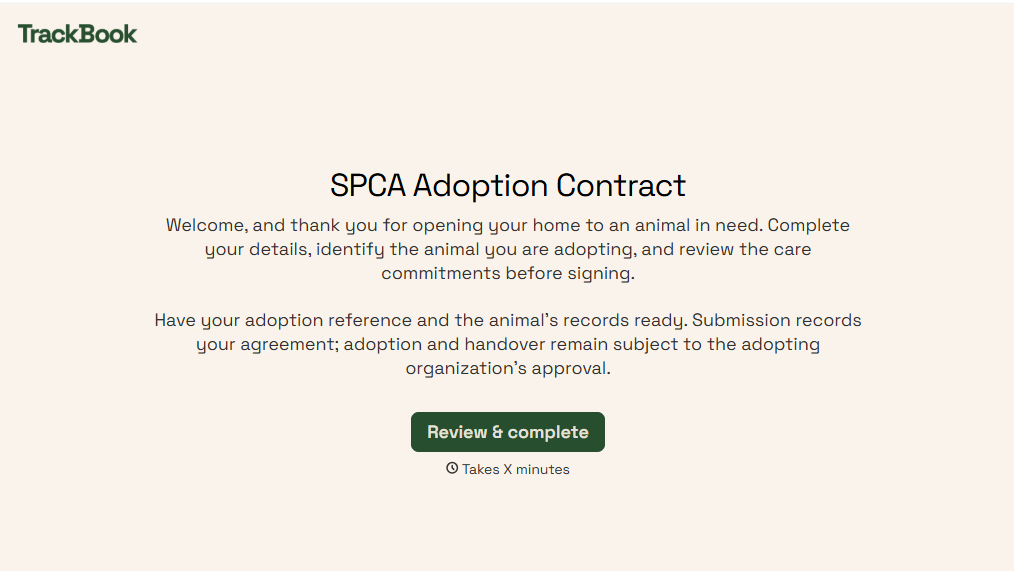
SPCA Adoption Contract Form
Give animal shelters an efficient way to finalize pet adoptions with a form that collects adopter information, pet details, and adoption agreements. Keep records organized so your team can verify requirements, document responsibilities, and help animals transition into their new homes.
View template

Wedding Hair and Makeup Questionnaire Form
Give brides and wedding party members a convenient way to share their beauty preferences with a form that collects hairstyle ideas, makeup looks, and appointment details. Keep client information organized so hair stylists and makeup artists can plan services, coordinate schedules, and create personalized wedding day looks.
View template

Minor Surgery Permission Form
Give patients and authorized guardians an easy way to document consent for minor surgical procedures with a form that collects patient information, procedure details, and medical considerations. Keep consent records organized so healthcare providers can verify permissions, review relevant health information, and prepare for scheduled procedures.
View template
With Typeform, you can customize everything
Change text, colors, and even logos to match the look and feel of your brand. Then embed forms smoothly onto web and email.
Make forms feel effortless to fill out. Pace questions, call people by their name, and adapt the flow based on the data they share.
Stay efficient by connecting forms to your workflow. Typeform integrates with 300+ tools including Slack, Zapier, and HubSpot.