Inquiry Form Template
Give potential customers a direct line to your team, and make sure every question gets answered.


People have questions before they buy. That's normal. What's not normal is making them jump through hoops to ask those questions. A buried contact page, a generic info@ email address, or a chatbot loop that never connects to a human — all of these create friction right at the moment someone is considering doing business with you. Every unanswered inquiry is a potential customer who found someone more responsive.
This inquiry form template creates a clear, inviting entry point for questions. It collects the inquirer's contact details, the nature of their question, any context or details that will help you respond accurately, and their preferred contact method, all in a conversational, one-question-at-a-time flow. Conditional logic can route inquiries by category. Sales questions to your sales team, support questions to your help desk, partnership inquiries to business development — and deliver them through Zapier integrations with email, Slack, or your CRM.
Customize the inquiry categories, add your branding, and embed the form on your website or link to it from your contact page. Every inquiry arrives organized and routed, so response times drop and conversion rates climb.
An inquiry form is a structured online form that allows potential customers, partners, or other stakeholders to submit questions or requests for information about your products, services, or organization. It captures who's asking, what they want to know, and how to reach them, replacing unstructured email and phone inquiries with organized, actionable submissions.
An email address invites unstructured messages that often lack critical context, get buried in overflowing inboxes, and are impossible to route automatically. A form ensures every inquiry includes the information you need to respond, categorizes the request for proper routing, and creates a trackable record. You respond faster because you're not chasing missing details.
Collect what you need to respond without interrogating the inquirer:
- Full name and email address
- Company or organization (if relevant)
- Category of inquiry (sales, support, partnership, general)
- Their question or request in their own words
- Any relevant context (project details, timeline, budget range)
- Preferred contact method and availability
Speed matters more than most businesses realize. Studies consistently show that responding within one hour dramatically increases the likelihood of conversion. Set up Slack or email notifications through Zapier so your team sees new inquiries immediately. Even if you can't fully answer right away, a quick acknowledgment — "We received your inquiry and will follow up by [time]" — goes a long way.
Yes. Typeform offers multiple embed options — inline, popup, slider, or popover, so you can integrate the form seamlessly into your website without sending visitors to a separate page. An embedded form reduces friction because visitors never leave your site, which typically increases completion rates.
Get inspired by relevant templates and categories
3200+ Templates, 300+ Integrations

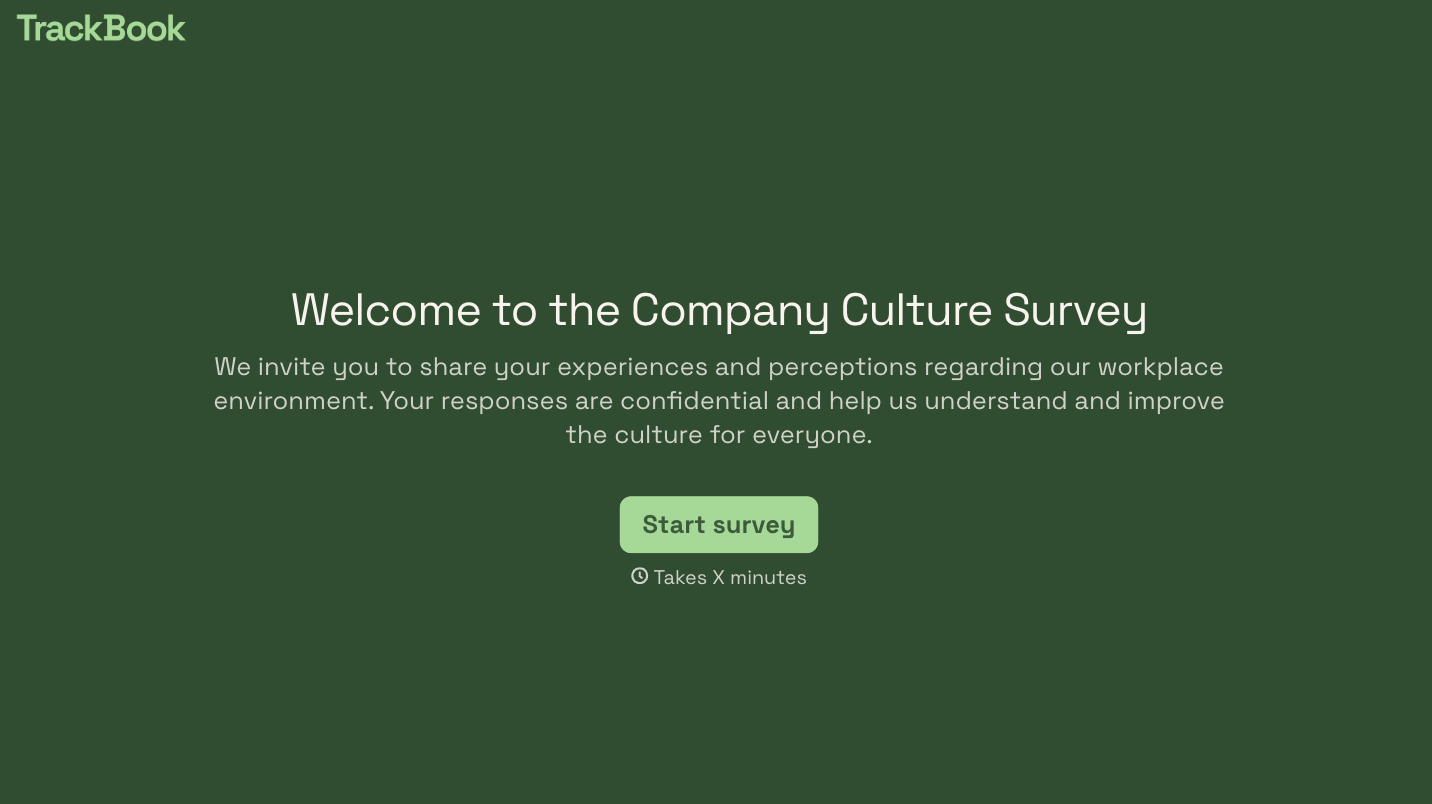
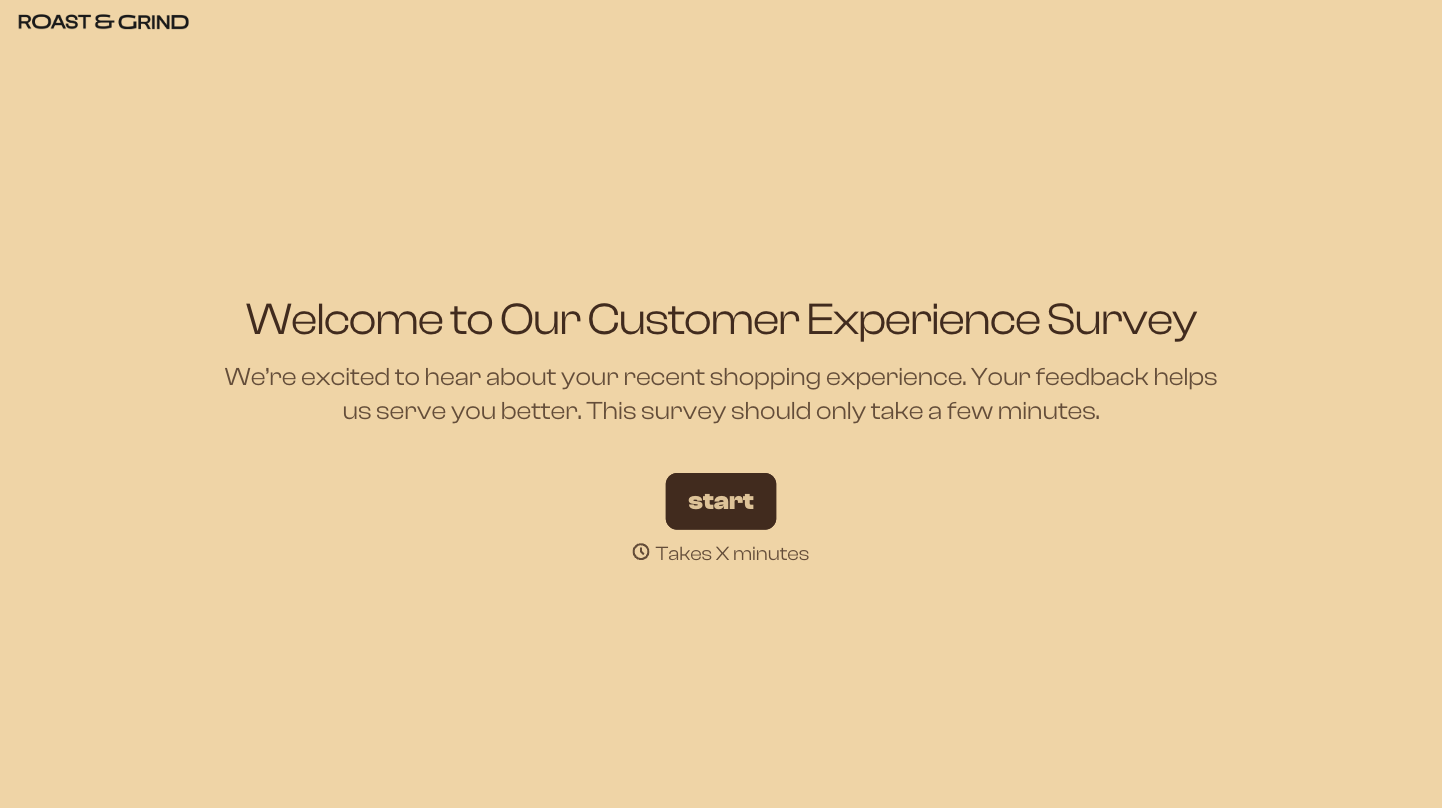

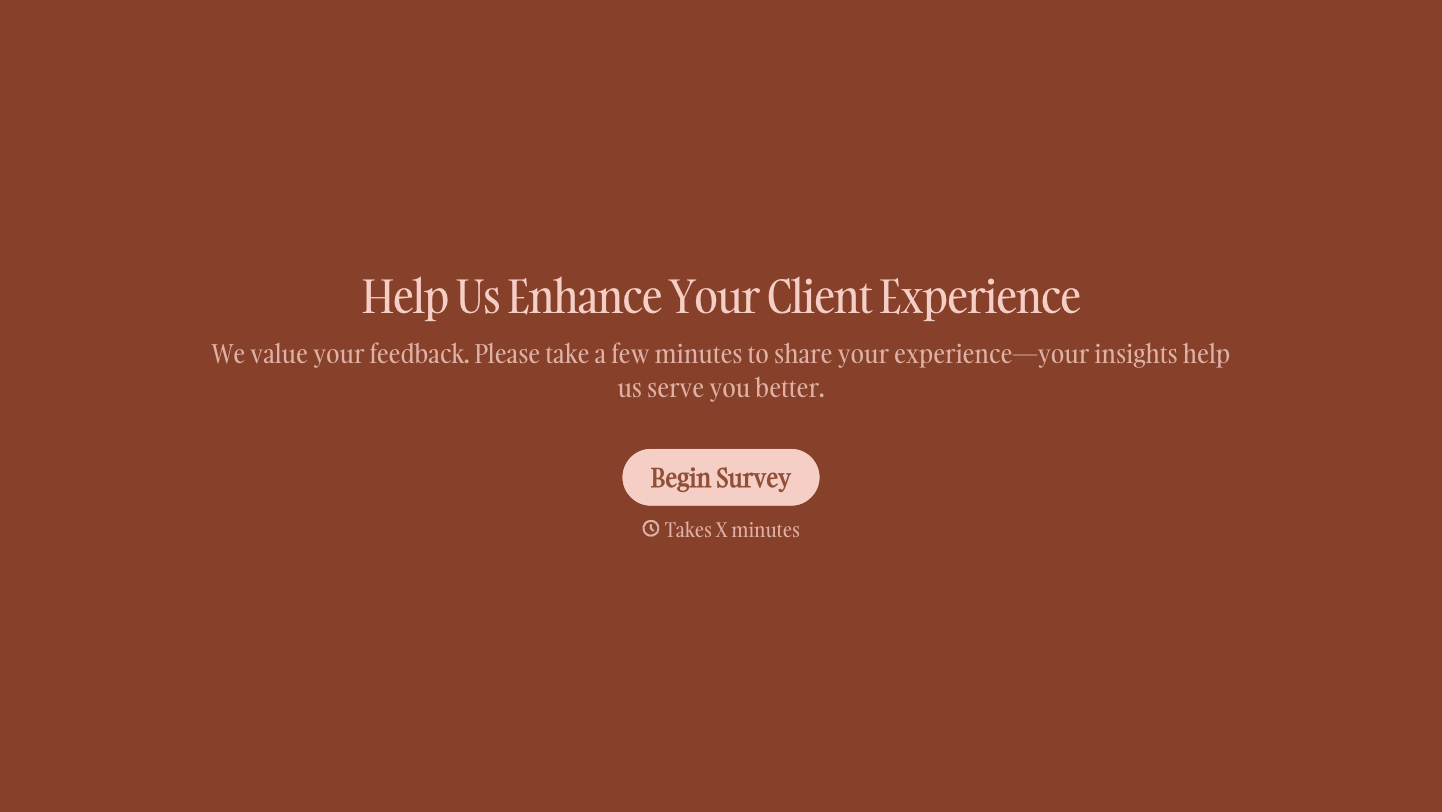

With Typeform, you can customize everything
Change text, colors, and even logos to match the look and feel of your brand. Then embed forms smoothly onto web and email.
Make forms feel effortless to fill out. Pace questions, call people by their name, and adapt the flow based on the data they share.
Stay efficient by connecting forms to your workflow. Typeform integrates with 300+ tools including Slack, Zapier, and HubSpot.


