Threat Assessment Form
A concerning comment that gets passed from a teacher to a counselor to whoever's free that period loses detail with every retelling. Collect what your team actually needs, what was observed or reported, who was involved, and when, before an important detail gets dropped along the way.



Reports of concerning behavior, a comment, a note, a pattern someone noticed, tend to travel by word of mouth. One person mentions it to another, that person tells an administrator later in the day, and by the third retelling a detail has shifted or dropped out entirely. The team responsible for evaluating the report ends up working from a secondhand account instead of what was actually said or observed, at exactly the point where accuracy matters most.
Typeform's threat assessment form asks for what your team's process actually needs, reporter information, what was observed or reported, who was involved, and when and where it happened, then uses conditional logic to branch from there. A report that flags an immediate safety concern can route straight to instructions to contact emergency services or campus security right away, instead of continuing through the rest of the form, and a report involving a specific concern, like a weapon or a threat of self-harm, can surface the follow up questions that situation actually calls for. Every report lands in one record your team's protocol can act on, instead of a story that changed shape by the time it reached them.
Connect the form to your safety team's platform through Zapier, and a submission can notify the designated members the moment it comes in, instead of waiting for the report to travel through informal channels. Keep the link posted somewhere everyone knows to find it, and your team can respond to a report with a documented account in hand, instead of relying on someone remembering to escalate what they heard.
A threat assessment form is an online form schools, workplaces, and other organizations use to document a report of concerning behavior, so a trained team can evaluate it according to their established threat assessment protocol. It captures who reported it, what was observed, and who was involved, in one written record.
A concern reported verbally and passed along by word of mouth tends to lose or shift detail with each retelling, and the team evaluating it ends up working from someone's memory of what someone else said. A form captures the report directly from the person who observed it, while the details are still fresh.
Ask for what your team's protocol will actually need to evaluate the report:
- An upfront flag for any immediate safety concern
- Reporter name and contact information
- What was observed or reported, in as much detail as possible
- Who was involved
- Date, time, and location
No. The form documents a report so your team has something specific and accurate to work from. The actual assessment, evaluating the level of concern and deciding on a response, still needs to be carried out by a trained team following your organization's established protocol. If a report involves immediate danger, contact emergency services directly rather than waiting on the form.
Yes. Add a file upload question and reporters can attach a screenshot, a photo, or another document as supporting evidence in the same submission, no separate email required. Pair it with conditional logic so the upload only appears when the reporter indicates they have something to share.
Get inspired by relevant templates and categories
3200+ Templates, 300+ Integrations

Bank Reference Form
A reference request faxed to a bank branch and left sitting in a queue for weeks isn't the kind of turnaround a landlord or business can wait on. Collect the applicant's signed authorization and the specific details you need confirmed before the request even reaches the bank, so a decision isn't stuck behind a letter that hasn't come back yet.
View template

Bar Inventory Form
A bottle count eyeballed at the end of a shift and scrawled on a paper sheet doesn't hold up against a pour cost report that says something doesn't add up. Collect what your bar actually needs, item, count, and variance, on a schedule you can actually compare week to week.
View template

Equipment Inventory Form
Equipment that leaves a storage room in someone's arms, with no note about where it went, doesn't show up again until someone needs it and can't find it. Collect what your team actually needs, item details, condition, and who's got it, every time something moves.
View template
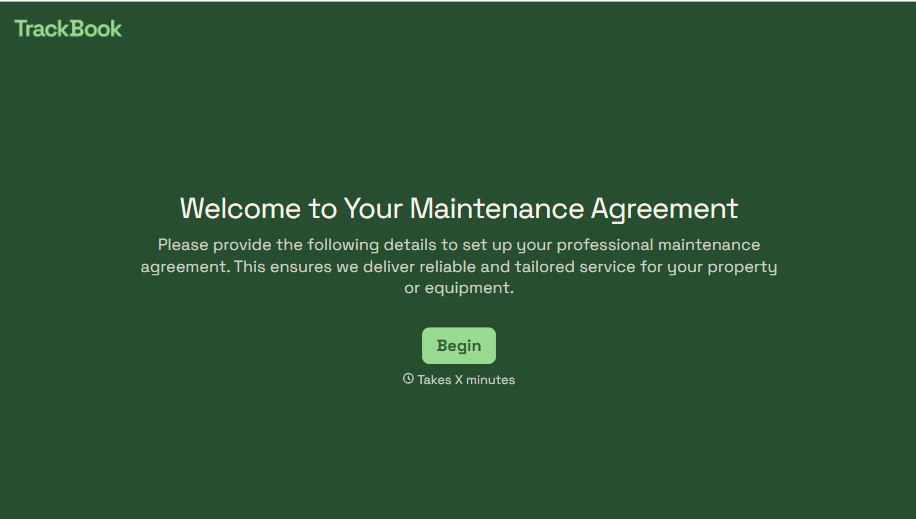
Maintenance Agreement Form
A maintenance plan agreed to over the phone isn't a contract your service team can actually work from, especially when nobody's sure whether the twice-a-year tune-up was part of the deal. Collect the equipment covered, service frequency, and a signed agreement before the first visit, so your team isn't guessing at scope once they're on-site.
View template
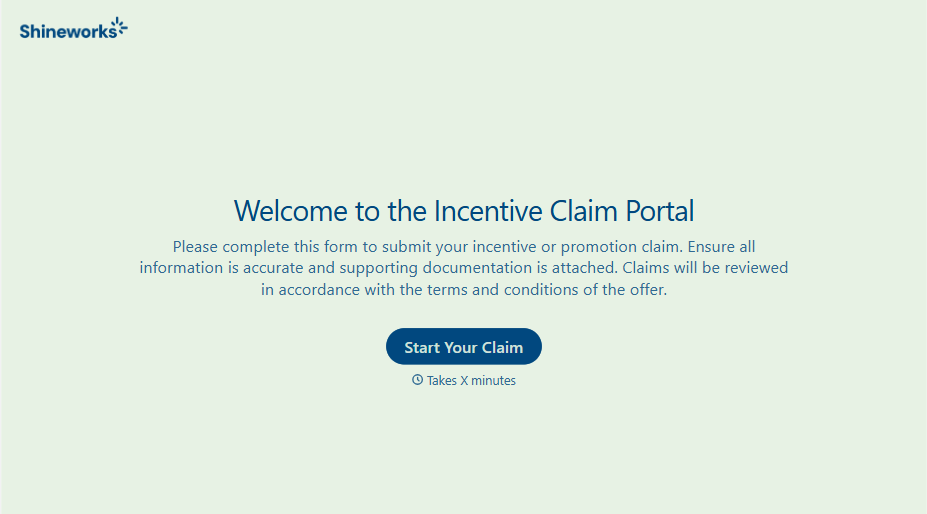
Incentive Claim Form
A rebate claim mailed in with a stapled stack of receipts isn't the kind of paperwork that gets processed quickly, especially when a required serial number turns out to be missing from page three. Collect proof of purchase, product details, and participant information upfront, so a claim doesn't bounce back for a missing document weeks later.
View template
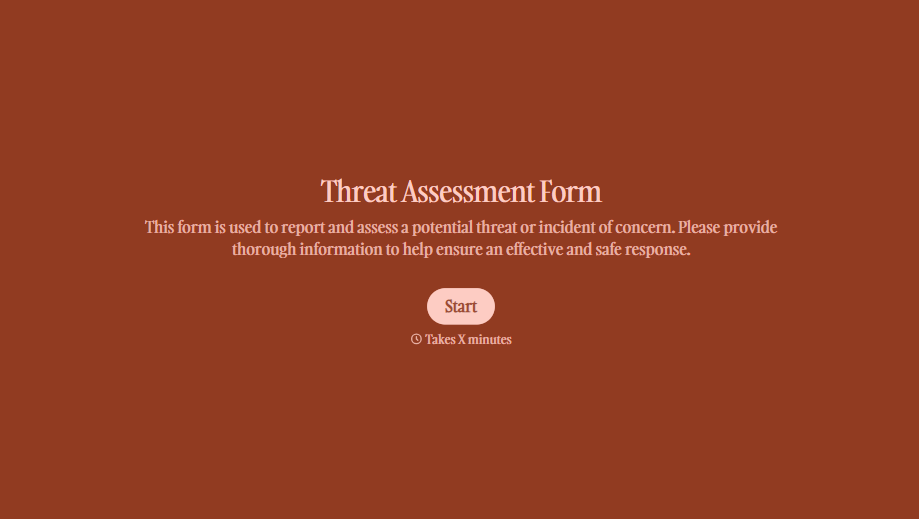
Threat Assessment Form
A concerning comment that gets passed from a teacher to a counselor to whoever's free that period loses detail with every retelling. Collect what your team actually needs, what was observed or reported, who was involved, and when, before an important detail gets dropped along the way.
View template
With Typeform, you can customize everything
Change text, colors, and even logos to match the look and feel of your brand. Then embed forms smoothly onto web and email.
Make forms feel effortless to fill out. Pace questions, call people by their name, and adapt the flow based on the data they share.
Stay efficient by connecting forms to your workflow. Typeform integrates with 300+ tools including Slack, Zapier, and HubSpot.


