Issue Tracking Form
Find out what broke, where, and how often, before anyone starts guessing. Collect reproduction steps, environment, and severity in one report.



Most issues arrive as one sentence: the export is broken. Nobody can act on that. A fix depends on the steps that produced the problem, the browser or device it happened on, what the user was trying to accomplish instead, and how many people are running into the same problems. Chasing those details through a Slack thread takes longer than the fix does. Typeform's issue tracking form asks for these details at the moment someone reports the problem, while they still have the broken screen in front of them.
Reporters describe what happened, what they expected to achieve instead, and when the issue started. Conditional logic branches the questions based on the issue type the reporter picks and asks only what questions are relevant. A bug opens the steps to reproduce the issue, the browser or device it happened on, and a screenshot upload of the issue. An access problem prompts questions about the account, the system, and the permission they need.
Questions appear one at a time, so a reporter answers a short sequence of questions, instead of facing a wall of fields and abandoning the form out of frustration. Every report then arrives with the same information filled in, which means whoever is addressing the reported issues, sorts by severity, rather than reading paragraphs. Connect the form to Zapier and each submission lands in the tracker that owns it.
An issue tracking form is an online form someone fills in to report a problem with a product, a system, or a service. It records what happened, what they expected instead, the steps that caused it, the device or browser they were on, and how badly it's affecting their work. Teams that route every report through the same form triage on the details in front of them instead of asking three follow-up questions first.
Without an issue tracking form, people report problems in Slack messages and emails, and each one includes whatever the sender happened to think of. Someone writes that checkout is failing, and nobody knows which browser, which step, or whether it's one customer or everyone. An engineer either guesses or hunts down the reporting employee to ask, and the report stalls while the problem continues to happen. An issue tracking form asks everyone the same questions, so whoever takes on the ticket and can address the issue the first time.
Cover what a fix depends on:
- What happened, and what the reporter expected instead
- The exact steps that produced it, in order
- The browser, device, or environment it happened on
- A screenshot or recording
- Severity, and whether the reporter has a way to work around it
Connect the issue tracking form to Zapier and create a ticket in Jira, Linear, or your help desk on every submission. Map each question to a field in the tracker, so the severity answer sets priority and the issue type sets the queue, and nobody retypes a report to file it. Send a copy to the reporter as well, so they have the ticket reference and stop asking for updates in Slack.
Put a link to your open issues on the first screen and ask reporters to check it before they continue. A form can't spot a duplicate on its own, but consistent fields make duplicates easy to find once they land, since two people reporting the same broken export answer the same questions in the same order. Merge them as they come in, and the count of reporters becomes useful information rather than more noise.
Get inspired by relevant templates and categories
3200+ Templates, 300+ Integrations
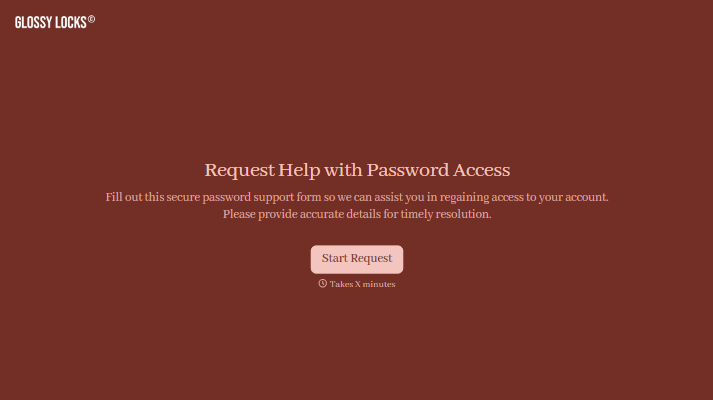
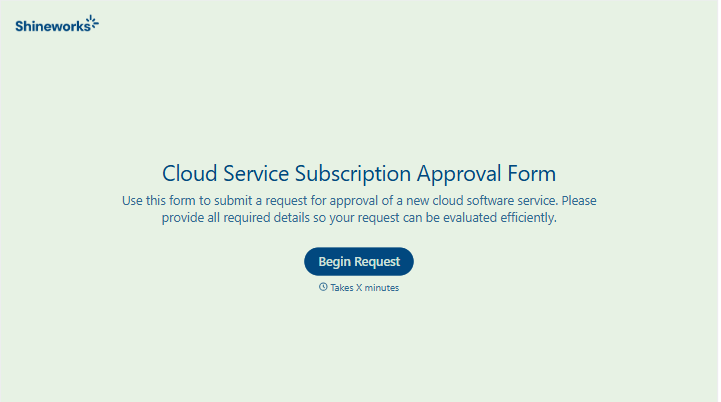
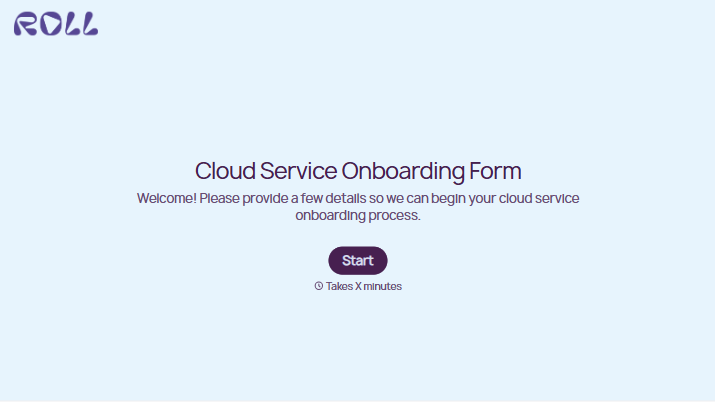
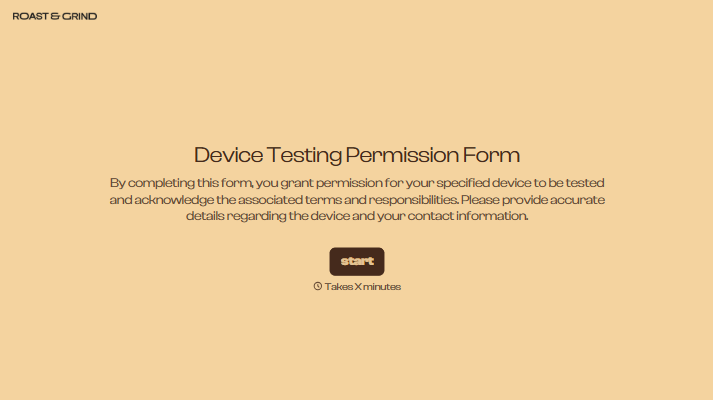
With Typeform, you can customize everything
Change text, colors, and even logos to match the look and feel of your brand. Then embed forms smoothly onto web and email.
Make forms feel effortless to fill out. Pace questions, call people by their name, and adapt the flow based on the data they share.
Stay efficient by connecting forms to your workflow. Typeform integrates with 300+ tools including Slack, Zapier, and HubSpot.


