Job Safety Analysis Form Template
Identify hazards before work begins, so your team knows the risks and how to manage them.



A job safety analysis that gets done in a rush, or not done at all, is a missed opportunity to prevent an incident. When the process is cumbersome, forms get filled out after the fact, or supervisors complete them on behalf of workers who weren't involved in the assessment. That defeats the purpose.
A Typeform job safety analysis form makes the pre-task process practical. Workers and supervisors can complete it on a mobile device before starting work. Each step of the task is documented with associated hazards and control measures. Conditional logic can prompt additional fields when a high-risk activity is identified, ensuring those tasks get the extra attention they warrant. All completed JSAs are logged automatically with timestamps and respondent details.
Customize the form with your task types, hazard categories, and control hierarchies. It works for construction, manufacturing, maintenance, or any field operation where hazard identification matters.
A job safety analysis (JSA) form is a document used to identify potential hazards associated with specific work tasks and establish the steps or controls needed to manage those risks before work begins. It's a proactive safety tool that involves workers directly in hazard identification.
A completed JSA creates a clear record that the hazards of a task were considered and controlled before work started. It protects workers, supports regulatory compliance, and provides documentation that can be reviewed if an incident occurs.
Work through each element of the task systematically:
- Job or task name, location, date, and personnel involved
- Individual steps or phases of the task in sequence
- Potential hazards associated with each step
- Control measures to eliminate or reduce each identified hazard
- Required PPE and any permits needed
- Supervisor sign-off and worker acknowledgment
The workers performing the task should be involved, not just the supervisor. Workers often have practical knowledge of hazards that aren't obvious from a management perspective. A JSA completed collaboratively is more accurate and more likely to be followed.
A mobile-optimized form that works without a specific app is the most practical approach for field teams. Workers can complete and submit the JSA from any phone or tablet before starting work, and supervisors receive the completed form automatically.
Get inspired by relevant templates and categories
3200+ Templates, 300+ Integrations
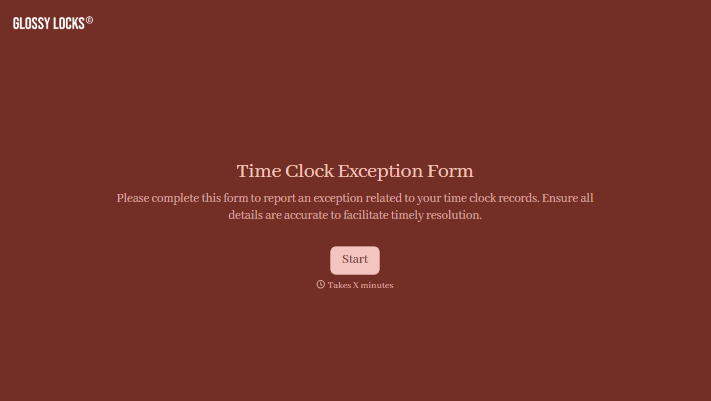
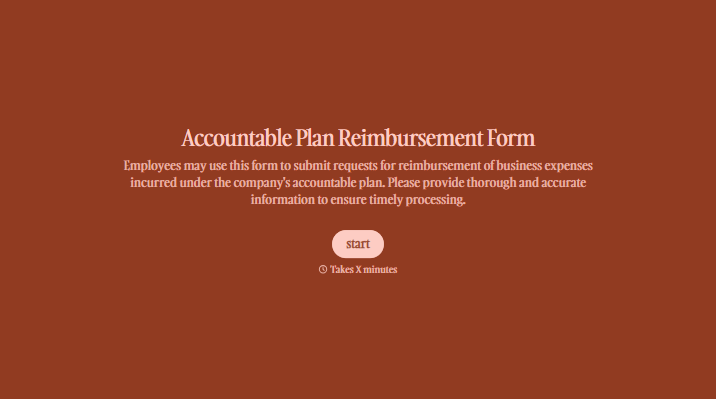
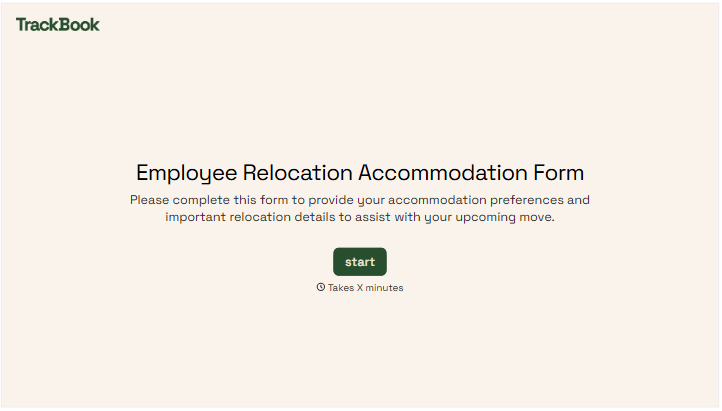

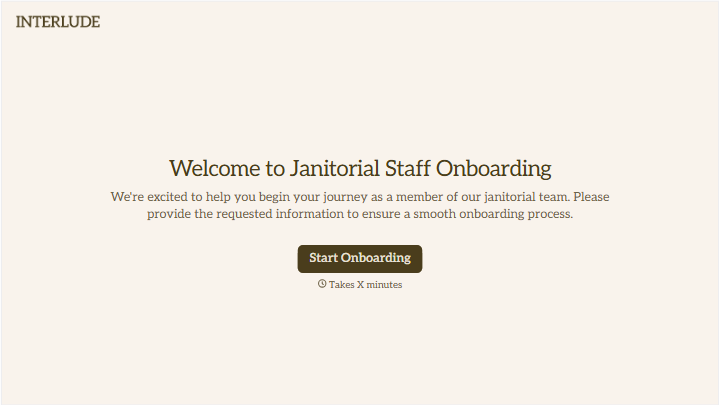
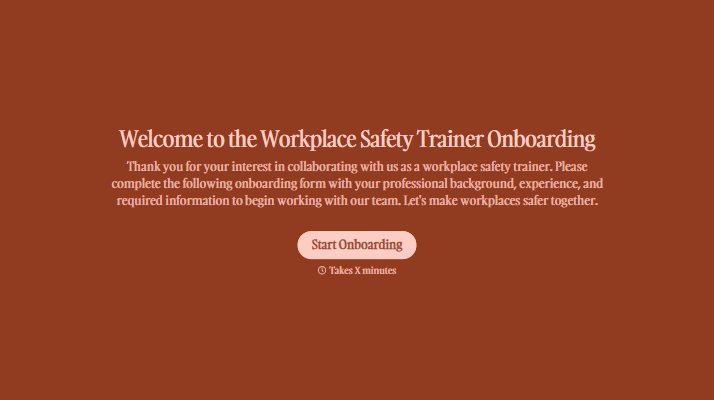
With Typeform, you can customize everything
Change text, colors, and even logos to match the look and feel of your brand. Then embed forms smoothly onto web and email.
Make forms feel effortless to fill out. Pace questions, call people by their name, and adapt the flow based on the data they share.
Stay efficient by connecting forms to your workflow. Typeform integrates with 300+ tools including Slack, Zapier, and HubSpot.


