Labor Application Form
Give applicants a clear way to apply for labor roles. Collect relevant experience, practical skills, and availability so your team can identify candidates to speak with.



An applicant has years of warehouse experience but no polished résumé. Another can start next week, but only on the evening shift. A name and phone number won’t tell your hiring team either detail. Typeform’s labor application form gives candidates a straightforward way to explain what they can bring to the job.
Applicants select the role or location they’re interested in, describe relevant work, and share their availability. Ask about equipment experience, training, or certifications where they matter to the position. Give people room to describe skills gained through temporary jobs or other practical experience, with a résumé upload optional when your process allows it.
Your team gets a consistent application to review. Candidates get a chance to show relevant abilities without having to fit everything into a work-history document. Clear information about shifts, location, and duties helps both sides decide whether to continue the conversation.
A labor application form collects information from people applying for hands-on roles, such as general labor, warehouse, construction, or production work. It typically asks about relevant experience, skills, and availability. Employers use it to gather applications and organize the next hiring steps.
A résumé may not clearly show whether someone has used the equipment involved or can work the required shift. A dedicated form asks those questions directly. It also gives applicants without a résumé a structured way to describe their experience.
Match the questions to the role:
- Applicant name and contact details
- Position and preferred work location
- Relevant work experience
- Practical skills and equipment experience
- Required training or certifications
- Shift availability and possible start date
- References, if needed at this stage
- Optional résumé or supporting documents
Describe the duties, schedule, and essential requirements before applicants begin so they can provide relevant answers.
Keep it short and easy to use on a phone. Use plain descriptions of tasks and equipment rather than internal job titles or abbreviations. Let applicants summarize relevant experience instead of requiring a lengthy employment history, and provide a contact for anyone who needs help applying.
Yes. Start with a role selection, then show questions relevant to that position. A warehouse applicant might describe picking and packing experience, while a construction applicant might list relevant site skills. Keep shared contact and availability fields consistent, and explain whether applicants can select more than one opening.
Get inspired by relevant templates and categories
3200+ Templates, 300+ Integrations

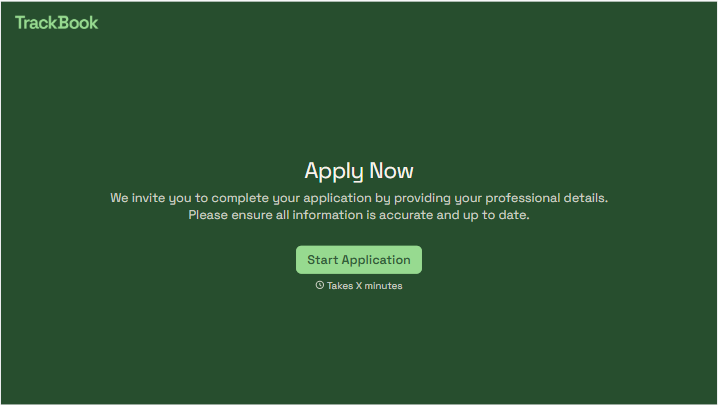
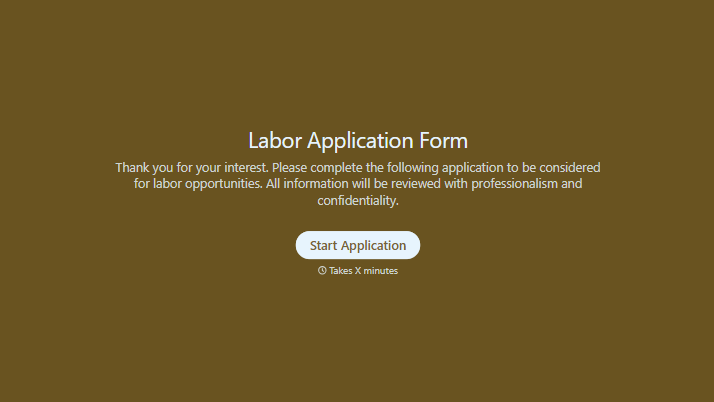
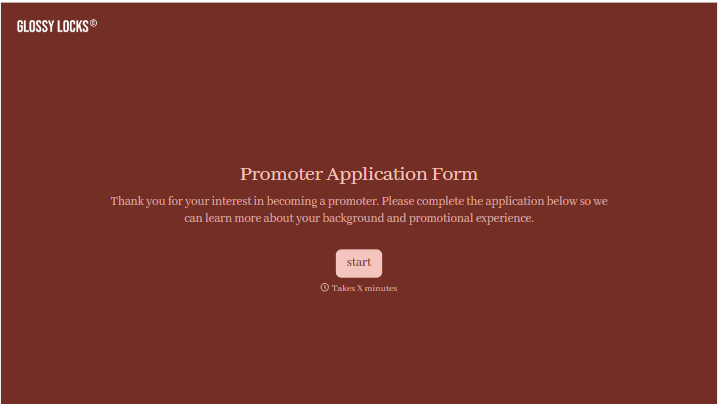
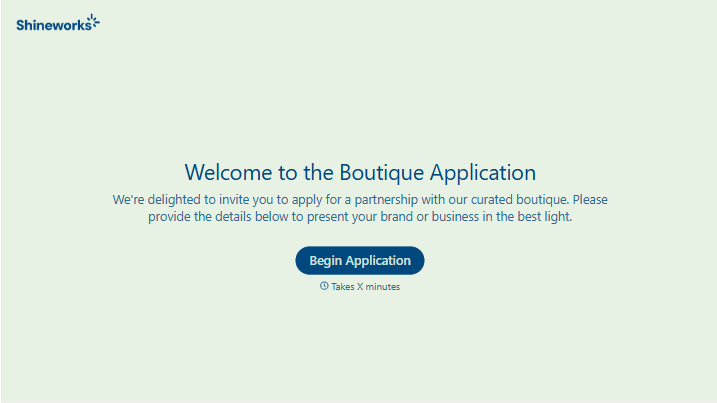
With Typeform, you can customize everything
Change text, colors, and even logos to match the look and feel of your brand. Then embed forms smoothly onto web and email.
Make forms feel effortless to fill out. Pace questions, call people by their name, and adapt the flow based on the data they share.
Stay efficient by connecting forms to your workflow. Typeform integrates with 300+ tools including Slack, Zapier, and HubSpot.


