Laboratory Requisition Form Template
Request lab tests clearly and completely, so samples get processed without delays or repeat submissions.



A lab requisition that's missing key information holds up the entire testing process. Illegible handwriting, missing patient identifiers, or an unclear test order means follow-up calls, resubmissions, and delays in results that clinicians and patients are waiting on. Paper-based requisition processes create these problems constantly.
A Typeform laboratory requisition form digitizes the request process with required fields and structured inputs. Conditional logic ensures clinicians see the relevant test options for the sample type they're ordering, without scrolling through irrelevant panels. All required information is captured before submission, and responses can flow directly into your lab management system via integrations.
You can customize the form for your facility's test menu, patient identifier requirements, and routing rules. It works on any device and can be accessed from clinical workstations or mobile.
A laboratory requisition form is a formal request submitted by a clinician to a laboratory to perform specific diagnostic tests on a patient sample. It includes patient identification, the tests ordered, specimen type, and clinical notes relevant to interpretation.
A standardized digital requisition reduces errors caused by handwriting, missing information, or ambiguous test orders. It also creates a traceable record for each request, which supports audit trails and billing accuracy.
Capture everything the lab needs to process the sample correctly:
- Patient full name, date of birth, and identifier (MRN or similar)
- Ordering clinician's name and contact details
- Date and time of sample collection
- Specimen type and collection method
- Tests requested and relevant clinical indication
- Priority level (routine, urgent, STAT)
Typeform integrates with a range of data tools and supports webhook connections, which means you can route completed requisitions directly into your LIS or a shared records platform. Your technical team can configure the integration based on your system's requirements.
Yes. Conditional logic lets you show different test menus and collection instructions based on the specimen type selected at the start of the form. Blood panels, urine cultures, and tissue samples can each follow their own path through the same form.
Get inspired by relevant templates and categories
3200+ Templates, 300+ Integrations
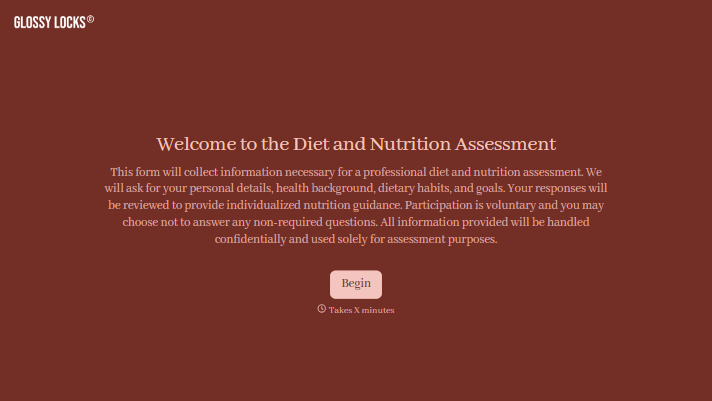
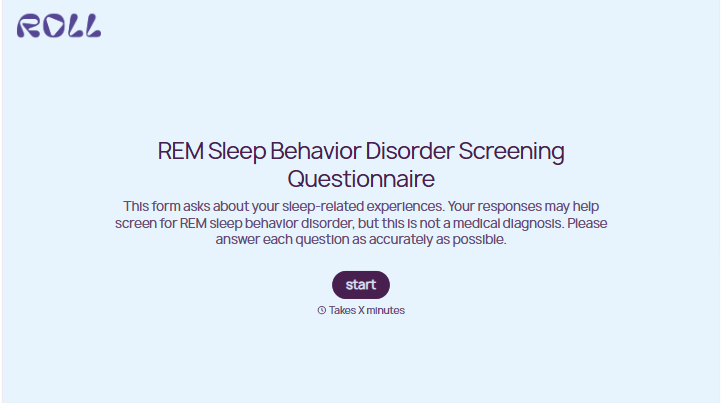
With Typeform, you can customize everything
Change text, colors, and even logos to match the look and feel of your brand. Then embed forms smoothly onto web and email.
Make forms feel effortless to fill out. Pace questions, call people by their name, and adapt the flow based on the data they share.
Stay efficient by connecting forms to your workflow. Typeform integrates with 300+ tools including Slack, Zapier, and HubSpot.


