Library Card Application Form
Move past a quick sign-up sheet that just grabs a name and an address. Screen for who actually needs a parent or guardian to co-sign, confirm proof of residency, and keep a record of exactly what each cardholder agreed to before you hand over a card that comes with real financial responsibility attached.



A library card isn't just a login for the catalog, it's a line of credit against your collection, and whoever holds it is responsible for every item and every fee until the card is reported lost. A one-line sign-up sheet at the desk doesn't confirm residency, doesn't flag who's a minor and needs a guardian to take on that responsibility, and doesn't document what the cardholder agreed to if a hardcover goes missing six months later. It also becomes one of the more legally protected records you hold: 48 states and DC, plus Kentucky and Hawaii through attorney general opinions, have statutes protecting library patron confidentiality, according to the American Library Association.
Typeform's library card application form uses conditional logic to route the right questions to the right applicant, proof of ID and residency for adults, and a parent-or-guardian section for anyone under 18 that walks through borrowing scope and who's responsible for lost or damaged items. Many public libraries, including the New York Public Library, require a guardian to set borrowing permissions for younger children while treating teenagers differently, so the form asks the right questions for each age group instead of one generic set.
Every submission becomes a timestamped record of exactly what the applicant, or their guardian, disclosed and agreed to. That's the file you want if a residency question comes up, a family disputes a lost-item charge, or someone needs to confirm who authorized a minor's borrowing privileges.
A library card application form collects what a library needs to issue a card and confirm eligibility: the applicant's name, date of birth, address, contact information, proof of residency or ID, and agreement to the library's circulation terms. For a minor, it also captures a parent or guardian's information and their agreement to take on responsibility for the child's borrowing.
Usually, for younger children. Many library systems require a parent or guardian to complete the application for children up to around age 12, decide whether the child can borrow from the full collection or juvenile materials only, and take on responsibility for anything lost or damaged. Teens are often treated differently, some libraries, including the New York Public Library, let 13- to 17-year-olds apply without a guardian's signature or a photo ID, while still allowing a guardian to check on overdue items. Confirm the specific age cutoffs and requirements against your own library's policy, since they vary by system.
Capture enough to confirm eligibility and document what was agreed to:
- Full name, date of birth, and contact information
- Home address and proof of residency, since eligibility and non-resident fees often depend on it
- Proof of identification, where required
- A parent or guardian's name and contact information, plus their agreement to borrowing scope and financial responsibility, if the applicant is a minor
- Agreement to the library's circulation policy: due dates, fines, and replacement costs for lost or damaged items
- Signature and date
Generally, yes, once it becomes part of your library's records. 48 states and DC have statutes protecting the confidentiality of library patron records, and Kentucky and Hawaii protect the same information through attorney general opinions, per the American Library Association. That protection covers what your library collects and holds, but it doesn't automatically extend to a third-party form tool, so confirm separately how your form provider handles and stores that data.
Yes. Typeform's signature question lets an applicant, or a parent or guardian, sign by typing, drawing, or uploading their signature, time-stamps it the moment they submit, and locks the response so it can't be changed afterward, generating a PDF you can keep on file. It's available on Typeform's Growth Flow, Growth Custom, and Enterprise plans.
Get inspired by relevant templates and categories
3200+ Templates, 300+ Integrations
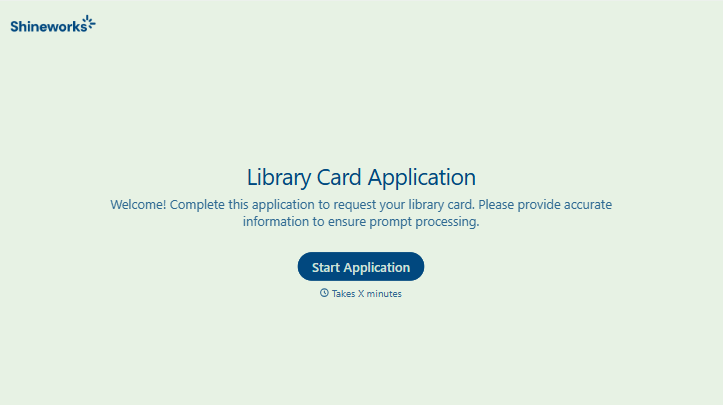
Library Card Application Form
Move past a quick sign-up sheet that just grabs a name and an address. Screen for who actually needs a parent or guardian to co-sign, confirm proof of residency, and keep a record of exactly what each cardholder agreed to before you hand over a card that comes with real financial responsibility attached.
View template

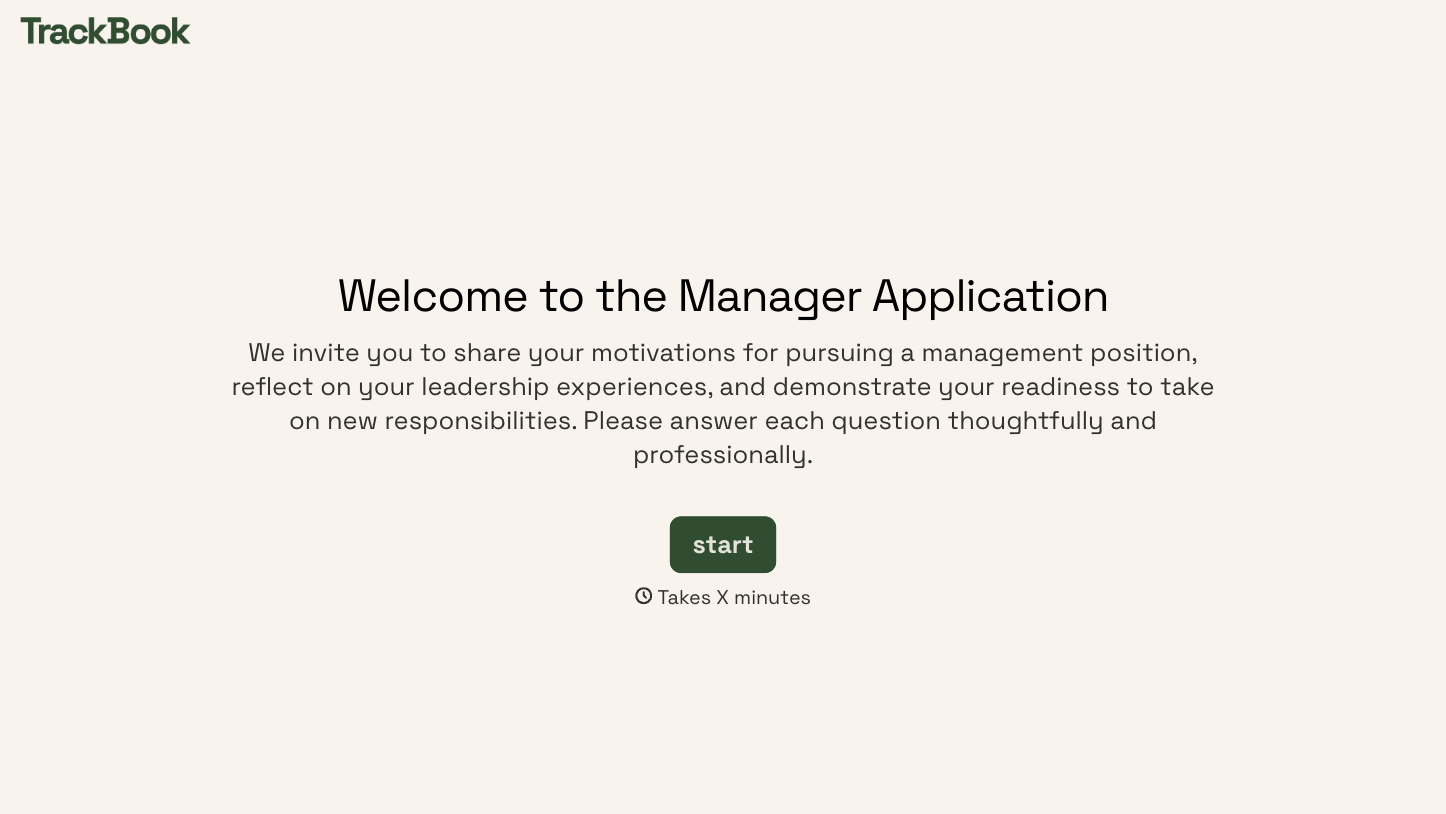


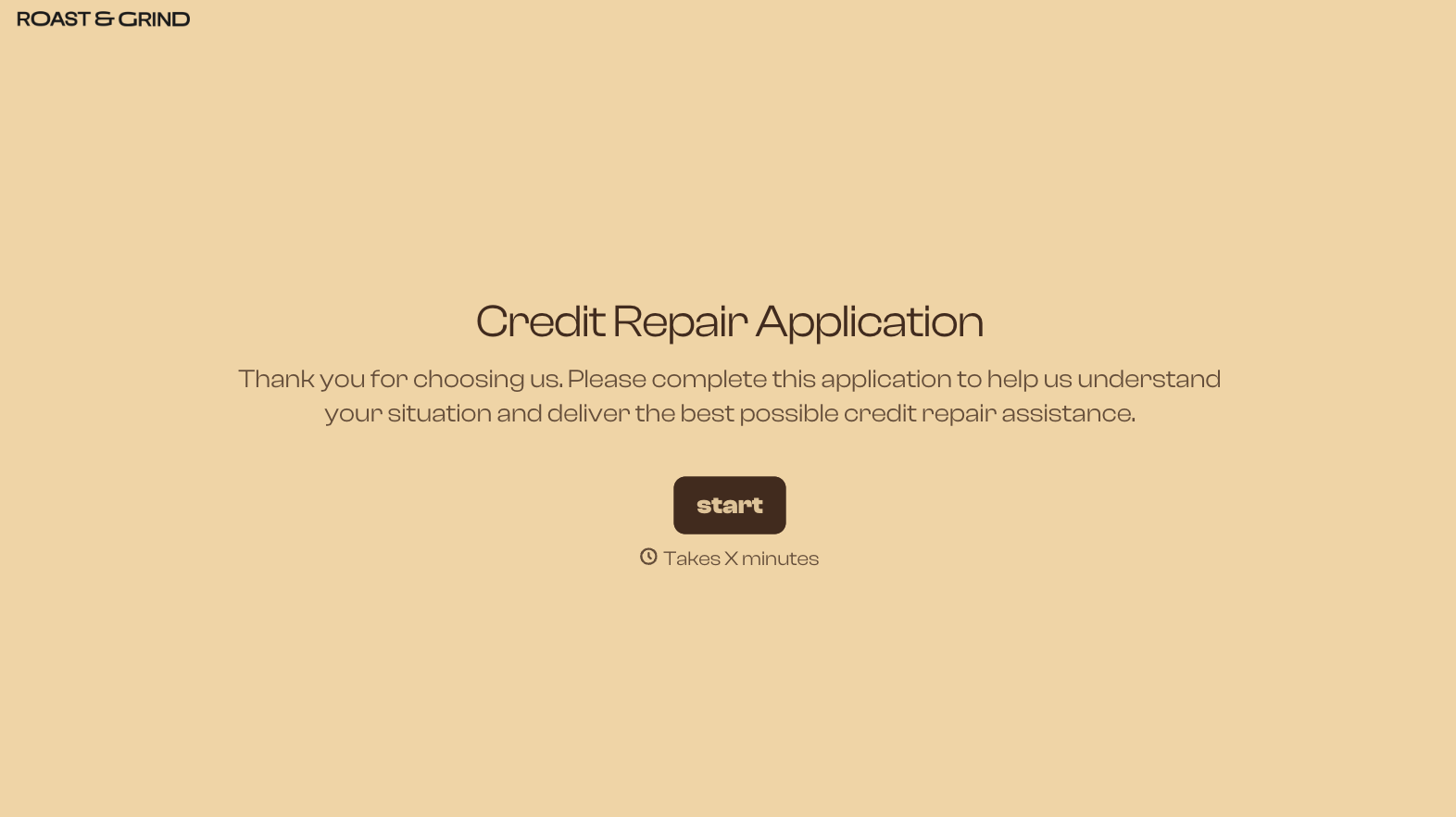
With Typeform, you can customize everything
Change text, colors, and even logos to match the look and feel of your brand. Then embed forms smoothly onto web and email.
Make forms feel effortless to fill out. Pace questions, call people by their name, and adapt the flow based on the data they share.
Stay efficient by connecting forms to your workflow. Typeform integrates with 300+ tools including Slack, Zapier, and HubSpot.


