Media Release Form Template
Get signed permission to use photos, videos, quotes, and other content featuring your subjects.



Using someone's likeness, voice, or personal story in your marketing materials, publications, or social content without documented permission creates legal and reputational risk. The old approach of getting a paper signature and filing it somewhere creates its own problems when you need to retrieve consent records quickly or verify what was actually authorized.
A digital media release form collects and stores clear consent: who is authorizing use, what content is covered, how it can be used, and any limitations the subject wants to apply. The form walks the signer through the terms clearly rather than presenting a wall of legal text, which makes it more likely that consent is genuinely informed. Every submission is timestamped and accessible in your account when you need to verify authorization.
Customize the form for your specific content types and use cases, from event photography to case study interviews to social media testimonials, and send it by link before any content is captured.
It's a legal consent document in which an individual grants permission for an organization or individual to use their likeness, voice, image, story, or other personal content for specified purposes. It protects both the content creator and the subject by documenting what was agreed to.
Using someone's content or likeness without documented permission exposes your organization to legal liability and damages trust with the people who appear in your materials. A digital release form is easier to send, sign, and retrieve than a paper alternative.
A clear media release should establish who, what, and how. Core elements include:
- Full legal name and contact information of the individual granting permission
- Description of the specific content being released (photos, video, quotes, story)
- Permitted uses (marketing materials, social media, publications, website, etc.)
- Duration of the permission (in perpetuity or for a defined period)
- Any geographic or platform limitations on use
- Acknowledgment that compensation is or is not being provided
A properly completed digital media release with clear terms, a record of the individual's identity, and their explicit agreement generally constitutes a binding agreement. The enforceability of electronic consent varies by jurisdiction, so consult a legal professional about the requirements applicable to your organization and location.
Add a conditional question for the subject's age. If they're under 18, route them to a section requiring a parent or guardian's full name, relationship to the minor, and separate consent on the child's behalf. Some jurisdictions have specific requirements for minor releases, so confirm what's needed in your location.
Get inspired by relevant templates and categories
3200+ Templates, 300+ Integrations

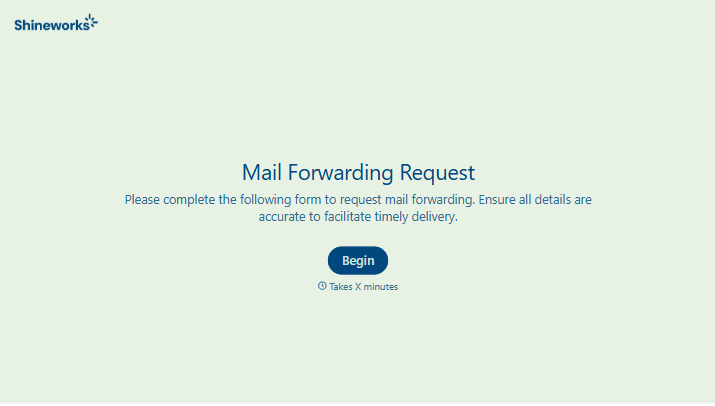
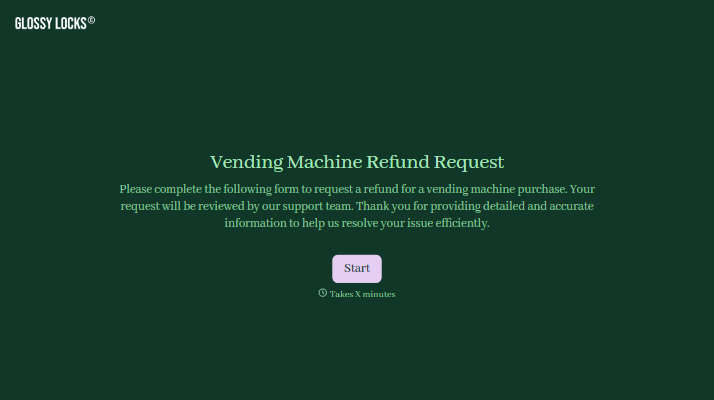
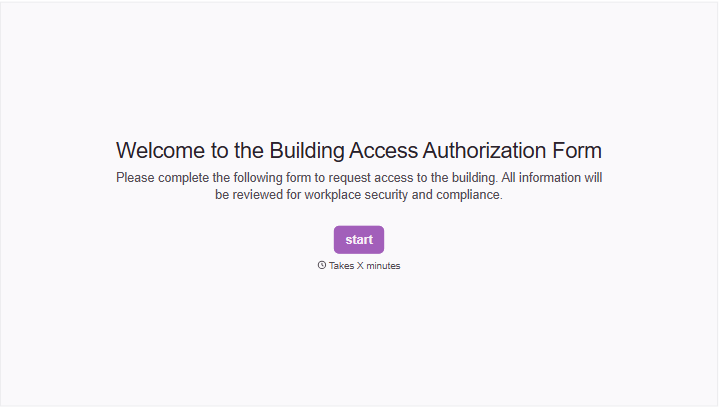


With Typeform, you can customize everything
Change text, colors, and even logos to match the look and feel of your brand. Then embed forms smoothly onto web and email.
Make forms feel effortless to fill out. Pace questions, call people by their name, and adapt the flow based on the data they share.
Stay efficient by connecting forms to your workflow. Typeform integrates with 300+ tools including Slack, Zapier, and HubSpot.


