Medication List Form Template
Keep a complete, current medication record. "I think it's the blue pill" isn't enough.



Accurate medication lists save lives. Drug interactions, allergies, dosage errors — they all become more likely when a patient's medication record is incomplete, outdated, or scattered across multiple providers. Yet collecting a thorough medication list is one of the most error-prone parts of any healthcare intake. Patients forget drug names, confuse dosages, and skip supplements they don't consider "real" medications.
This medication list form template guides patients through a thorough inventory of everything they're taking — prescriptions, over-the-counter drugs, supplements, and herbal remedies. Typeform's one-question-at-a-time format prevents the overwhelm of listing everything at once. Conditional logic prompts for allergy information when a new medication is added and asks about side effects experienced with each drug.
Connect the form to your EHR system or patient management platform through integrations. Patients can complete it before their appointment, giving providers an accurate picture before the conversation even starts.
A medication list form is a structured document used to capture a comprehensive record of all medications a person is currently taking. It includes prescription drugs, over-the-counter medications, vitamins, supplements, and herbal remedies — along with dosage, frequency, prescribing physician, and the condition being treated. It's a foundational element of patient safety and clinical decision-making.
Incomplete medication records are a leading cause of adverse drug events. When providers don't know the full picture, they can unknowingly prescribe medications that interact dangerously with something the patient is already taking. A complete, current list also prevents duplicate prescriptions, facilitates care coordination between multiple providers, and speeds up emergency treatment when a patient can't communicate their medication history themselves.
- Medication name (brand and/or generic)
- Dosage strength and form (tablet, liquid, injection, etc.)
- Frequency and timing of administration
- Prescribing physician or reason for taking (for OTC/supplements)
- Start date and any planned end date
- Known drug allergies or adverse reactions
Many patients don't think of vitamins, supplements, or occasional OTC drugs as "medications", so they leave them off the list. The fix is in how you ask. Instead of saying "list your medications," ask specifically: "Are you taking any vitamins or supplements?" followed by "Are you taking any over-the-counter medications, even occasionally?" Separate, direct questions, which Typeform's format supports naturally. Surface items that a single broad question misses.
Ideally, at every clinical encounter. Medication reconciliation. Comparing what a patient is actually taking against what's on record. Should be standard practice at each visit. Beyond clinical settings, patients should update their list whenever a medication is added, discontinued, or has its dosage changed. Sending the form link ahead of appointments through Typeform's scheduling integrations makes this a routine part of the visit, not an afterthought.
Get inspired by relevant templates and categories
3200+ Templates, 300+ Integrations
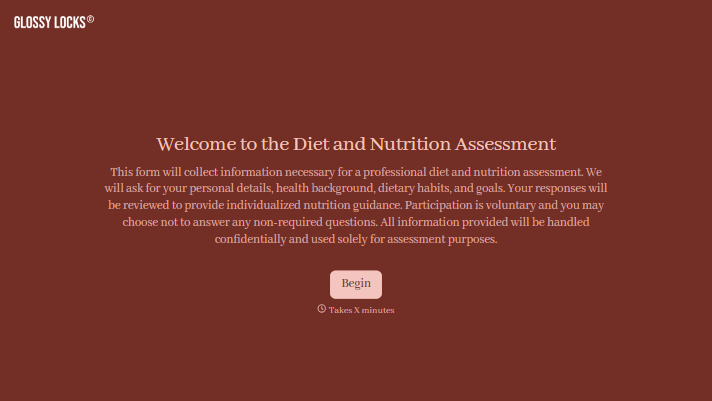
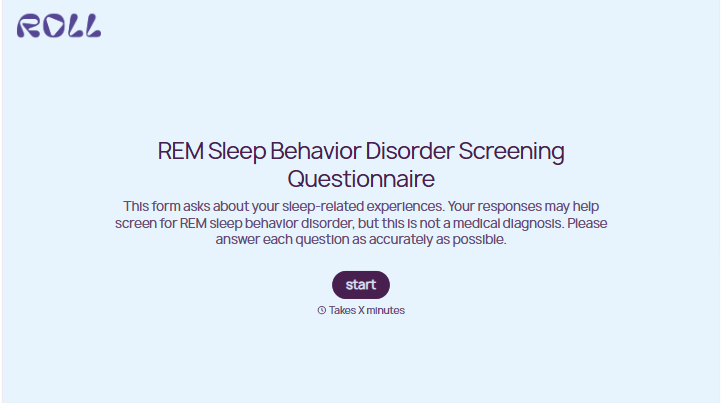
With Typeform, you can customize everything
Change text, colors, and even logos to match the look and feel of your brand. Then embed forms smoothly onto web and email.
Make forms feel effortless to fill out. Pace questions, call people by their name, and adapt the flow based on the data they share.
Stay efficient by connecting forms to your workflow. Typeform integrates with 300+ tools including Slack, Zapier, and HubSpot.


