Message Testing Survey
Your audience decides which message lands, not your marketing team. Collect clarity ratings, resonance scores, and preference rankings from your audience before committing to a campaign.



Marketing teams that launch campaigns without testing messaging first often discover which messages didn't land only after the budget is spent. A headline that confuses the audience or a value proposition that doesn't resonate rarely surfaces until after campaign launch. Typeform's message testing survey gives marketing teams a structured way to test message variations with a target audience before launch.
The survey captures clarity ratings, resonance scores, preference rankings, and open-ended reaction feedback across message variations in one submission. Questions appear one at a time, so respondents react to each message independently before seeing the alternatives. Conditional logic adapts the survey based on a respondent's demographic profile, product familiarity, or target audience segment. A current customer sees questions about message relevance and product fit; a prospect sees questions about clarity and initial appeal.
Customize the survey to match your campaign type, target audience, and the number of message variations you want to test. Share it via email to an existing audience panel or embed it on a landing page to capture organic respondents. Responses feed into Google Sheets via Zapier, so your team sees which message variation performs best across audience segments. Your campaign goes live with the message your audience validated, not the one your team assumed would convert.
A message testing survey collects audience reactions to different message variations before a campaign or product launch. It captures clarity ratings, resonance scores, preference rankings, and open-ended reaction feedback across multiple messaging variations in one submission. Use this message testing survey to make informed campaign decisions based on audience input.
Testing before launch costs far less than pulling a campaign that isn't converting. A message testing survey gives your team audience signal in just days, so creative decisions move faster and with more confidence. A failed campaign doesn't just miss its conversion target. It also shapes how the audience perceives the brand going forward.
Test each message across these dimensions:
- Clarity: does the audience understand what's being communicated?
- Resonance: does the message feel relevant to them?
- Differentiation: does it stand out from competitors?
- Credibility: does the audience believe the claim?
- Preference ranking across all tested variations
Test between two and four message variations per survey to avoid respondent fatigue and keep comparison data clean. More than four variations makes it harder to differentiate between options and harder to draw clean conclusions from the results. For larger projects with many options, run multiple surveys across different audience segments rather than consolidating everything into one survey.
Offer a small incentive like a gift card or discount code—particularly when reaching beyond your existing customer base. A $10 gift card or prize draw entry is typically enough to move response rates. Existing customers and email subscribers often respond without an incentive when the request feels personal and the survey is short. Avoid high-value incentives that attract respondents outside your target audience and may skew the results.
Get inspired by relevant templates and categories
3200+ Templates, 300+ Integrations
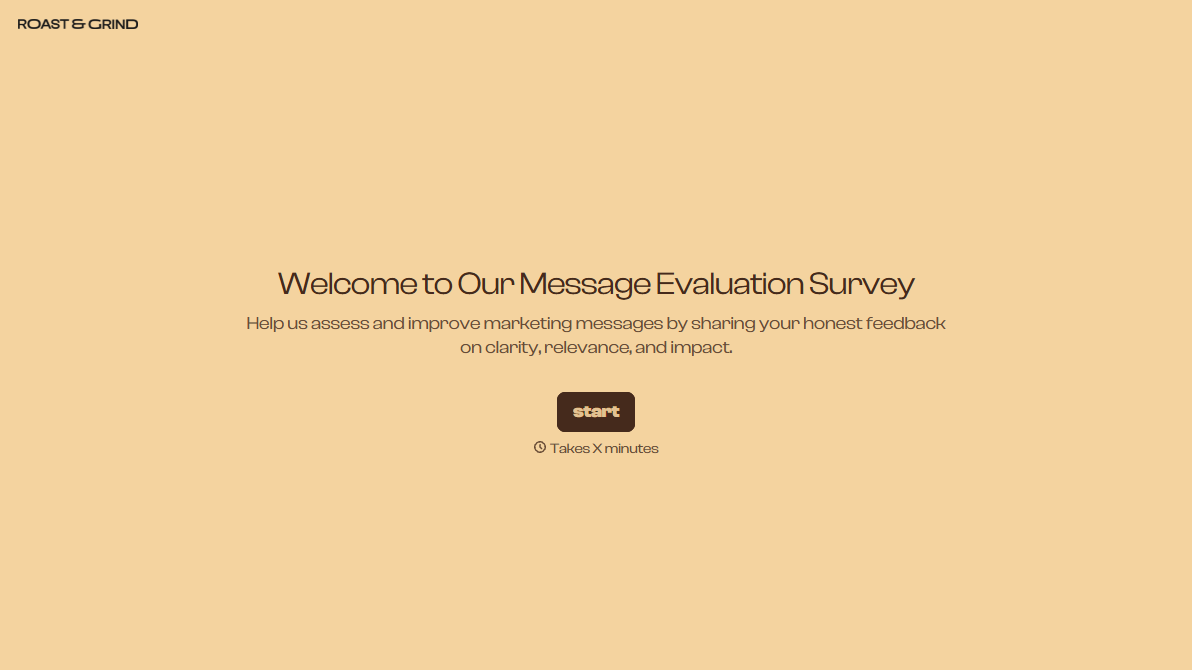
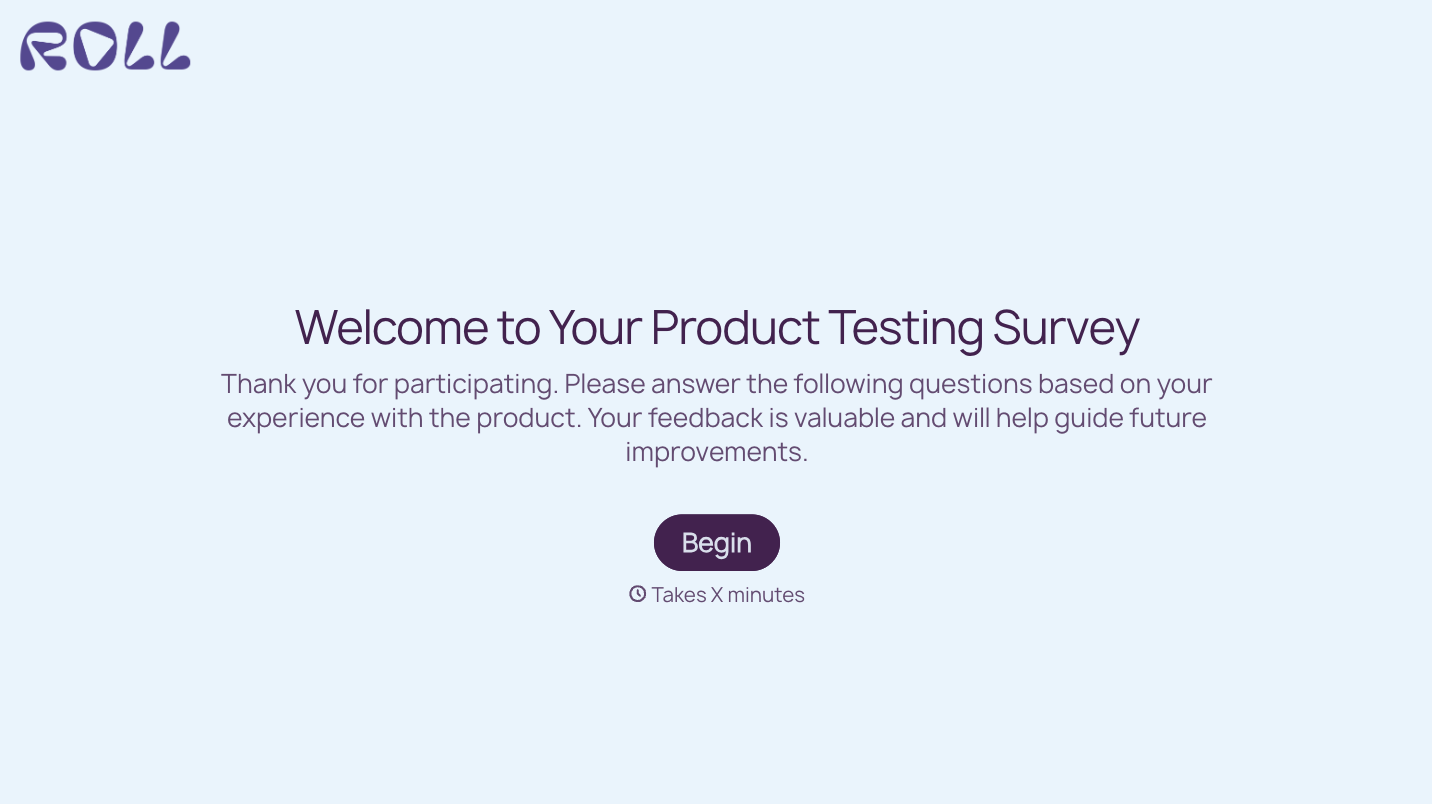


With Typeform, you can customize everything
Change text, colors, and even logos to match the look and feel of your brand. Then embed forms smoothly onto web and email.
Make forms feel effortless to fill out. Pace questions, call people by their name, and adapt the flow based on the data they share.
Stay efficient by connecting forms to your workflow. Typeform integrates with 300+ tools including Slack, Zapier, and HubSpot.


