Logo Testing Survey Questions
The logo that wins your team's vote isn't always the one customers connect with. Let real customers pick the winner on first impressions, memorability, and brand fit.



A logo chosen by internal vote often falls flat with the customers it's meant to attract. The team judges by taste and familiarity, not by how the design strikes a first-time viewer. Typeform's logo testing survey template gives brand teams a clear way to test designs before they commit.
The survey shows respondents each logo option and captures their gut reaction, then the reasons behind it. Typeform presents one design at a time, so each logo gets a fair first impression without comparison bias. Conditional logic adapts the survey based on which logo a respondent prefers. Someone drawn to a bold design explains what it signals, while someone who finds it off-putting explains why.
Customize the survey with your logo options and the questions that matter to your brand. Share it by email, embed it on your site, or post it to a target audience on social channels. Every response flows into Google Sheets or Airtable via Zapier, so a clear winner emerges fast. You launch the logo your customers already chose, not the one that only won internally within the team.
A logo testing survey gathers audience feedback on one or more logo designs before you finalize one. It captures first impressions, memorability, brand fit, and which option resonates most. Brand teams that run logo testing surveys consistently launch designs their customers connect with, not just their designers.
A logo is expensive to change once it's on your packaging, website, and storefront. Launch the wrong one and every touchpoint carries a first impression that quietly works against you. Rebranding later costs far more than testing would have—in both money and lost recognition. Logo testing survey questions help catch a weak design before launch, so you commit to one your audience already responds to.
Cover what makes a logo work:
- First impression and gut reaction to each design
- How memorable and recognizable the logo is
- Whether it fits your brand's personality
- What the design communicates about your company
- Which option respondents prefer and why
Show each logo on its own screen and ask for a reaction before revealing the other options. Presenting designs one at a time prevents the anchoring bias that happens when people compare everything side by side. Ask an open field "why" question after each, so you learn what the design communicates, not just which one wins.
Combine the ranking with the open comments, since the reasons matter as much as the raw vote. A logo can win on preference but still confuse people about what your company does. Look for the design that scores high and clearly communicates the right message.
Get inspired by relevant templates and categories
3200+ Templates, 300+ Integrations
With Typeform, you can customize everything
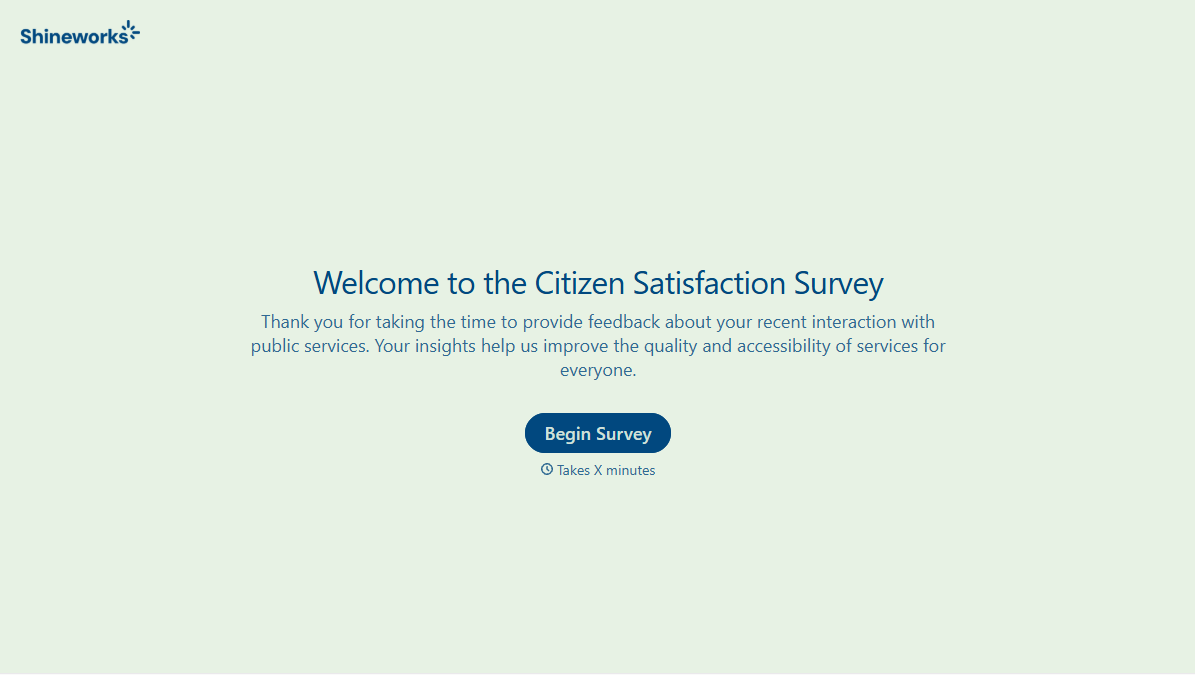
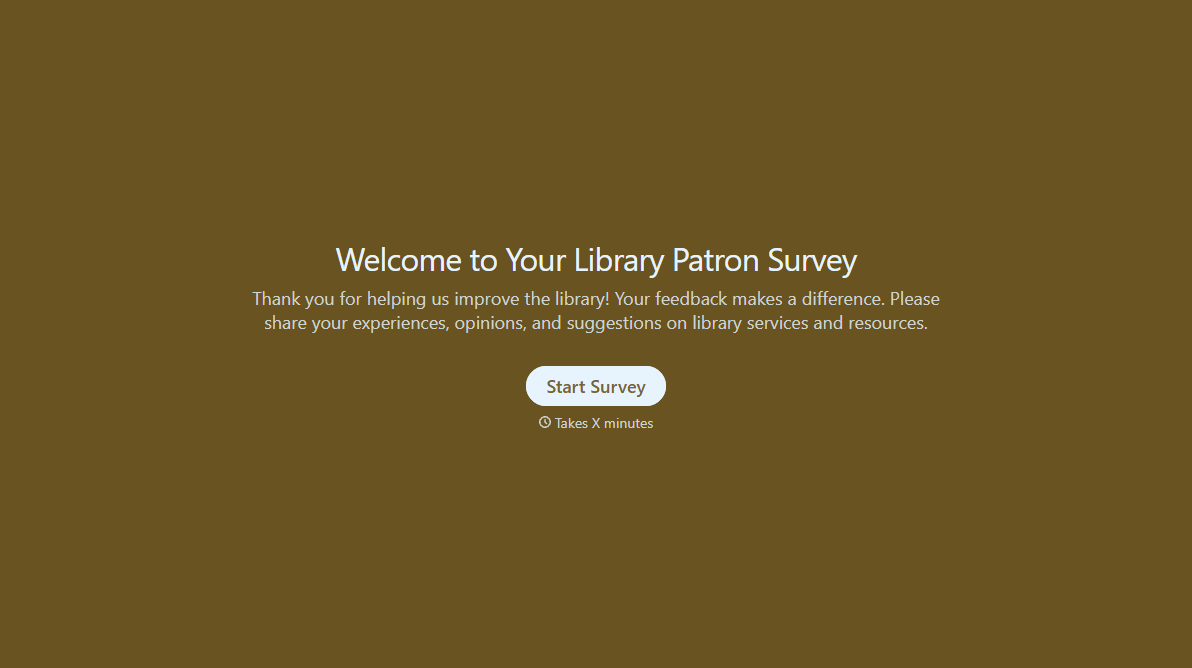
Change text, colors, and even logos to match the look and feel of your brand. Then embed forms smoothly onto web and email.
Make forms feel effortless to fill out. Pace questions, call people by their name, and adapt the flow based on the data they share.
Stay efficient by connecting forms to your workflow. Typeform integrates with 300+ tools including Slack, Zapier, and HubSpot.


