Typeform and Monday.com Form Template
Connect your forms directly to Monday.com, so every submission becomes an actionable item without manual data entry.



Typeform is great at collecting information. Monday.com is great at managing it. The problem is the gap between them — the manual step where someone copies form responses into a board, creates items, assigns owners, and sets due dates. It's tedious, error-prone, and a waste of time that could be spent on actual work.
This template bridges that gap. It's a Typeform designed to feed directly into your Monday.com workspace via integration. Every submission automatically creates a new item in your chosen board with all the relevant fields populated — names, dates, priorities, descriptions, file attachments. Conditional logic within the form ensures you collect the right data for different scenarios, and the Monday.com integration handles the rest.
Start with this template or adapt it to match your existing Monday.com board structure. Map form fields to board columns, test the connection, and go live. Once it's set up, you'll never manually transfer form data to Monday.com again.
It's a connected workflow where Typeform handles the data collection and Monday.com handles the data management. When someone submits a Typeform, the responses automatically create or update items in a Monday.com board. This eliminates manual data entry and ensures your project management workspace stays current without extra effort.
Because manual data transfer is where errors happen and time gets wasted. By connecting the 2 tools, every form submission becomes an actionable item in your workflow instantly. Your team can start working on requests, leads, or feedback the moment they arrive. No copy-pasting, no missed entries, no delays.
Design your form questions to match your Monday.com board columns:
- Contact name and email (maps to contact columns)
- Request type or category (maps to status or group)
- Description of the request or project (maps to text column)
- Priority level (maps to priority column)
- Due date or deadline (maps to date column)
- File attachments or supporting documents
Yes. Through Zapier, you can set up workflows that search for existing items (by email, project name, or ID) and update them rather than creating duplicates. This is useful for follow-up forms, progress updates, or status changes. Where the submission should modify an existing item rather than start a new one.
Get inspired by relevant templates and categories
3200+ Templates, 300+ Integrations
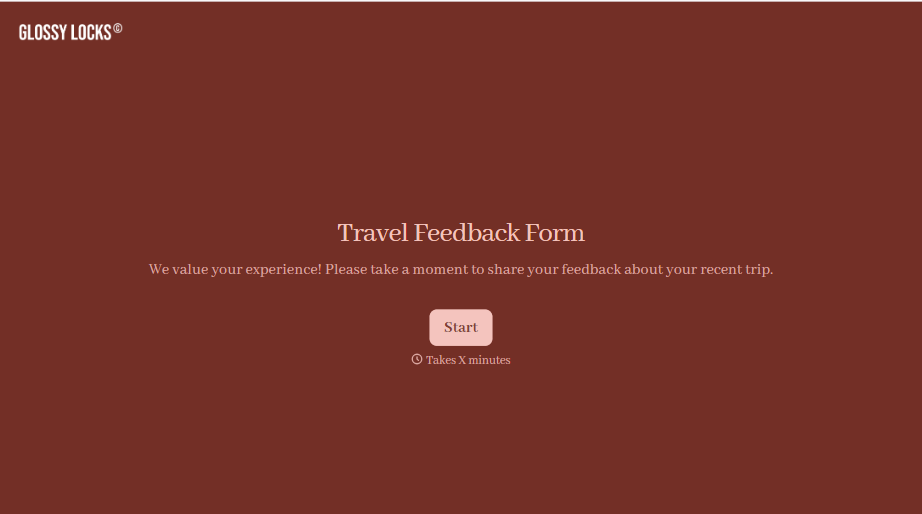
Travel Feedback Form
A quick "so, how was the trip?" when someone's back in the office doesn't tell your travel team which hotel to stop booking or which flight change actually caused the headache. Collect what your team actually needs, trip details, what worked, and what didn't, once the traveler's had a minute to think about it.
View template
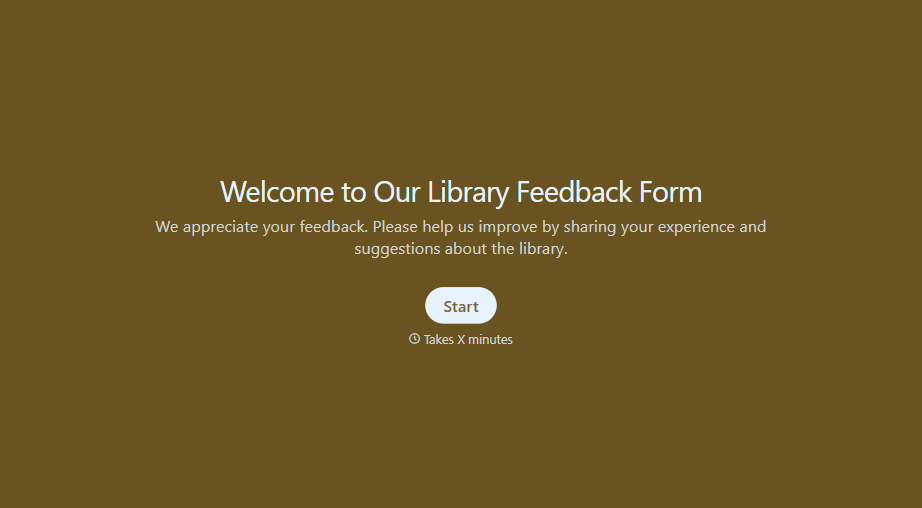
Library Feedback Form
A comment card dropped in a suggestion box isn't a channel your staff can act on quickly, especially when nobody can tell if it's about a broken chair or a request for more audiobooks. Collect the specific feedback, which branch and department it concerns, and a way to follow up before the card gets buried under next week's stack.
View template
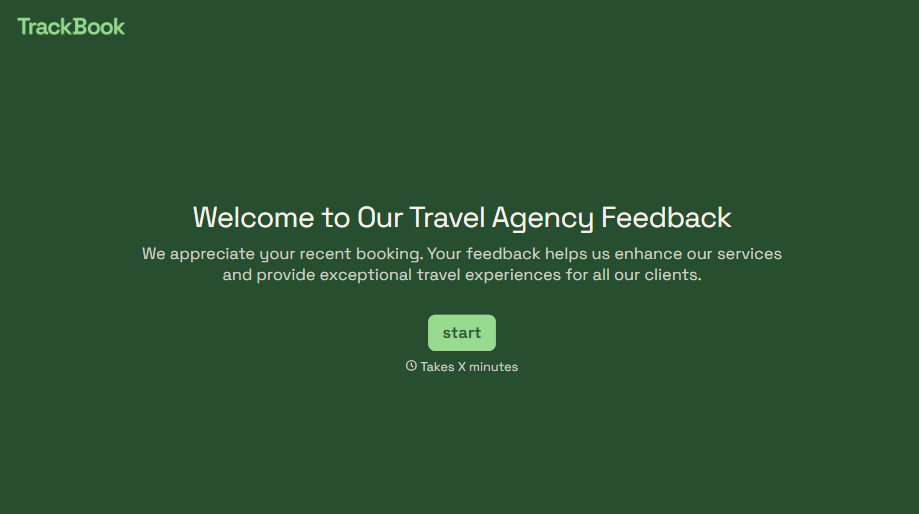
Travel Agency Feedback Form
A generic satisfaction survey emailed three weeks after a trip isn't the kind of feedback an agency can act on, especially once the specifics of a rough hotel transfer have faded. Collect feedback on the specific parts of a trip while it's still fresh, so a complaint that needs immediate follow-up doesn't sit behind a stack of routine responses.
View template
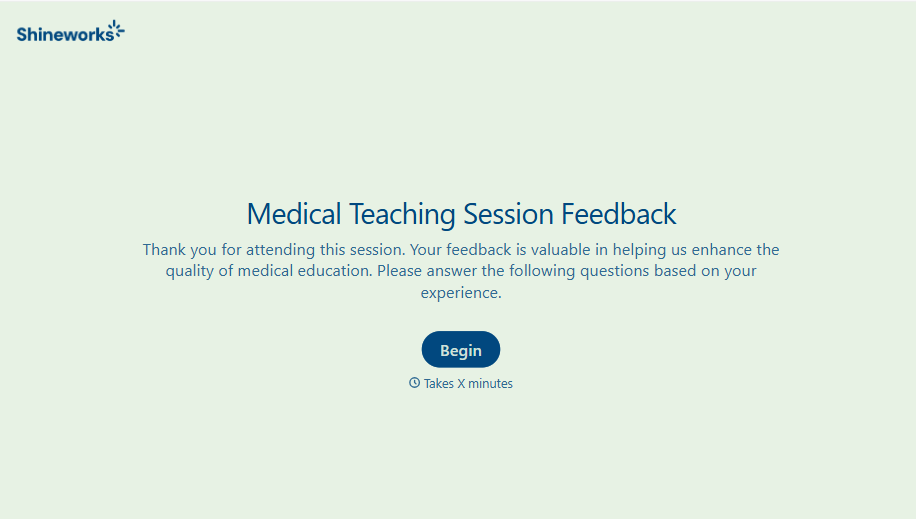
Medical Teaching Feedback Form
An evaluation handed out on the last day of a rotation, filled out in the hallway before everyone scatters, isn't the kind of feedback that helps a program improve teaching quality. Collect specific, timely feedback on teaching encounters before it fades into a generic "good rotation" comment.
View template
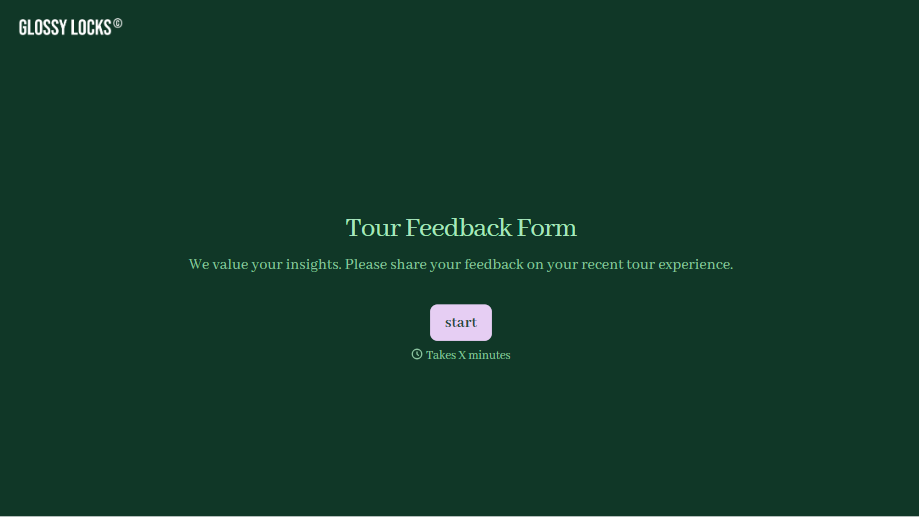
Tour Feedback Form
"How was it?" asked by the guide standing right there at the end of the tour gets a polite "great, thanks" whether the tour actually was great or not. Collect what your team actually needs, which tour and guide, and honest feedback, after the group's already walked away.
View template
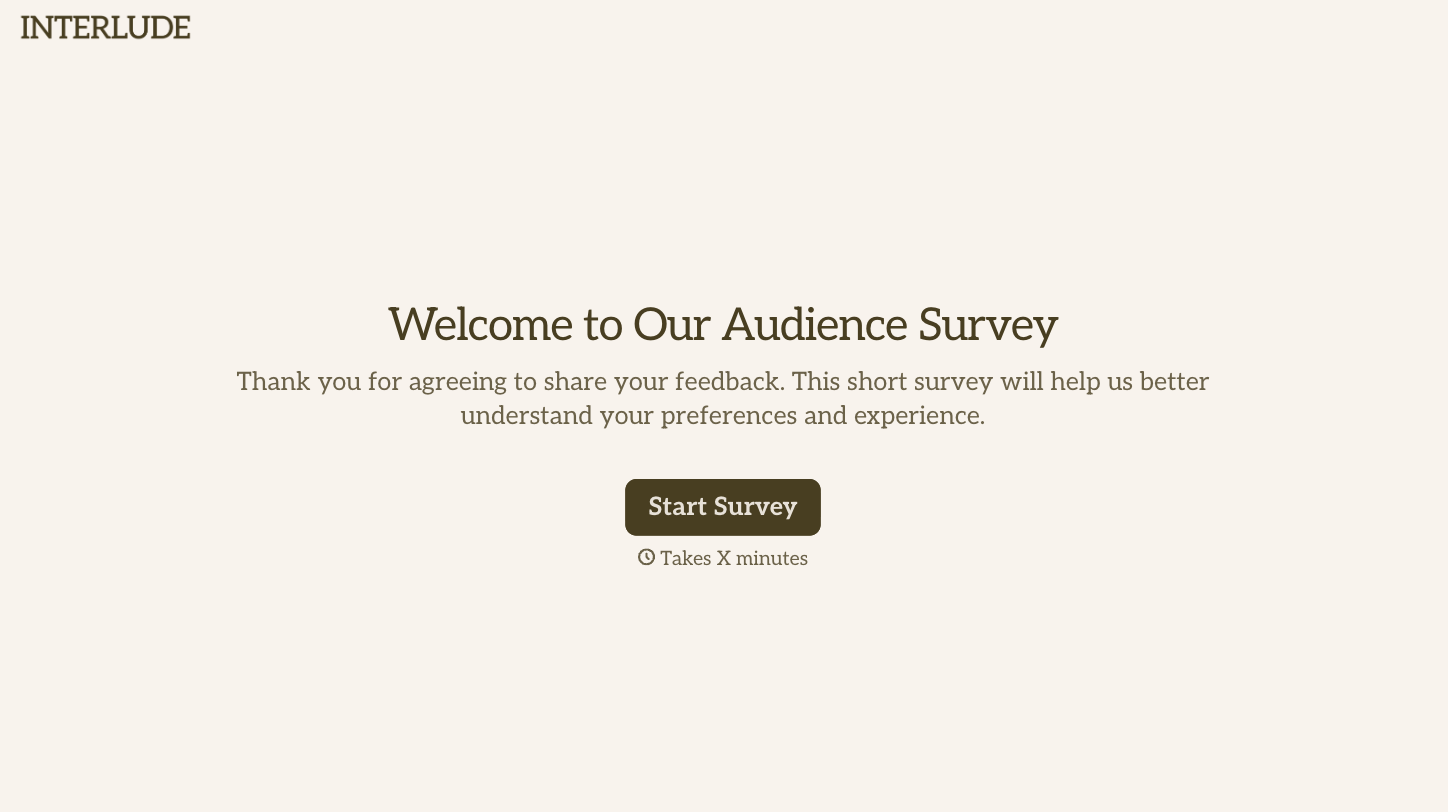
With Typeform, you can customize everything
Change text, colors, and even logos to match the look and feel of your brand. Then embed forms smoothly onto web and email.
Make forms feel effortless to fill out. Pace questions, call people by their name, and adapt the flow based on the data they share.
Stay efficient by connecting forms to your workflow. Typeform integrates with 300+ tools including Slack, Zapier, and HubSpot.


