Mortgage Pre-Approval Checklist Form
Stop chasing down missing pay stubs and bank statements after the fact. Send every prospective buyer a clear pre-approval checklist before they walk in the door.


Mortgage lenders who collect documents by email spend more time chasing missing paperwork than evaluating actual applications. In a competitive market, a document delay can cost a buyer their window on the right property. Typeform's mortgage pre-approval checklist template gives lenders a consistent way to collect every required document from prospective buyers upfront.
The checklist covers employment details, income verification documents, bank statements, tax returns, existing debt, and government-issued identification. Each item appears on its own, so buyers work through requirements step by step without overlooking a single document. Conditional logic adapts the checklist based on each buyer's financial situation. A self-employed applicant sees additional fields for business financials, while a salaried buyer completes a shorter document set.
Customize the checklist to reflect your institution's specific document requirements, loan types, and submission instructions. Send it at the time of application, post it on your client portal, or share it via direct link. Completed checklists log in Google Sheets or Airtable via Zapier, so your team tracks document status across every open application. Get every buyer's documents right the first time and move applications forward without the back-and-forth.
A mortgage pre-approval checklist form is a structured digital document that guides prospective home buyers through every item a mortgage lender needs to assess their eligibility and issue a pre-approval. It covers identity verification, income documentation, bank statements, tax records, existing debt details, and any additional requirements specific to the buyer's employment or financial situation. It functions as the single reference point for both lenders and buyers, replacing scattered email threads with a clear, itemized document collection process.
Mortgage lenders who collect documents through email exchanges often follow up multiple times before a buyer submits everything needed to process the application. A checklist form sets clear expectations from the first contact, so buyers arrive prepared and lenders spend their time evaluating applications rather than hunting down missing tax returns. A faster document collection process also reduces time-to-decision, which matters in markets where buyers lose properties during delays. Use it for residential mortgage applications, refinancing pre-approvals, first-time buyer programs, and investment property lending.
A complete mortgage pre-approval checklist typically includes:
- Government-issued photo ID (passport or driver's license)
- Most recent pay stubs (last 30 days)
- W-2s and federal tax returns (last 2 years)
- Bank and investment account statements (last 2–3 months)
- Proof of any additional income (rental income, alimony, child support)
- List of current debts and monthly payments
- Employment verification letter or employer contact details
- Gift letter (if any portion of the down payment is a gift)
Add a File Upload field to the checklist so buyers can attach required documents directly to their submission rather than sending them separately by email. Buyers can upload pay stubs, tax returns, bank statements, and ID copies as PDF or image files up to 10MB per upload, which arrive alongside their checklist responses. File Upload is available on paid Typeform plans and keeps every buyer's documents organized in one submission rather than scattered across an email thread.
Duplicate the form and adjust the document requirements for each loan type or buyer category you handle. A self-employed buyer's version includes business tax returns, profit and loss statements, and business bank statements in addition to personal financial documents. A first-time buyer version can include additional prompts about down payment sources and grant eligibility. Route submissions from each version into the appropriate folder in Google Sheets or Airtable so your team manages each application type without mixing requirements.
Get inspired by relevant templates and categories
3200+ Templates, 300+ Integrations
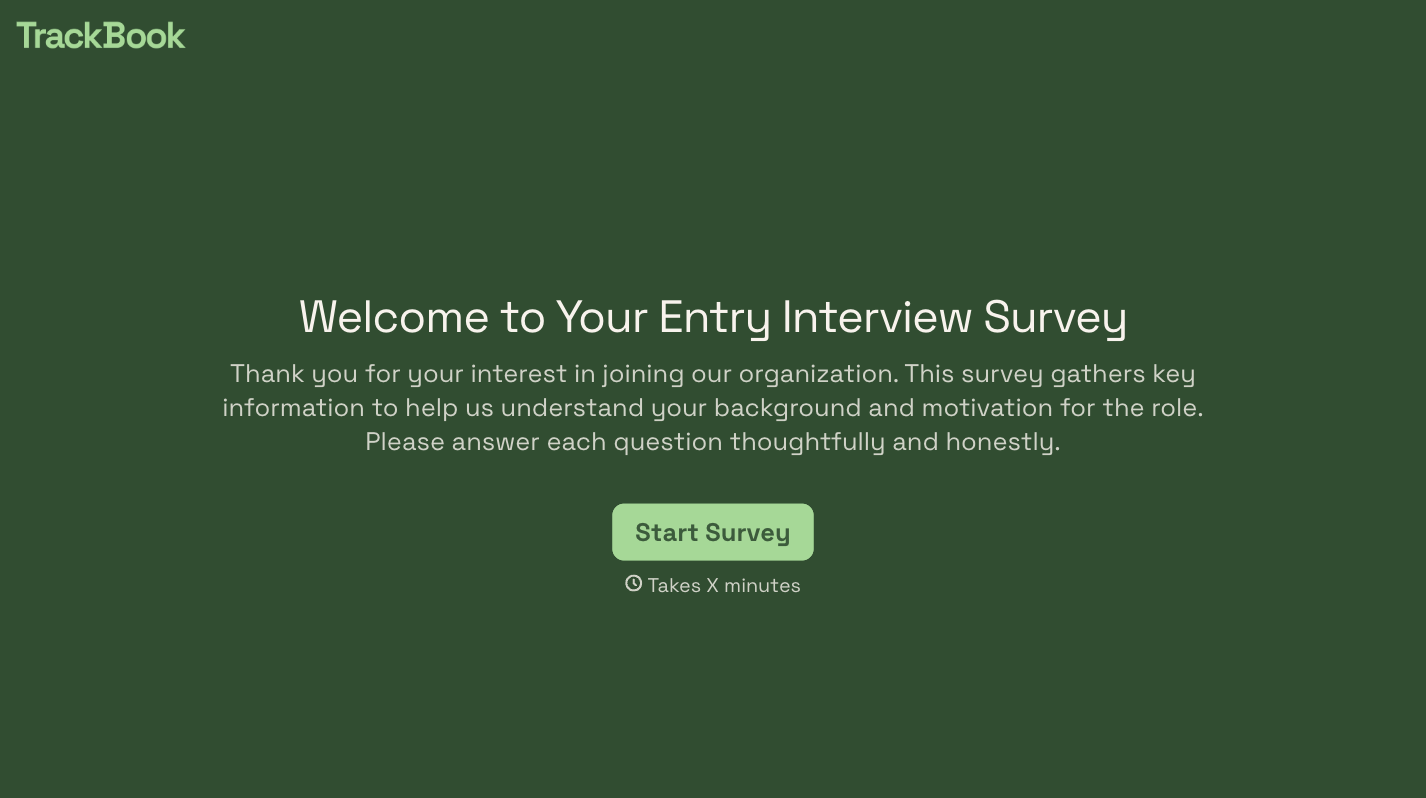
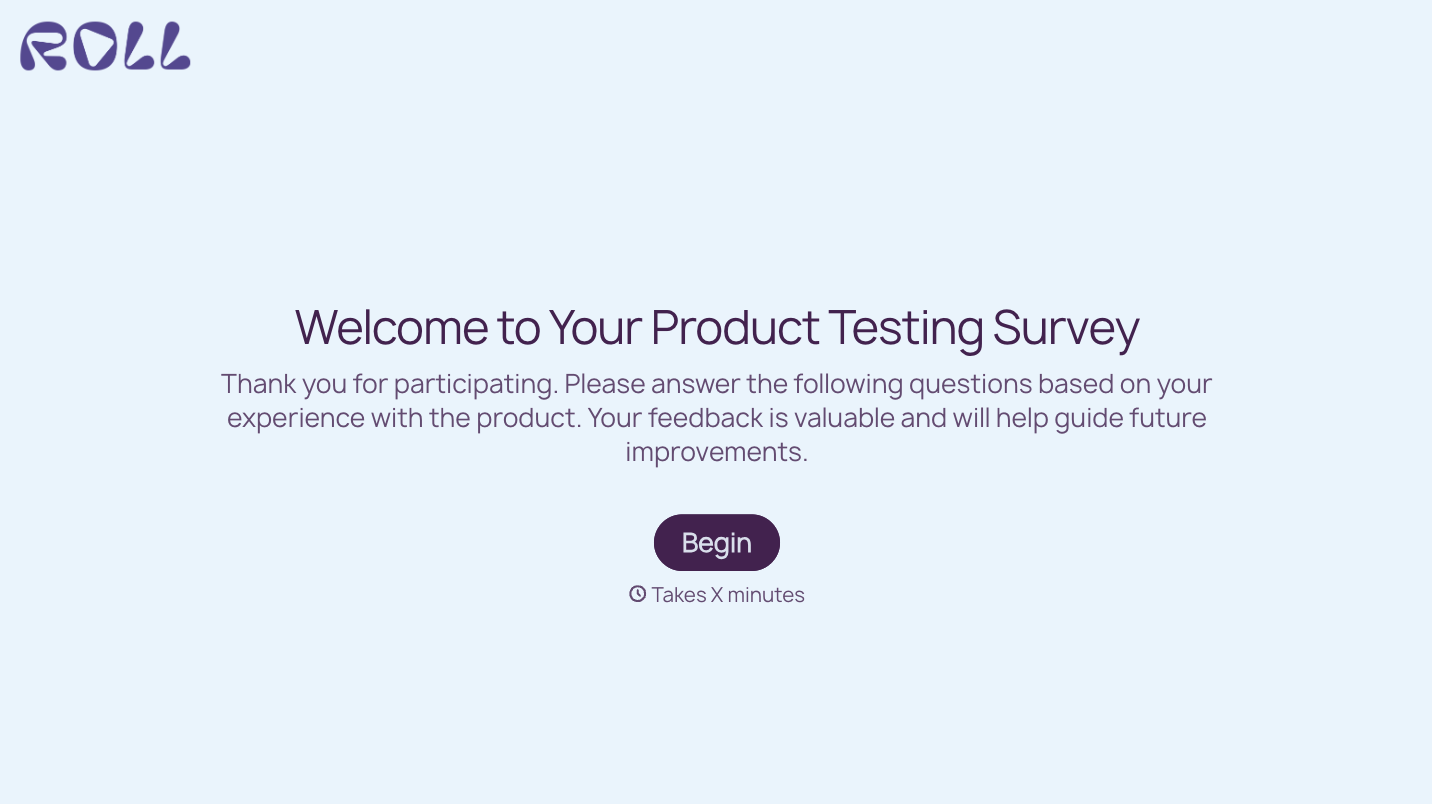



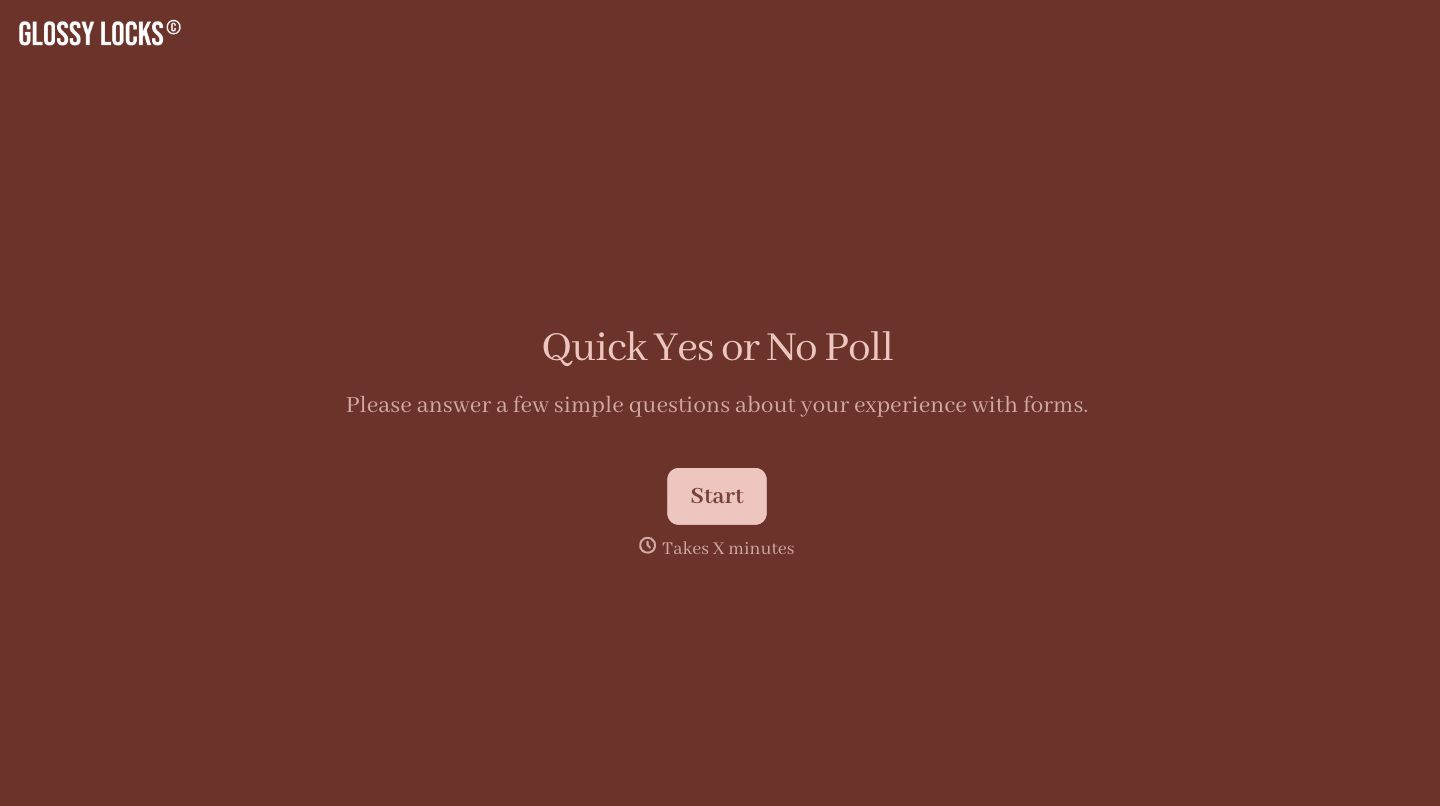
With Typeform, you can customize everything
Change text, colors, and even logos to match the look and feel of your brand. Then embed forms smoothly onto web and email.
Make forms feel effortless to fill out. Pace questions, call people by their name, and adapt the flow based on the data they share.
Stay efficient by connecting forms to your workflow. Typeform integrates with 300+ tools including Slack, Zapier, and HubSpot.


