New Design Feedback Form Template
Collect honest reactions to new designs before they go live. This template gives stakeholders and users a structured way to share what's working and what's not.



Sharing a new design and asking "what do you think?" rarely gets you actionable input. You'll get vague praise, offhand comments, and nothing concrete to work with. The feedback that actually improves a design comes from structured questions that direct people's attention to the things that matter.
A design feedback form creates that structure. You can walk reviewers through specific sections of the design, ask targeted questions about usability or visual clarity, and use rating scales alongside open-text fields to capture both quantitative and qualitative responses. With Typeform's one-question-at-a-time format, reviewers stay focused instead of rushing through a dense survey.
Customize the template to match your design brief, share it with the right stakeholders, and gather feedback you can actually act on before the next iteration.
A design feedback form is a structured survey used to collect reactions and evaluations from stakeholders, users, or team members on a new or updated design. It replaces unstructured review sessions with a consistent process that surfaces specific, actionable input on visual, functional, or strategic design decisions.
Unstructured feedback tends to be shallow. People default to subjective opinions rather than specific observations when there's no framework guiding them. A form changes that by directing attention to the right elements — layout, hierarchy, messaging, usability. You get more useful feedback from fewer reviewers in less time.
Ask about specific design attributes rather than overall impressions:
- Does the design clearly communicate its intended purpose?
- How would you rate the overall visual clarity on a scale of 1 to 5?
- Is there anything that feels confusing or out of place?
- Does the layout guide your eye in the right direction?
- How well does this design match the brand's tone and aesthetic?
- What one thing would you change if you could?
That depends on your design's purpose. Internal stakeholders like product managers or brand teams are a good starting point for early-stage work. For user-facing designs, testing with a sample of actual users gives you the most relevant signal. Running both in parallel — internal and user feedback — often reveals gaps that neither group would catch on their own.
When you get conflicting input from different reviewers, look for patterns rather than trying to reconcile every comment. If multiple people flag the same element independently, that's a signal worth acting on. If 1 person out of 10 objects to something that everyone else found clear, you have context to weigh that appropriately. A rating scale alongside open-text responses helps you spot consensus quickly.
Get inspired by relevant templates and categories
3200+ Templates, 300+ Integrations

Bank Reference Form
A reference request faxed to a bank branch and left sitting in a queue for weeks isn't the kind of turnaround a landlord or business can wait on. Collect the applicant's signed authorization and the specific details you need confirmed before the request even reaches the bank, so a decision isn't stuck behind a letter that hasn't come back yet.
View template
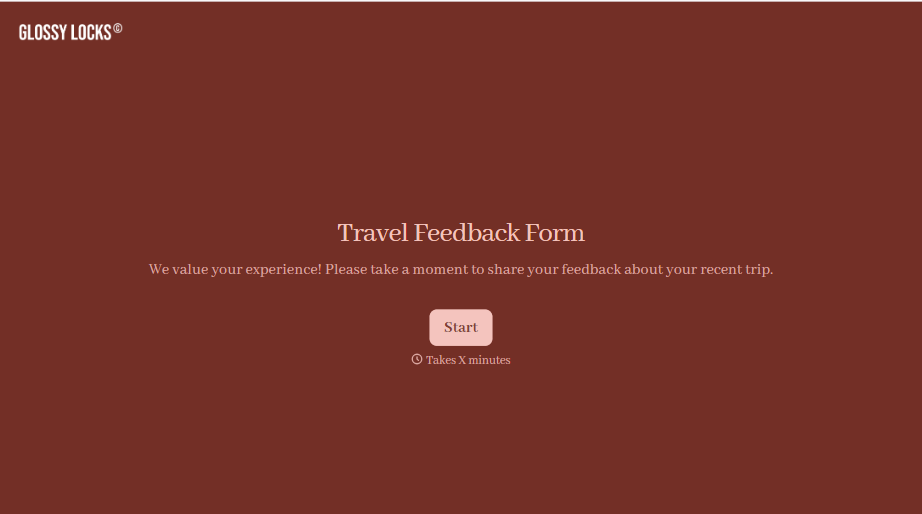
Travel Feedback Form
A quick "so, how was the trip?" when someone's back in the office doesn't tell your travel team which hotel to stop booking or which flight change actually caused the headache. Collect what your team actually needs, trip details, what worked, and what didn't, once the traveler's had a minute to think about it.
View template

Bar Inventory Form
A bottle count eyeballed at the end of a shift and scrawled on a paper sheet doesn't hold up against a pour cost report that says something doesn't add up. Collect what your bar actually needs, item, count, and variance, on a schedule you can actually compare week to week.
View template

Equipment Inventory Form
Equipment that leaves a storage room in someone's arms, with no note about where it went, doesn't show up again until someone needs it and can't find it. Collect what your team actually needs, item details, condition, and who's got it, every time something moves.
View template

Maintenance Agreement Form
A maintenance plan agreed to over the phone isn't a contract your service team can actually work from, especially when nobody's sure whether the twice-a-year tune-up was part of the deal. Collect the equipment covered, service frequency, and a signed agreement before the first visit, so your team isn't guessing at scope once they're on-site.
View template

Incentive Claim Form
A rebate claim mailed in with a stapled stack of receipts isn't the kind of paperwork that gets processed quickly, especially when a required serial number turns out to be missing from page three. Collect proof of purchase, product details, and participant information upfront, so a claim doesn't bounce back for a missing document weeks later.
View template
With Typeform, you can customize everything
Change text, colors, and even logos to match the look and feel of your brand. Then embed forms smoothly onto web and email.
Make forms feel effortless to fill out. Pace questions, call people by their name, and adapt the flow based on the data they share.
Stay efficient by connecting forms to your workflow. Typeform integrates with 300+ tools including Slack, Zapier, and HubSpot.


