Assistive Technology Donation Form
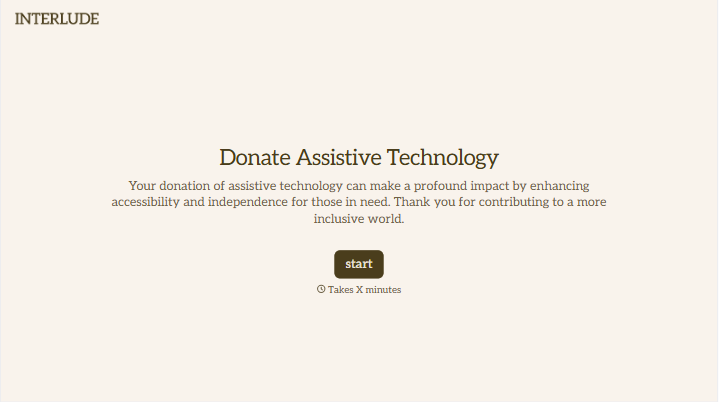
Give donors a clear way to offer assistive devices and equipment. Collect item details, condition, and pickup or drop-off preferences so your team can review each donation before arranging the handover.



Someone has a communication device they no longer use. Another donor has an adapted keyboard but isn’t sure whether all the accessories are there. Both want the equipment to help someone else, but your team needs a few details before accepting it. Typeform’s assistive technology donation form gives those offers a consistent place to start.
Donors describe the item, provide a make and model if known, and explain its condition. You can ask about chargers, instructions, and other included parts, with space for photos or details about repairs. Collect contact information and transport preferences so you can follow up about suitable items.
Your team gets an offer it can check against the equipment your program accepts. Donors get clear instructions about what happens next. Before anyone loads a device into a car, you have a better picture of what’s available and what still needs checking.
An assistive technology donation form collects information from people or organizations offering devices that support everyday activities, communication, or access. It records what’s being offered, its condition, and how to contact the donor. Donation programs use the responses to review items and coordinate accepted donations.
An offer of “a computer with accessibility equipment” can leave plenty of questions unanswered. A donation form asks for the details your team needs to assess whether an item fits your program. It also helps you identify missing components and discuss transport before making arrangements.
Collect enough information to review the offer and plan a follow-up:
- Donor name and contact details
- Equipment type, make, and model
- Quantity available
- Working condition and known faults
- Included accessories, chargers, or instructions
- Photos, if useful
- Pickup location or drop-off preference
- Confirmation that the donor owns the item or is authorized to donate it
State which equipment you accept and explain that submitting the form does not guarantee acceptance.
Ask specific questions instead of relying on a rating such as “good condition.” Does it turn on? Are any parts missing? Has it been modified or repaired? Include an “I don’t know” option, and let donors provide a photo of the item or model label when they’re unsure.
Yes, if your program offers pickup. Ask for the general location, item size, and any access details your team needs to assess the request. Explain your collection area and how arrangements are confirmed. For devices that store personal information, provide your program’s instructions for removing that information before handover.
Get inspired by relevant templates and categories
3200+ Templates, 300+ Integrations
Stripe Donation Form
A donor who's just watched your appeal video, read the story, felt the pull to give right now, doesn't stay in that moment for long. A donation form that makes them page through fields, re-enter their card number on a slow-loading checkout, or hunt for a "give" button buried in a footer is exactly what turns that impulse into a tab they never come back to.
View template

With Typeform, you can customize everything
Change text, colors, and even logos to match the look and feel of your brand. Then embed forms smoothly onto web and email.
Make forms feel effortless to fill out. Pace questions, call people by their name, and adapt the flow based on the data they share.
Stay efficient by connecting forms to your workflow. Typeform integrates with 300+ tools including Slack, Zapier, and HubSpot.


