Parent Communication Form
Give parents one place to raise anything, and route it to the person who can actually act on it. Collect the child, the topic, and the detail in one message.



Parents contact the person whose email they have, which is almost always the teacher. So a question about bus routes, a billing query, a change of custody arrangement, and a missing water bottle all land in the same inbox, and one person spends their evening forwarding things that are not theirs to solve. Typeform's parent communication form asks what the message is about first, so it reaches the office, the transport coordinator, or whoever needs to act on it, instead of the teacher who has to pass it along.
Parents name their child, pick what the message concerns, and add the details. An absence or a late arrival brings up the dates and the reason. A wellbeing concern prompts for when it started and whether the child knows their parent is raising it. Mark a message urgent, it surfaces right away instead of waiting in a queue.
Every message arrives with the child's name, the topic, and a date, all in one place instead of scattered across four channels. Teachers stop being the switchboard, parents stop repeating themselves to whoever picks up, and the messages that need a record finally get one.
A parent communication form is an online form parents and guardians use to contact a school about their child. It collects the child's name and class, what the message is about, the detail behind it, and how urgent it is. Schools use it to route messages to the right person and keep a record of what was raised and when.
Without one, messages arrive by email, app notification, a note in a bag, and a conversation at pickup. Nothing sits in one place, so the teacher ends up sorting problems they can’t fix themselves, and a concern raised out loud on a Friday afternoon leaves no record at all. A parent communication form puts everything through one channel with a subject attached, so messages reach the right person and the significant ones get written down.
Capture what routes a message:
- Child's name and class
- What the message concerns
- The detail, in the parent's words
- How urgent it is
- Who the parent has already spoken to
Say plainly on the form what it isn't for. A form only helps once someone reads it, so a safeguarding concern or a medical emergency needs a route that doesn't depend on that. Parents should see the phone number for it before they start typing. For everything short of that, ask parents to flag urgency and send those submissions straight to a named person instead of a shared inbox.
Yes, and it saves you a second message. Set a custom Ending that confirms the message arrived and says when someone will respond, so a parent isn't left wondering whether it went anywhere. If response times differ by topic, the Ending. That’s more useful than one promise you can’t keep for every topic.
Get inspired by relevant templates and categories
3200+ Templates, 300+ Integrations
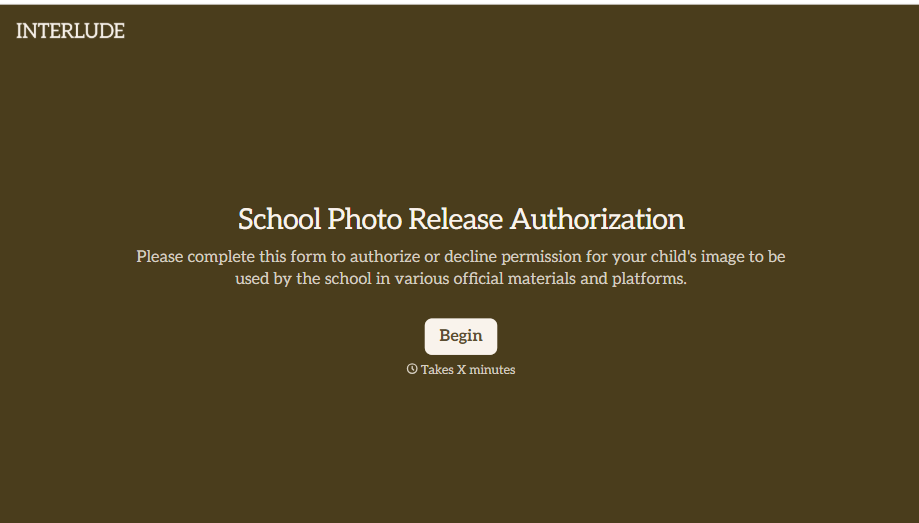
School Photo Release Form
A photo consent checkbox buried on page 12 of an enrollment packet doesn't tell a teacher who's actually opted out before they post a class photo. Collect what your school actually needs, guardian consent, and exactly where a photo can be used, before the camera comes out.
View template
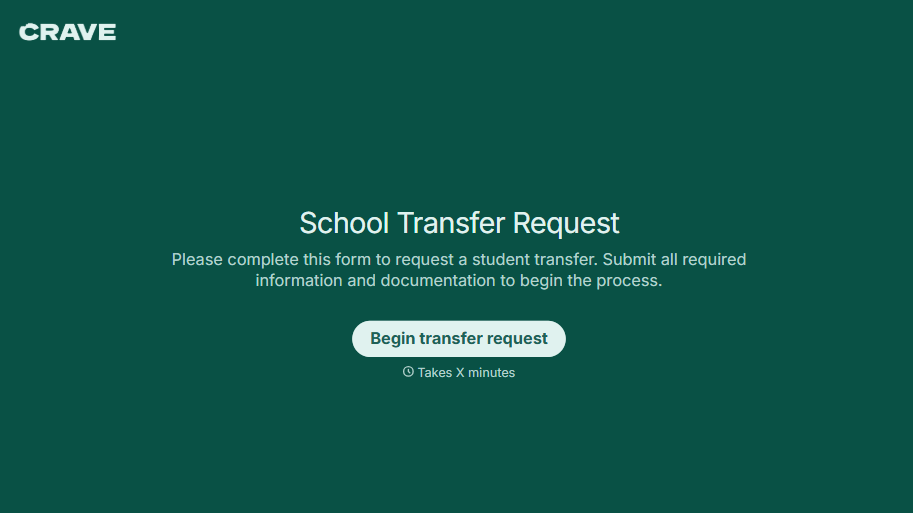
School Transfer Request Form
A transfer request dropped off at the district office isn't the kind of paperwork that gets processed before the semester it's meant for already started. Collect the student's information, reason for transfer, and supporting documentation upfront, so a request doesn't stall while the district follows up for a missing form.
View template
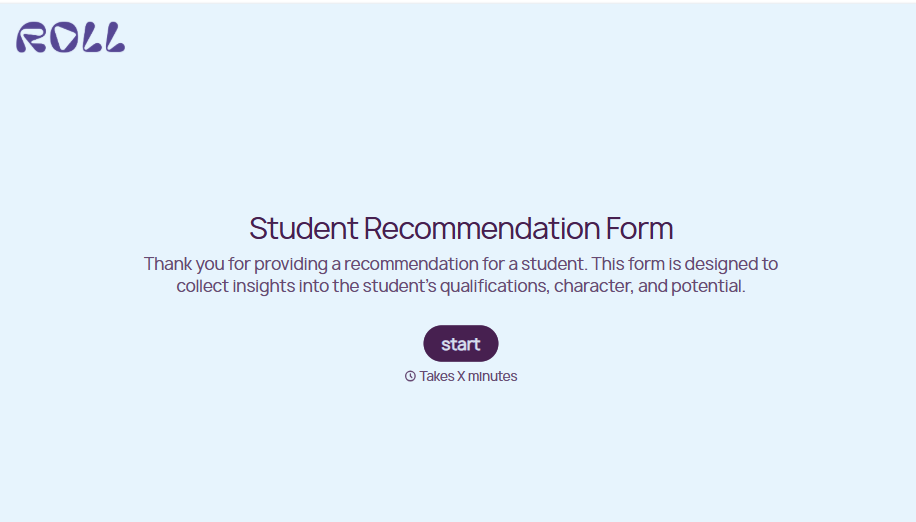
Student Recommendation Form
An email asking "can you write me a letter of recommendation" with no deadline attached isn't enough for a teacher to actually sit down and write one. Collect the program details, deadline, and what the student wants highlighted before the request lands in an inbox, so a letter doesn't get written in a rush the night it's due.
View template
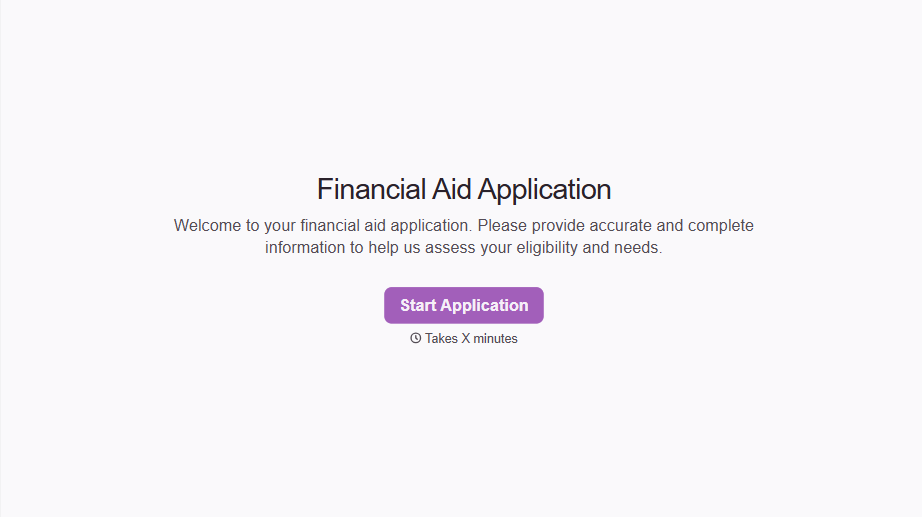
Financial Aid Application Form
A request for help with tuition mentioned to the front office in passing doesn't give your financial aid team anything to actually evaluate. Collect what your school actually needs, household information, income documentation, and need, before the deadline passes.
View template

Girl Scout Product Permission Form
A permission slip signed at a troop meeting while five other things are happening, snack time, a badge ceremony, a parent already halfway out the door, isn't informed consent, it's a signature. Get the money-handling responsibility, the supervision rules, and the online sales guidelines actually read and agreed to before a single box leaves the garage.
View template
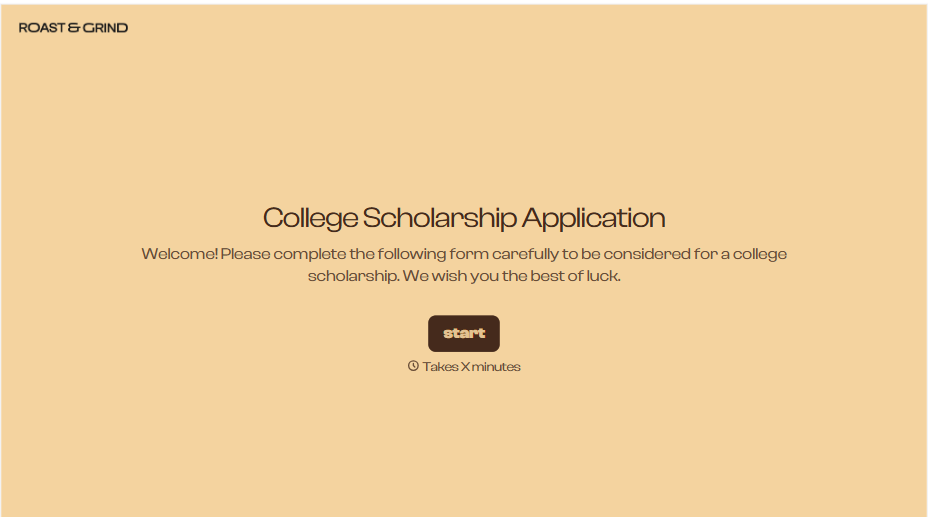
College Scholarship Application Form
An application submitted as a PDF from one student and a Google Doc link from another isn't a fair comparison, it's whichever format the committee finds easiest to skim that week. Put every applicant through the same form, and the decision comes down to what they actually wrote, not how they happened to turn it in.
View template
With Typeform, you can customize everything
Change text, colors, and even logos to match the look and feel of your brand. Then embed forms smoothly onto web and email.
Make forms feel effortless to fill out. Pace questions, call people by their name, and adapt the flow based on the data they share.
Stay efficient by connecting forms to your workflow. Typeform integrates with 300+ tools including Slack, Zapier, and HubSpot.


