Patient Registration Form Template
Start the patient relationship right — with a registration process that respects their time and captures what you need.



New patient registration sets the tone for the entire care experience. When that experience starts with a clipboard, a pen, and six pages of forms in a waiting room, the tone is: "we value our paperwork more than your time." Patients arrive 15 minutes early to fill out forms, providers run behind because intake isn't complete, and staff spend their afternoons entering handwritten data into the EHR; everyone loses.
This patient registration form template moves the entire process to a digital, pre-visit experience. Patients provide demographics, insurance information, medical history, current medications, and consent acknowledgments from home — on any device. The one-question-at-a-time format makes even a comprehensive registration feel manageable. Conditional logic skips irrelevant sections: no prior surgeries? Skip the surgical history. No referral? Move along.
Responses flow securely into your practice management system, Google Sheets, or EHR integration layer through Zapier. Patients arrive already registered, front desk staff verify rather than enter data, and providers can review patient information before the appointment begins, leading to a more productive first visit.
A patient registration form is the foundational document that establishes a new patient's record at a healthcare practice. It collects demographic information, insurance details, medical history, current health concerns, emergency contacts, and necessary consents. It creates the administrative and clinical baseline that supports every subsequent interaction between the patient and provider.
The biggest benefit is time savings. Practices report saving 10 to 15 minutes per patient when registration moves online — but accuracy matters just as much: typed responses eliminate handwriting interpretation errors. Completeness improves with required fields, and patient satisfaction increases when they can register at their own pace from home, instead of rushing through forms in a waiting room while their appointment time ticks away.
- Legal name, date of birth, gender, and Social Security number (if required)
- Home address, email, and multiple phone numbers
- Insurance carrier, policy number, group number, and policyholder information
- Primary care physician and referring provider (if applicable)
- Medical history: conditions, surgeries, hospitalizations, family history
- Consent for treatment, financial responsibility, and privacy practices
Consider the full range of your patient population. Use clear, simple language. Avoid medical jargon in question labels. Offer the form in multiple languages if you serve a multilingual community. Ensure the digital form works on older devices and slower internet connections. For patients who aren't comfortable with digital forms, maintain a paper backup option. Accessibility isn't optional; it's part of providing equitable care.
Direct EHR integrations depend on your specific system, but Zapier serves as a bridge for many platforms. Form responses can be routed to a structured spreadsheet that mirrors your EHR's import format, or pushed to middleware that translates the data for your system. Some practices use the form to populate a staging table that staff review before importing into the EHR. Talk to your EHR vendor about API access and import capabilities for the smoothest integration path.
Get inspired by relevant templates and categories
3200+ Templates, 300+ Integrations

X-Ray Release Form
A phone call asking to send X-rays to a new provider isn't an authorization your compliance file can rely on. Collect patient information, the receiving provider's details, and a signed authorization before the images go out, so your front desk isn't scrambling to prove who approved a release.
View template

Palliative Care Assessment Form
A symptom check done verbally during a rushed home visit isn't the kind of record that shows whether pain management is actually working from one visit to the next. Collect symptom severity, functional status, and psychosocial needs consistently, so a care team can see change over time instead of relying on memory of the last visit.
View template
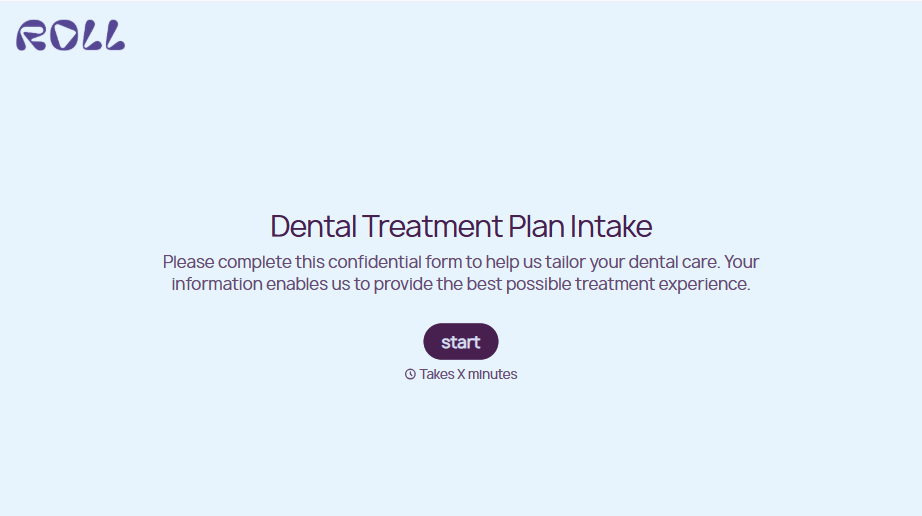
Dental Treatment Plan Form
A treatment plan explained chairside, in the few minutes right after an exam, doesn't hold up when a patient's trying to remember it at the front desk. Collect what your practice actually needs, the recommended procedures, cost estimate, and signed consent, before treatment gets scheduled.
View template
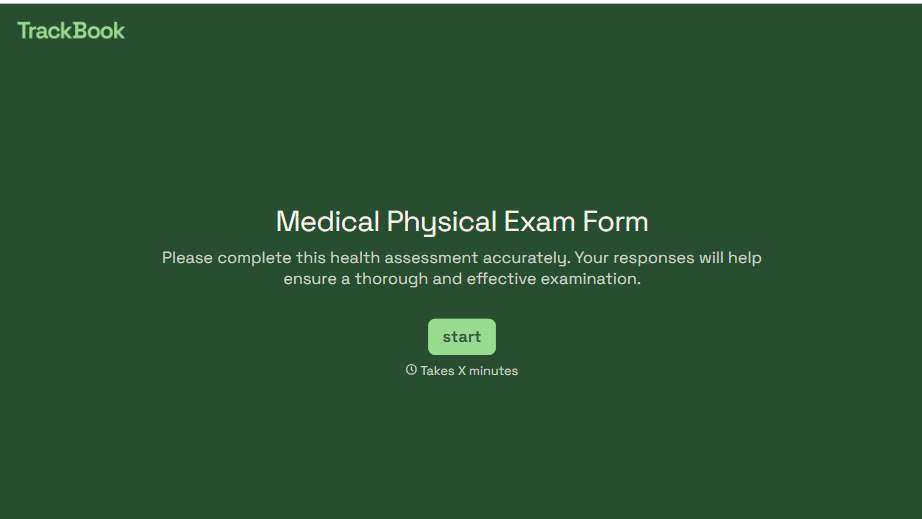
Medical Physical Exam Form
A health history filled out on a clipboard in the waiting room, minutes before being called back, isn't a history anyone fills in completely. Collect what your provider actually needs, patient information, health history, and current symptoms, before the exam starts.
View template
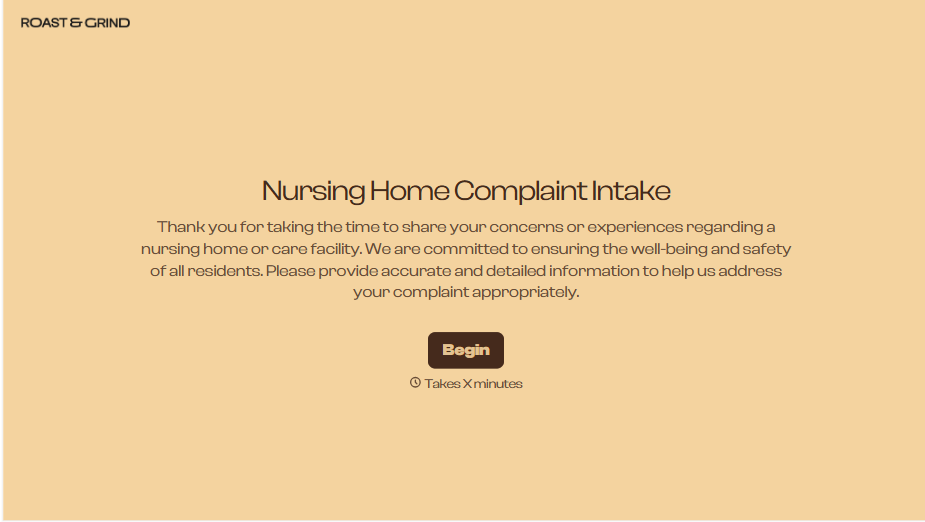
Nursing Home Complaint Form
A family member who calls the front desk about a missed medication or an unanswered call light often gets a verbal apology and nothing written down, no record that it happened, no way to tell if it's the third time this month or the first. And if what's actually being reported is abuse or neglect, a facility's own intake form isn't where that report should end, or even start.
View template
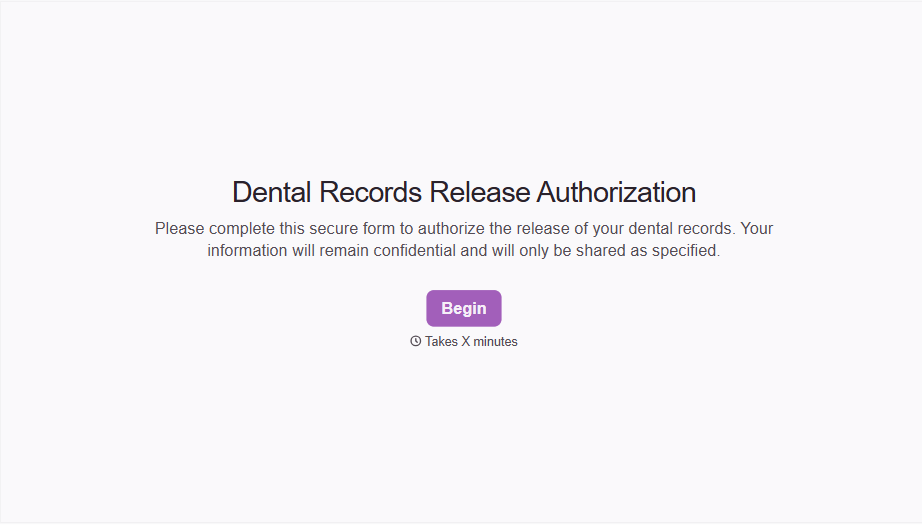
Dental Record Release Form
A release that just says "I authorize my records to be sent" doesn't say which records, sent to whom, or for how long that authorization is good, and HIPAA has a specific list of what actually has to be in there for the release to count as valid. Spell out what's being released, to whom, and until when, before the request goes out.
View template
With Typeform, you can customize everything
Change text, colors, and even logos to match the look and feel of your brand. Then embed forms smoothly onto web and email.
Make forms feel effortless to fill out. Pace questions, call people by their name, and adapt the flow based on the data they share.
Stay efficient by connecting forms to your workflow. Typeform integrates with 300+ tools including Slack, Zapier, and HubSpot.


