Permanent Makeup Consent Form
Document every client's consent before a permanent makeup procedure, so your studio never starts a session without a signed record.



Without formal consent, beauty studios take on risks they can't control. A client who didn't disclose a skin condition or blood-thinning medication puts the artist in an impossible position—and leaves the studio exposed if something goes wrong. Typeform's permanent makeup consent form gives studios a consistent way to collect complete, signed client consent before every procedure.
The form captures client details, the procedure being performed, skin type, medical history, current medications, contraindications, and aftercare acknowledgment. One question appears at a time, so clients work through each section without missing anything that affects the procedure. Conditional logic adapts the form based on the client's procedure and health profile. A lip blush client sees questions about cold sore history and antiviral medication that a brow procedure doesn't require.
Customize the form with your studio name, service menu, specific contraindications, and any aftercare instructions your procedures require. Share it with clients by email before their appointment so they arrive having already reviewed every detail. Signed submissions route to Google Sheets or Airtable via Zapier, keeping client records organized and easy to retrieve. Your artist starts every session with a complete health record and a signed consent form already in hand.
A permanent makeup consent form documents a client's informed agreement to undergo a cosmetic tattooing procedure. It captures the client's details, the service being performed, skin type, medical history, medications, contraindications, and risk acknowledgment. Think of it as the signed record that protects both the client and the studio before any procedure begins.
Without a documented record, your studio has no protection when a dispute arises after the appointment. A structured form ensures every permanent makeup client answers the same health questions before they sit in the chair. Use it for microblading, powder brows, lip blush, eyeliner tattoo, and any other cosmetic tattoo service your studio performs.
Cover both the client's health background and procedure-specific risks:
- Client name, date of birth, and contact details
- Procedure type and treatment area
- Medical history, current medications, and known allergies
- Contraindications (e.g., pregnancy, blood-thinning medications, active infections)
- Aftercare responsibilities and acknowledgment of healing expectations
- Client signature and date
Set up conditional logic to branch by procedure type, so each client sees health questions relevant to their specific treatment. A lip blush client sees questions about cold sore history, antiviral medication use, and lip filler timelines. A brow client sees questions about skin conditions, previous microblading, and recent chemical treatments instead. Your artist collects the right detail for every service without asking questions that don't apply.
Sending the form in advance gives clients time to review risk disclosures and aftercare instructions before they arrive. A client who reads the consent at home arrives better prepared and less likely to raise concerns after the procedure. Use Typeform's email notifications to send completed forms to your artist before the client's appointment.
Get inspired by relevant templates and categories
3200+ Templates, 300+ Integrations

Bank Reference Form
A reference request faxed to a bank branch and left sitting in a queue for weeks isn't the kind of turnaround a landlord or business can wait on. Collect the applicant's signed authorization and the specific details you need confirmed before the request even reaches the bank, so a decision isn't stuck behind a letter that hasn't come back yet.
View template
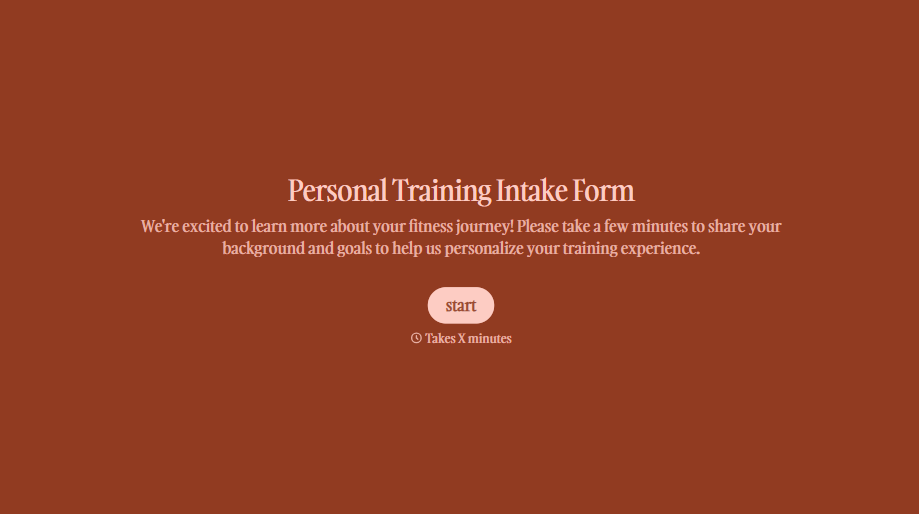
Personal Trainer Intake Form
A PAR-Q filled out in the lobby five minutes before a first session isn't intake, it's a formality nobody has time to read closely. Collect health history, injury information, and fitness goals before the first session, so your trainer isn't building a program blind.
View template
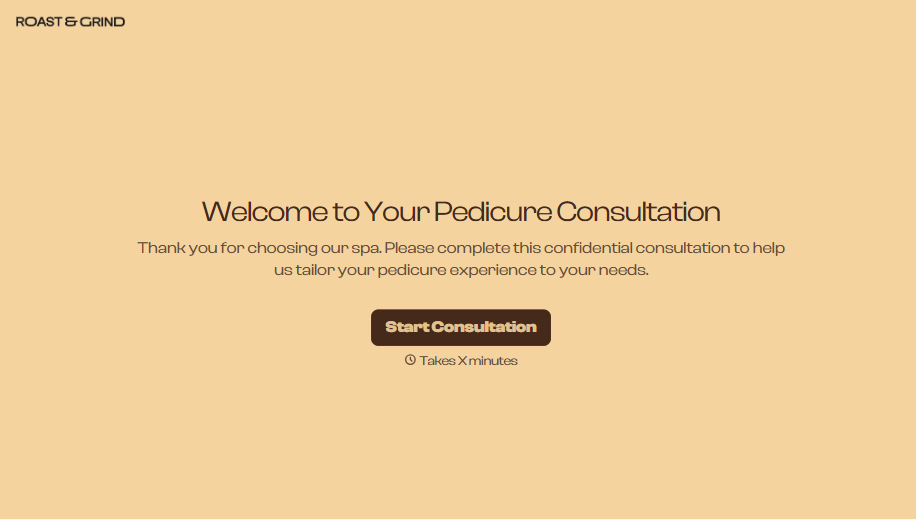
Pedicure Consultation Form
An intake card filled out on a clipboard while a client's feet are already in the soak isn't a consultation, it's a formality nobody reads closely. Collect foot health disclosures, allergy information, and service preferences before the technician picks up a tool, so nobody discovers a health condition mid-service.
View template

Bar Inventory Form
A bottle count eyeballed at the end of a shift and scrawled on a paper sheet doesn't hold up against a pour cost report that says something doesn't add up. Collect what your bar actually needs, item, count, and variance, on a schedule you can actually compare week to week.
View template

Equipment Inventory Form
Equipment that leaves a storage room in someone's arms, with no note about where it went, doesn't show up again until someone needs it and can't find it. Collect what your team actually needs, item details, condition, and who's got it, every time something moves.
View template
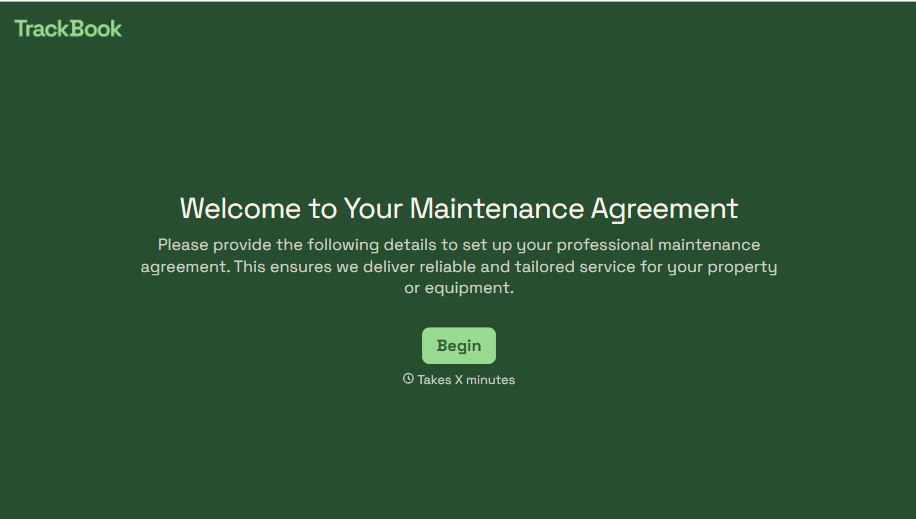
Maintenance Agreement Form
A maintenance plan agreed to over the phone isn't a contract your service team can actually work from, especially when nobody's sure whether the twice-a-year tune-up was part of the deal. Collect the equipment covered, service frequency, and a signed agreement before the first visit, so your team isn't guessing at scope once they're on-site.
View template
With Typeform, you can customize everything
Change text, colors, and even logos to match the look and feel of your brand. Then embed forms smoothly onto web and email.
Make forms feel effortless to fill out. Pace questions, call people by their name, and adapt the flow based on the data they share.
Stay efficient by connecting forms to your workflow. Typeform integrates with 300+ tools including Slack, Zapier, and HubSpot.


