Personal Trainer Intake Form
A PAR-Q filled out in the lobby five minutes before a first session isn't intake, it's a formality nobody has time to read closely. Collect health history, injury information, and fitness goals before the first session, so your trainer isn't building a program blind.



A new client usually fills out a basic health questionnaire at the front desk right before their first session, and a trainer skims it on the way to the floor. An injury that should shape the entire program, a bad knee, a heart condition, a past surgery, gets mentioned in passing instead of reviewed ahead of time, and the first session ends up more generic than it should be while the trainer learns as they go.
Typeform's personal trainer intake form asks for what a trainer needs before the first session: health and medical history, injury information, current activity level, and specific fitness goals. Conditional logic branches from there. A client who discloses a chronic condition or a significant injury can route to a physician clearance question instead of continuing through standard intake, and a client's goal, weight loss, strength, sport-specific training, rehab, can route to goal-specific questions instead of one generic set that doesn't fit every client. Every intake lands in one record instead of a form skimmed in the thirty seconds before a session starts.
Connect the form to your scheduling or CRM software through Zapier, and a client flagged for physician clearance can be held from booking a first session until that's resolved. Ask for it before the client walks in, and your trainer builds the first program around a complete picture instead of adjusting it after the fact.
A personal trainer intake form is an online form trainers and gyms use to collect a new client's health history, injury information, and fitness goals before their first session. Instead of a questionnaire filled out in the lobby, the trainer reviews it ahead of time and builds a program around it from the start.
A form filled out minutes before a session gets skimmed, not read, and an injury or condition that should shape the entire program can get lost in the rush to start on time. A form collects that information ahead of the appointment, so a trainer has time to actually review it before building a program.
Ask for what a trainer will actually need before the first session:
- Contact information
- Health and medical history, including any conditions or medications
- Injury history and current physical limitations
- Current activity level
- Specific fitness goals
- Availability and scheduling preferences
Not necessarily. An intake form can document that a client disclosed relevant health information, but whether it limits liability, and how far that protection extends, depends on how the form and any accompanying waiver are written and where you operate, and it typically doesn't protect against negligence. It's worth having your specific form and waiver language reviewed by an attorney rather than relying on a generic template as-is.
Yes. Add a file upload question and clients can attach a physician's clearance or a note about a specific condition in the same submission, no separate email required. Pair it with conditional logic so the upload only appears when it's actually needed.
Get inspired by relevant templates and categories
3200+ Templates, 300+ Integrations
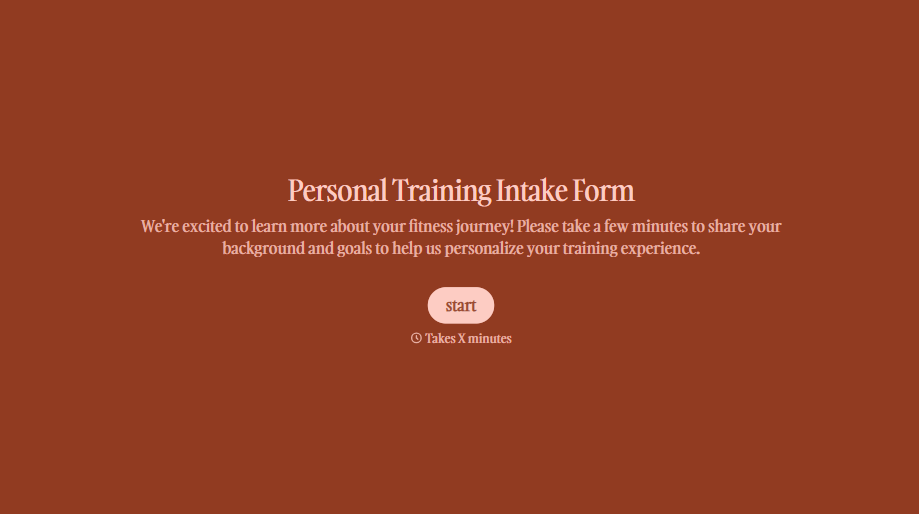
Personal Trainer Intake Form
A PAR-Q filled out in the lobby five minutes before a first session isn't intake, it's a formality nobody has time to read closely. Collect health history, injury information, and fitness goals before the first session, so your trainer isn't building a program blind.
View template
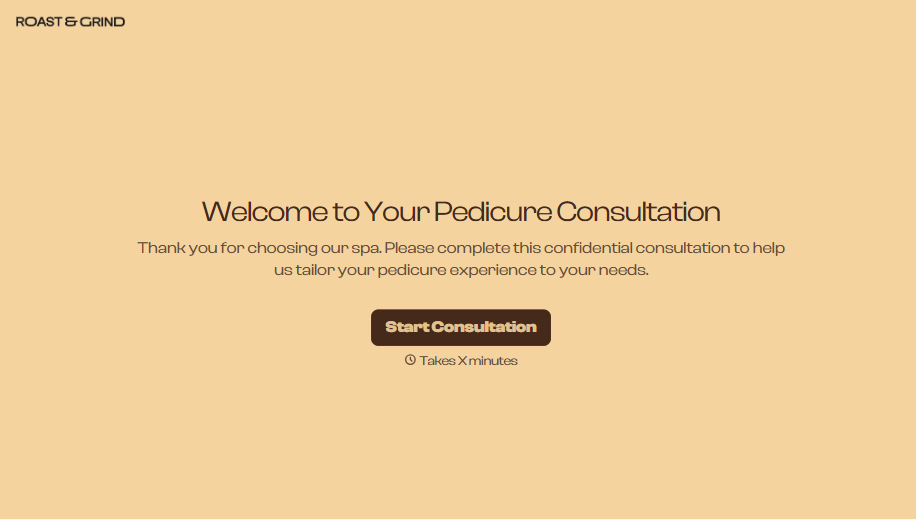
Pedicure Consultation Form
An intake card filled out on a clipboard while a client's feet are already in the soak isn't a consultation, it's a formality nobody reads closely. Collect foot health disclosures, allergy information, and service preferences before the technician picks up a tool, so nobody discovers a health condition mid-service.
View template

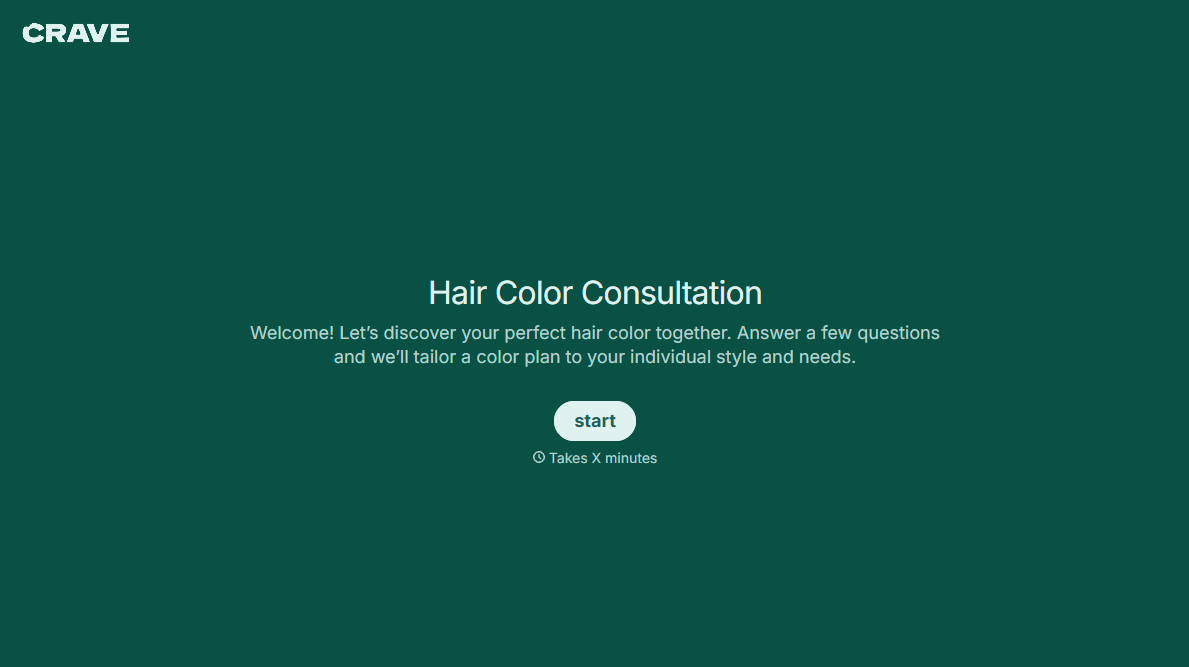
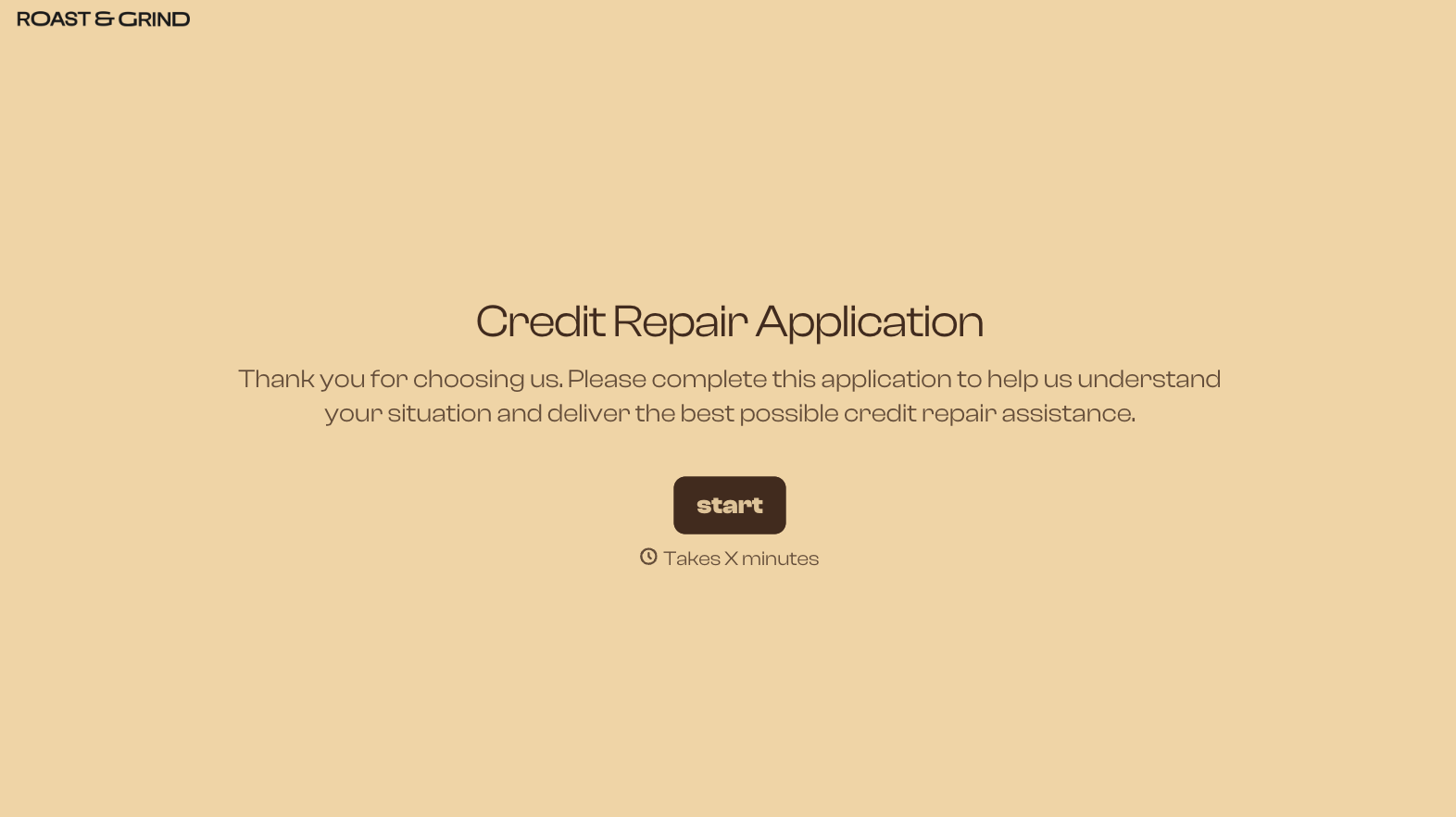

With Typeform, you can customize everything
Change text, colors, and even logos to match the look and feel of your brand. Then embed forms smoothly onto web and email.
Make forms feel effortless to fill out. Pace questions, call people by their name, and adapt the flow based on the data they share.
Stay efficient by connecting forms to your workflow. Typeform integrates with 300+ tools including Slack, Zapier, and HubSpot.


