Personal Training Client Intake Form
Collect your client's fitness history, goals, and health needs before they walk through the door.



Personal trainers without a formal intake process spend their first session gathering information that should already be on file. That costs training time and misses the injury details that prevent a bad session from becoming a liability. Typeform's personal training intake template gives trainers a consistent way to onboard every new client before the first session.
The form captures fitness goals, current activity level, health conditions, injuries, medications, dietary notes, and training availability in one submission. Typeform walks clients through one question at a time, so intake feels like a conversation rather than a medical questionnaire. Conditional logic surfaces follow-up questions based on each client's health profile. A client who reports an injury sees questions about severity and clearance, while a healthy client moves straight to goal-setting.
Customize the intake to match your training style, service offering, and the goals your clients typically bring to you. Embed it on your booking page, send it when a client signs up, or share it via direct link. Responses log in Google Sheets or Airtable via Zapier, so every client's profile is ready before you've met them. Walk into the first session knowing your client, not getting to know them.
A personal training client intake form is a structured digital questionnaire that collects fitness history, health information, and personal goals from new clients before their first session. It gathers current activity level, injuries or limitations, health conditions, medications, dietary notes, and training availability in a single submission. It functions as the complete client profile your training program is built from.
Starting a training session without intake information means spending the first session asking questions instead of training. A completed intake form gives you your client's goals, limitations, and health history before you design a single workout. It also creates a documented record that protects you if a client's health condition becomes relevant during training. Use it for one-on-one personal training, group fitness onboarding, online coaching programs, and gym-based introductory consultations.
A complete personal training intake form covers:
- Full name and contact details
- Primary fitness goals (weight loss, strength, athletic performance, etc.)
- Current activity level and exercise history
- Injuries, chronic conditions, or physical limitations
- Medications that may affect training
- Dietary preferences or restrictions relevant to fitness
- Training availability and preferred session frequency
- Emergency contact information
Use the client's stated goals and current activity level to determine starting intensity and program structure before the first session. Cross-reference any reported injuries or limitations with your program design so every exercise is appropriate from day one. Where a client has flagged a medical condition, confirm they have physician clearance before beginning a program.
Use conditional logic to trigger a medical clearance question when a client discloses a health condition or recent injury. Ask them to confirm their physician has cleared them for physical training and to upload any relevant documentation via the File Upload field. File Upload is available on paid Typeform plans and lets you keep clearance documentation alongside the client's intake record.
Get inspired by relevant templates and categories
3200+ Templates, 300+ Integrations

Bank Reference Form
A reference request faxed to a bank branch and left sitting in a queue for weeks isn't the kind of turnaround a landlord or business can wait on. Collect the applicant's signed authorization and the specific details you need confirmed before the request even reaches the bank, so a decision isn't stuck behind a letter that hasn't come back yet.
View template
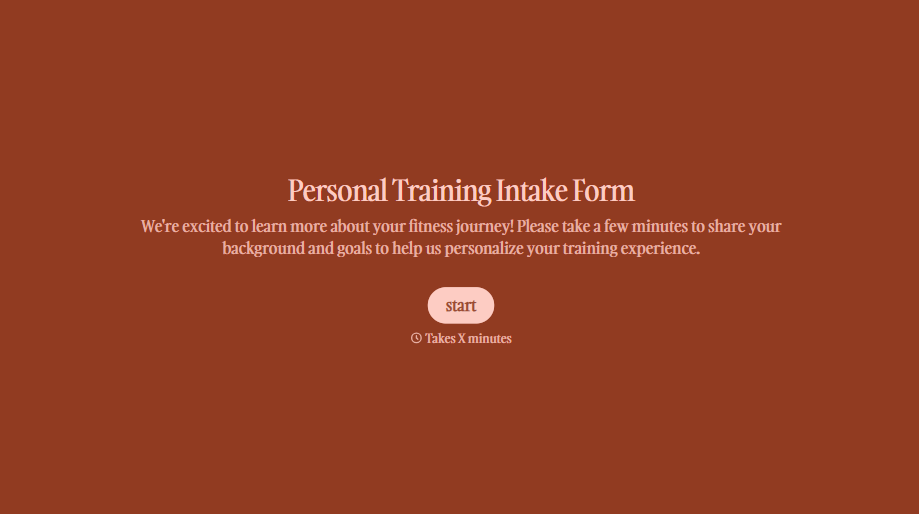
Personal Trainer Intake Form
A PAR-Q filled out in the lobby five minutes before a first session isn't intake, it's a formality nobody has time to read closely. Collect health history, injury information, and fitness goals before the first session, so your trainer isn't building a program blind.
View template
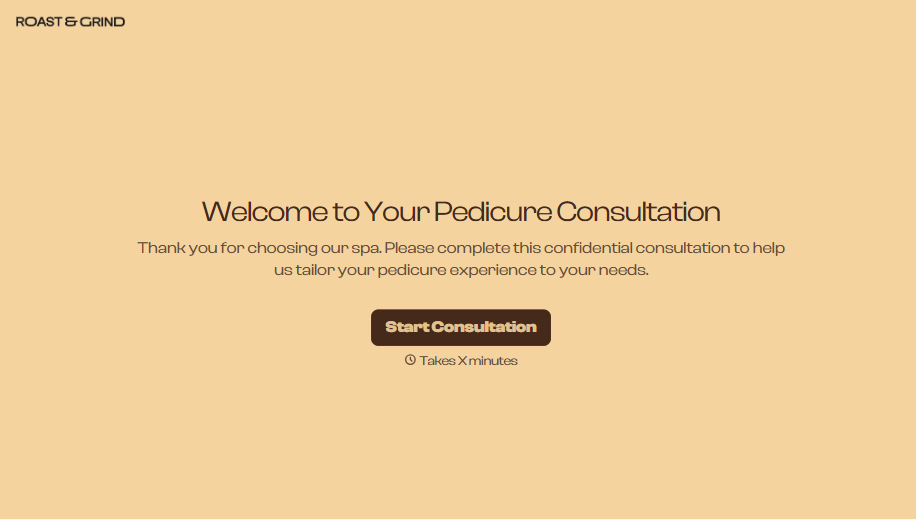
Pedicure Consultation Form
An intake card filled out on a clipboard while a client's feet are already in the soak isn't a consultation, it's a formality nobody reads closely. Collect foot health disclosures, allergy information, and service preferences before the technician picks up a tool, so nobody discovers a health condition mid-service.
View template

Bar Inventory Form
A bottle count eyeballed at the end of a shift and scrawled on a paper sheet doesn't hold up against a pour cost report that says something doesn't add up. Collect what your bar actually needs, item, count, and variance, on a schedule you can actually compare week to week.
View template

Equipment Inventory Form
Equipment that leaves a storage room in someone's arms, with no note about where it went, doesn't show up again until someone needs it and can't find it. Collect what your team actually needs, item details, condition, and who's got it, every time something moves.
View template

Maintenance Agreement Form
A maintenance plan agreed to over the phone isn't a contract your service team can actually work from, especially when nobody's sure whether the twice-a-year tune-up was part of the deal. Collect the equipment covered, service frequency, and a signed agreement before the first visit, so your team isn't guessing at scope once they're on-site.
View template
With Typeform, you can customize everything
Change text, colors, and even logos to match the look and feel of your brand. Then embed forms smoothly onto web and email.
Make forms feel effortless to fill out. Pace questions, call people by their name, and adapt the flow based on the data they share.
Stay efficient by connecting forms to your workflow. Typeform integrates with 300+ tools including Slack, Zapier, and HubSpot.


