Photography Consent Form Template
Collect consent from individuals before photographing or filming them. This template covers the scope of use, subject identity, and explicit authorization in a clear, documented format.



Using someone's image for marketing, events, or media without documented consent creates legal and reputational risk. This applies whether you're photographing employees at a company event, capturing participants at a public program, or shooting content with clients. Verbal consent doesn't create a record, and assumptions about implied consent rarely hold up when challenged.
A photography consent form creates clear, documented authorization. Subjects acknowledge what kind of photography is involved, how the images may be used, and whether the consent extends to commercial applications or is limited to a specific event or campaign. Typeform's guided format makes the consent process feel straightforward rather than bureaucratic — people understand what they're agreeing to and can complete it in under a minute.
Use the template for events, content shoots, school programs, or any context where you're capturing images of identifiable people.
A photography consent form is a document in which an individual — or their parent or guardian if they're a minor — grants permission to be photographed or filmed and specifies how those images may be used. It creates a documented record that consent was obtained, which protects both the photographer and the organization using the images.
Using identifiable images of people without consent can lead to legal claims, especially when images are used commercially or in ways the subject didn't expect. A consent form protects your organization by creating a clear record of what was agreed to. It also respects subjects' autonomy by giving them a transparent understanding of how their image will be used before you proceed.
Cover the subject's identity, the scope of the photography, and the permitted use:
- What is the subject's full name (or the name of the minor and their parent or guardian)?
- What event, shoot, or program is this consent for?
- How may the images be used — for example, social media, print, website, or commercial advertising?
- Is the consent granted for the duration of a specific campaign or indefinitely?
- Is there any type of use the subject explicitly does not consent to?
- Does the subject acknowledge that no compensation will be provided unless specified?
Consent for minors must be provided by a parent or legal guardian. Include a field that identifies the adult giving consent and their relationship to the minor. For school or youth program contexts, this form is typically collected as part of enrollment. Make it clear whether the consent covers the current year or a single event, and re-collect it on a regular schedule rather than assuming indefinite consent.
Specify in the form whether consent covers photography, video, or both. If your content production includes audio recordings (interviews, testimonials), address that separately as well. Being explicit about each media type prevents misunderstandings — a subject who consented to photos may not have anticipated that the same consent would be used for a promotional video.
Get inspired by relevant templates and categories
3200+ Templates, 300+ Integrations

Bank Reference Form
A reference request faxed to a bank branch and left sitting in a queue for weeks isn't the kind of turnaround a landlord or business can wait on. Collect the applicant's signed authorization and the specific details you need confirmed before the request even reaches the bank, so a decision isn't stuck behind a letter that hasn't come back yet.
View template
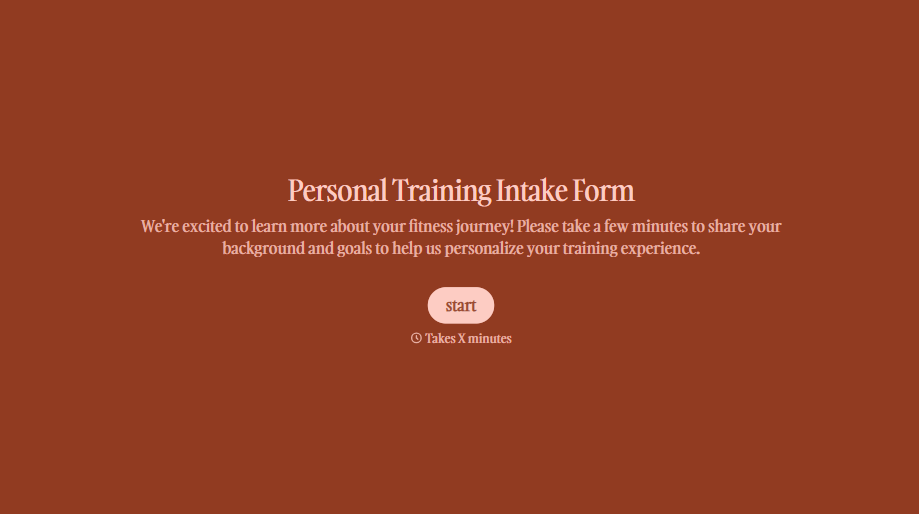
Personal Trainer Intake Form
A PAR-Q filled out in the lobby five minutes before a first session isn't intake, it's a formality nobody has time to read closely. Collect health history, injury information, and fitness goals before the first session, so your trainer isn't building a program blind.
View template
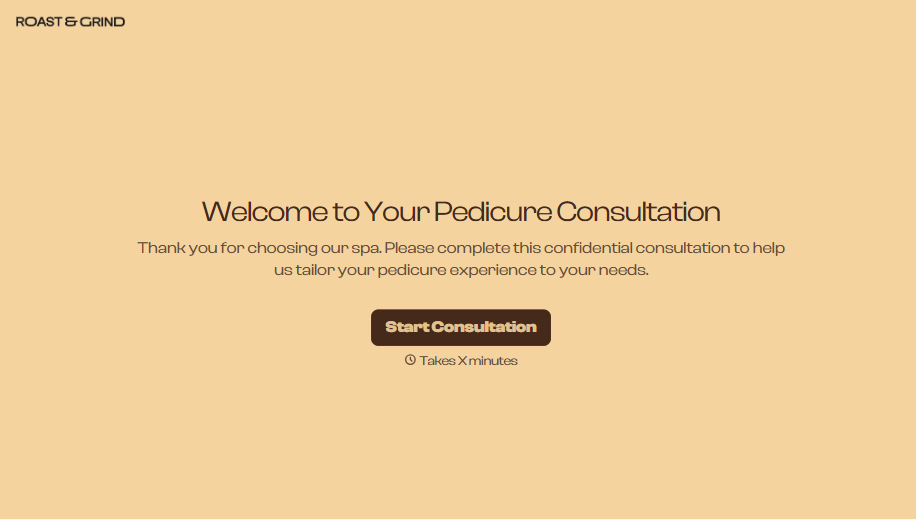
Pedicure Consultation Form
An intake card filled out on a clipboard while a client's feet are already in the soak isn't a consultation, it's a formality nobody reads closely. Collect foot health disclosures, allergy information, and service preferences before the technician picks up a tool, so nobody discovers a health condition mid-service.
View template

Bar Inventory Form
A bottle count eyeballed at the end of a shift and scrawled on a paper sheet doesn't hold up against a pour cost report that says something doesn't add up. Collect what your bar actually needs, item, count, and variance, on a schedule you can actually compare week to week.
View template

Equipment Inventory Form
Equipment that leaves a storage room in someone's arms, with no note about where it went, doesn't show up again until someone needs it and can't find it. Collect what your team actually needs, item details, condition, and who's got it, every time something moves.
View template

Maintenance Agreement Form
A maintenance plan agreed to over the phone isn't a contract your service team can actually work from, especially when nobody's sure whether the twice-a-year tune-up was part of the deal. Collect the equipment covered, service frequency, and a signed agreement before the first visit, so your team isn't guessing at scope once they're on-site.
View template
With Typeform, you can customize everything
Change text, colors, and even logos to match the look and feel of your brand. Then embed forms smoothly onto web and email.
Make forms feel effortless to fill out. Pace questions, call people by their name, and adapt the flow based on the data they share.
Stay efficient by connecting forms to your workflow. Typeform integrates with 300+ tools including Slack, Zapier, and HubSpot.


