Pledge Form Template
Give supporters a simple way to commit to a pledge — and make sure you have everything you need to follow up when the time comes.



Pledges fuel nonprofits, capital campaigns, and community projects, but there's a well-documented gap between pledge and payment. People commit in the heat of the moment — at a gala, during a telethon, or after a compelling presentation — and then life gets in the way. Paper pledge cards get lost, verbal commitments go undocumented, and the organization is left chasing promises that may or may not materialize.
This pledge form template captures donor pledges in a format that's documented, trackable, and easy to follow up on. Supporters specify their pledge amount, payment schedule (one-time, monthly, or annual), preferred payment method, and dedication or naming preferences. The form’s conversational flow feels personal and considered, not like a checkout process. Conditional logic adjusts the follow-up questions based on pledge level — a major gift pledge might include planned giving questions while a monthly supporter sees recurring payment setup.
Every pledge lands in Google Sheets, your donor management system, or CRM via Zapier. Automated follow-up emails confirm the pledge and remind supporters of their commitment. You build a reliable pipeline of future revenue, backed by documented commitments, instead of scribbled cards in a shoebox.
A pledge form is a commitment document where supporters formally promise to contribute a specified amount to an organization, cause, or campaign. It captures the pledge amount, payment timeline, donor information, and any special designations. Unlike an immediate donation, a pledge documents a future financial commitment, and creates the follow-up framework to convert pledges into actual contributions.
Pledges dramatically increase giving capacity. A donor who can't write a $5,000 check today might commit to $5,000 over 12 months. Pledge forms document these commitments, creating a predictable revenue pipeline that enables better financial planning. They also psychologically commit supporters — a documented pledge is far more likely to be fulfilled than a verbal "I'll donate later."
A pledge form typically covers:
- Donor's full name, email, phone, and mailing address
- Pledge amount (total commitment)
- Payment schedule (one-time, monthly, quarterly, annual)
- Preferred payment method (credit card, check, bank transfer)
- Designation or purpose of the pledge (general fund, specific campaign)
- Whether the donor wishes to remain anonymous
Automation makes follow-up consistent and gentle. Set up email reminders through Zapier that send friendly payment reminders on the agreed schedule. Frame reminders as, "thank you for your commitment" rather than "you haven't paid." Provide easy payment links in every reminder. For large pledges, a personal call from a development officer builds relationships alongside accountability. The key is making payment as frictionless as possible — every barrier between intention and action means fewer pledges fulfilled.
Use conditional logic to adjust the form based on pledge amount or tier. A pledge of $1,000+ might trigger questions about naming opportunities, event invitations, or recognition preferences. A $100 monthly pledge might ask about communication preferences for recurring donors. Conditional logic makes sure smaller donors aren’t overwhelmed with irrelevant options, and major donors aren’t stuck answering generic questions.
Get inspired by relevant templates and categories
3200+ Templates, 300+ Integrations

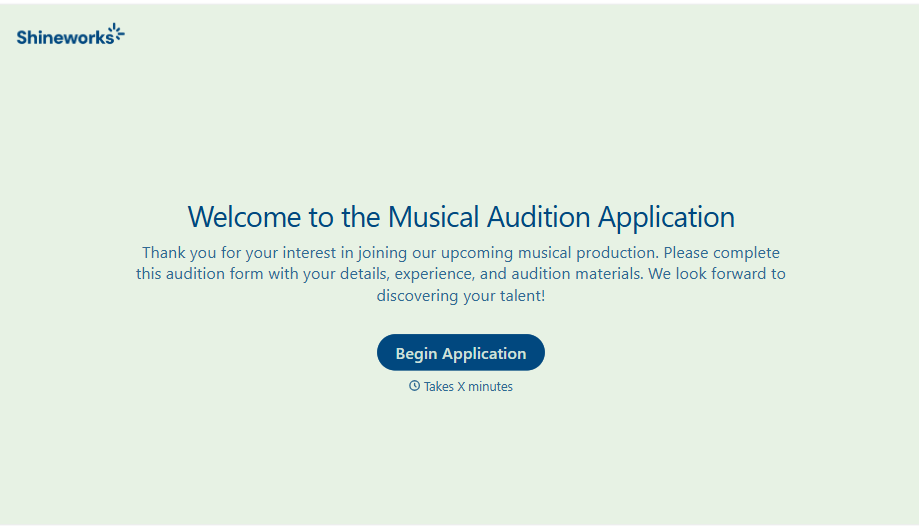
Musical Audition Form
A name scrawled on a sign-up sheet taped near the rehearsal room doesn't tell a director what role someone's after, or whether they can actually make callbacks next Tuesday. Collect what your production actually needs, contact information, role interest, and availability, before audition day arrives.
View template

Library Book Request Form
A book request scrawled on a sticky note at the front desk doesn't make it into any queue, and it definitely doesn't get anyone a call when the book actually arrives. Collect what your library actually needs, the title, patron information, and how they'd like to be notified, before the note gets buried under the next stack of returns.
View template
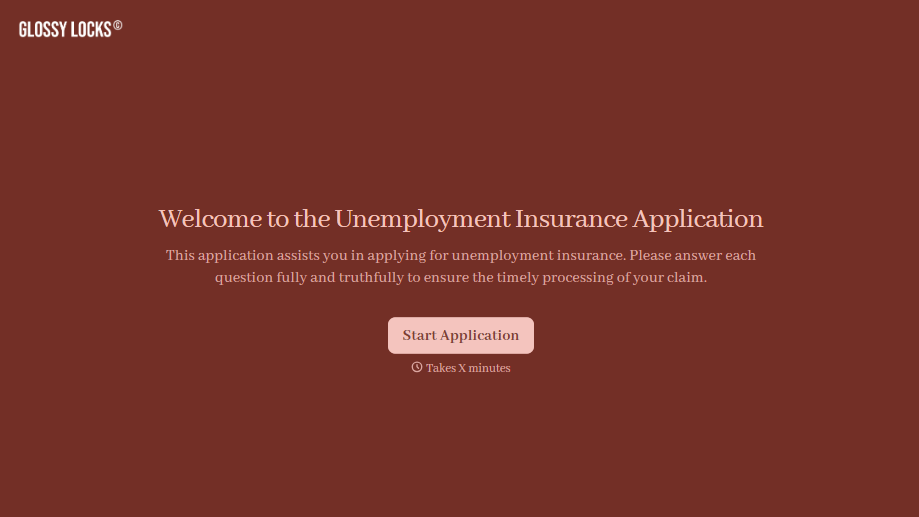
Unemployment Insurance Application Form
A stack of pay stubs gathered the morning of a filing deadline isn't the kind of preparation that gets a claim processed without delay. Collect employment history, separation details, and supporting documents before you sit down at your state's unemployment portal, so a claim doesn't stall over a missing detail.
View template

Nationality Verification Form
A self-certification buried in a stack of new account paperwork isn't the kind of record a compliance team can rely on for a regulatory filing. Collect nationality, tax residency, and a signed declaration before an account opens, so compliance isn't chasing down a customer's citizenship status after the fact.
View template
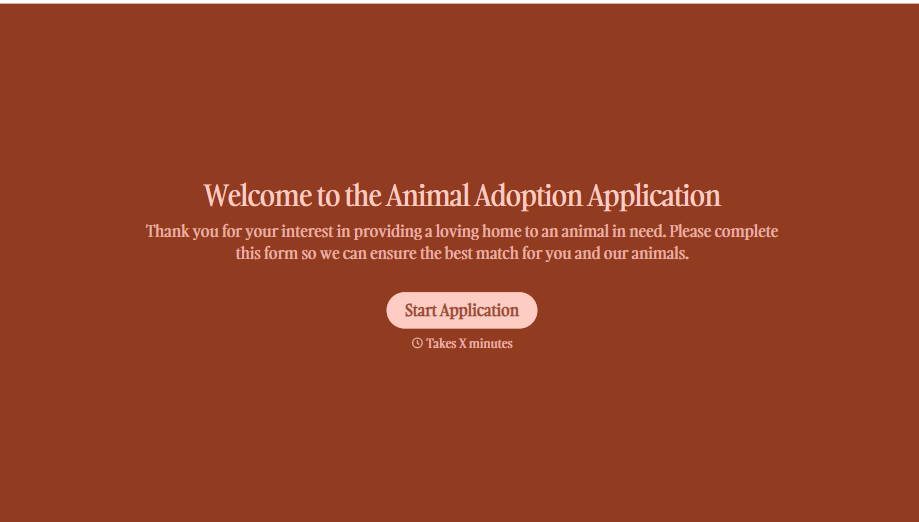
Animal Adoption Application Form
A paper application filled out at the counter while a dog's watching through the window isn't enough information to place an animal in a home that'll actually work. Collect household information, pet experience, and references before adoption day, so your staff aren't approving a placement on a rushed form.
View template
With Typeform, you can customize everything
Change text, colors, and even logos to match the look and feel of your brand. Then embed forms smoothly onto web and email.
Make forms feel effortless to fill out. Pace questions, call people by their name, and adapt the flow based on the data they share.
Stay efficient by connecting forms to your workflow. Typeform integrates with 300+ tools including Slack, Zapier, and HubSpot.


