Post-Program Feedback Form Template
Capture participant feedback after a program ends — while the experience is still fresh.



Post-program feedback is most valuable when it's specific, timely, and structured. This form gives program coordinators a way to hear directly from participants about what worked, what didn't, and what they'd want different in a future cohort.
The template covers overall program satisfaction, ratings of specific program components, whether the program met the participant's stated goals, the most and least valuable elements, key learnings, likelihood to recommend, and what they'd change. A free-text comment field invites open reflection.
Aggregate feedback from a cohort produces a clearer picture of program effectiveness than individual anecdotes — and makes program improvements evidence-based rather than gut-driven.
Within 1 to 3 days of program completion while the experience is fresh. Waiting longer reduces recall quality and response rates.
10 to 15 questions for a significant program. Shorter is better if the program was brief. Balance depth of insight with respondent effort — a form that takes more than 15 minutes will see dropped responses.
You can offer the option. Fully anonymous feedback tends to be more candid, but identified feedback allows you to follow up individually when needed. Consider making name fields optional.
Share aggregated results with the program design team. Identify the 2 to 3 most common negative findings and the strongest positive elements. Change one or two things per iteration, not everything at once.
Yes. Include a question asking participants if they'd be willing to provide follow-up feedback at 30 to 60 days, assessing whether the program had lasting impact. Consent to contact captures who's open to that.
Get inspired by relevant templates and categories
3200+ Templates, 300+ Integrations
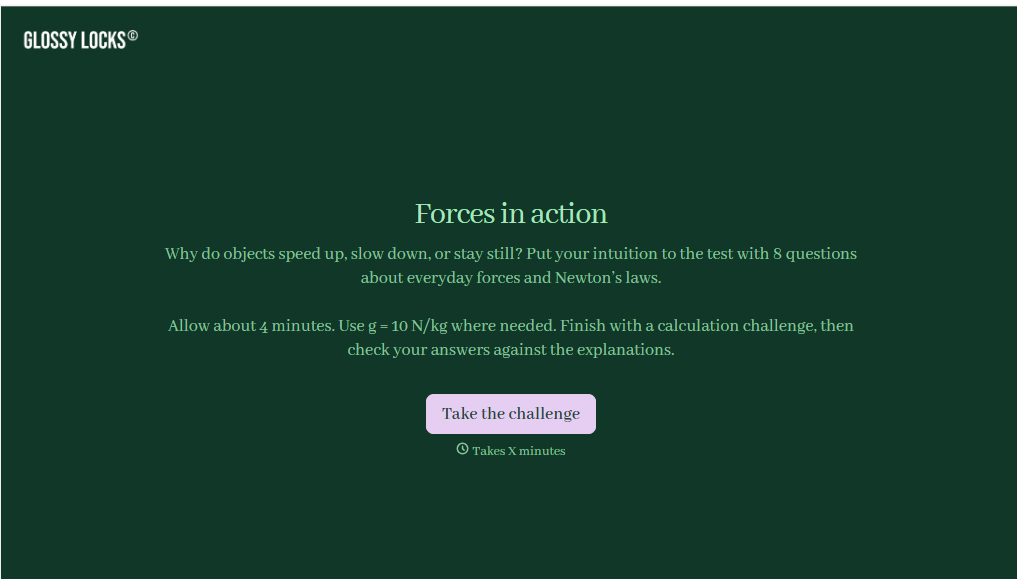
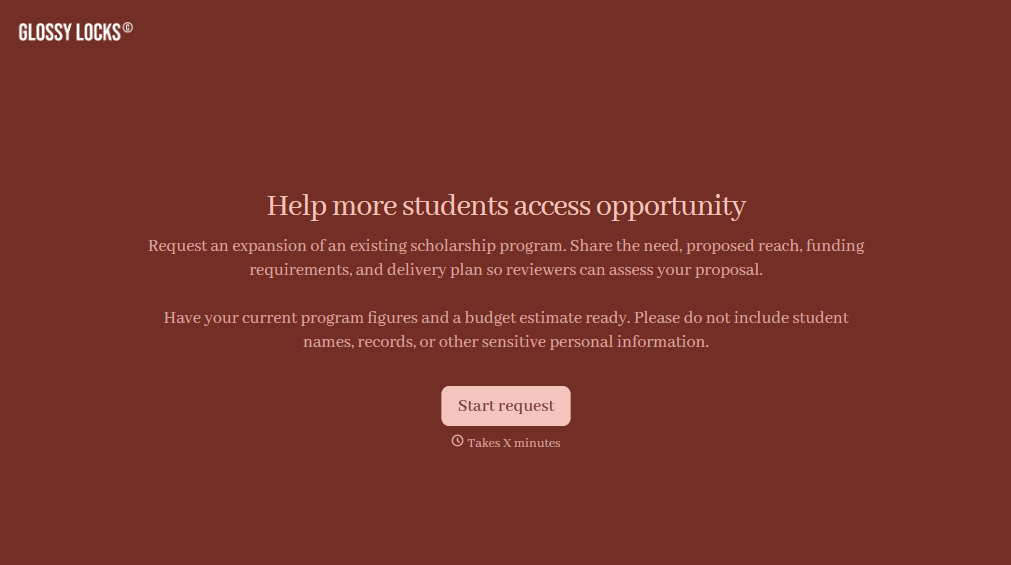
Scholarship Program Expansion Request Form
Give educational institutions and nonprofit organizations a straightforward way to request scholarship program expansions with a form that collects funding needs, proposed changes, and supporting information. Keep requests organized so program administrators can evaluate expansion opportunities, review budgets, and make informed decisions about increasing financial assistance for students.
View template
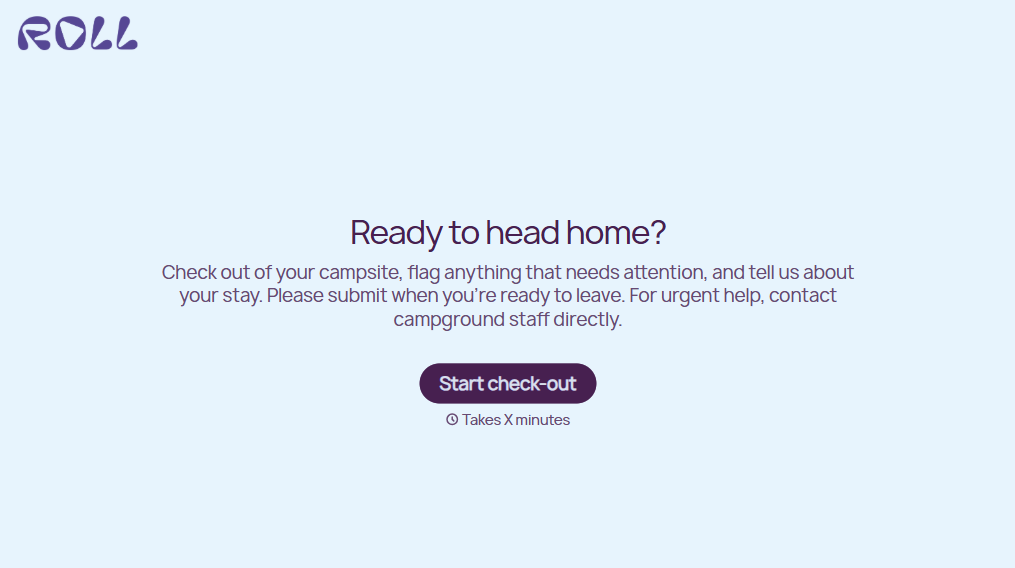
Campground Guest Check Out Form
Provide campground guests with a convenient way to complete their checkout with a form that collects reservation details, departure information, and campsite conditions. Keep checkout records organized so campground staff can track departures, manage site availability, and prepare accommodations for incoming guests.
View template
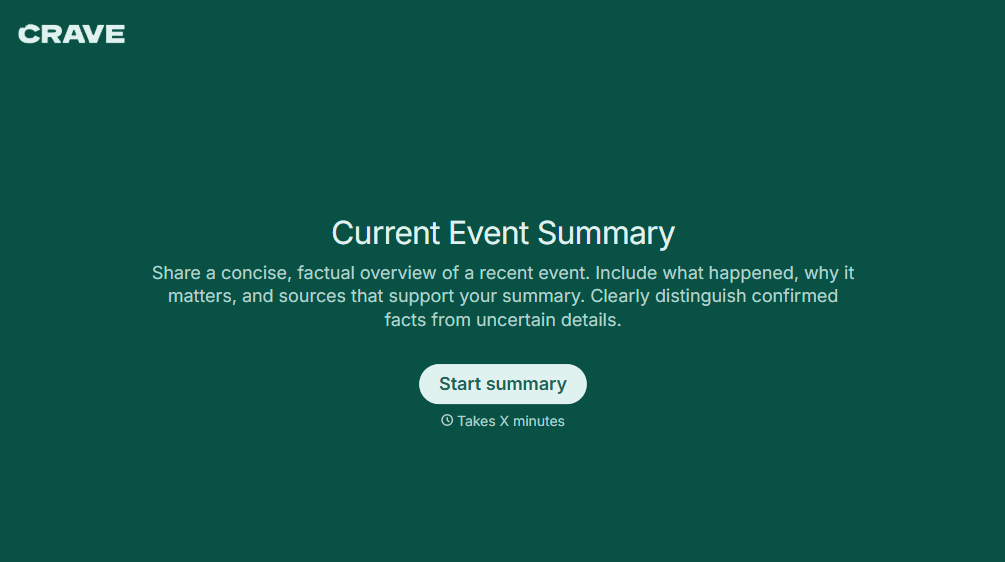
Current Event Summary Form
Give teachers, students, and educational organizations a straightforward way to document and analyze current events with a form that collects article details, key facts, and personal reflections. Keep summaries organized so educators can review student understanding, encourage critical thinking, and support meaningful discussions about local, national, and global news.
View template
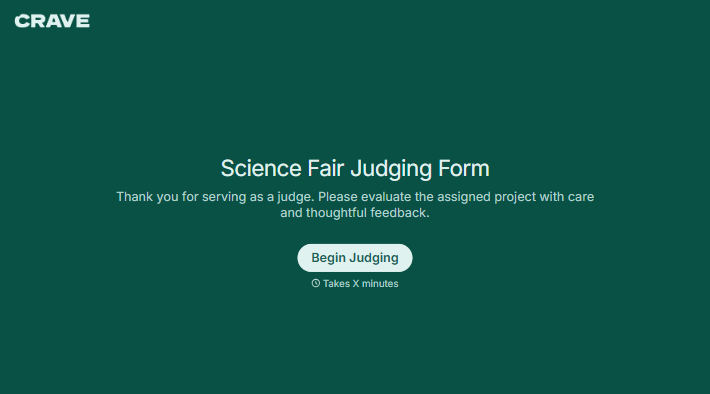
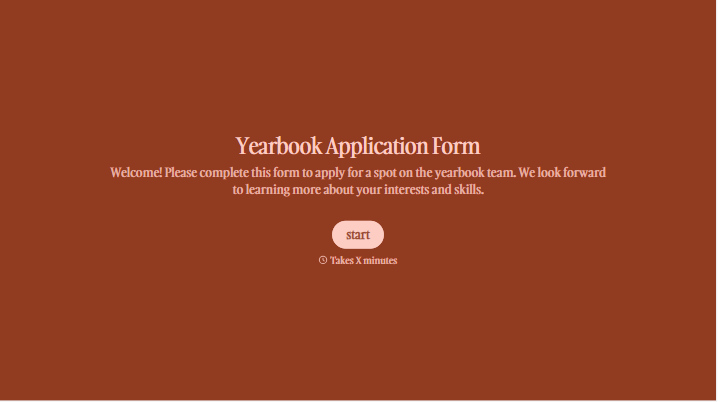
With Typeform, you can customize everything
Change text, colors, and even logos to match the look and feel of your brand. Then embed forms smoothly onto web and email.
Make forms feel effortless to fill out. Pace questions, call people by their name, and adapt the flow based on the data they share.
Stay efficient by connecting forms to your workflow. Typeform integrates with 300+ tools including Slack, Zapier, and HubSpot.