Post-training survey template
Find out what actually landed after your training session — before the next one.


Training sessions are only as useful as the follow-through. But without a structured way to gather feedback afterward, you're relying on hallway comments and gut feelings to figure out what worked and what didn't.
A post-training survey captures reactions while the session is still fresh. Typeform's template uses the one-question-at-a-time format to keep participants engaged rather than hitting them with a long grid of ratings they'll rush through. Conditional logic lets you dig deeper when someone flags an issue — if they rate the content as unclear, you can automatically ask them to explain what was confusing. Responses sync to your spreadsheet or HR tool so you can spot trends across multiple sessions.
Add your company branding, adjust for the specific training type, and send it immediately after the session ends. Getting actionable feedback shouldn't take as long as the training itself.
A post-training survey is a short questionnaire sent to participants after a training session or workshop. It measures how well the content was understood, how useful participants found it, and how confident they feel applying what they learned.
Because what you think was clear and what participants actually understood are often different things. A post-training survey surfaces those gaps so you can refine your content, adjust your delivery, or provide additional support before performance suffers.
A solid post-training survey usually includes:
- How relevant was this training to your current role?
- How clear was the content and delivery?
- What was the most useful thing you learned?
- What was missing or could have been clearer?
- How confident are you in applying what you learned?
- What kind of follow-up support would help you most?
Within 24 hours of the session, while the content is still fresh. Some organizations send it immediately at the end of the training, which maximizes response rates. The longer you wait, the harder it becomes for participants to give specific, accurate feedback.
A post-training survey measures perception and experience — how useful the training felt, how well it was delivered, what participants plan to do differently. A learning assessment tests whether they can actually recall and apply specific knowledge. Both are useful; they measure different things.
Get inspired by relevant templates and categories
3200+ Templates, 300+ Integrations

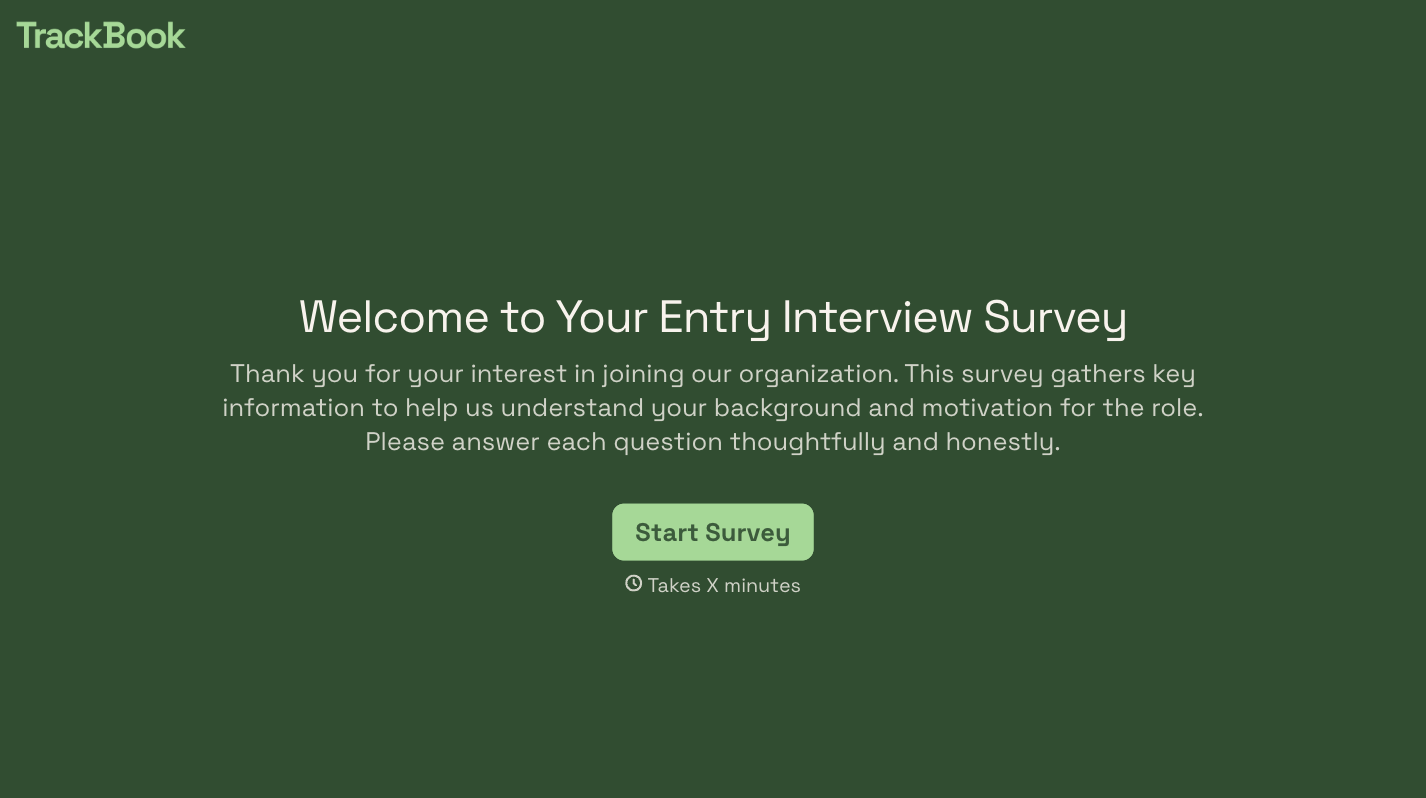

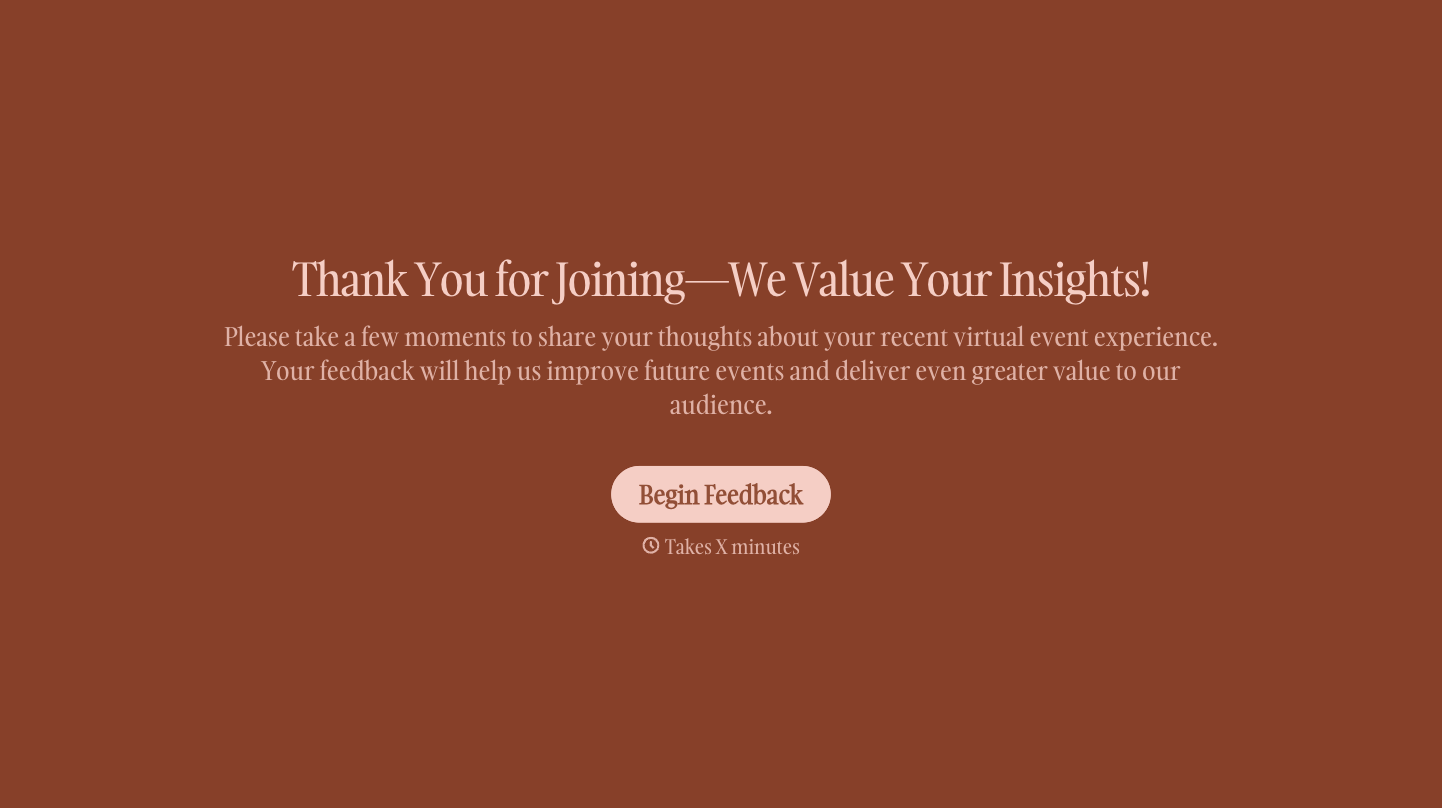

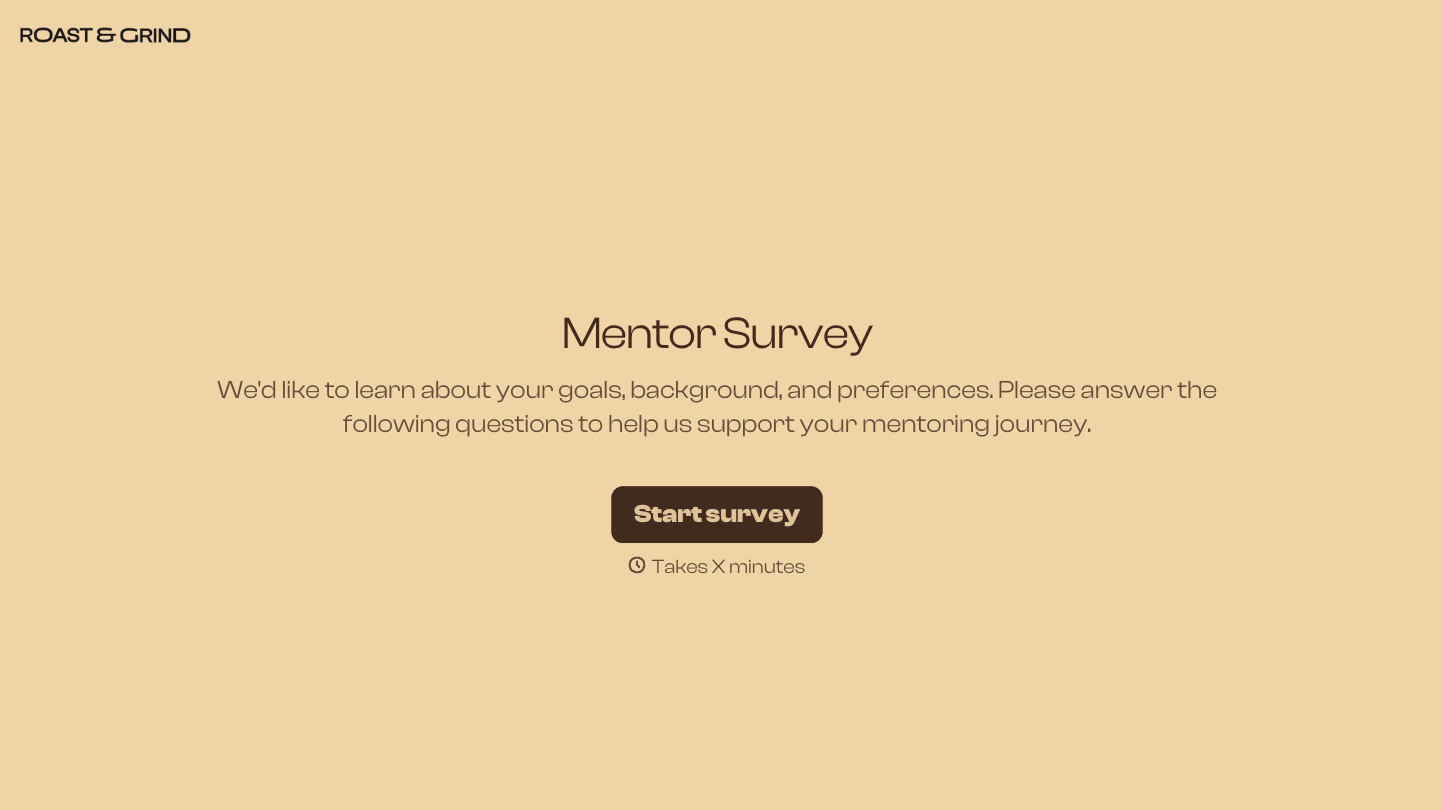
With Typeform, you can customize everything
Change text, colors, and even logos to match the look and feel of your brand. Then embed forms smoothly onto web and email.
Make forms feel effortless to fill out. Pace questions, call people by their name, and adapt the flow based on the data they share.
Stay efficient by connecting forms to your workflow. Typeform integrates with 300+ tools including Slack, Zapier, and HubSpot.


