Pre Screening Form
Screen candidates before the first interview, so your hiring team spends time with the people worth meeting.



Hiring teams that skip pre-screening often realize halfway through an interview that a candidate doesn't meet basic requirements. That wastes time on both sides. Typeform's pre-screening form template gives hiring teams a consistent way to qualify candidates before they reach the interview stage.
The form captures the candidate's basic qualifications, work eligibility, availability, salary expectations, and any role-specific requirements in one flow. Typeform presents one question at a time, so candidates move through the screen without feeling interrogated. Conditional logic adapts questions based on the role applied for. A candidate applying for a technical role sees different qualifying questions than one applying for a client-facing or operational position.
Customize the form with your company name, open roles, and must-have qualifications for each position. Share it via email, embed it on your careers page, or include it in your recruitment workflow. Every response logs automatically in Google Sheets or Airtable via Zapier, so your team reviews results without digging through inboxes. Your hiring team walks into every interview knowing the candidate has already cleared the bar.
A pre-screening form collects basic qualifications, eligibility, and availability from candidates before a full interview. It gathers work authorization, availability, salary expectations, experience level, and role-specific criteria in a single submission. It functions as the first filter in the hiring process, so your team's time goes toward the right candidates.
Full interviews with unqualified candidates are expensive. A pre-screening step filters out candidates who don't meet basic requirements before anyone books time in their calendar. It also creates a structured, comparable record of every applicant's initial qualifications, making it easier to shortlist with confidence. Use it for all open roles, from entry-level positions to senior and specialized hires.
A complete pre-screening form covers:
- Applicant name and contact details
- Role applied for
- Work authorization and eligibility
- Relevant experience and qualifications
- Availability and notice period
- Salary expectations
- Role-specific qualifying questions (e.g., certifications, technical skills, location)
Set up conditional logic to branch by role, so each applicant only sees qualifying questions relevant to their position. A technical applicant sees questions about skills and certifications. A customer-facing applicant sees questions about communication experience and availability instead. This keeps your full hiring intake in one form without maintaining a separate screen for every role.
Export responses to Google Sheets via Zapier so every candidate's answers are organized in a single, filterable sheet. Add a scoring column to rank candidates by experience, availability, or salary alignment, then sort to build your shortlist. For high-volume hiring, use Typeform's response notifications to flag submissions that meet your threshold criteria automatically. Your team shortlists with data, not instinct.
Get inspired by relevant templates and categories
3200+ Templates, 300+ Integrations


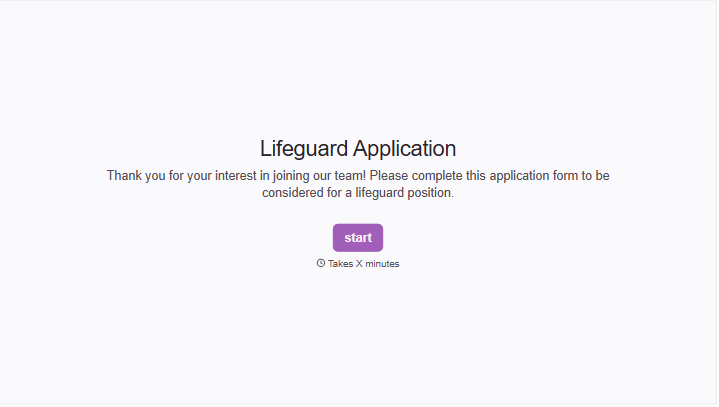


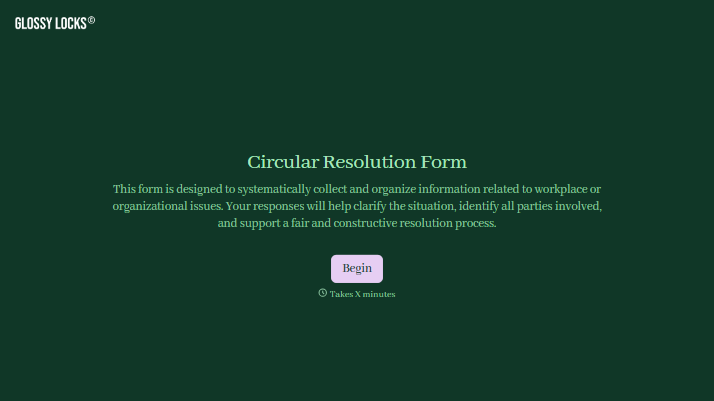
With Typeform, you can customize everything
Change text, colors, and even logos to match the look and feel of your brand. Then embed forms smoothly onto web and email.
Make forms feel effortless to fill out. Pace questions, call people by their name, and adapt the flow based on the data they share.
Stay efficient by connecting forms to your workflow. Typeform integrates with 300+ tools including Slack, Zapier, and HubSpot.


