Preschool Admission Form
Collect child details, health information, and family emergency contacts in one form, so your teachers know every child before the first day begins.



Preschools that collect enrollment on paper often receive student forms that arrive incomplete. A missing allergy, undisclosed health condition, or dietary restriction shows up in the classroom that could have been caught at enrollment. Typeform's preschool admission template gives preschool directors and administrators a reliable way to collect complete enrollment information before any child's first day begins.
The form captures child details, parent and emergency contact information, health conditions, allergies, dietary restrictions, immunization status, and pickup arrangements. Each question appears on its own, so parents move through the enrollment process without missing a required detail. Conditional logic adapts the form based on the child's needs. Children with disclosed health conditions see additional fields for medical contacts and care instructions, while others move to scheduling preferences.
Customize the health disclosure fields, developmental history sections, and scheduling options to match your preschool's enrollment requirements. Share it by email with enrolled families or post a QR code at the front desk for in-person inquiries. Enrollment records log automatically via Zapier, so administrators track every submission and flag incomplete records before the enrollment deadline. Every teacher walks into the first day knowing each child's allergies, health needs, and emergency contacts.
A preschool admission form collects child and family information from parents enrolling a child in a preschool program. It captures child details, health conditions, allergies, emergency contacts, immunization status, developmental notes, and pickup arrangements in one structured submission. Start every school year with a complete health and family profile for every child.
A preschool admission form captures every health detail at enrollment, so teachers prepare the classroom before a child arrives. It also gives parents documented proof that the school has their child's needs on file before the first day begins.
Gather everything needed for a safe and prepared first day:
- Child's full name, date of birth, and home address
- Parent and guardian contact details and emergency contacts
- Known allergies, health conditions, and current medications
- Immunization status and primary care physician
- Pickup authorization and approved contacts
Yes. Typeform's File Upload feature lets parents attach immunization records, physician health clearances, or custody documents directly in the form. Accepted file types include PDFs, JPEGs, and PNGs, with a 10 MB limit per file. Documents arrive alongside enrollment details, so administrators review every child's complete profile without following up for missing records. File Upload is available on paid Typeform plans.
Connect it via Zapier so every submission triggers an automatic confirmation to the family, including next steps for completing enrollment. Your team uses contact details already in the form to confirm spots, request missing documents, or share first-day information. This keeps every family informed from the moment they submit to the moment their child walks through the door.
Get inspired by relevant templates and categories
3200+ Templates, 300+ Integrations
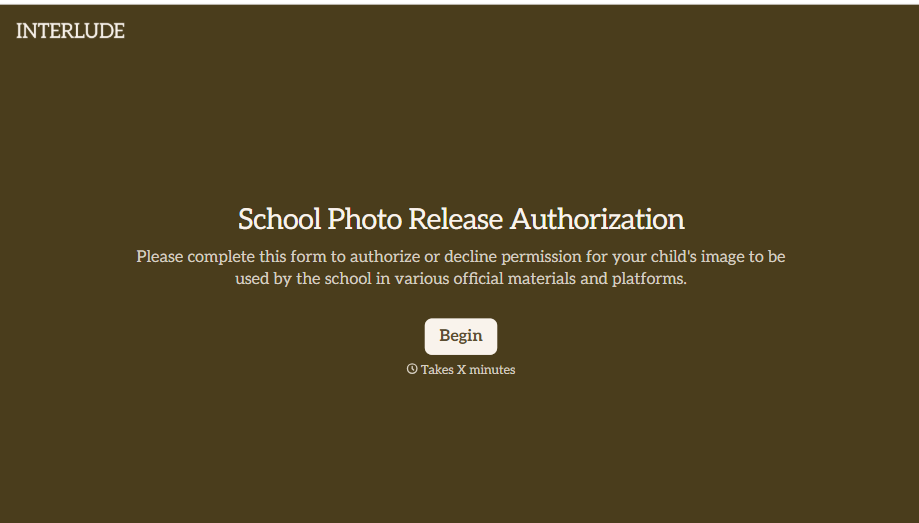
School Photo Release Form
A photo consent checkbox buried on page 12 of an enrollment packet doesn't tell a teacher who's actually opted out before they post a class photo. Collect what your school actually needs, guardian consent, and exactly where a photo can be used, before the camera comes out.
View template
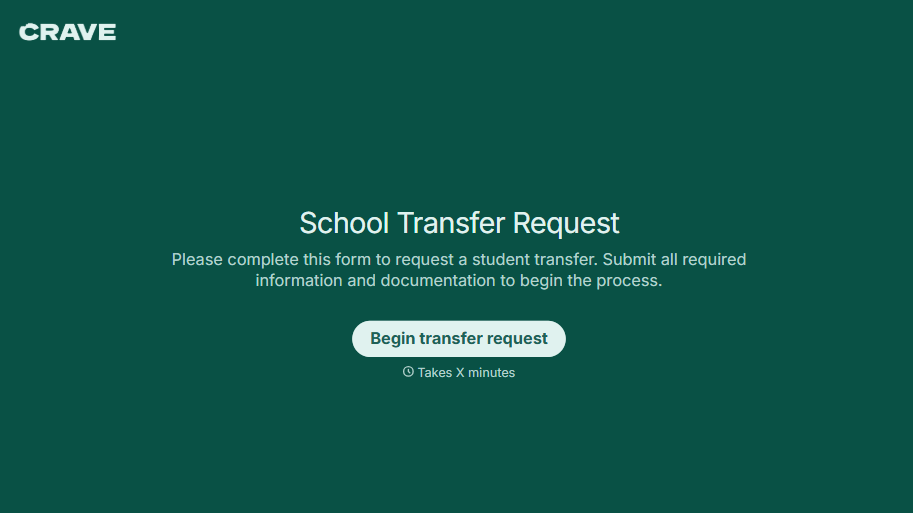
School Transfer Request Form
A transfer request dropped off at the district office isn't the kind of paperwork that gets processed before the semester it's meant for already started. Collect the student's information, reason for transfer, and supporting documentation upfront, so a request doesn't stall while the district follows up for a missing form.
View template
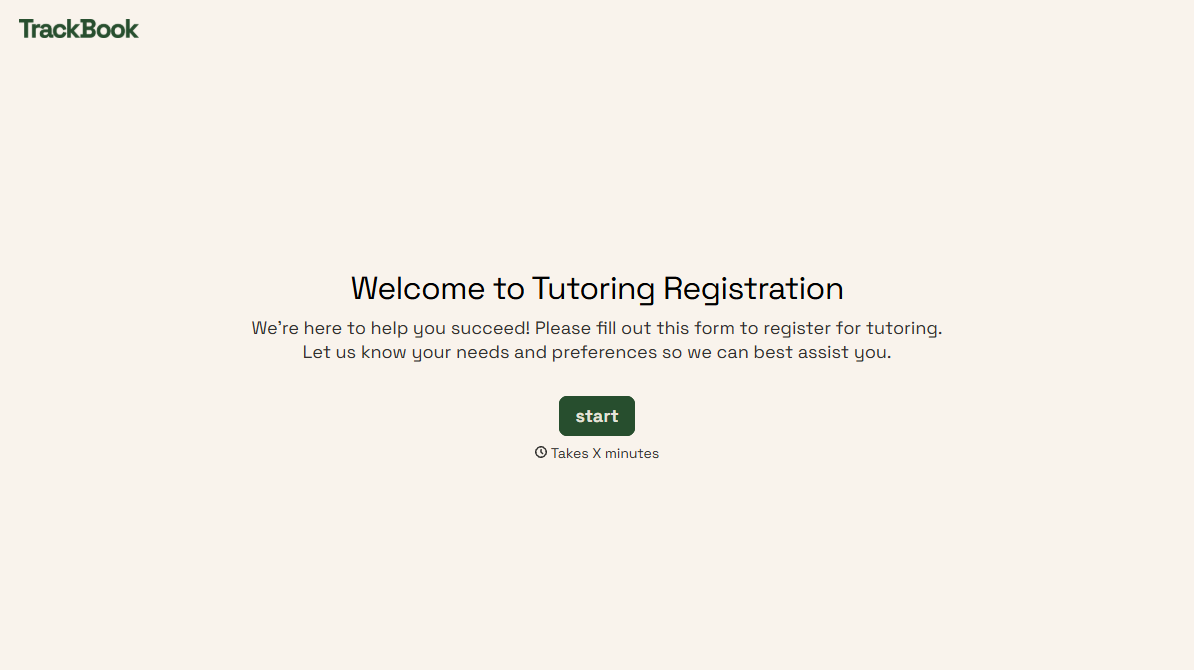
Tutoring Registration Form
A phone call to sign up for tutoring isn't the kind of information a tutor can build a first session around, especially without knowing which chapter of algebra is causing the trouble. Collect the student's subject needs, schedule, and goals before the first session, so a tutor isn't starting from scratch on day one.
View template
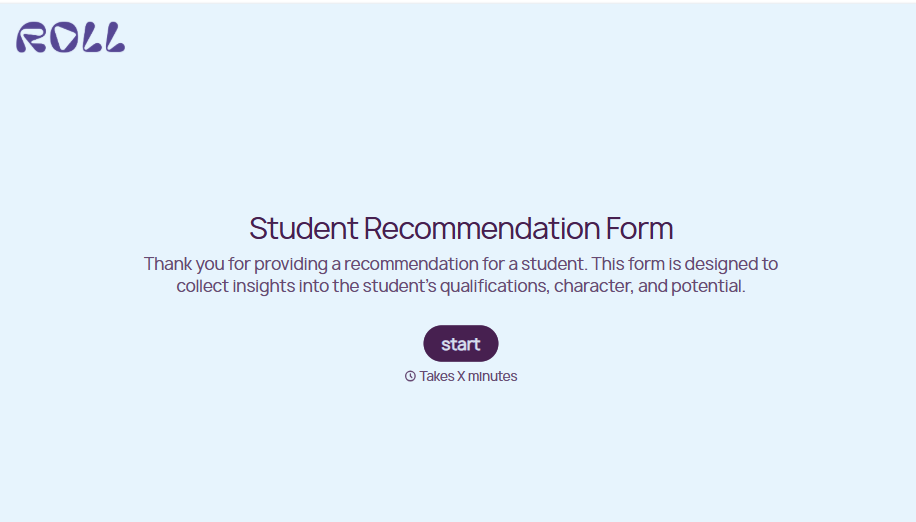
Student Recommendation Form
An email asking "can you write me a letter of recommendation" with no deadline attached isn't enough for a teacher to actually sit down and write one. Collect the program details, deadline, and what the student wants highlighted before the request lands in an inbox, so a letter doesn't get written in a rush the night it's due.
View template
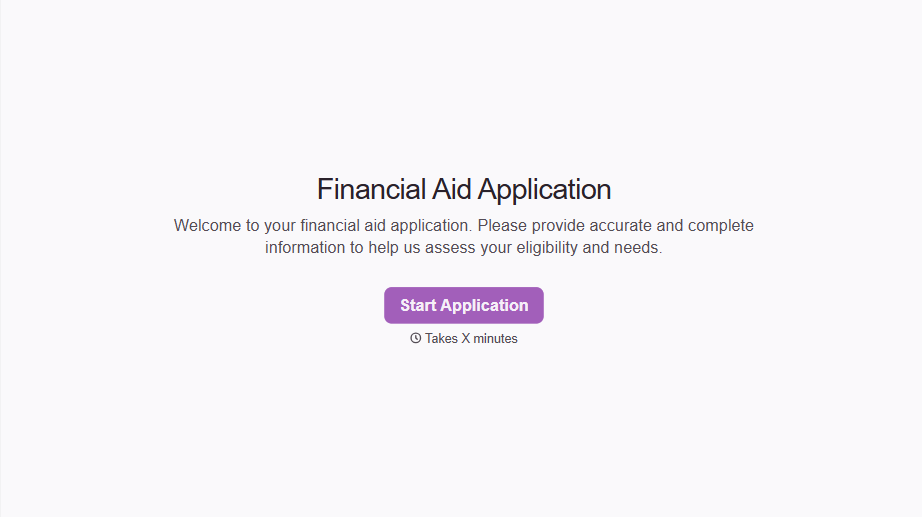
Financial Aid Application Form
A request for help with tuition mentioned to the front office in passing doesn't give your financial aid team anything to actually evaluate. Collect what your school actually needs, household information, income documentation, and need, before the deadline passes.
View template
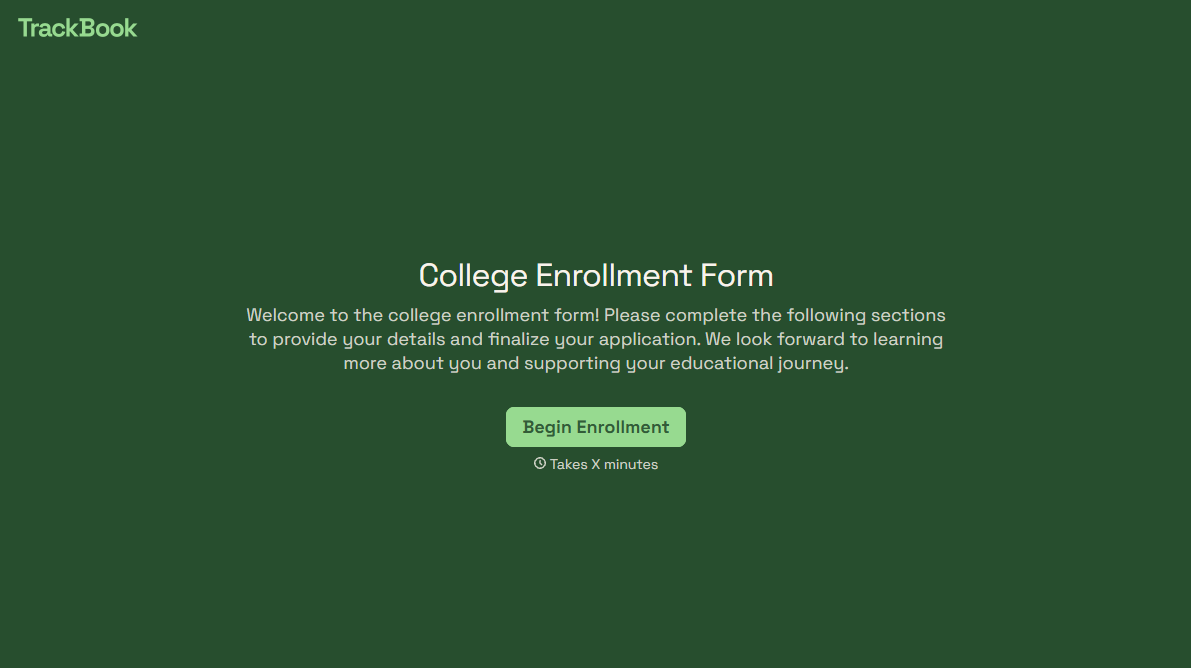
College Enrollment Form
An acceptance letter isn't an enrolled student, it's an interested one, and if the deposit, housing, and immunization records live in three different portals, some of the admitted class quietly enrolls somewhere else instead. Confirm it one place at a time, before the deposit deadline passes.
View template
With Typeform, you can customize everything
Change text, colors, and even logos to match the look and feel of your brand. Then embed forms smoothly onto web and email.
Make forms feel effortless to fill out. Pace questions, call people by their name, and adapt the flow based on the data they share.
Stay efficient by connecting forms to your workflow. Typeform integrates with 300+ tools including Slack, Zapier, and HubSpot.


