Tutoring Registration Form
A phone call to sign up for tutoring isn't the kind of information a tutor can build a first session around, especially without knowing which chapter of algebra is causing the trouble. Collect the student's subject needs, schedule, and goals before the first session, so a tutor isn't starting from scratch on day one.



Signing up for tutoring usually starts with a phone call or an email, enough to get a student on the calendar but not much else. The tutor doesn't find out the specific subject, grade level, or exactly where a student is struggling until the first session, and that first session ends up spent on questions that could've been answered ahead of time. Scheduling happens through a back-and-forth of messages, and payment details sometimes don't come up until it's already a little awkward to ask.
Typeform's tutoring registration form asks for what a tutor needs before the first session: the student's information, the subject and grade level, specific areas of difficulty or goals, and preferred scheduling. Conditional logic branches from there. A subject like test prep can route to questions about which specific test and target score, while a math subject can route to the specific topics giving a student trouble, instead of one generic field trying to cover every possible subject. A student who needs help in more than one subject can route to add each one individually, with its own goals, instead of a single field that blurs them together. Every registration lands in one clear profile instead of details pieced together over a call and a few emails.
Connect the form to your scheduling or billing software through Zapier, and a completed registration can set up the first session and billing automatically instead of coordinating both by hand. Ask for it at signup, and a tutor walks into the first session with a clear sense of what a student needs instead of starting the conversation from zero.
A tutoring registration form is an online form tutoring services use to collect a student's subject needs, goals, and scheduling preferences before their first session. Instead of a phone call that leaves most of the details for the first meeting, a tutor has a clear starting point.
A phone call is often enough to book a time slot, but it rarely captures the specifics a tutor actually needs, subject, grade level, exactly where a student is struggling. A form collects that upfront, so the first session can start with actual instruction instead of an intake conversation.
Ask for what a tutor will actually need before the first session:
- Student name, grade level, and parent or guardian contact information
- Subject or subjects needing support
- Specific areas of difficulty or goals
- Preferred schedule and availability
- Payment information
Not necessarily. Availability of a particular tutor or time slot depends on current capacity and existing bookings, so it's worth confirming scheduling directly with the tutoring center rather than assuming a preferred slot is automatically secured.
Yes. Add a file upload question and parents can attach a report card, teacher feedback, or other relevant documents in the same submission, no separate email required. Pair it with conditional logic so the upload only appears when it's relevant to the subject being registered for.
Get inspired by relevant templates and categories
3200+ Templates, 300+ Integrations
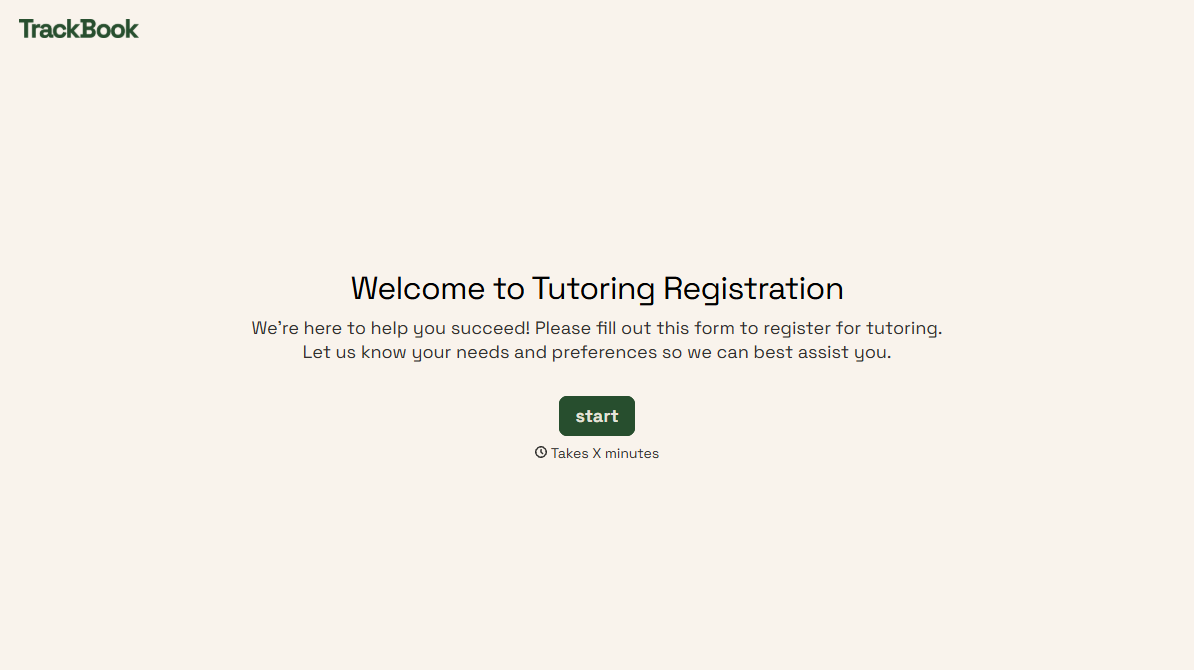
Tutoring Registration Form
A phone call to sign up for tutoring isn't the kind of information a tutor can build a first session around, especially without knowing which chapter of algebra is causing the trouble. Collect the student's subject needs, schedule, and goals before the first session, so a tutor isn't starting from scratch on day one.
View template
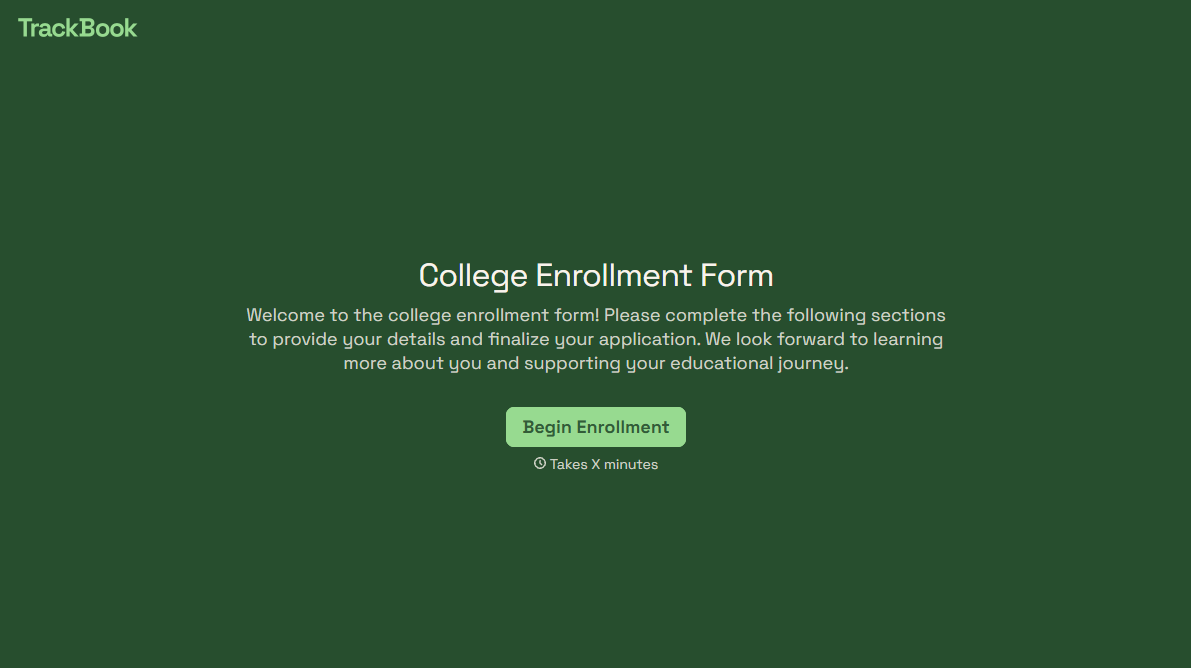
College Enrollment Form
An acceptance letter isn't an enrolled student, it's an interested one, and if the deposit, housing, and immunization records live in three different portals, some of the admitted class quietly enrolls somewhere else instead. Confirm it one place at a time, before the deposit deadline passes.
View template


With Typeform, you can customize everything
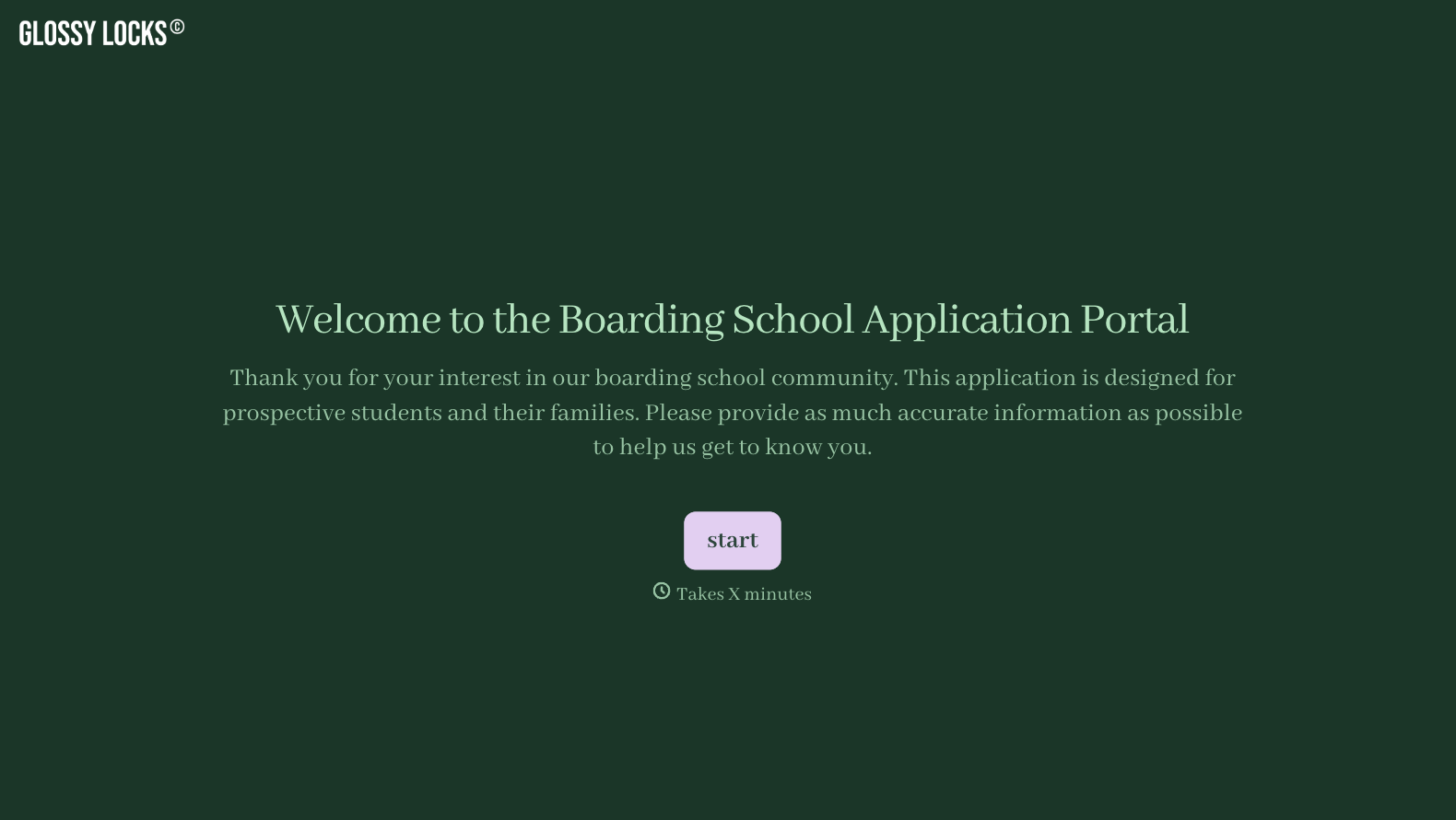
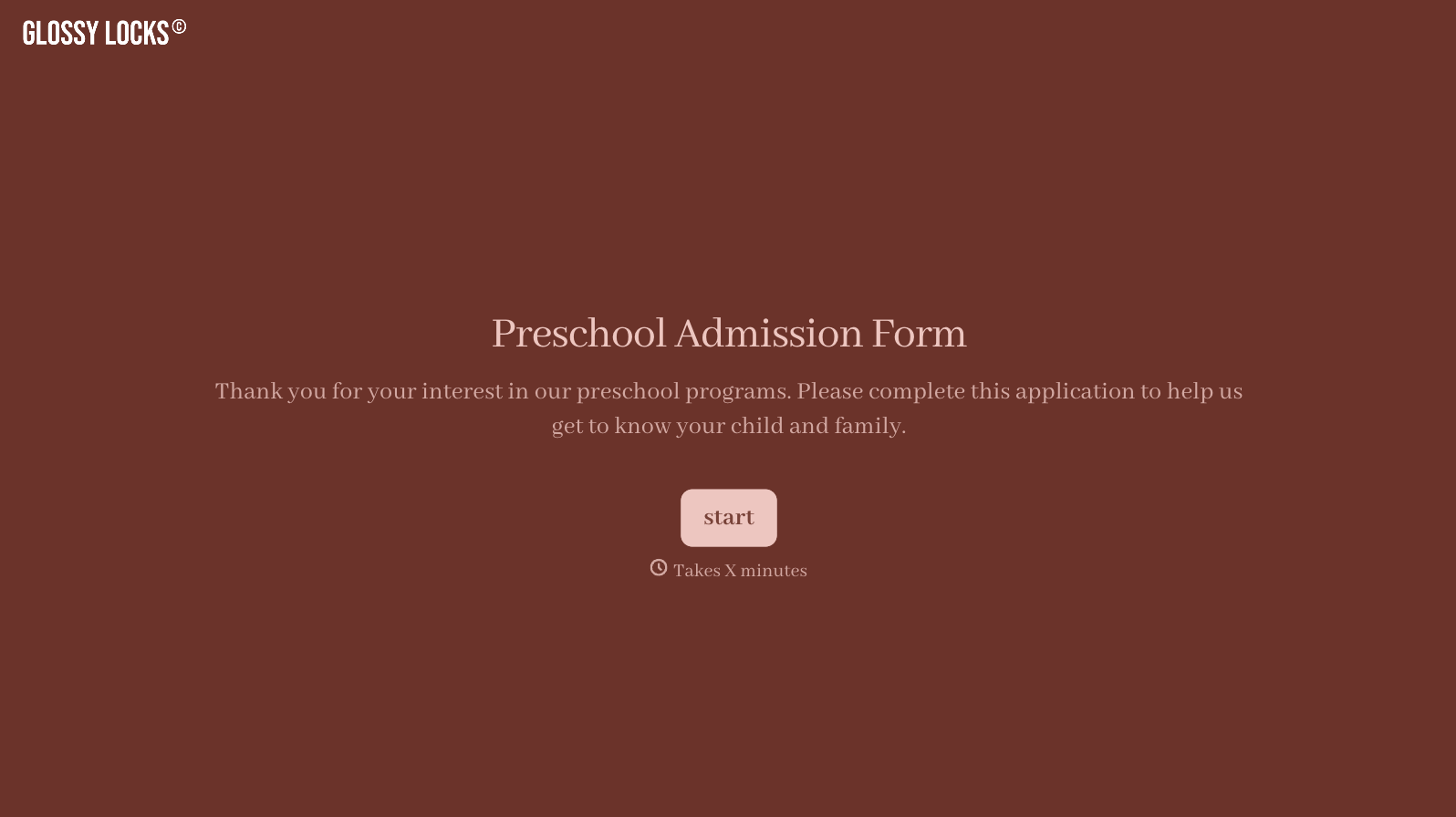
Change text, colors, and even logos to match the look and feel of your brand. Then embed forms smoothly onto web and email.
Make forms feel effortless to fill out. Pace questions, call people by their name, and adapt the flow based on the data they share.
Stay efficient by connecting forms to your workflow. Typeform integrates with 300+ tools including Slack, Zapier, and HubSpot.


