Preschool Enrollment Form Template
Collect the information you need to welcome a new child into your program from day one.



Enrolling a new child in a preschool program means collecting a lot of sensitive information from parents: emergency contacts, medical history, allergies, authorized pickup individuals, and developmental background. When that process happens on paper, information gets lost, forms get incomplete, and staff ends up piecing things together before the child's first day.
A Typeform preschool enrollment form guides parents through every section at their own pace, with clear prompts for each category of information. Conditional logic means that a child with dietary restrictions or medical needs prompts the right follow-up questions, while families without those concerns move through more quickly. Everything arrives organized and digital before the first day.
Customize the form with your program's name, schedule options, and any program-specific requirements. Share it via email when a spot is offered, and have complete enrollment records ready when the child walks in.
A preschool enrollment form collects the information a childcare or preschool program needs to enroll a new child. It covers the child's personal details, family and emergency contacts, medical history, dietary needs, and authorization for pickup and care decisions.
A complete enrollment record is essential for the child's safety and for your staff's ability to provide appropriate care. A structured digital form ensures every family provides the same core information, reduces incomplete submissions, and keeps sensitive data organized and accessible.
Gather everything needed for the child's first day and ongoing care:
- Child's full name, date of birth, and home address
- Parent or guardian names and contact information
- Emergency contacts beyond the immediate family
- Medical conditions, allergies, or dietary restrictions
- Medications and administration instructions
- Immunization records or health form reference
- Authorized individuals for pickup
- Schedule and program preferences
- Permission for field trips, photos, and emergency care
- Previous childcare or developmental history (optional)
Limit access to enrollment responses to staff who need them for care planning. Configure Typeform's access controls so that sensitive fields are visible only to administrators and teachers, not to anyone who can view the form data. Keep records in line with your jurisdiction's childcare data privacy requirements.
Yes. Create a shorter re-enrollment version that prompts families to confirm existing information or update anything that has changed. This is faster for returning families and ensures your records stay current without requiring a full re-submission each year.
Get inspired by relevant templates and categories
3200+ Templates, 300+ Integrations
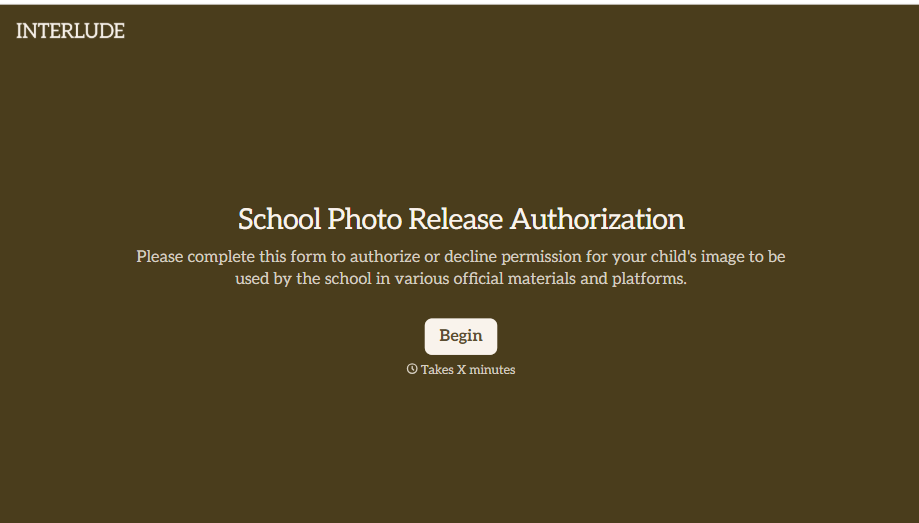
School Photo Release Form
A photo consent checkbox buried on page 12 of an enrollment packet doesn't tell a teacher who's actually opted out before they post a class photo. Collect what your school actually needs, guardian consent, and exactly where a photo can be used, before the camera comes out.
View template
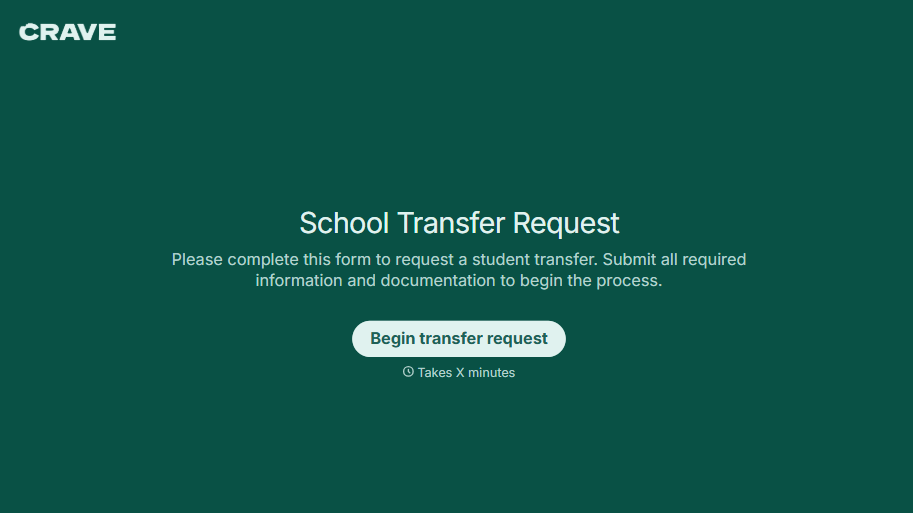
School Transfer Request Form
A transfer request dropped off at the district office isn't the kind of paperwork that gets processed before the semester it's meant for already started. Collect the student's information, reason for transfer, and supporting documentation upfront, so a request doesn't stall while the district follows up for a missing form.
View template
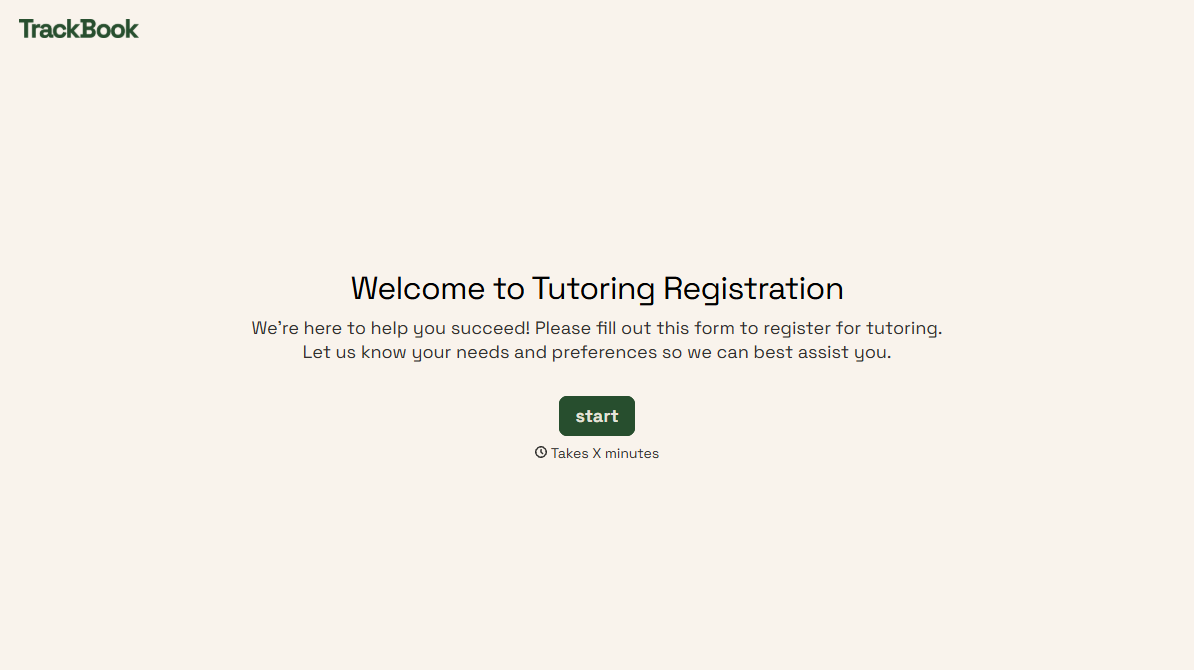
Tutoring Registration Form
A phone call to sign up for tutoring isn't the kind of information a tutor can build a first session around, especially without knowing which chapter of algebra is causing the trouble. Collect the student's subject needs, schedule, and goals before the first session, so a tutor isn't starting from scratch on day one.
View template
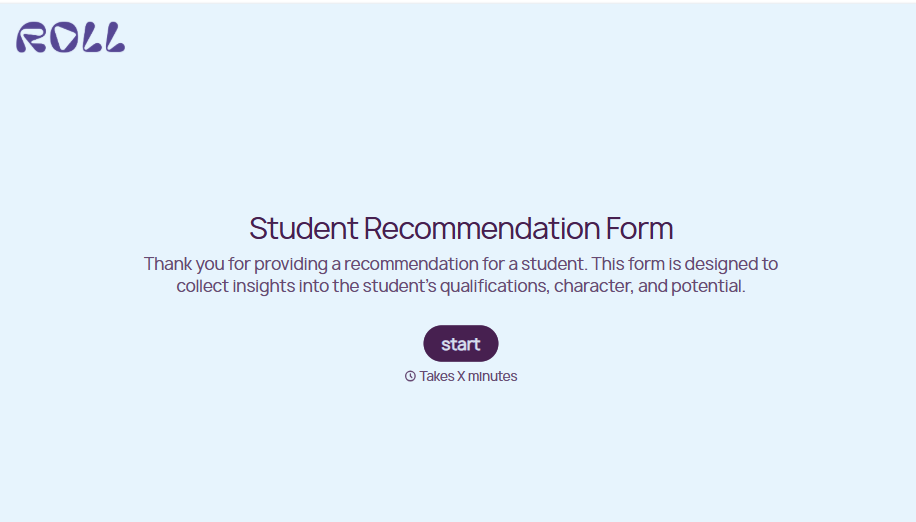
Student Recommendation Form
An email asking "can you write me a letter of recommendation" with no deadline attached isn't enough for a teacher to actually sit down and write one. Collect the program details, deadline, and what the student wants highlighted before the request lands in an inbox, so a letter doesn't get written in a rush the night it's due.
View template
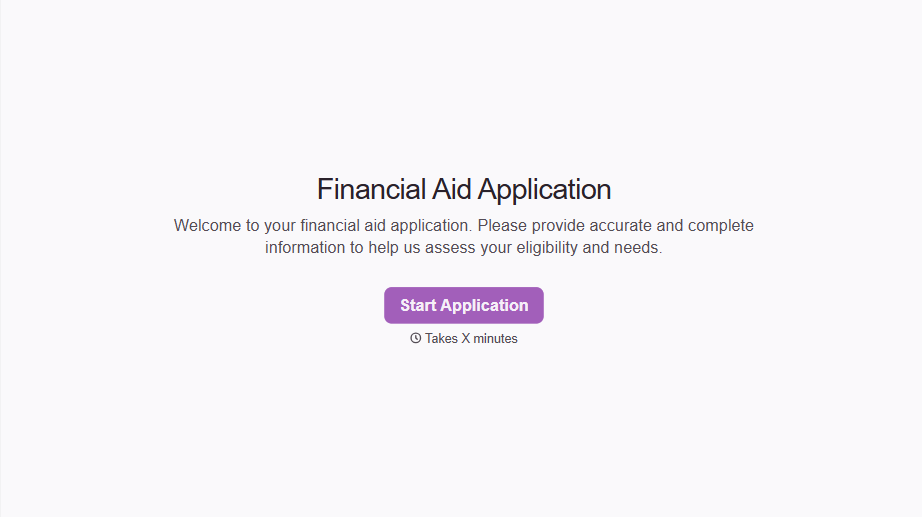
Financial Aid Application Form
A request for help with tuition mentioned to the front office in passing doesn't give your financial aid team anything to actually evaluate. Collect what your school actually needs, household information, income documentation, and need, before the deadline passes.
View template
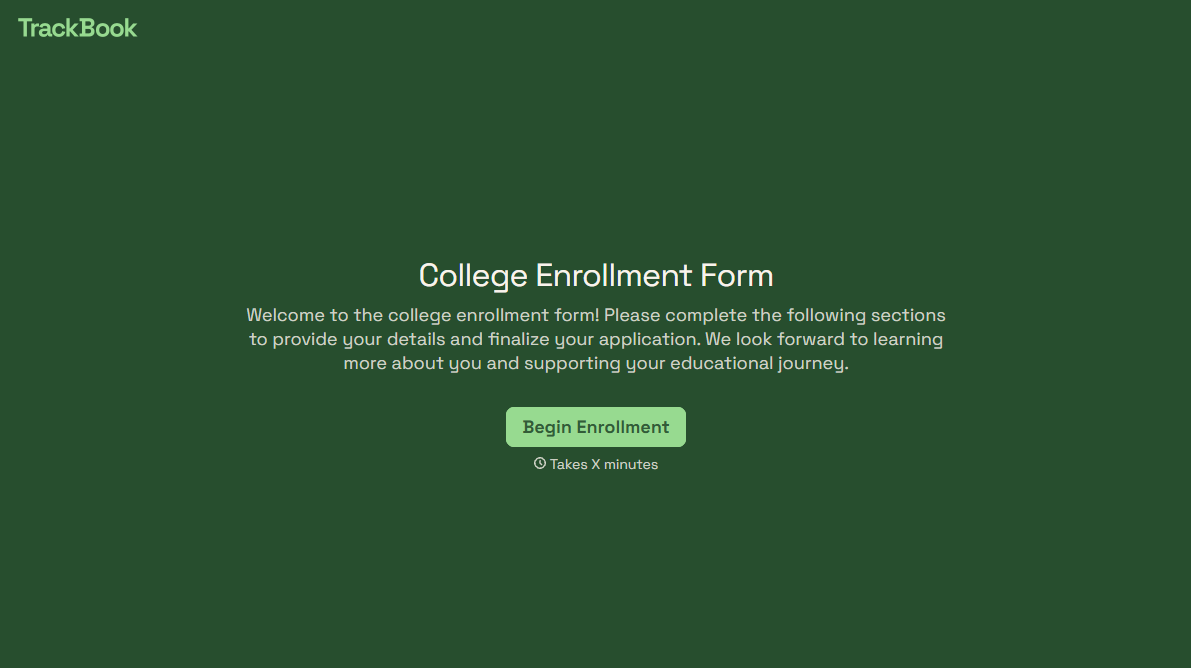
College Enrollment Form
An acceptance letter isn't an enrolled student, it's an interested one, and if the deposit, housing, and immunization records live in three different portals, some of the admitted class quietly enrolls somewhere else instead. Confirm it one place at a time, before the deposit deadline passes.
View template
With Typeform, you can customize everything
Change text, colors, and even logos to match the look and feel of your brand. Then embed forms smoothly onto web and email.
Make forms feel effortless to fill out. Pace questions, call people by their name, and adapt the flow based on the data they share.
Stay efficient by connecting forms to your workflow. Typeform integrates with 300+ tools including Slack, Zapier, and HubSpot.


