Interactive Product Feedback Survey Template
Get feedback that actually helps you build a better product.



Most product feedback surveys get ignored. Or worse, they collect vague responses that don't tell you anything actionable. "It's fine" isn't a roadmap. You need to understand what's working, what's frustrating, and what would make your users stay, upgrade, or recommend you. That requires the right questions asked the right way.
This interactive product feedback survey template goes beyond star ratings. It uses the one-question-at-a-time format to keep respondents engaged, and conditional logic to dig deeper where it matters. If someone rates a feature poorly, the form automatically asks why. If they rate it highly, it asks what they'd improve next.
Customize the survey for your specific product features, embed it in your app or share it via email, and connect responses to your product management tools. You'll walk away with prioritized, categorized feedback instead of a pile of unstructured comments.
A product feedback survey is a structured way to collect user opinions about your product's features, usability, and overall experience. It goes beyond a simple satisfaction score to understand specific pain points, feature requests, and usage patterns. The data informs product roadmap decisions and helps teams prioritize what to build, fix, or retire.
Interactive surveys adapt in real time based on the respondent's answers. If a user says they've never used a feature, the survey skips detailed follow-ups about it. If they report a frustration, it probes deeper. This conditional approach keeps the survey relevant, shorter, and more engaging, which means higher completion rates and better data.
- Overall satisfaction with the product (rating scale)
- Which features do you use most frequently?
- Which feature is most valuable to you, and why?
- What's the most frustrating part of using the product?
- Is there anything missing that you wish the product had?
- How likely are you to recommend this product to a colleague?
Timing depends on what you're measuring. For general satisfaction, quarterly works well. For feature-specific feedback, send it shortly after a release or update. For churn prevention, trigger it when usage drops or a subscription is about to renew. The key is to catch users when the experience is fresh and their opinion is most actionable.
Group responses by theme: usability issues, feature requests, bugs, praise. Quantify how frequently each theme appears and cross-reference it with user segments (free vs. paid, new vs. long-term). Present findings alongside usage data to your product team. The best feedback surveys don't just collect opinions. They create a direct line between user voice and your roadmap.
Get inspired by relevant templates and categories
3200+ Templates, 300+ Integrations
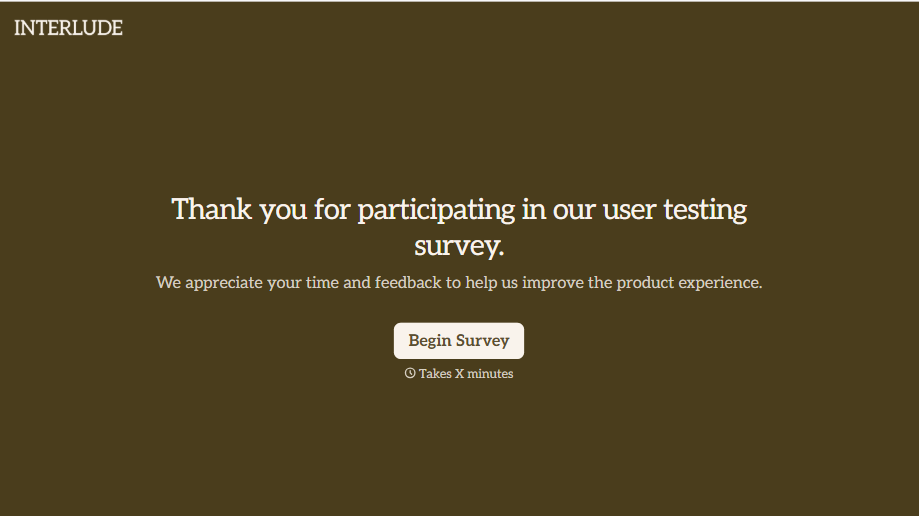
User Testing Survey Form
Feedback gathered in a quick verbal debrief right after a testing session gets filtered through whatever the participant remembers wanting to say in the room. Ask them directly, while the task is still fresh, and get an answer that isn't shaped by what’s polite to bring up out loud.
View template
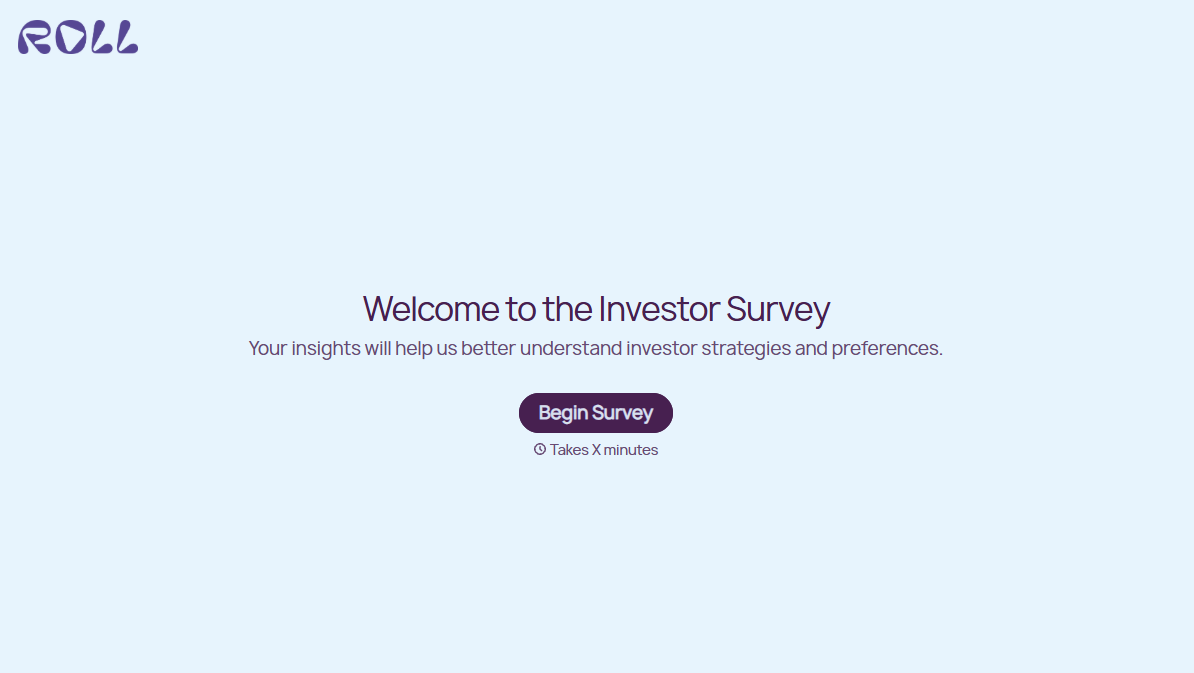
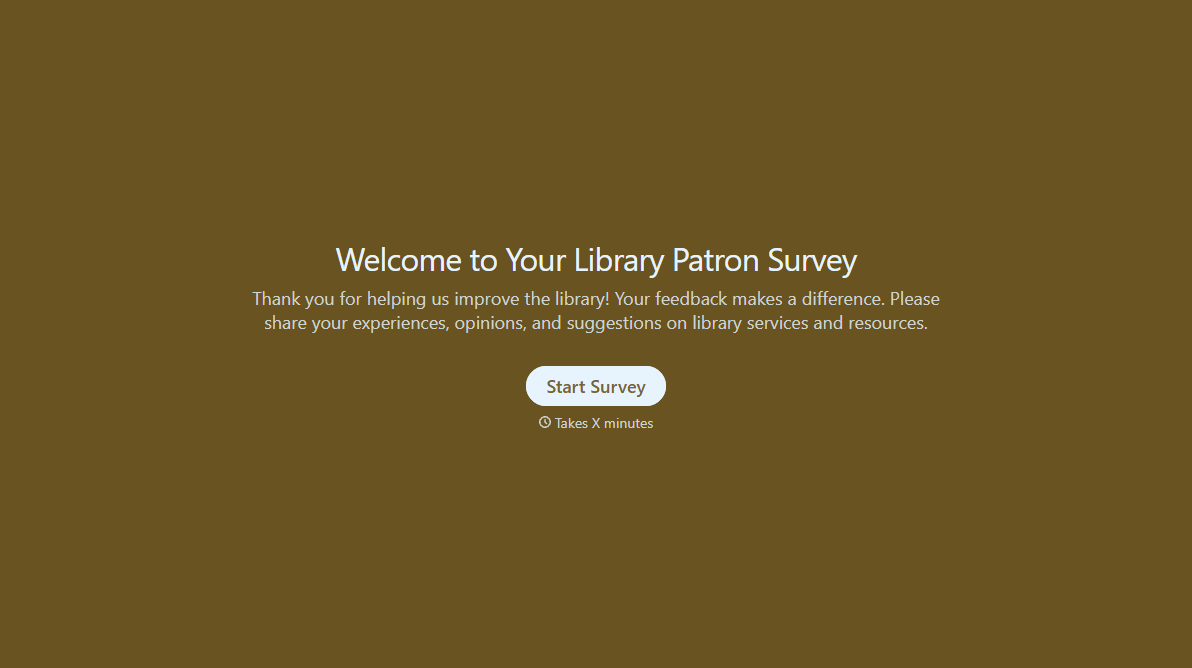
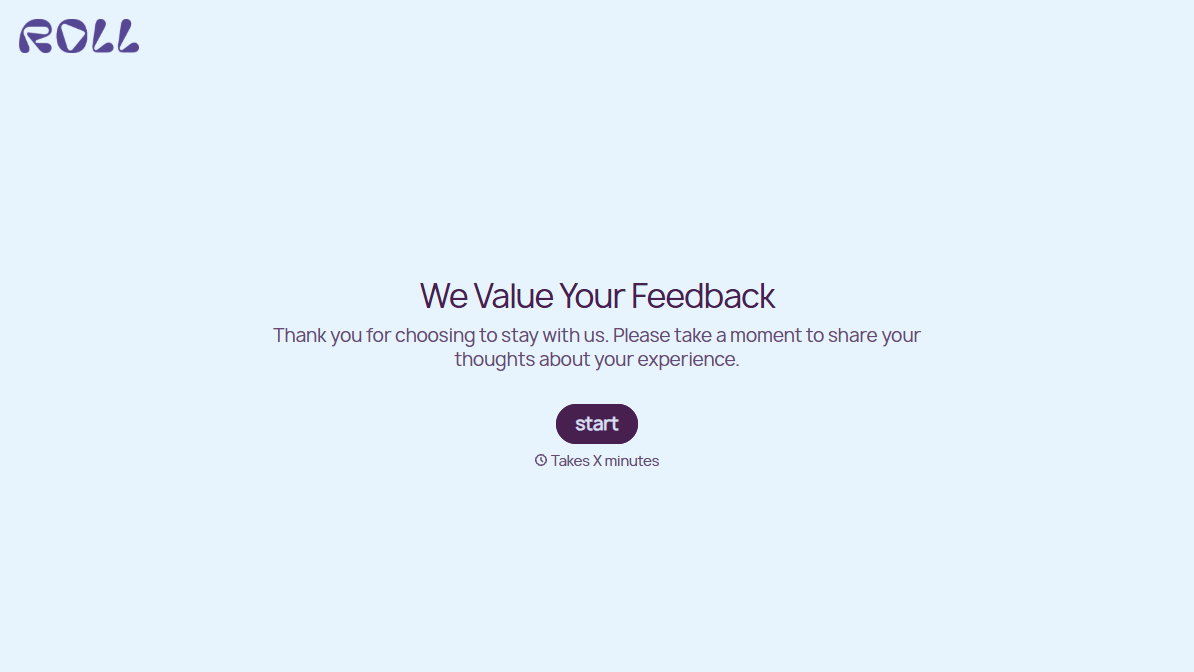
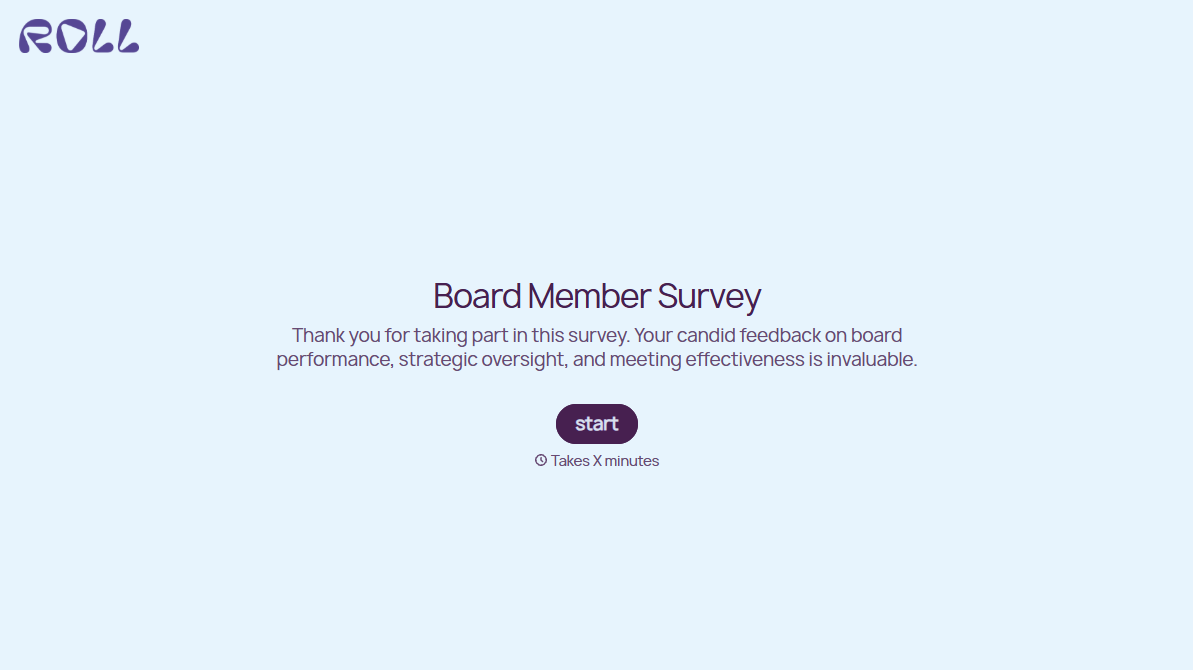
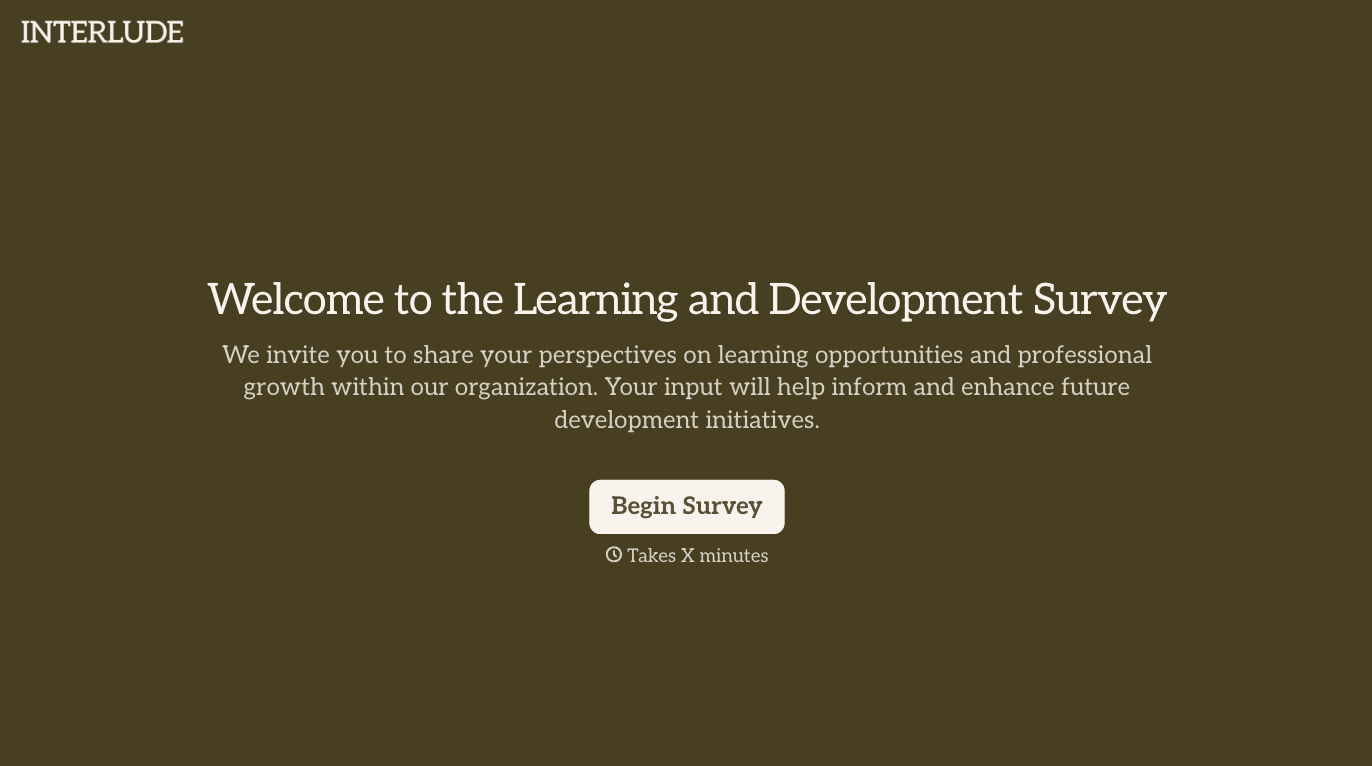
With Typeform, you can customize everything
Change text, colors, and even logos to match the look and feel of your brand. Then embed forms smoothly onto web and email.
Make forms feel effortless to fill out. Pace questions, call people by their name, and adapt the flow based on the data they share.
Stay efficient by connecting forms to your workflow. Typeform integrates with 300+ tools including Slack, Zapier, and HubSpot.


