Product Information Form
A spec sheet emailed over as a PDF attachment rarely arrives with every field your catalog actually needs. Collect what your team actually needs, product details, pricing, and images, before the listing goes live.



New product information tends to arrive however a vendor happens to send it, a PDF spec sheet, a photo of a product tag, a quick email with half the details and a "let me know what else you need." Whoever's building the listing ends up chasing the vendor for a missing dimension or a higher resolution image days before launch, and because every vendor formats things differently, nothing lines up in the catalog without manual cleanup first.
Typeform's product information form asks for what your team actually needs, product name and description, pricing, dimensions, category, and images, then uses conditional logic to branch from there. A product that needs a safety certification, food, cosmetics, electronics, can route to a follow up question asking for the documentation, and a vendor submitting multiple products can go through the form again for each one instead of starting a new email thread. Every submission lands in one record instead of a folder of inconsistent PDFs and attachments.
Connect the form to your catalog or inventory system through Zapier, and a submission can create a draft listing automatically instead of someone retyping the details by hand. Ask for it ahead of your listing deadline, and your team launches with complete product data instead of publishing a page with a placeholder image and "details coming soon."
A product information form is an online form retailers, marketplaces, and catalog teams use to collect a product's details, pricing, images, and any required documentation from a vendor or supplier. Instead of a spec sheet arriving as a PDF or a scattered email, each product's information lands as one complete submission.
Product details collected over email arrive in whatever format the vendor happens to use, which means someone still has to reformat everything before it's usable, and missing fields, a dimension, a certification, an image, don't surface until the listing's already being built. A form asks for the same fields every time, in a format your team can use directly.
Ask for what your team will actually need to build the listing:
- Product name and description
- SKU or product code
- Pricing
- Dimensions and weight
- Category
- Product images
- Safety certifications, if applicable
Not necessarily. A submission gives your team complete information to work with, but it still may need a review for accuracy, a compliance check for certain product categories, or a look at image quality before it's ready to publish. Build a review step into your process rather than publishing straight from the submission.
Yes. Add a file upload question and vendors can attach product images, spec sheets, or certification documents in the same submission, no separate email required. Pair it with conditional logic so the upload only appears for the product categories that actually need it.
Get inspired by relevant templates and categories
3200+ Templates, 300+ Integrations
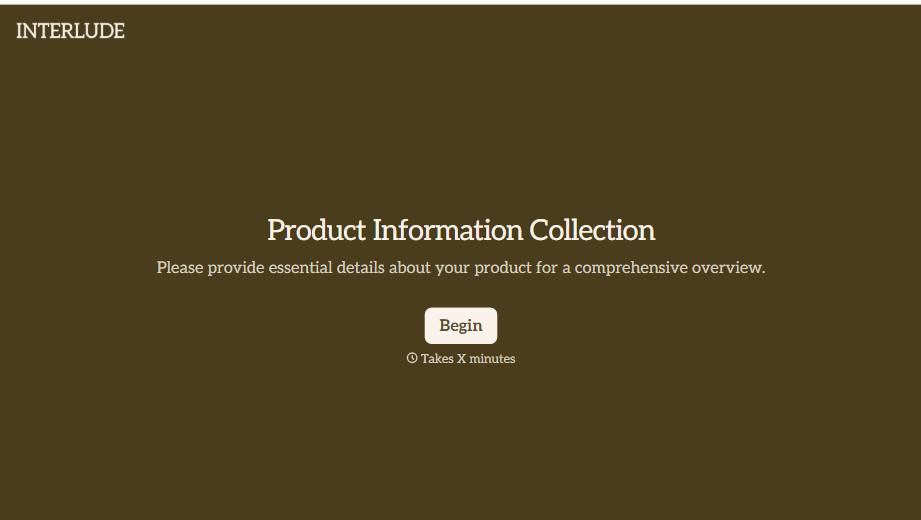

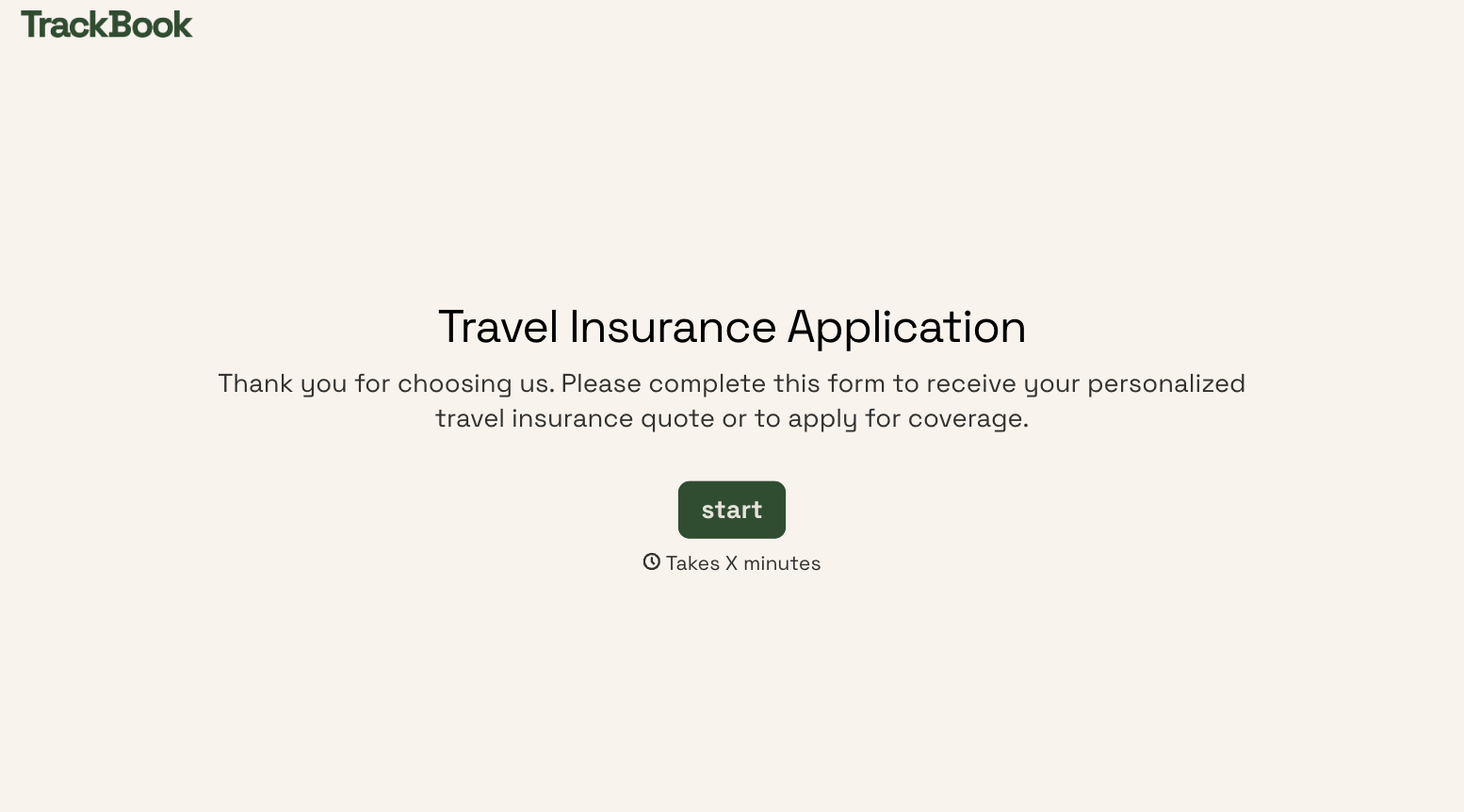
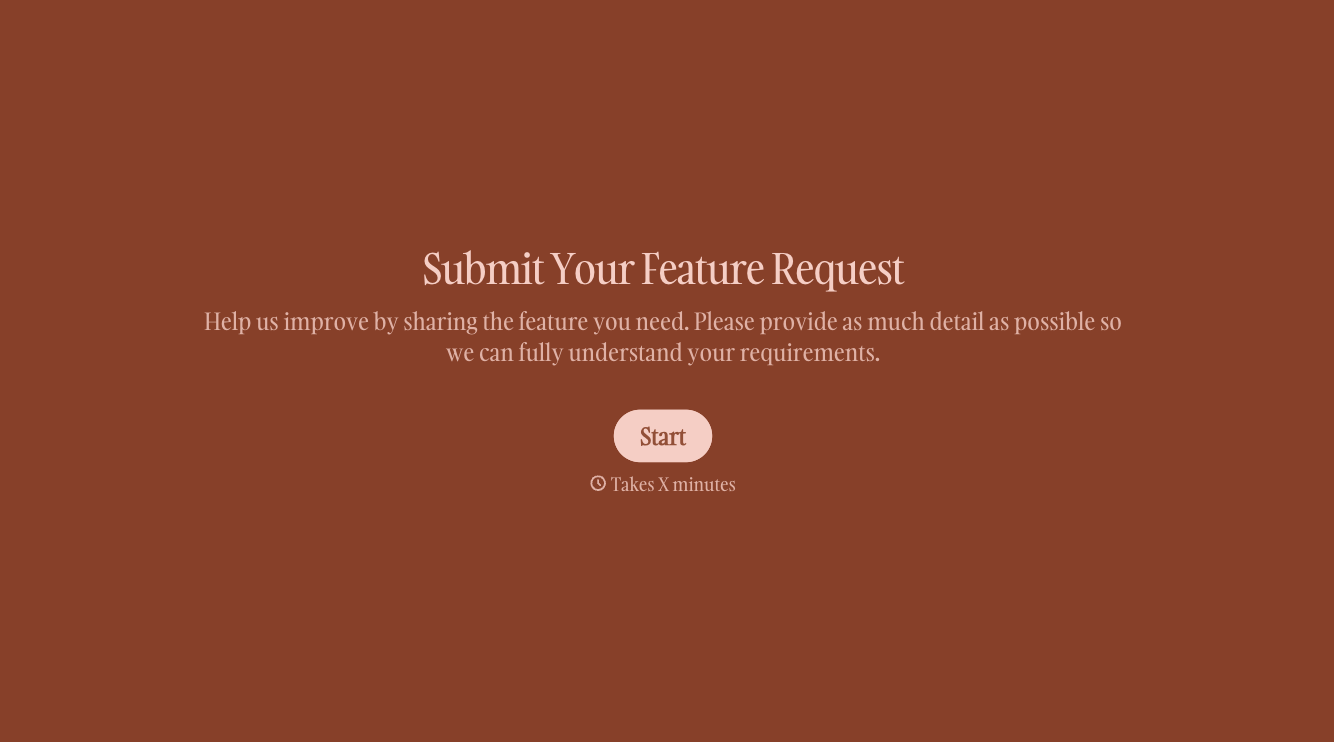
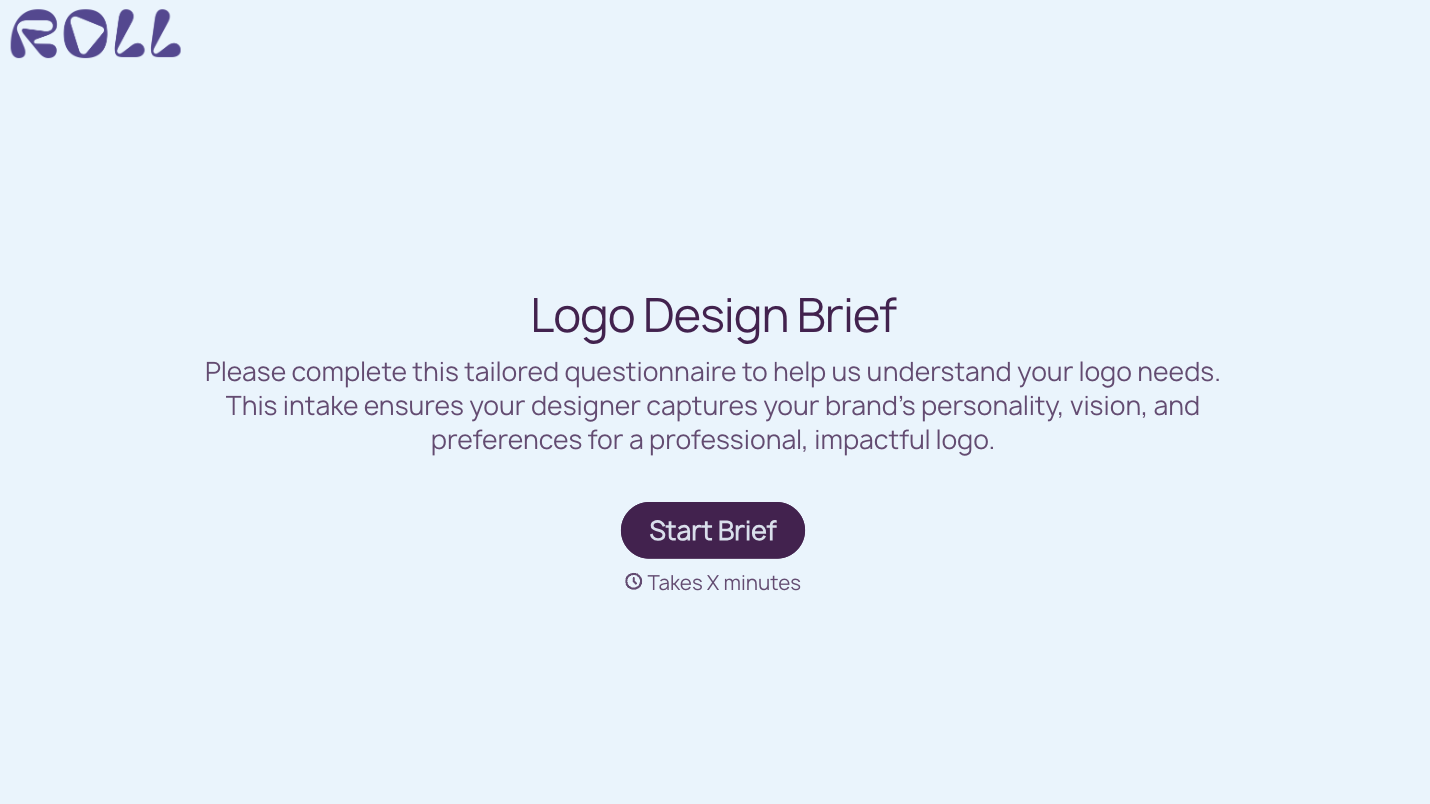
With Typeform, you can customize everything
Change text, colors, and even logos to match the look and feel of your brand. Then embed forms smoothly onto web and email.
Make forms feel effortless to fill out. Pace questions, call people by their name, and adapt the flow based on the data they share.
Stay efficient by connecting forms to your workflow. Typeform integrates with 300+ tools including Slack, Zapier, and HubSpot.


