PRP Consent Form
Collect signed consent from every PRP patient, so your practice has a complete record before treatment begins.



Medical practices offering PRP treatment tend to collect consent on paper, often leaving them with incomplete forms and missing signatures. Chasing patients for corrections doesn't just delay treatment, it pulls staff away from patient care. Typeform's PRP consent form template gives clinics a dependable way to collect complete, signed consent before every procedure.
The form captures patient details, treatment area, medical history, disclosed risks, and an electronic signature in one flow. Typeform walks patients through one question at a time, so the process feels manageable rather than clinical. Conditional logic adapts questions based on each patient's treatment type. A patient seeking PRP for hair restoration sees different follow-up questions than one receiving it for joint pain.
Customize the form with your clinic name, treatment menu, and any required consent language. Share it via email before the appointment, embed it on your booking page, or post a QR code at reception. Every signed submission logs automatically in Google Sheets or Airtable via Zapier. Collect consent before patients arrive so every PRP session starts with a complete record, not a waiting room scramble.
A PRP consent form is a medical document that collects a patient's informed agreement before a platelet-rich plasma procedure. It gathers patient details, treatment area, medical history, acknowledged risks, and an electronic signature in a single submission. It functions as the official consent record between your clinic and the patient before any PRP treatment begins.
Undocumented consent is a liability. A signed consent form creates a timestamped record of what the patient agreed to and what risks they acknowledged. It also ensures patients arrive at their appointment informed, reducing questions and hesitation in the treatment room. Use it for PRP procedures across hair restoration, joint treatment, skin rejuvenation, and wound care.
A complete PRP consent form covers:
- Patient name, date of birth, and contact details
- Treatment area and procedure type (e.g., hair restoration, joint pain, skin rejuvenation)
- Relevant medical history and current medications
- Known risks, side effects, and contraindications acknowledged
- Pre- and post-procedure instructions confirmed
- Electronic signature and date
Set up conditional logic to branch the form by treatment type, so each patient only answers relevant questions. A patient selecting PRP for joint pain sees questions about mobility, the affected joint, and prior treatments. Someone selecting it for hair restoration sees questions about hair loss history and scalp conditions instead. This keeps the form focused without maintaining a separate consent form for every treatment you offer.
Typeform's signature field lets patients sign the consent form directly in the form, on any device. Each signature is timestamped and stored alongside the patient's full submission, giving you a verifiable record. No printed forms, no scanning, no separate e-signature tools required.
Get inspired by relevant templates and categories
3200+ Templates, 300+ Integrations

Bank Reference Form
A reference request faxed to a bank branch and left sitting in a queue for weeks isn't the kind of turnaround a landlord or business can wait on. Collect the applicant's signed authorization and the specific details you need confirmed before the request even reaches the bank, so a decision isn't stuck behind a letter that hasn't come back yet.
View template
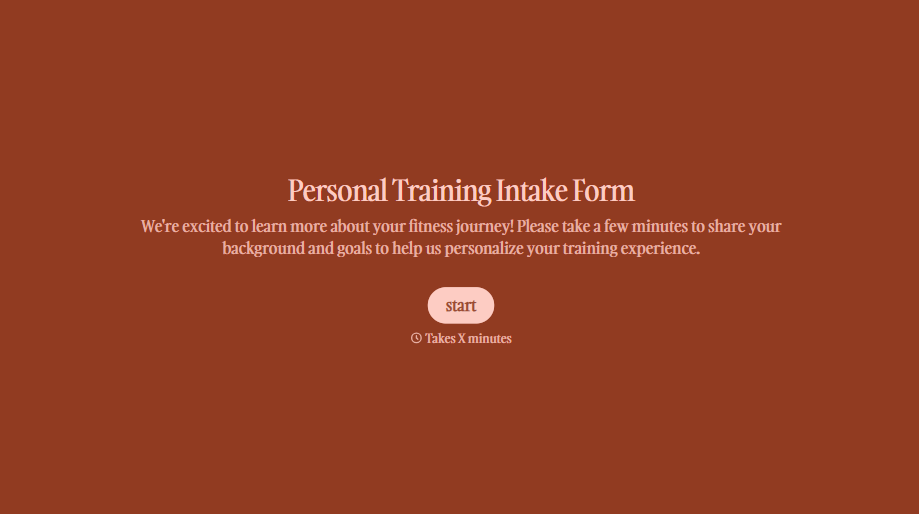
Personal Trainer Intake Form
A PAR-Q filled out in the lobby five minutes before a first session isn't intake, it's a formality nobody has time to read closely. Collect health history, injury information, and fitness goals before the first session, so your trainer isn't building a program blind.
View template
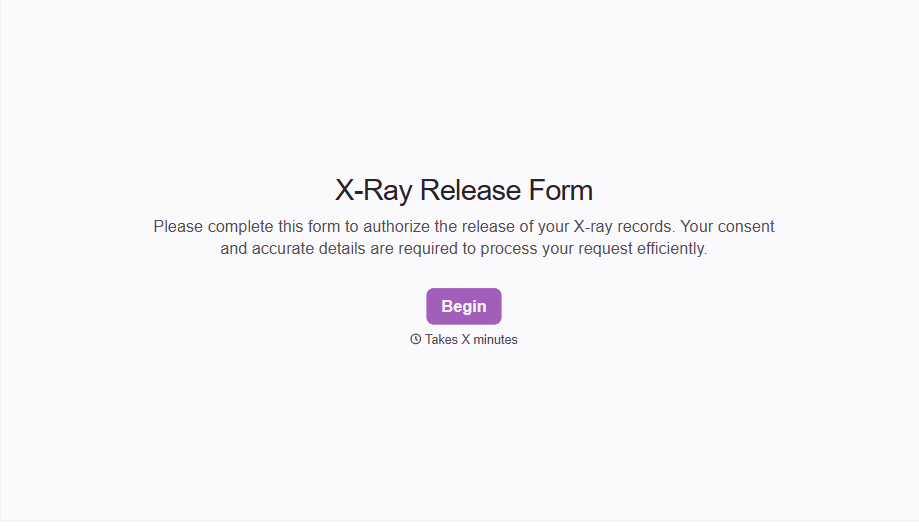
X-Ray Release Form
A phone call asking to send X-rays to a new provider isn't an authorization your compliance file can rely on. Collect patient information, the receiving provider's details, and a signed authorization before the images go out, so your front desk isn't scrambling to prove who approved a release.
View template
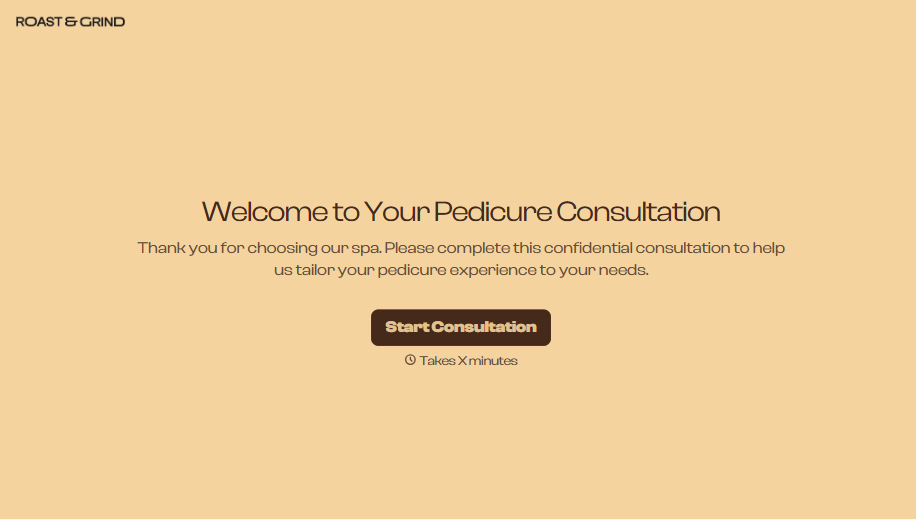
Pedicure Consultation Form
An intake card filled out on a clipboard while a client's feet are already in the soak isn't a consultation, it's a formality nobody reads closely. Collect foot health disclosures, allergy information, and service preferences before the technician picks up a tool, so nobody discovers a health condition mid-service.
View template

Bar Inventory Form
A bottle count eyeballed at the end of a shift and scrawled on a paper sheet doesn't hold up against a pour cost report that says something doesn't add up. Collect what your bar actually needs, item, count, and variance, on a schedule you can actually compare week to week.
View template

Equipment Inventory Form
Equipment that leaves a storage room in someone's arms, with no note about where it went, doesn't show up again until someone needs it and can't find it. Collect what your team actually needs, item details, condition, and who's got it, every time something moves.
View template
With Typeform, you can customize everything
Change text, colors, and even logos to match the look and feel of your brand. Then embed forms smoothly onto web and email.
Make forms feel effortless to fill out. Pace questions, call people by their name, and adapt the flow based on the data they share.
Stay efficient by connecting forms to your workflow. Typeform integrates with 300+ tools including Slack, Zapier, and HubSpot.


