Purchase Approval Form
Send a purchase request to the person who can actually approve it, the first time. Collect what's being bought, the amount, the budget line, and the right approver in one request.



Most purchase requests go straight to whoever the requester reports to, because that's the only approver they know about. A $500 order and a $25,000 order need different signatures, and the requester has no way to know which applies. So the request climbs the chain one forward at a time, losing a day at each hop, and by the time it reaches someone with real authority, the quote has expired. Typeform's purchase approval form asks for the amount first and routes the requester straight to whichever approver that amount actually requires.
Requesters describe what they're buying, why, and what it costs, and the form takes it from there. A request under your first threshold asks for the cost center and the requester's manager; one above it pulls up competing quotes, the business case, and the finance approver it needs to reach. Every request names its budget line before anyone signs off.
An approver opens a request that's already landed on the right desk, complete with the amount, the budget line, and the justification. Nobody buys anything before someone with actual authority says yes, and nothing sits in an inbox that was never going to approve it.
A purchase approval form is an online form employees fill out to request approval before buying something. It collects what they want to buy and why, the cost, the vendor, the budget line it comes from, and the approver the amount requires. Finance and operations teams use purchase approval forms to route requests to the right authority on the first try.
Without one, requests arrive as an email to a manager and travel upward from there. Each forward costs a day, the quote gets older, and sometimes someone buys the thing and mentions it afterward, turning an approval into a reimbursement argument. A purchase approval form asks the amount up front and sends the request to someone who can actually act on it, so approval happens before the money is committed.
Capture what an approver needs to decide:
- What's being bought and why
- Total cost, including tax and shipping
- Vendor and quote
- Budget line or cost center
- Approver the amount requires
Yes, but the routing happens in two parts. Conditional logic uses the amount to figure out which approver that threshold requires, so the requester names the right person instead of guessing. Actually getting the request to that person happens through a notification or your connected approval tool. This is worth setting up alongside the form, since the form alone won’t deliver it.
Yes. Requesters can upload the quote or a spec sheet with File Upload, available on paid Typeform plans. They can add PDFs or images up to 10MB each, so an approver sees the actual pricing instead of a number someone typed from memory. Every quote arrives attached to its request.
Get inspired by relevant templates and categories
3200+ Templates, 300+ Integrations

Bank Reference Form
A reference request faxed to a bank branch and left sitting in a queue for weeks isn't the kind of turnaround a landlord or business can wait on. Collect the applicant's signed authorization and the specific details you need confirmed before the request even reaches the bank, so a decision isn't stuck behind a letter that hasn't come back yet.
View template

Bar Inventory Form
A bottle count eyeballed at the end of a shift and scrawled on a paper sheet doesn't hold up against a pour cost report that says something doesn't add up. Collect what your bar actually needs, item, count, and variance, on a schedule you can actually compare week to week.
View template

Equipment Inventory Form
Equipment that leaves a storage room in someone's arms, with no note about where it went, doesn't show up again until someone needs it and can't find it. Collect what your team actually needs, item details, condition, and who's got it, every time something moves.
View template
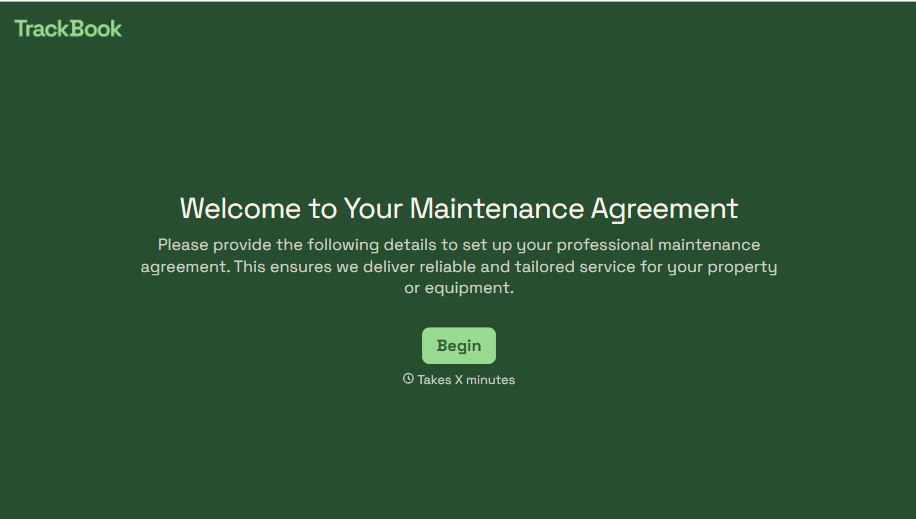
Maintenance Agreement Form
A maintenance plan agreed to over the phone isn't a contract your service team can actually work from, especially when nobody's sure whether the twice-a-year tune-up was part of the deal. Collect the equipment covered, service frequency, and a signed agreement before the first visit, so your team isn't guessing at scope once they're on-site.
View template
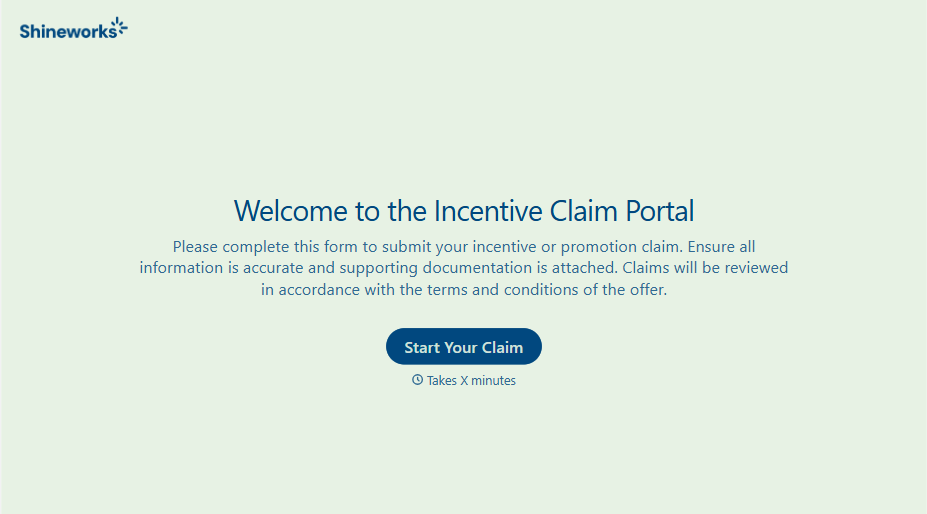
Incentive Claim Form
A rebate claim mailed in with a stapled stack of receipts isn't the kind of paperwork that gets processed quickly, especially when a required serial number turns out to be missing from page three. Collect proof of purchase, product details, and participant information upfront, so a claim doesn't bounce back for a missing document weeks later.
View template
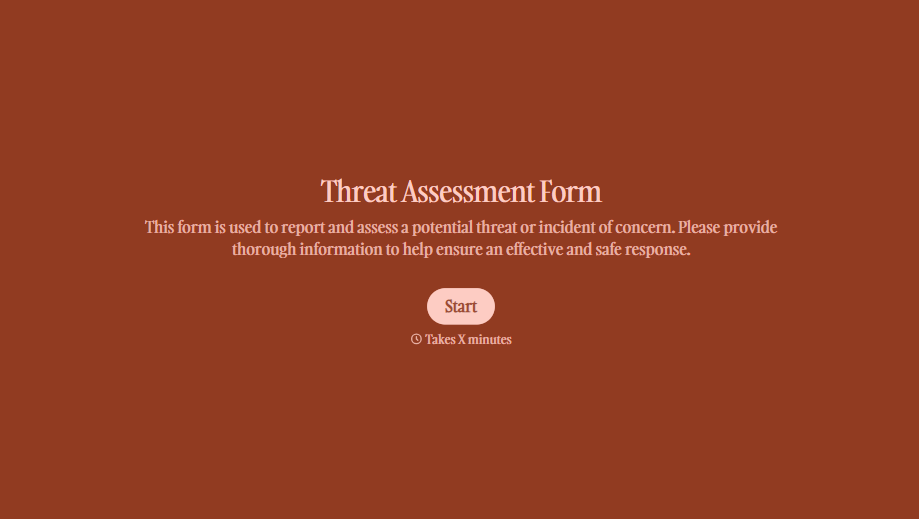
Threat Assessment Form
A concerning comment that gets passed from a teacher to a counselor to whoever's free that period loses detail with every retelling. Collect what your team actually needs, what was observed or reported, who was involved, and when, before an important detail gets dropped along the way.
View template
With Typeform, you can customize everything
Change text, colors, and even logos to match the look and feel of your brand. Then embed forms smoothly onto web and email.
Make forms feel effortless to fill out. Pace questions, call people by their name, and adapt the flow based on the data they share.
Stay efficient by connecting forms to your workflow. Typeform integrates with 300+ tools including Slack, Zapier, and HubSpot.


