Reiki Intake Form
The more you know before a session, the more intentional the healing. Collect health history, intentions, and consent before your client walks in the door.


Reiki practitioners who skip a formal intake process start every session without the full energetic and health picture, and no documented consent to show for it. Without documented intake, practitioners miss the health details and intentions that allow them to tailor every session. Typeform's reiki intake template gives practitioners a consistent way to collect client information and consent before every session.
The form captures health conditions, medications, stress levels, session intentions, prior reiki experience, and e-signature consent in one submission. One question at a time keeps the intake calm and unhurried, setting the right tone before the session begins. Conditional logic tailors the form based on each client's background. A first-time client answers questions about expectations, while a returning client moves straight to current health and session goals.
Customize the form to reflect your practice's focus areas, consent language, and any additional health questions you routinely ask. Send it via email before each appointment, embed it on your booking page, or share it as a direct link. Submissions log in Google Sheets or Airtable via Zapier, so client profiles and consent are on file before each session. Arrive at every session centered on your client, not catching up on paperwork.
A reiki intake form is a structured digital questionnaire that collects health information, session intentions, and consent from clients before a reiki session. It gathers contact details, current health conditions, medications, stress levels, prior energy healing experience, and a signed consent agreement in a single submission. It functions as both a client health record and a formal consent document for your practice.
Starting a session without client health information means missing context that directly affects how you work; certain health conditions, medications, and emotional concerns require a different approach. A digital intake form collects that context before the client arrives, so every session is tailored from the moment they walk in. It also creates a documented consent record that protects both practitioner and client. Use it for initial consultations, returning client updates, distance reiki sessions, and multi-practitioner wellness centers.
A complete reiki intake form covers:
- Full name and contact details
- Current physical health conditions and recent medical history
- Medications or supplements being taken
- Emotional or mental health concerns
- Current stress levels and primary sources of stress
- Session intentions or areas of focus
- Previous experience with reiki or other energy healing modalities
- Client consent and e-signature
Review the client's intake form before they arrive and note any health conditions, medications, or intentions that should shape your approach. Use their stated session intentions to center the client's focus at the start, so the energy work is directed rather than general. Flag any significant health conditions or medications that warrant extra care or a conversation before beginning.
Include an e-signature field at the end of the form so clients provide documented consent before their first session. Every signed submission logs automatically in Google Sheets or Airtable via Zapier, giving your practice a searchable consent record for every client. For returning clients, add a checkbox confirming their information is still current rather than requiring a full re-submission each time.
Get inspired by relevant templates and categories
3200+ Templates, 300+ Integrations
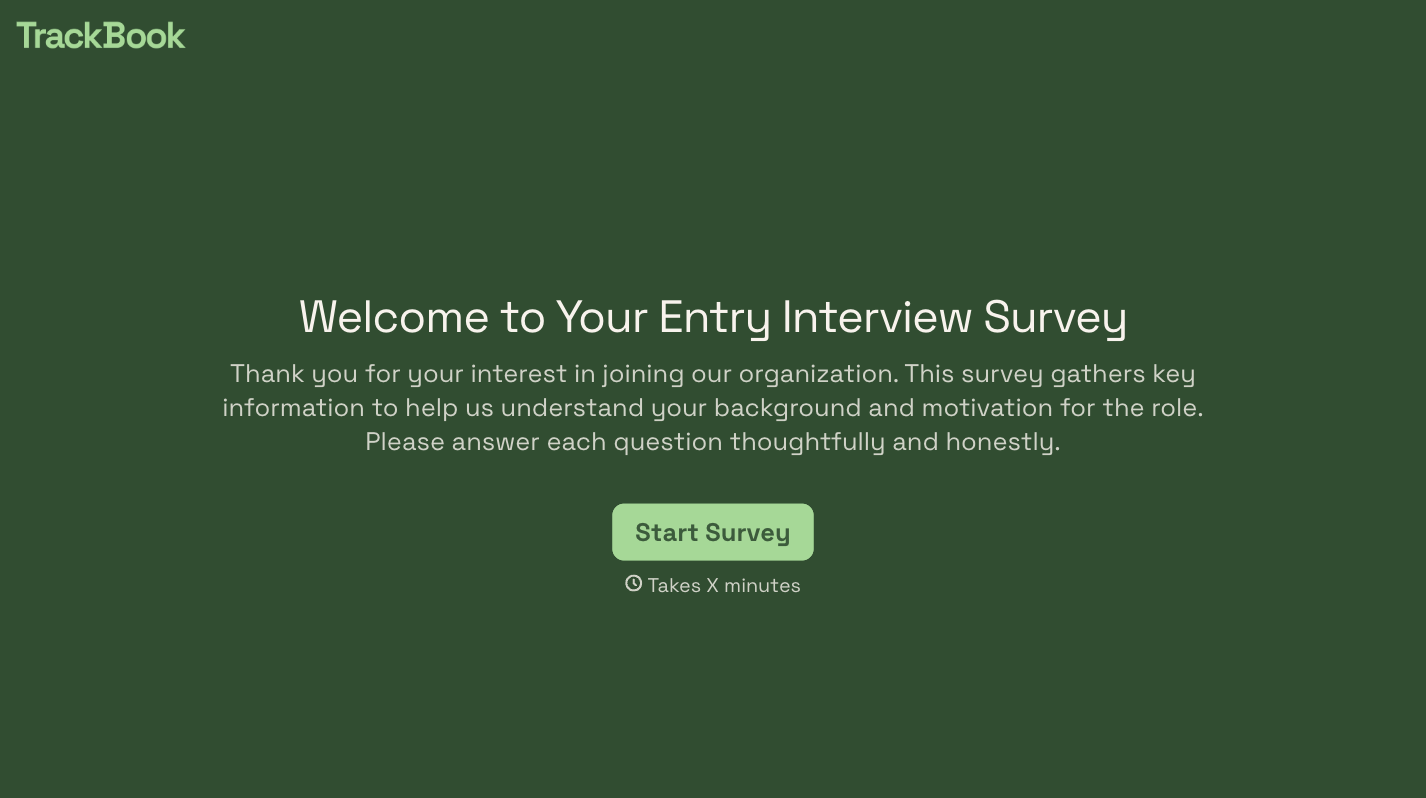


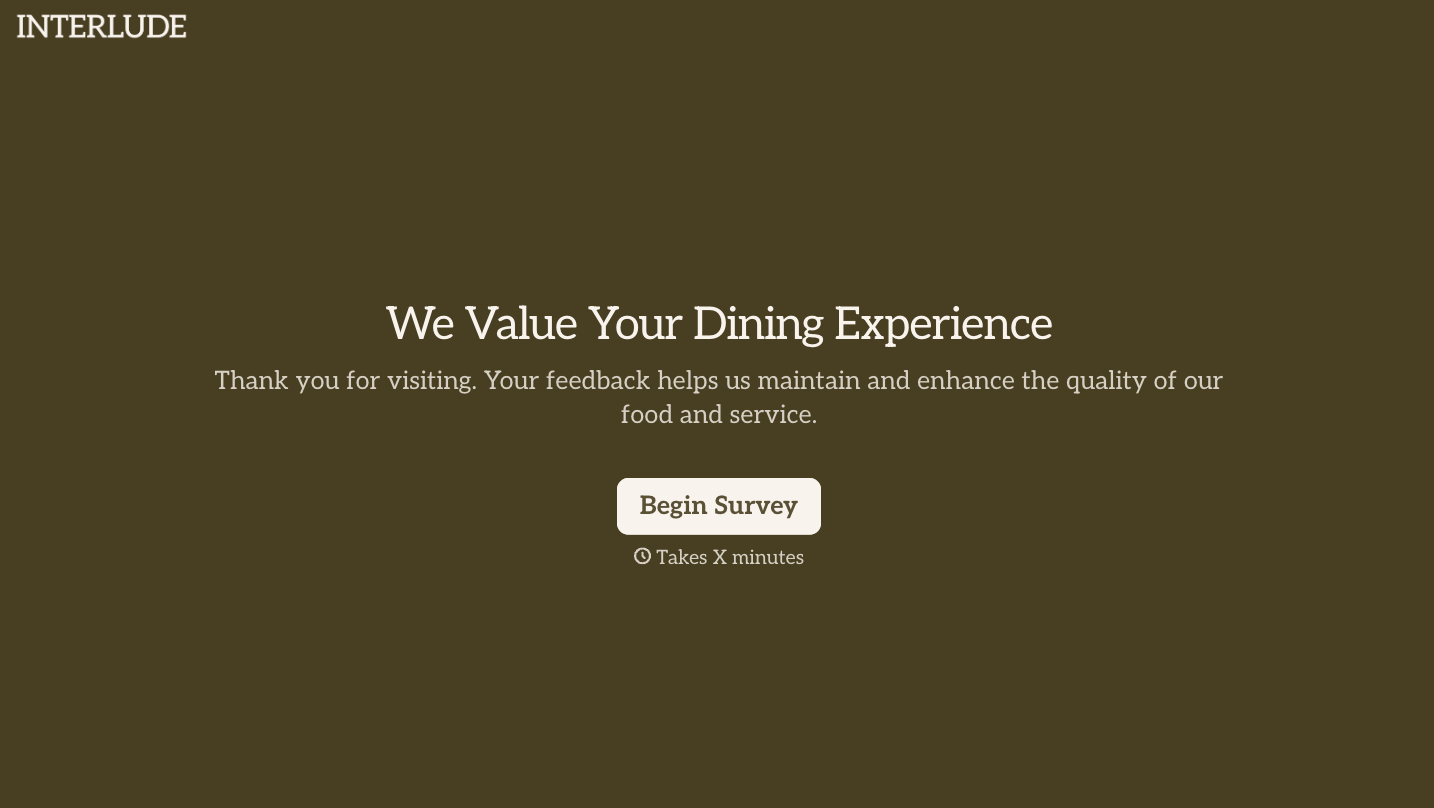
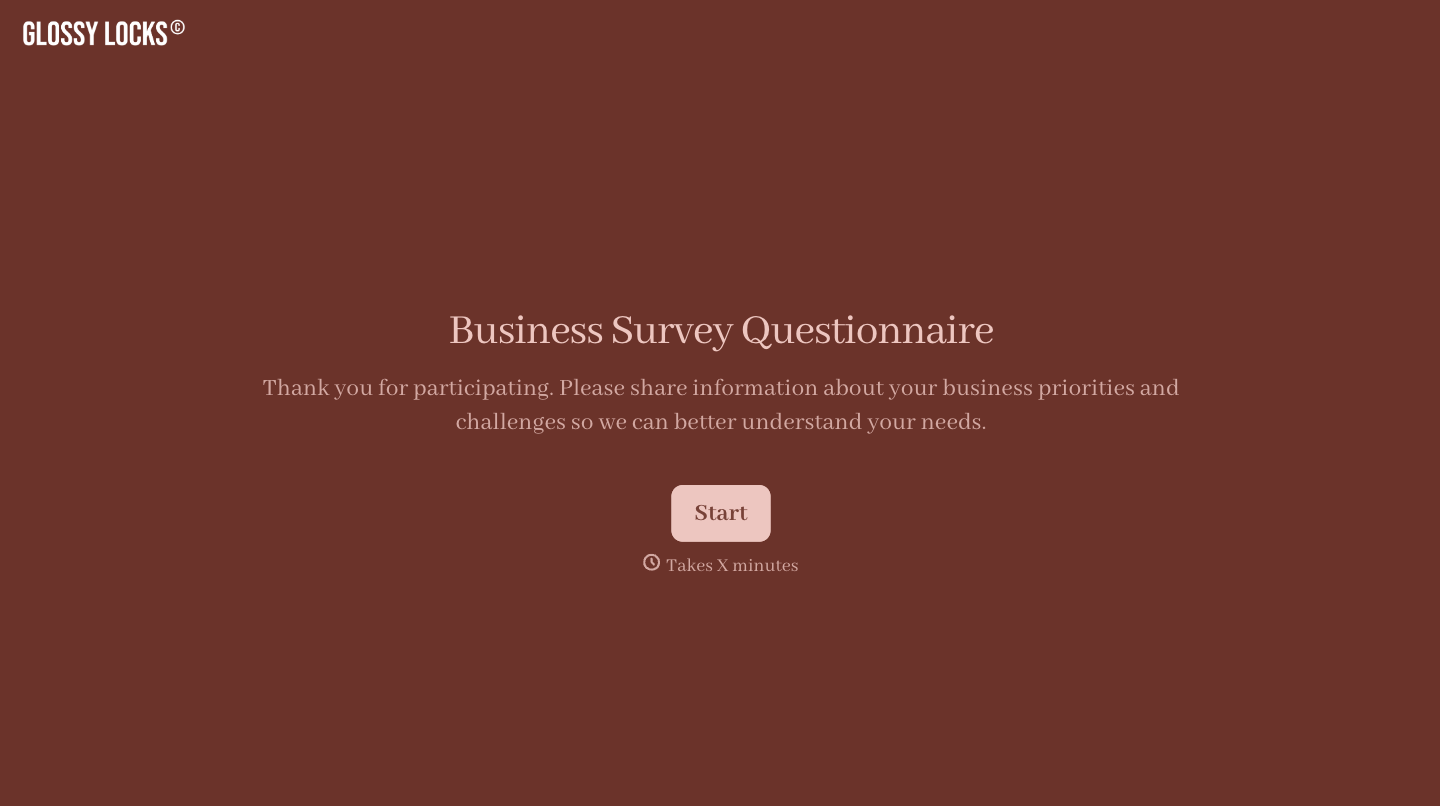

With Typeform, you can customize everything
Change text, colors, and even logos to match the look and feel of your brand. Then embed forms smoothly onto web and email.
Make forms feel effortless to fill out. Pace questions, call people by their name, and adapt the flow based on the data they share.
Stay efficient by connecting forms to your workflow. Typeform integrates with 300+ tools including Slack, Zapier, and HubSpot.


