Remote Work Survey Form
A remote work survey that asks "How satisfied are you, 1 to 10?" once a year and getting the same safe "8" from everyone isn't measuring how remote work is actually going, it's measuring how safe people feel giving an honest answer. Ask about the actual friction, equipment, communication, isolation, and make it genuinely anonymous.



Right now, the remote work survey goes out once a year through an all-staff email, and people answer knowing, whether or not anyone says it out loud, that it's tied to their name. The scores come back fine, and the actual reason someone's laptop is five years old, or someone hasn't had a real check-in with their manager in three weeks, never shows up.
Typeform's remote work survey asks about the practical stuff, equipment, internet, home office setup, alongside the harder-to-surface stuff, communication with the team, manager check-ins, feelings of isolation, work-life balance, one question at a time instead of a dense page someone's filling out at midnight to get it over with. Conditional logic can route someone who flags a specific problem, no reliable equipment, no manager contact, to a follow-up asking what would actually help, instead of stopping at a number.
Typeform surveys are anonymous by default, as long as nothing in the form, a name field, an email field, a tracking link with someone's employee ID built into it, can be traced back to who submitted it. Connect responses to a dashboard or Slack channel through Zapier, and a pattern across answers, half the team flagging isolation, can surface without anyone knowing which specific answer came from which specific person.
A remote work survey form is an online survey that asks remote or hybrid employees about their setup, workload, and experience, covering both practical needs, like equipment and internet, and harder-to-measure things, like communication, isolation, and work-life balance.
Because people answer differently when they think a low score might get traced back to them. A survey that's anonymous in name only, still asking for an email address, or sent through a tracked link, gets the same polished answers as an in-person check-in with a manager standing nearby.
Ask about what actually affects whether remote work is working:
- Equipment, internet reliability, and home office setup
- Communication and collaboration with the team
- Frequency and quality of manager check-ins
- Feelings of isolation or connection to the team
- Work-life balance and workload
- Career growth and visibility while working remotely
Only if nothing in the form can identify who submitted it. Typeform surveys are anonymous by default as long as you don't add a name or email field, and don't send the survey through a link with a tracking parameter, an employee ID, or a unique code that ties a response back to a person. It's easy to break anonymity without realizing it, so double-check the send method, not just the questions, before telling employees their answers are anonymous.
Right after a shift to remote or hybrid work, while the friction is still fresh, and then on a recurring basis rather than once a year, since equipment ages and team dynamics change faster than an annual survey can catch.
Get inspired by relevant templates and categories
3200+ Templates, 300+ Integrations
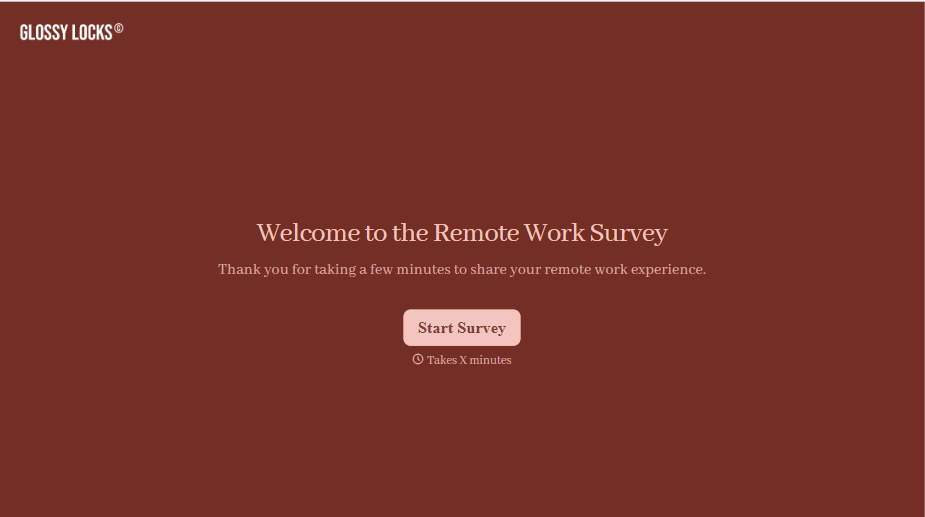
Remote Work Survey Form
A remote work survey that asks "How satisfied are you, 1 to 10?" once a year and getting the same safe "8" from everyone isn't measuring how remote work is actually going, it's measuring how safe people feel giving an honest answer. Ask about the actual friction, equipment, communication, isolation, and make it genuinely anonymous.
View template

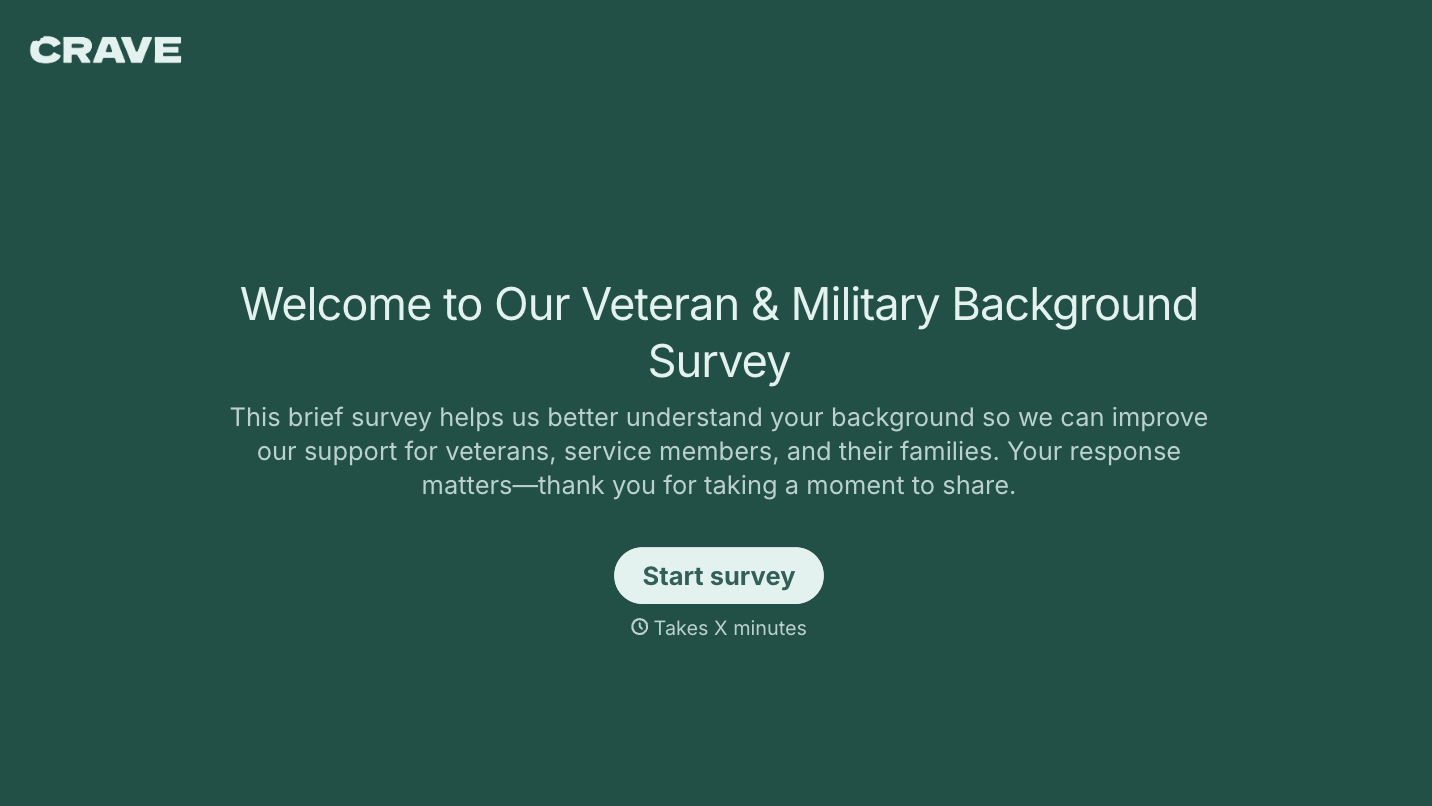
With Typeform, you can customize everything
Change text, colors, and even logos to match the look and feel of your brand. Then embed forms smoothly onto web and email.
Make forms feel effortless to fill out. Pace questions, call people by their name, and adapt the flow based on the data they share.
Stay efficient by connecting forms to your workflow. Typeform integrates with 300+ tools including Slack, Zapier, and HubSpot.


