Rental application form template
Screen tenants faster with an application that gets the right information the first time.



Paper rental applications create two problems at once: they're slow for applicants to fill out and disorganized for property managers to review. When you're fielding multiple applicants for the same unit, a stack of incomplete handwritten forms isn't a process. Missing information means follow-up calls and delayed decisions.
Typeform's rental application form template collects everything landlords and property managers need to evaluate an applicant: personal details, employment and income information, rental history, references, and authorization for credit or background checks. The step-by-step format is straightforward for applicants, which means fewer incomplete submissions and fewer follow-up calls asking for missing information.
Built for independent landlords and property management companies alike, the template is fully customizable to match your requirements. Add conditional logic to surface additional questions for co-applicants or pet owners, collect supporting documents through file upload fields, and embed the application directly on your property listing page. Responses arrive organized and searchable in your Typeform dashboard, and sync to Google Sheets or your property management software so you compare applicants side by side without sorting through emails.
The template gives you a solid operational foundation, but rental regulations vary quite a bit by jurisdiction. Before you start collecting applications, it's worth reviewing your local landlord-tenant laws and checking with a legal professional to make sure the form meets the requirements in your area.
Add a file upload field so applicants submit pay stubs, bank statements, or offer letters directly through the form. For highly sensitive identifiers like Social Security numbers, consider linking applicants to a secure third-party verification service rather than collecting that information in the form itself.
Yes. The save-and-continue feature lets applicants return to where they left off using a unique link. This is especially useful for longer applications where people need to gather documents before completing everything in one sitting.
Export all submissions to Google Sheets for a clean side-by-side comparison. You can also filter and review responses directly in your Typeform dashboard using custom views, so you can spot the strongest applicants without wading through a stack of paper.
Yes, completely. The application is fully responsive, so applicants can fill it out on a phone, tablet, or desktop without any formatting issues. Many people complete rental applications from their phones, so this matters more than it might seem.
Get inspired by relevant templates and categories
3200+ Templates, 300+ Integrations
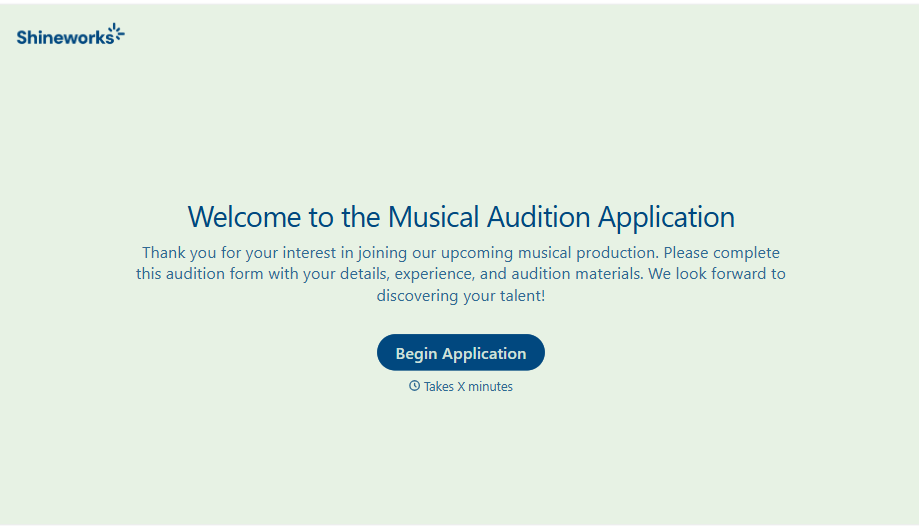
Musical Audition Form
A name scrawled on a sign-up sheet taped near the rehearsal room doesn't tell a director what role someone's after, or whether they can actually make callbacks next Tuesday. Collect what your production actually needs, contact information, role interest, and availability, before audition day arrives.
View template
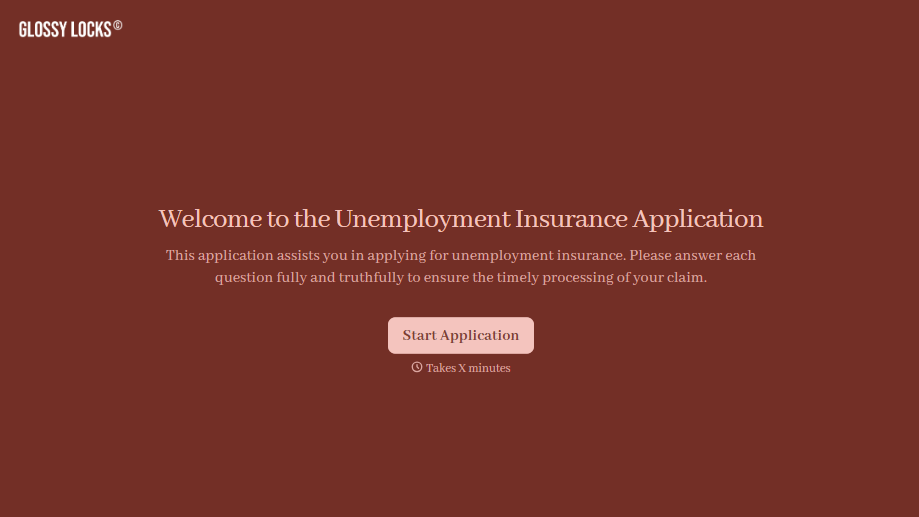
Unemployment Insurance Application Form
A stack of pay stubs gathered the morning of a filing deadline isn't the kind of preparation that gets a claim processed without delay. Collect employment history, separation details, and supporting documents before you sit down at your state's unemployment portal, so a claim doesn't stall over a missing detail.
View template
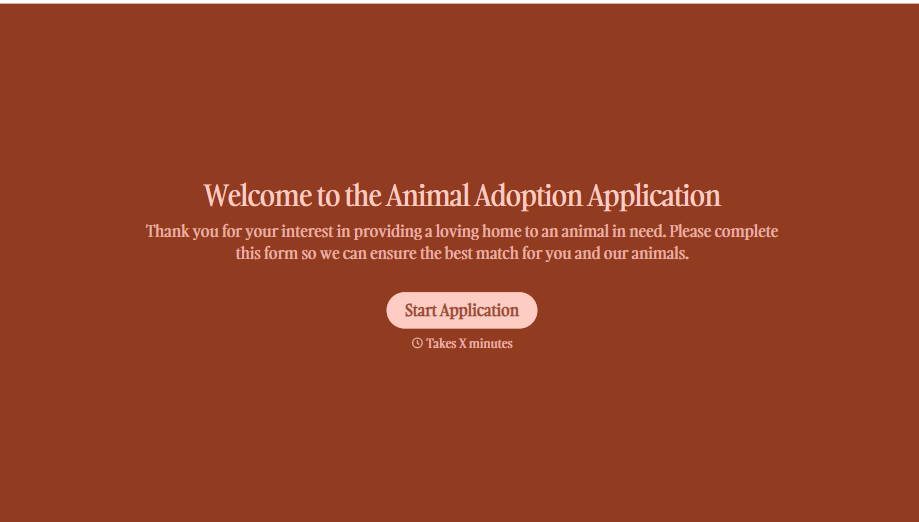
Animal Adoption Application Form
A paper application filled out at the counter while a dog's watching through the window isn't enough information to place an animal in a home that'll actually work. Collect household information, pet experience, and references before adoption day, so your staff aren't approving a placement on a rushed form.
View template
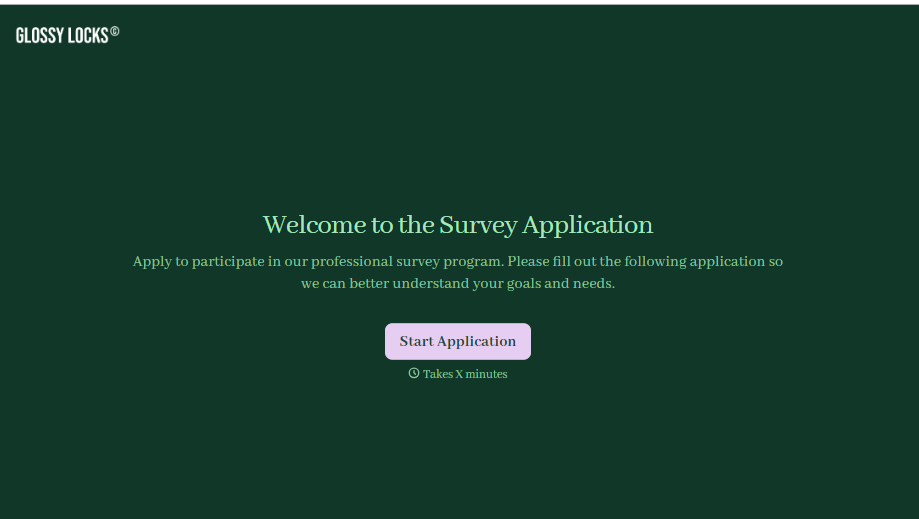
Survey Application Form
A screener that makes someone answer 20 questions before finding out they don't qualify isn't good research design, it's a wasted respondent and a wasted budget. Collect qualifying details upfront, route ineligible applicants out quickly, and send the full survey only to people who actually fit, so your research budget isn't spent on data you can't use.
View template
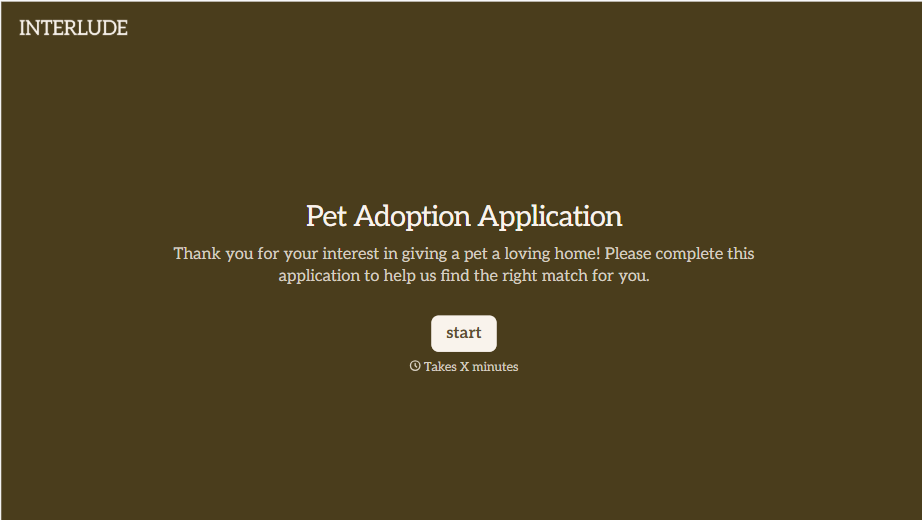
Pet Adoption Application Form
An adoption approved after a quick conversation at the shelter doesn't tell anyone whether the applicant's landlord actually allows pets, and that's usually the detail that sends an animal back a few weeks later. Collect what your shelter actually needs, applicant information, living situation, and experience with pets, before the adoption gets approved.
View template
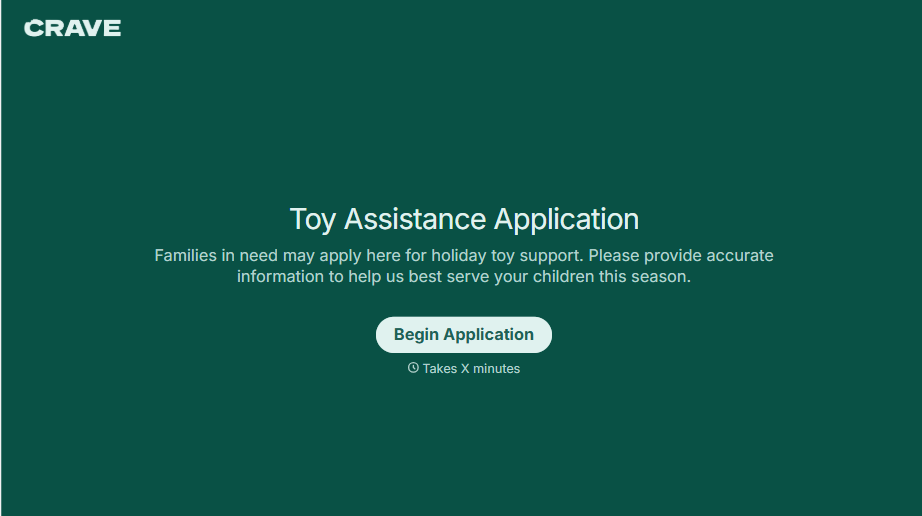
Toys for Tots Application Form
A family filling out a paper intake form at a folding table, or calling a number that goes to voicemail, is how a lot of local Toys for Tots requests still get handled, and every one of those depends on someone manually transcribing names, ages, and contact information before a coordinator can even start matching families to toys. Collect it online instead, so the coordinator's time goes to sourcing and distributing toys, not retyping intake sheets.
View template
With Typeform, you can customize everything
Change text, colors, and even logos to match the look and feel of your brand. Then embed forms smoothly onto web and email.
Make forms feel effortless to fill out. Pace questions, call people by their name, and adapt the flow based on the data they share.
Stay efficient by connecting forms to your workflow. Typeform integrates with 300+ tools including Slack, Zapier, and HubSpot.


