RMA Form Template
Make it easy for customers to initiate a return or exchange. This template collects what your operations team needs to process the request without unnecessary back-and-forth.



Returns are already a friction point for customers. When the process for initiating one is confusing or requires emailing back and forth for basic information, you compound the frustration. That's how a fixable problem turns into a bad review.
An RMA (Return Merchandise Authorization) form gives customers a clear, guided path to submit their request. Typeform's conditional logic can route the experience based on product type, purchase date, or reason for return — so a warranty claim flows differently than a simple wrong-size exchange. The form collects everything your team needs to process the request before anyone picks up the phone.
Customize the fields to match your return policy, connect submissions to your order management system, and reduce the operational burden on your support team.
An RMA (Return Merchandise Authorization) form is a document customers complete to formally request a return, exchange, or repair of a product. It creates a record of the request and gives your team the product, order, and reason details they need to authorize and process it efficiently. Most return processes require an RMA number before a return will be accepted.
Without a standardized RMA process, return requests come in through multiple channels with incomplete information. A form ensures every return includes order details, reason for return, and any relevant documentation — which speeds up processing and reduces the volume of follow-up emails your team has to send.
Your RMA form should capture enough detail to process the return without the customer needing to be contacted. Consider including:
- Customer name and contact information
- Order number and purchase date
- Product name, SKU, or model number
- Reason for return (defective, wrong item, changed mind, other)
- Preferred resolution (refund, exchange, store credit, repair)
- Description of the issue if defective
- Photo upload for visible damage or defects
After a customer submits the form, your team can review the request and issue an RMA number manually, or automate the approval via Typeform integrations with your order management or e-commerce platform. Send the RMA number to the customer with return shipping instructions. Tracking submissions through a connected spreadsheet or CRM keeps your team aligned on pending returns.
Include a brief summary of your return policy at the top of the form — especially eligibility windows and any non-returnable item categories. You can also add a conditional message that appears when a customer indicates their purchase is outside the return window, explaining their options. Clear communication upfront reduces disputes later.
Get inspired by relevant templates and categories
3200+ Templates, 300+ Integrations
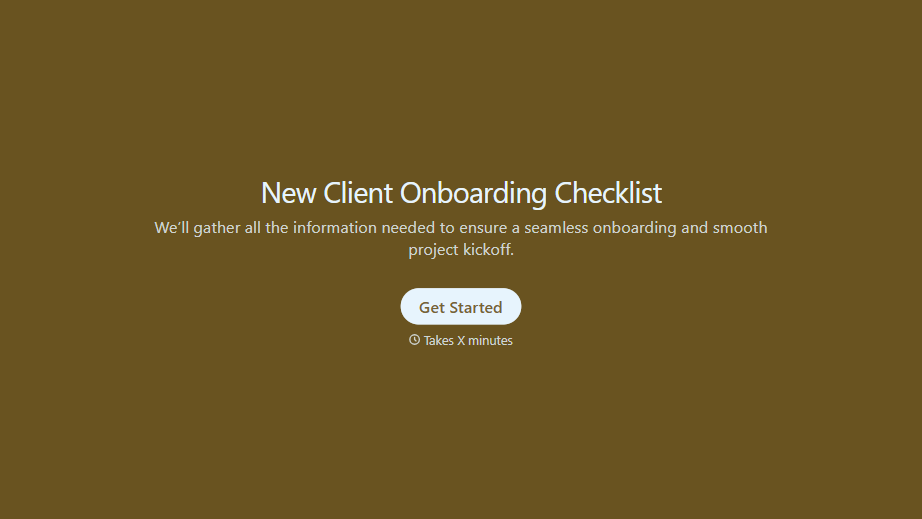
New Client Onboarding Checklist Form
A new client who's signed the engagement letter but never confirmed their billing entity, who's actually authorized to approve work, or where the invoice should go isn't onboarded, they've just signed something. Collect what your firm actually needs, contact and billing details, scope confirmation, a signed agreement, before the first invoice goes out.
View template

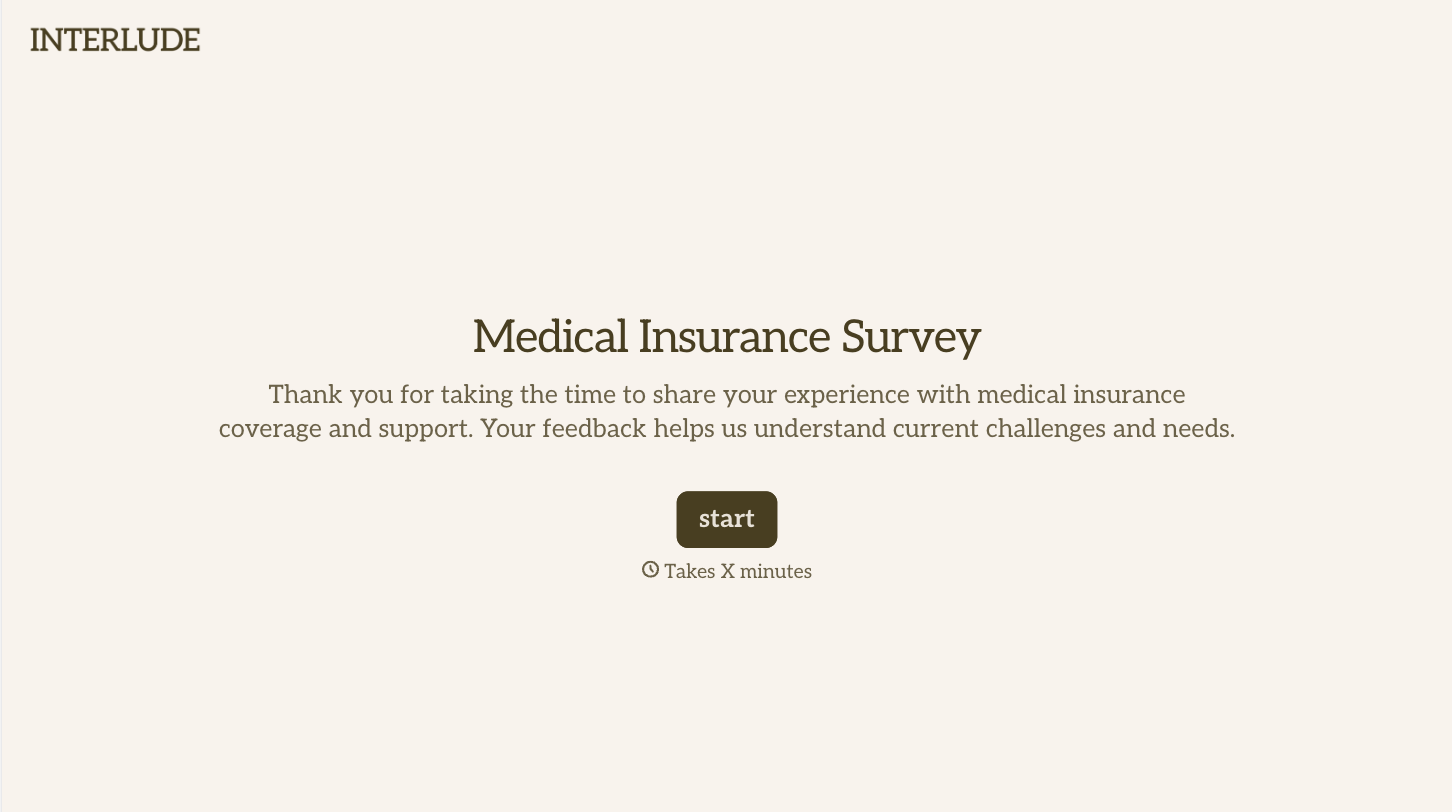
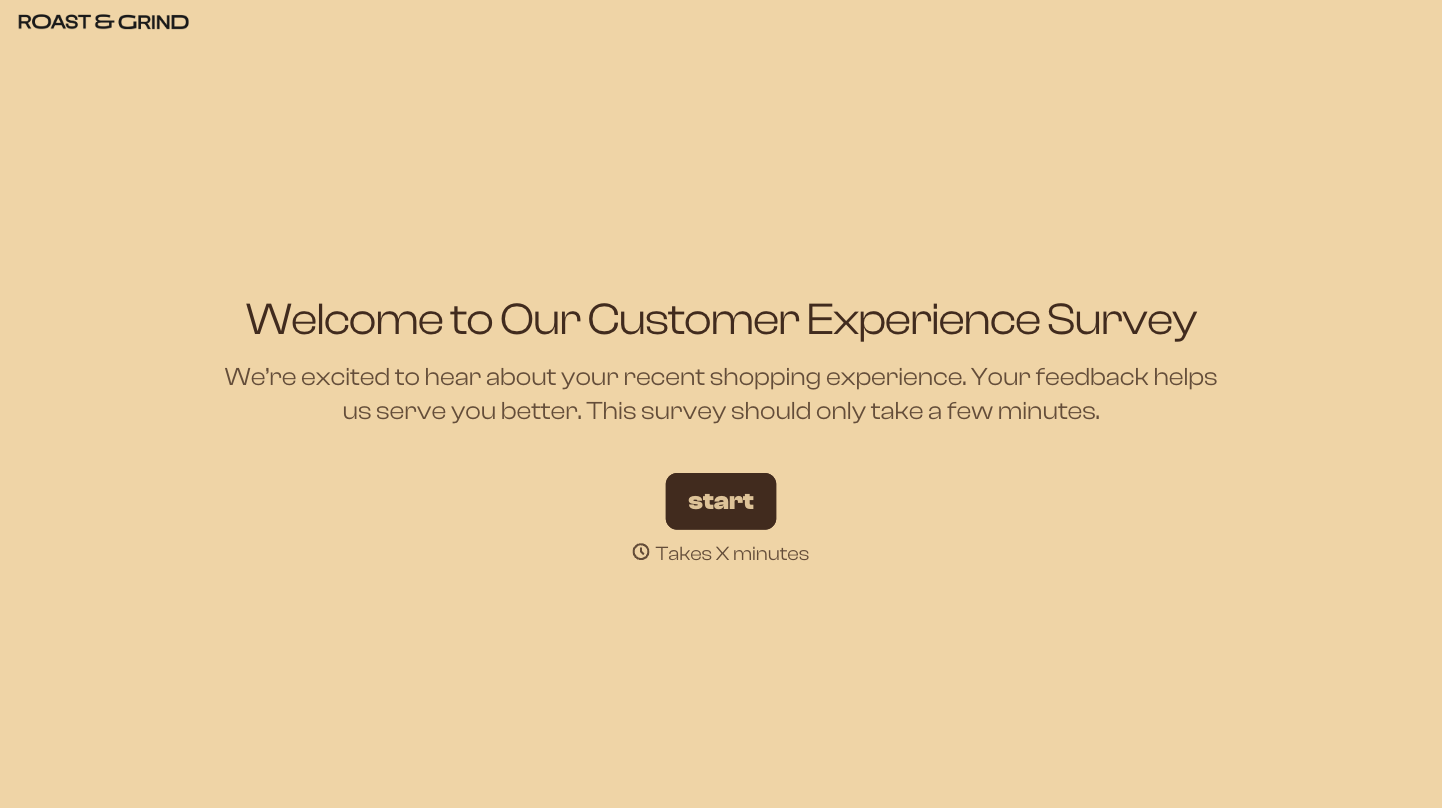
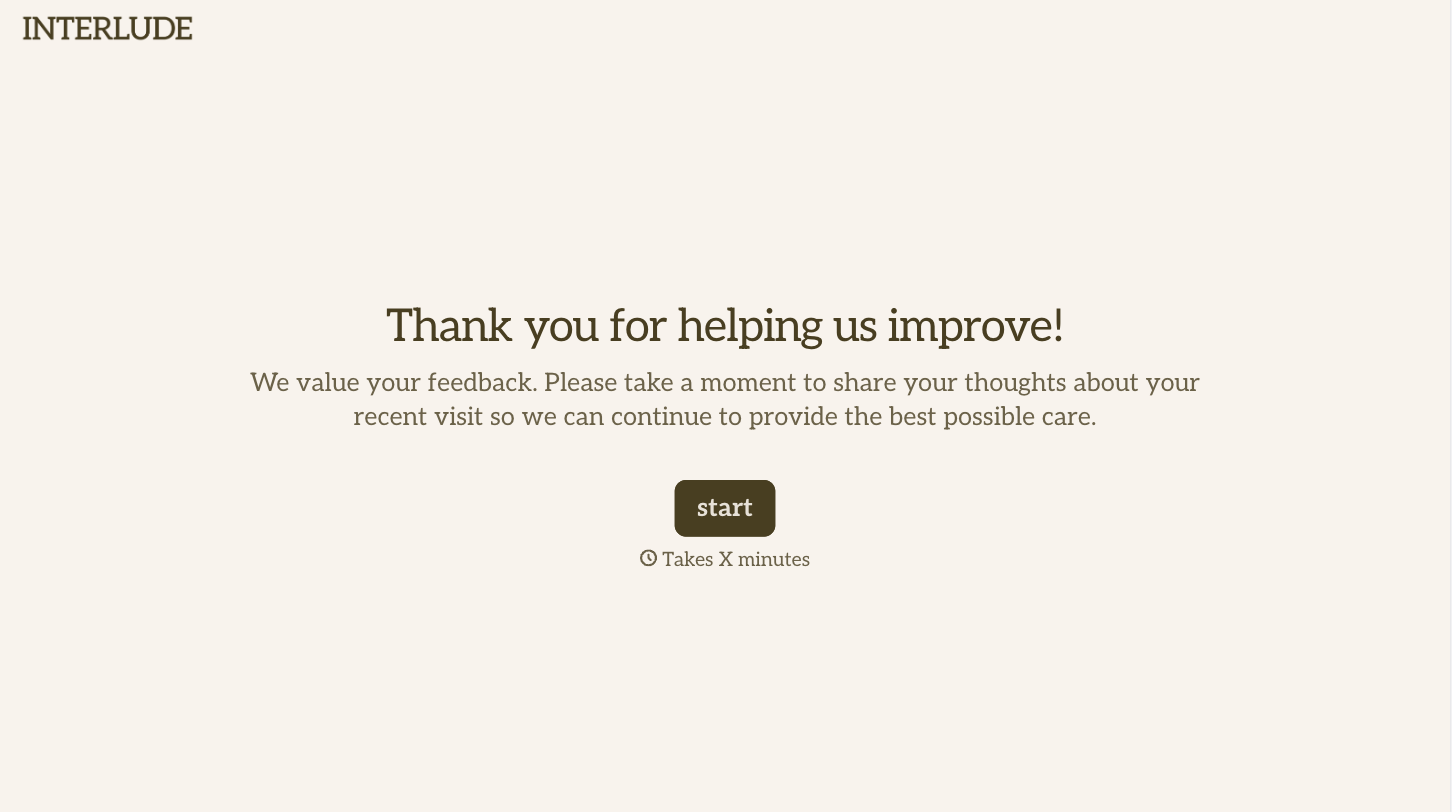
With Typeform, you can customize everything
Change text, colors, and even logos to match the look and feel of your brand. Then embed forms smoothly onto web and email.
Make forms feel effortless to fill out. Pace questions, call people by their name, and adapt the flow based on the data they share.
Stay efficient by connecting forms to your workflow. Typeform integrates with 300+ tools including Slack, Zapier, and HubSpot.


