Ticket Request Form
Collect every ticket request in one place, so your team reviews, approves, and allocates resources without chasing down details across email threads.



Teams that receive ticket requests by email have no clear picture of demand, availability, or which requests have been approved. A request that arrives without justification, quantity, or contact details stalls the work before it even begins. Typeform's ticket request form gives teams an organized way to collect, review, and approve every request from a single submission.
The form collects requester details, the event or occasion, ticket type, quantity requested, justification, and preferred contact method. Questions appear one at a time, so every field is completed before the request moves forward. Conditional logic adapts the form based on the type of ticket being requested. A large allocation request prompts for additional justification and manager approval details that a single-ticket request skips.
Customize the form with your event types, ticket categories, allocation limits, and any approval workflow your process requires. Share it via email, post it on your intranet, or include it in your event communications. Requests route to Google Sheets or Airtable via Zapier, so your team tracks submissions and approvals in one place. Your team manages every request from one place, so nothing gets lost in an inbox or falls through the cracks.
A ticket request form collects the details your team needs to review and approve a request for event or allocation tickets. It gathers requester information, the event or occasion, ticket type, quantity, and justification in a single submission. It functions as the official intake record your team uses to process every allocation request in order.
Ticket requests by email give your team no visibility into total demand, available inventory, or which requests are already approved. When requests pile up informally, double allocations happen and legitimate requests get missed. A structured form ensures every requester submits the same details, so your team prioritizes and processes in order. Use it for company event allocations, conference and trade show passes, sports and entertainment tickets, and VIP access requests.
Collect what your team needs to process every request without follow-up:
- Requester name, department, and contact details
- Event name, date, and venue (if applicable)
- Ticket type and quantity requested
- Business justification or reason for attending
- Priority level (if managing limited allocations)
- Manager or approver name (for large or high-cost requests)
Set up conditional logic to branch based on the quantity requested, so large allocations require additional justification and approval. A request for one or two tickets moves straight to contact details and submission. A request for five or more prompts for business justification, manager sign-off, and department budget confirmation instead. Your team sees every high-demand request with the context it needs before approving an allocation.
Connect the form to Google Sheets or Airtable via Zapier so every request logs with requester details and ticket type. Add a status column to mark each request as pending, approved, or declined. Use Typeform's email notifications to alert the relevant approver the moment a new request arrives. Your team works through every request in order, with nothing lost in an inbox.
Get inspired by relevant templates and categories
3200+ Templates, 300+ Integrations



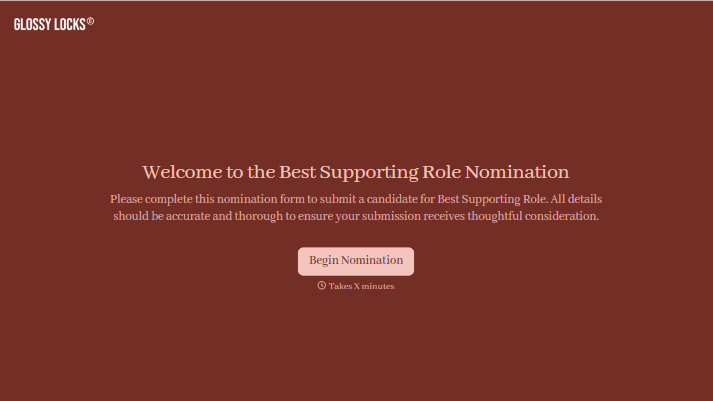
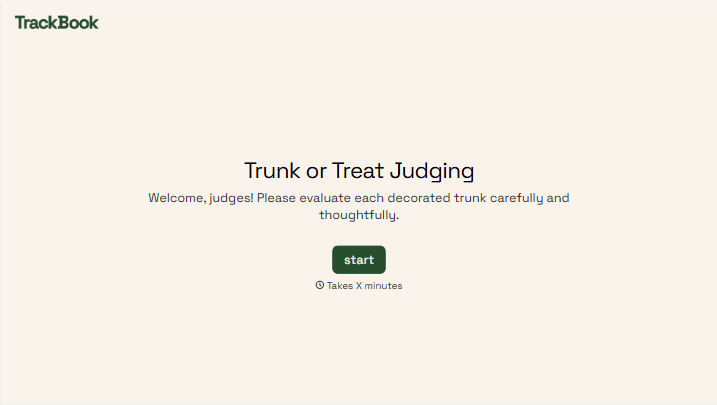
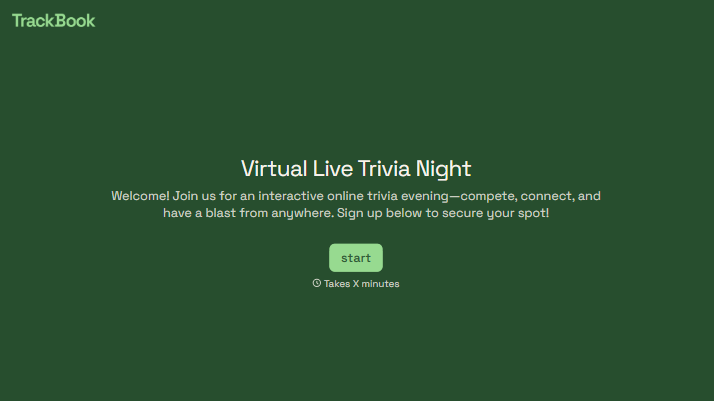
With Typeform, you can customize everything
Change text, colors, and even logos to match the look and feel of your brand. Then embed forms smoothly onto web and email.
Make forms feel effortless to fill out. Pace questions, call people by their name, and adapt the flow based on the data they share.
Stay efficient by connecting forms to your workflow. Typeform integrates with 300+ tools including Slack, Zapier, and HubSpot.


