Self Appraisal Form Template
Self-assessments only work if employees take them seriously. A form that feels thoughtful and structured gets more honest, useful responses.



Most self-appraisal processes are an afterthought — a form emailed out a week before review season with little context and a tight deadline. Employees either rush through it or write what they think their manager wants to hear. Either way, the review conversation starts from a place of incomplete information.
This self appraisal form template gives employees a structured framework to reflect on their performance, contributions, and development goals. Questions are presented one at a time, which encourages more considered responses than a wall of text fields on a single page. You get substantive, thoughtful input — not three-word answers.
Customize the questions for your organization's review framework, embed it in your HR workflow, and connect responses to your performance management system so everything is ready before the review conversation happens.
A self appraisal form is a structured document that employees complete as part of the performance review process. It asks them to reflect on their accomplishments, challenges, skills, and goals for the coming period — providing the manager with the employee's own perspective before the review conversation.
Self-assessments help employees feel heard in the review process and often surface information that managers don't have visibility into. They also encourage employees to engage actively with their own development rather than passively receiving feedback.
The best self appraisal questions prompt genuine reflection. Consider including:
- What were your most significant accomplishments this review period?
- What goals did you set at the start of the period, and how did you progress against them?
- What challenges did you face, and how did you address them?
- Which skills have you developed or strengthened recently?
- What do you want to focus on in the next review period?
- Is there anything you need from your manager or organization to reach your goals?
Be clear about how responses will be used and who will see them. When employees understand that the goal is a better review conversation rather than a grading exercise, they're more likely to respond candidly. A conversational format helps too — it feels less like a formal assessment and more like a structured reflection.
Yes. Use conditional logic to route employees to role-specific questions based on their department, level, or function. A salesperson and a software engineer should be reflecting on different things — your form can handle both without requiring a separate template for each team.
Get inspired by relevant templates and categories
3200+ Templates, 300+ Integrations


Work From Home Request Form
A Slack message asking to work from home on Thursday isn't a request anyone can track, especially once the same employee has asked five different ways over a month. Collect the request type, dates or schedule, and manager approval in one place, so HR isn't reconstructing who's working where from a scattered inbox.
View template

Return of Property Form
A property checklist stapled to an exit interview packet isn't a record anyone can rely on when a laptop turns up missing three weeks later. Collect itemized equipment details, condition at return, and a signed acknowledgment before an employee's last day, so IT isn't chasing down a laptop that already walked out the door.
View template

Early Retirement Form
A retirement mentioned to a manager in conversation doesn't give HR anything to actually process, and if there's an incentive deadline attached, the date that conversation happened can matter more than anyone realized at the time. Collect what your HR team actually needs, employee information, requested date, and benefit elections, before a window closes.
View template
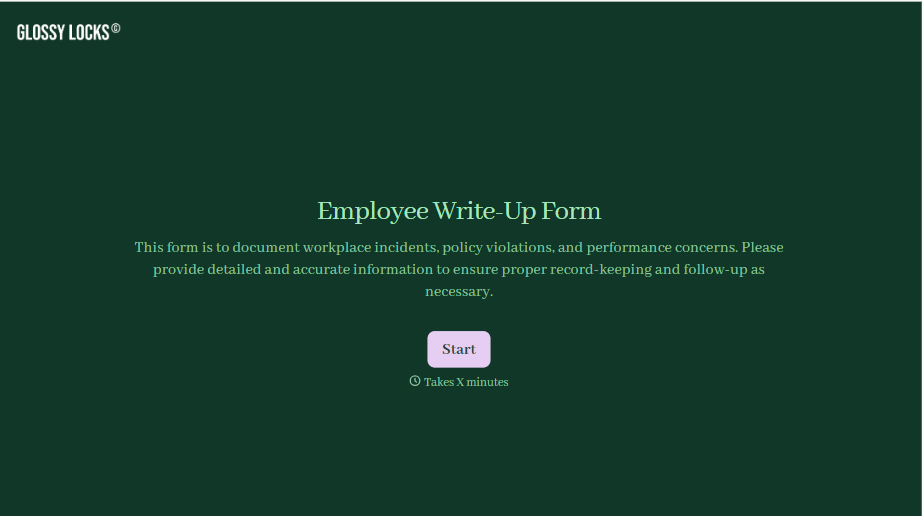
Employee Write-Up Form
A verbal warning that never makes it into a written record isn't the kind of documentation that holds up if a termination is challenged later. Collect the specific incident, policy violated, and corrective action while it's fresh, so a pattern of issues doesn't go undocumented until it's too late to matter.
View template
With Typeform, you can customize everything
Change text, colors, and even logos to match the look and feel of your brand. Then embed forms smoothly onto web and email.
Make forms feel effortless to fill out. Pace questions, call people by their name, and adapt the flow based on the data they share.
Stay efficient by connecting forms to your workflow. Typeform integrates with 300+ tools including Slack, Zapier, and HubSpot.


