Service Request Form Template
Give customers and clients a clear way to submit service requests, with all the details your team needs to respond.



When service requests come in through email, phone calls, or messages across different channels, details get lost and response times vary. Your team wastes time asking for information that should have been collected upfront, and the customer experience suffers before any actual service has been delivered.
A service request form standardizes what you collect from the start: the type of service needed, relevant background information, priority level, preferred timing, and contact details. Conditional logic adapts the form based on the service category, so an IT support request looks different from a facilities request or a maintenance ticket without you building separate forms for each. Every submission flows into one place where your team can triage and assign.
Customize the form to match your service categories and SLAs, embed it on your internal portal or customer-facing site, and connect it to your ticketing system through Typeform's integrations or Zapier.
It's a standardized form through which customers, employees, or clients submit requests for a specific service. It captures the information a service team needs to triage, prioritize, and fulfill the request efficiently.
Inconsistent request intake means inconsistent service. A form ensures every request includes the same core information, makes it easier to prioritize and route requests, and reduces the back-and-forth that slows down response time.
The right fields depend on your service type, but a solid baseline includes:
- Requester name and contact information
- Service category or type
- Description of the issue or request
- Priority level (routine, urgent, emergency)
- Preferred completion date or deadline
- Any relevant attachments (screenshots, documents, photos)
Use conditional logic to capture the service category early in the form. Then use Typeform's email notifications or a Zapier workflow to route submissions to the appropriate team inbox, Slack channel, or ticketing queue based on the category selected. This removes manual triage for straightforward routing.
Typeform collects and stores submissions, but for status tracking and workflow management, connect your form to a project management tool like Asana, Jira, or Monday.com. Each submission creates a new task or ticket that your team can update as the request progresses.
Get inspired by relevant templates and categories
3200+ Templates, 300+ Integrations

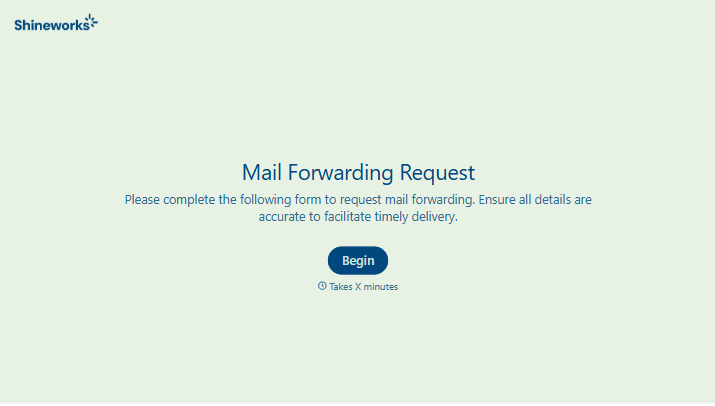
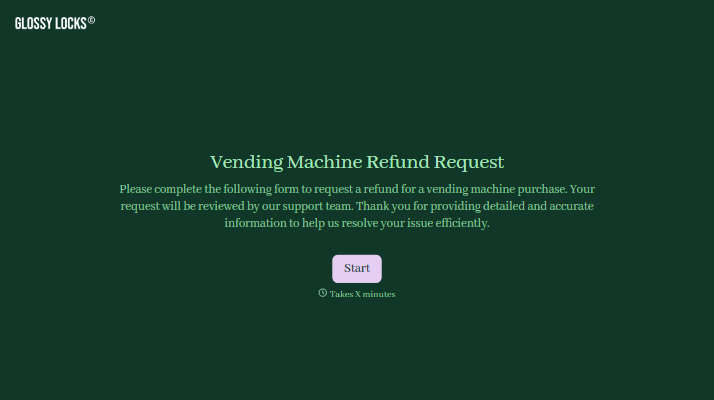
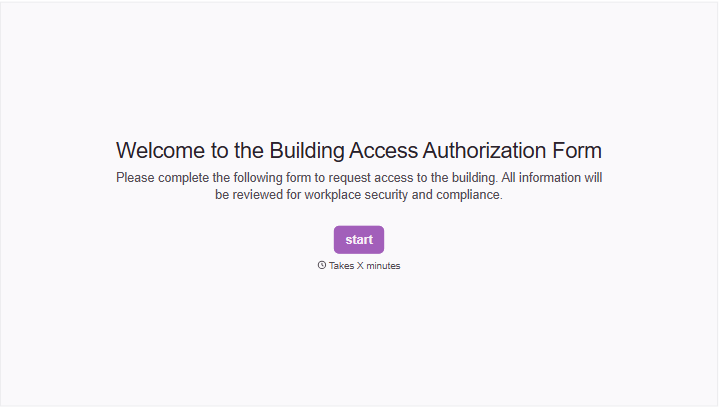


With Typeform, you can customize everything
Change text, colors, and even logos to match the look and feel of your brand. Then embed forms smoothly onto web and email.
Make forms feel effortless to fill out. Pace questions, call people by their name, and adapt the flow based on the data they share.
Stay efficient by connecting forms to your workflow. Typeform integrates with 300+ tools including Slack, Zapier, and HubSpot.


